Free trial
The free plan functions as the trial: rewriting can be tested first hand with no card and, in the site's wording, no catch.
Learn moreParaphrasing tool built to slip past AI content detectors

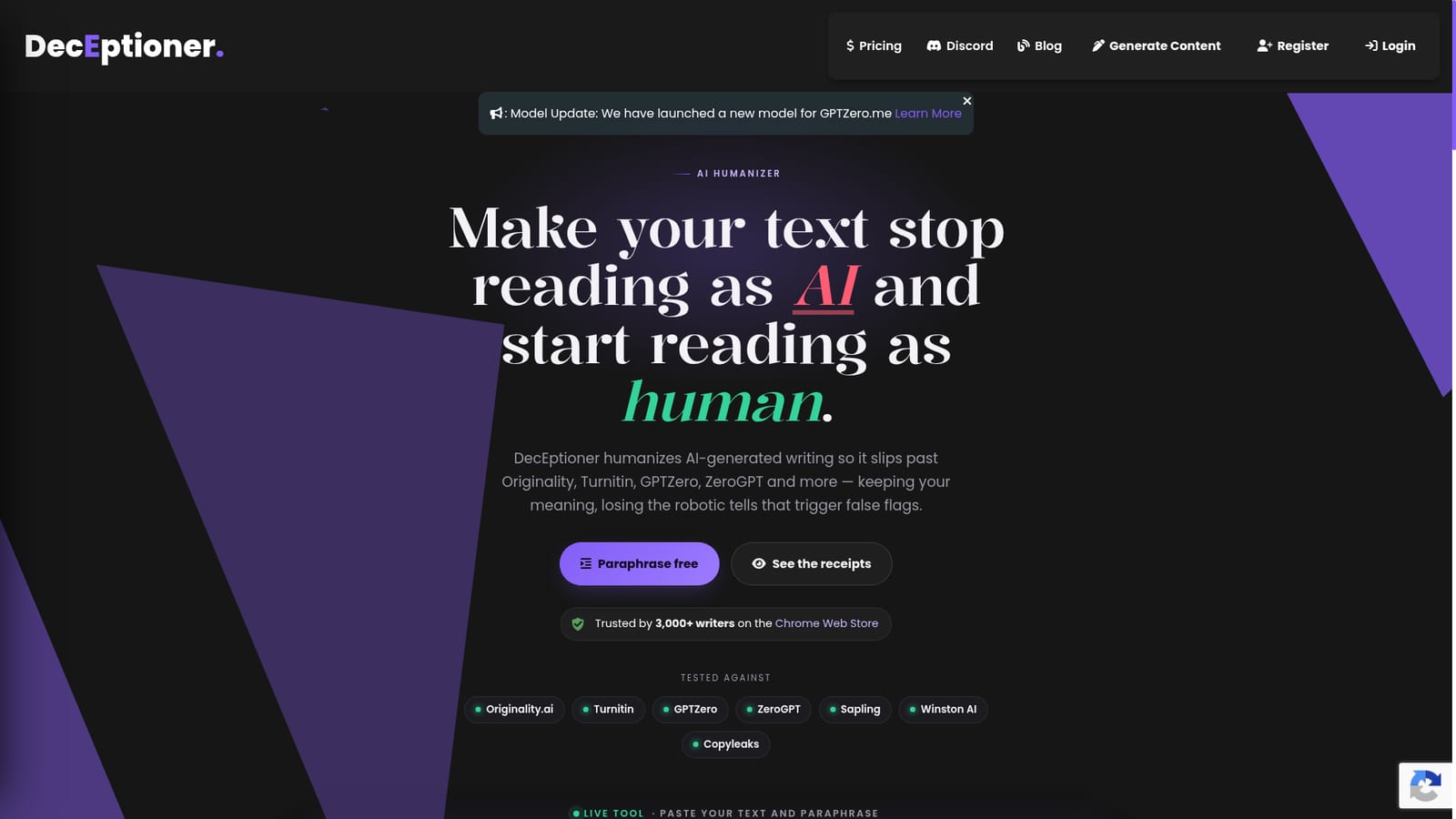
DecEptioner is an AI detection remover tool. A paraphrasing tool that rewrites AI generated text to evade AI detectors, with separate modes tuned for ZeroGPT, Turnitin, GPTZero, Originality.ai, Sapling and others. Paste up to 400 characters, pick a target detector, and compare readability and stealth before copying the output.
DecEptioner is a text rewriting tool built around one specific goal: taking a draft that an AI detector flags as machine generated and paraphrasing it until the same detector scores it as human. The homepage centres on a live paraphrase box where you paste up to 400 characters, choose the detector you are targeting, and run the rewrite. It is less a general purpose writing assistant and more a targeted evasion utility, and it is honest about that framing. The workflow is unusual in that you pick a target before you rewrite. A dropdown lists the detectors the team has tuned against, including ZeroGPT, Originality.ai, Winston AI, Turnitin, GPTZero, CopyLeaks, Writer.me and Sapling.ai, plus a Universal Mode in beta. Each detector has a current model and a legacy option, so a rewrite can be tuned to the scoring behaviour of the specific checker your school, employer or client uses. A readability and stealth readout gives some signal on the output before you copy it, and the tool tracks word limits so a repeat paraphrase on the same text does not shorten it. Rewrite history is kept locally in the browser for 30 days. Evidence on the site comes in the form of before and after screenshots: GPTZero moving from 100 percent AI to 100 percent human, Turnitin from 100 percent AI to 0 percent, and Sapling from 100 percent fake to 0.6 percent fake on the same passage. Treat these as vendor supplied samples rather than independent benchmarks, because detector scoring changes frequently and a result that holds on a sample passage does not guarantee the same outcome on your own text. Who it fits: students worried about false positives, content teams whose drafts get flagged, and writers who use AI for scaffolding and then edit heavily. It competes with humanizer tools such as Undetectable AI and StealthGPT, and with plain rewriting in a general model. Its edge is the detector by detector tuning; its weakness is that the whole category is a moving target. Note that evasion tools may breach the academic integrity policies of the institutions whose detectors are listed here.
The free plan functions as the trial: rewriting can be tested first hand with no card and, in the site's wording, no catch.
Learn moreA free plan is offered with no card required. Paid plans start at $10 according to the homepage, adding higher limits and access to every mode. Exact plan tiers and per plan limits are on the pricing page.
Learn moreSupport is handled by email at support@deceptioner.site. The site states that plan changes and cancellations are self served from the user profile rather than through support tickets.
Paraphrasing tuned per detector (ZeroGPT, Originality.ai, Winston AI, Turnitin, GPTZero, CopyLeaks, Writer.me, Sapling.ai) plus a beta Universal Mode. Runs are capped at 400 characters, with readability and stealth readouts, a word limit guard on repeat paraphrases, and 30 day local rewrite history.
 AI Angels400+ customizable AI girlfriends for NSFW chat, voice calls, and roleplay
 Candy AIExperience the future of companionship with AI friends who chat, role-play, and connect with you on a human level.
 ourdream.aiA vast AI roleplay platform with millions of characters for chat, images, video and voiceAI Angels400+ customizable AI girlfriends for NSFW chat, voice calls, and roleplayCandy AIExperience the future of companionship with AI friends who chat, role-play, and connect with you on a human level.ourdream.aiA vast AI roleplay platform with millions of characters for chat, images, video and voice


