Free trial
5 free credits on signup cover about 5 minutes of audio or video cleanup, with no credit card required, enough to test one real recording through the full flow.
Learn moreStrip background noise from podcasts and voice tracks in minutes
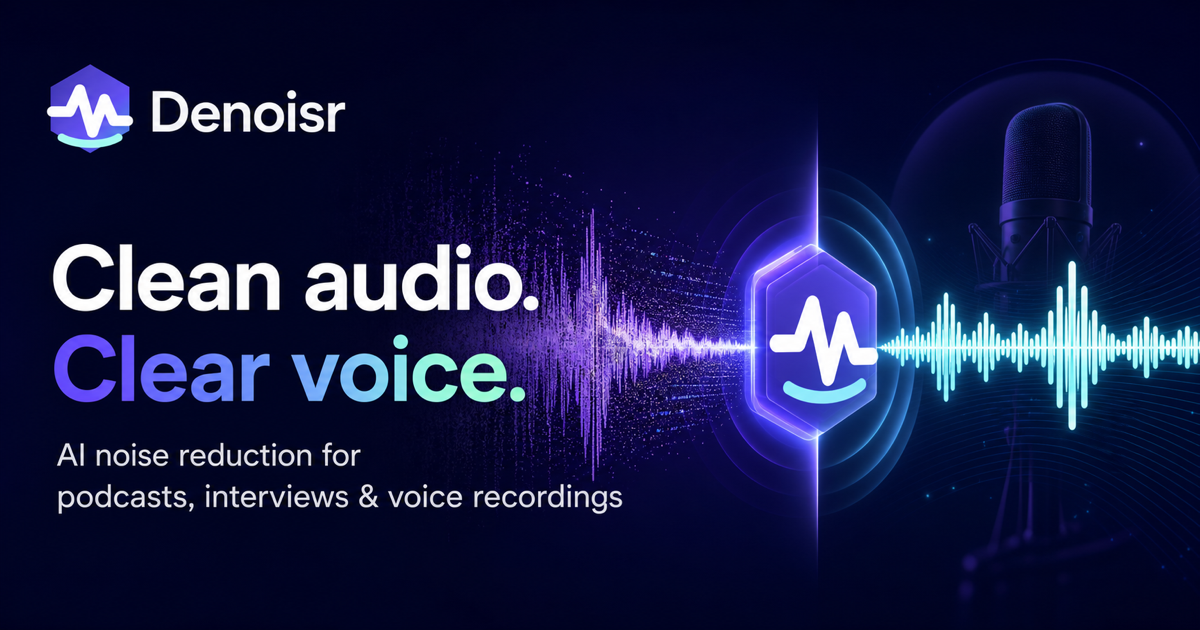
Denoisr is an audio analysis tool. A browser based audio cleaner for spoken word recordings. Denoisr removes background noise, echo and room hum from podcasts, interviews, voiceovers and course narration, offers three cleanup modes, filler word removal, loudness targeting and five export formats, plus optional video audio cleaning and transcript generation.
Denoisr is a browser based audio cleanup service aimed at spoken word recordings. It takes a podcast clip, remote interview track, course narration or voiceover and runs noise reduction, echo softening and voice enhancement over it, then plays the original and the cleaned file side by side so the difference can be judged before anything is downloaded. Uploading is drag and drop, files up to 500MB are accepted in MP3, WAV, M4A, FLAC, OGG and similar formats, and no editing interface has to be learned first. Three cleanup modes cover different starting points. Clean Noise handles raw home recordings, Enhance Voice polishes tracks that are already decent, and Podcast Ready runs full episode cleanup with filler word, long pause, breath and mouth sound removal built in. Output can be exported as MP3, WAV, FLAC, M4A or Opus, and a loudness target can be set to Podcast (-16 LUFS), YouTube (-14) or Audiobook (-19) so the file publishes at the expected level. Remote recordings where host and guest used separate microphones can be uploaded as multiple tracks and merged into one cleaned file, with track limits of 2 on Starter, 5 on Creator and 20 on Pro. The product is built for podcasters, video editors handling talking head footage, course creators, voice actors and interview producers, not for music production. Mixing, mastering and instrument work still belong in a DAW, and the site is explicit that music, singing or background instruments reduce cleanup quality. Episodes are capped by plan duration, from 5 minutes on Free up to 4 hours on Pro, so long webinars and full courses fit only on higher tiers. Audio inside video files can be cleaned without re-encoding the picture, and a separate transcript generator produces speaker separated, time coded transcripts with summaries and show notes. Against full audio editors, Denoisr trades depth for speed: it slots in before the edit rather than replacing it, and reviewers describe getting rough guest files most of the way to usable before opening a session. Files are not used to train models, and free results expire after 7 days.
5 free credits on signup cover about 5 minutes of audio or video cleanup, with no credit card required, enough to test one real recording through the full flow.
Learn moreFree signup includes 5 credits, about 5 minutes of cleanup, with 1 file per batch and 5 minutes per file. Paid tiers are Starter, Creator and Pro, raising batch size from 2 to 5 to 20 files and per-file duration to 90 minutes on Creator and 4 hours on Pro. Exact prices are listed on the pricing page.
Learn moreThree cleanup modes (Clean Noise, Enhance Voice, Podcast Ready), automatic filler word and silence removal, before and after comparison, loudness targets for Podcast, YouTube and Audiobook, five export formats, multi-track merging of up to 20 tracks, video audio cleaning without re-encoding, and a transcript generator with summaries and show notes.
Learn more AI Angels400+ customizable AI girlfriends for NSFW chat, voice calls, and roleplay
 Candy AIExperience the future of companionship with AI friends who chat, role-play, and connect with you on a human level.
 ourdream.aiA vast AI roleplay platform with millions of characters for chat, images, video and voiceAI Angels400+ customizable AI girlfriends for NSFW chat, voice calls, and roleplayCandy AIExperience the future of companionship with AI friends who chat, role-play, and connect with you on a human level.ourdream.aiA vast AI roleplay platform with millions of characters for chat, images, video and voice