Support
Support runs through documentation covering integrations, auto-triage and MCP, plus a demo booking route for evaluation. No public help centre or SLA details are stated on the homepage.
Learn moreAutonomous coding agent that plans, writes, tests and ships pull requests

Devin is an autonomous software engineering agent that takes a task description, plans and writes code across repositories, tests the change in a browser and returns a pull request, with parallel cloud sessions, PR review summaries and Slack, Linear, Jira and GitHub integrations.
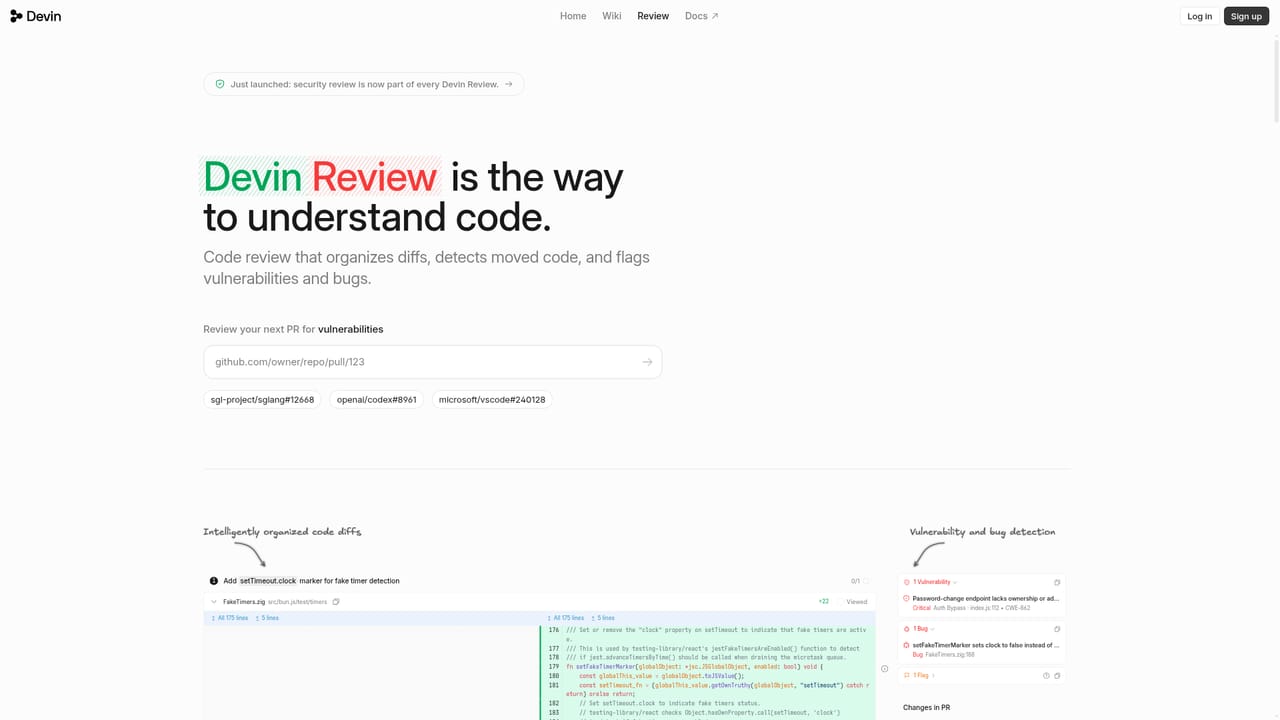
Devin is an autonomous software engineer from Cognition that runs in the cloud or on a local machine, writes code, and verifies its own work in a browser before handing back a pull request. Rather than suggesting autocomplete lines inside an editor, it takes a task such as adding SAML single sign-on or patching vulnerable dependencies, explores the relevant repositories, implements the change and reports back with test results attached to a GitHub PR. The product is built for engineering teams rather than solo hobbyists. Sessions can be planned and run in parallel, and the session list shows pinned, active and participated work so several agents can be tracked at once. A Review surface summarizes a pull request in plain language, breaks down what changed and attaches a test recording captured in a Mac OS X virtual environment, which gives reviewers a fast way to judge a diff before reading it line by line. Automations, Security and Wiki areas extend the same agent beyond one-off tasks. In practice the workflow starts with a prompt, often issued from Slack or Linear, where the agent is already embedded. Devin plans the work, edits code across multiple repos, runs tests and iterates until checks pass. Named model options appear in the interface, and the vendor's blog covers cost controls based on efficiency, on-call rotations, memory behavior and specific model releases. Where it fits: Devin sits above inline assistants and chat-based code helpers because it owns a task end to end instead of returning snippets. That makes it a fit for backlog cleanup, dependency upgrades, test coverage and routine feature work at teams with enough review capacity to check the output. Buyers should treat it as a junior contributor that needs clear task descriptions and human sign-off, not as a replacement for an engineering staff.
Support runs through documentation covering integrations, auto-triage and MCP, plus a demo booking route for evaluation. No public help centre or SLA details are stated on the homepage.
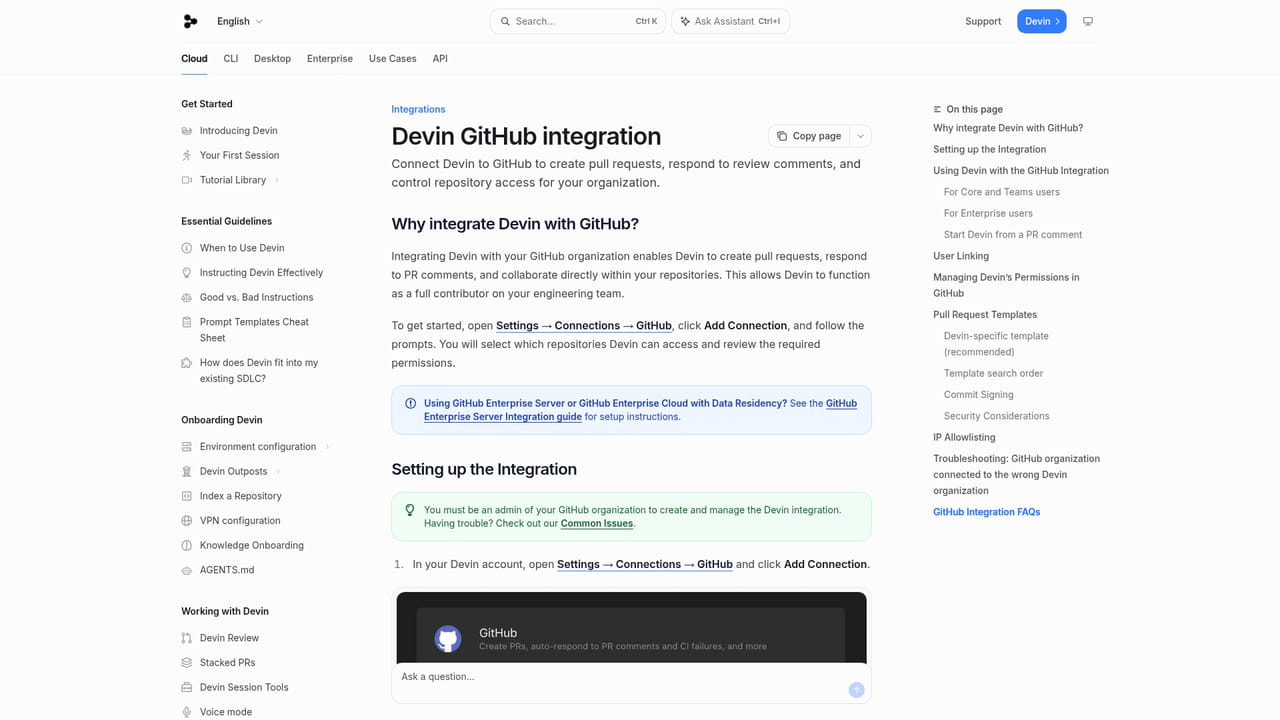
Learn moreDocumented integrations cover GitHub, Slack, Linear, Jira and Microsoft Teams, with MCP support for connecting additional tools and data sources.
Learn moreCloud or local execution, autonomous planning and code changes across repositories, browser-based testing with recorded runs, parallel sessions, PR review with written analysis, automations, security scanning, a wiki area, named model choices, and integrations with Slack, GitHub, Linear, Jira and Microsoft Teams plus MCP support.
Learn more AI Angels400+ customizable AI girlfriends for NSFW chat, voice calls, and roleplay
 Candy AIExperience the future of companionship with AI friends who chat, role-play, and connect with you on a human level.
 ourdream.aiA vast AI roleplay platform with millions of characters for chat, images, video and voiceAI Angels400+ customizable AI girlfriends for NSFW chat, voice calls, and roleplayCandy AIExperience the future of companionship with AI friends who chat, role-play, and connect with you on a human level.ourdream.aiA vast AI roleplay platform with millions of characters for chat, images, video and voice


