Free trial
The homepage advertises starting free with $100 in credits and no card required. No time limit or credit expiry is stated.
Learn moreTurns scattered customer requests into ranked, code-aware product plans

Devplan is an AI project builder tool that turns scattered customer requests into ranked, code-aware product plans. AI product management that collects customer requests from calls, tickets, Slack and CRM, ranks them into projects, writes code-grounded specs, and then tracks delivery and risk automatically.
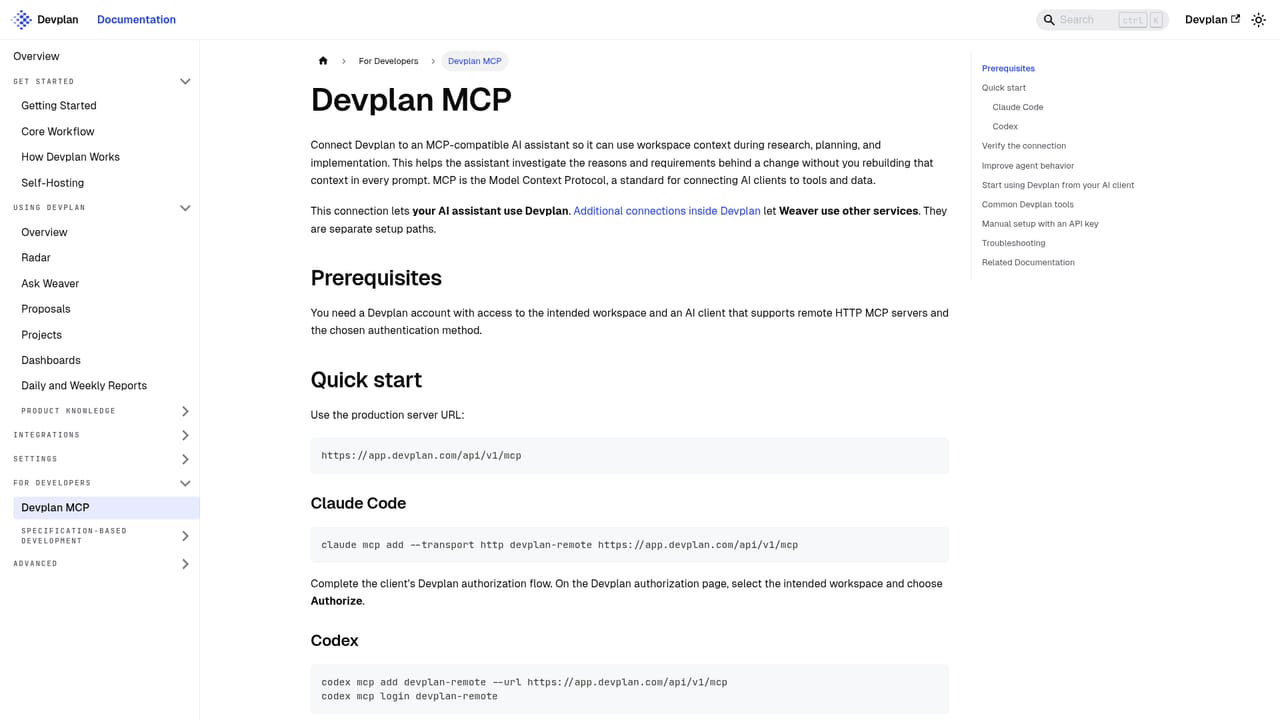
Devplan is an AI product management platform that connects the places where customer demand shows up (sales calls, support tickets, Slack threads, CRM records, docs) to the places where software actually gets built (repositories, issue trackers, specs). Instead of a product team manually collecting feedback and rewriting it into briefs, Devplan groups incoming signals into project proposals and ranks them by customer demand, business impact and effort. Each proposal keeps the evidence behind it, so a request from a call and three deals in the CRM become one auditable item rather than three lost notes. The core object is what Devplan calls a product brain, built on a knowledge graph that links code, calls, tickets and decisions. Its agent, Weaver, answers questions in Slack with sources attached, captures decisions from conversations and routes them for approval, and supplies context to coding agents such as Claude Code, Cursor and Codex through MCP. Specs and PRDs are checked against the codebase before they are written, which is meant to stop teams speccing features that already exist or are already underway, and work is estimated before anyone commits to it. In practice, a product lead reviews suggested projects, approves the ones worth pursuing, and Devplan writes the spec, pushes tickets to Jira, Linear or its own backlog, tracks progress from commits and acceptance criteria, and flags drift when implementation diverges from the approved spec. Daily digests and automated standups land in Slack and email, and customers who asked for a feature can be told when it ships. It suits software companies with real engineering teams and a steady flow of inbound requests: product managers, founders without a dedicated PM, and engineering leads who want project status without writing status reports. Teams already deep in a traditional roadmap tool will notice Devplan wants to own the plan, not just annotate it.

The homepage advertises starting free with $100 in credits and no card required. No time limit or credit expiry is stated.
Learn moreThe site offers a book a demo route to talk to a human, alongside a blog and documentation site for setup guidance.
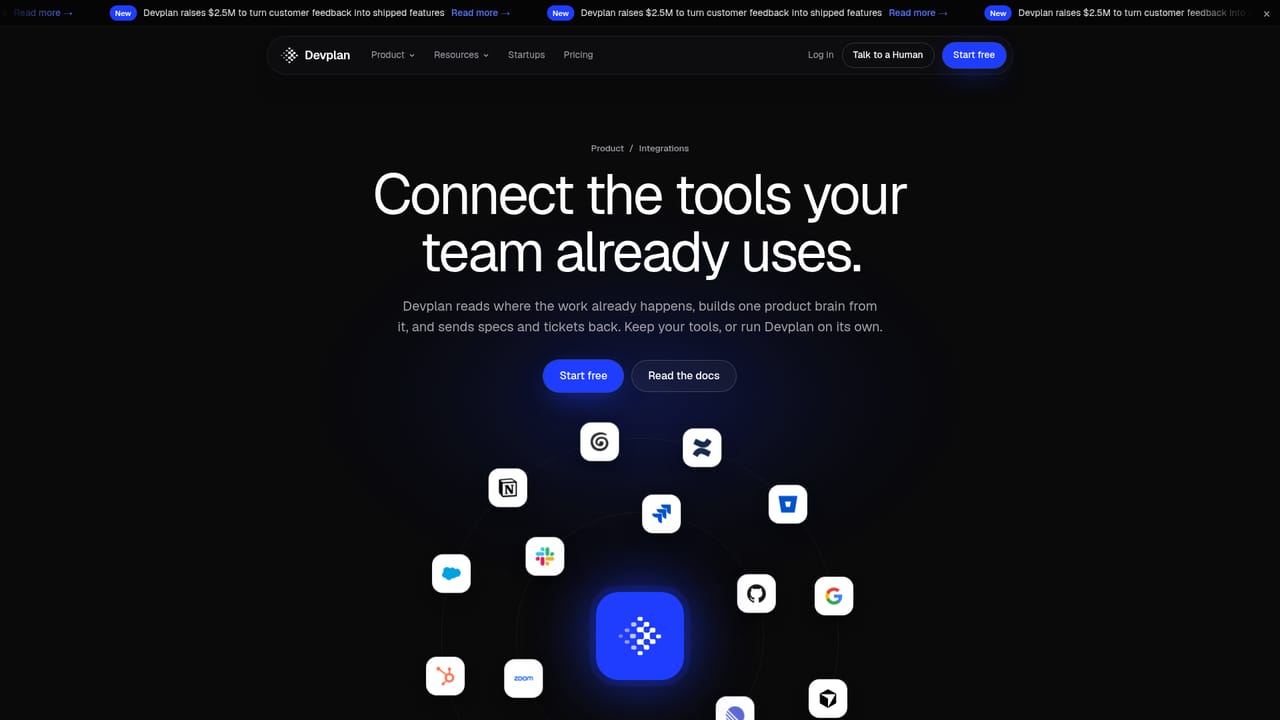
Learn moreSlack, Jira, Linear, GitHub, Bitbucket, Zoom, Notion, Microsoft Teams, Confluence, Google Drive, Salesforce, Zendesk, Intercom, Granola, plus Claude Code, Cursor and Codex via MCP.
Learn moreFeedback capture across calls, tickets, Slack, CRM and docs; demand-ranked project proposals with effort estimates; code-checked PRDs and tech specs; ticket push to Jira, Linear or an internal backlog; automatic status from commits; spec drift and risk alerts; inferred projects found in code and chat; daily digests, automated standups and custom dashboards; Slack answers with sources; MCP context for AI coding agents.
Learn more AI Angels400+ customizable AI girlfriends for NSFW chat, voice calls, and roleplay
 Candy AIExperience the future of companionship with AI friends who chat, role-play, and connect with you on a human level.
 ourdream.aiA vast AI roleplay platform with millions of characters for chat, images, video and voiceAI Angels400+ customizable AI girlfriends for NSFW chat, voice calls, and roleplayCandy AIExperience the future of companionship with AI friends who chat, role-play, and connect with you on a human level.ourdream.aiA vast AI roleplay platform with millions of characters for chat, images, video and voice


