Free trial
A trial is offered; the site links a Start Your Trial button to the web app registration page. No trial length or terms are stated on the homepage.
Learn moreAI software that turns home build documents into one connected source of truth

Digs is AI software for residential home builders that organizes plans and specs into connected data, generates 3D models and trade takeoffs, and makes build information searchable across pre-construction, field work and warranty.
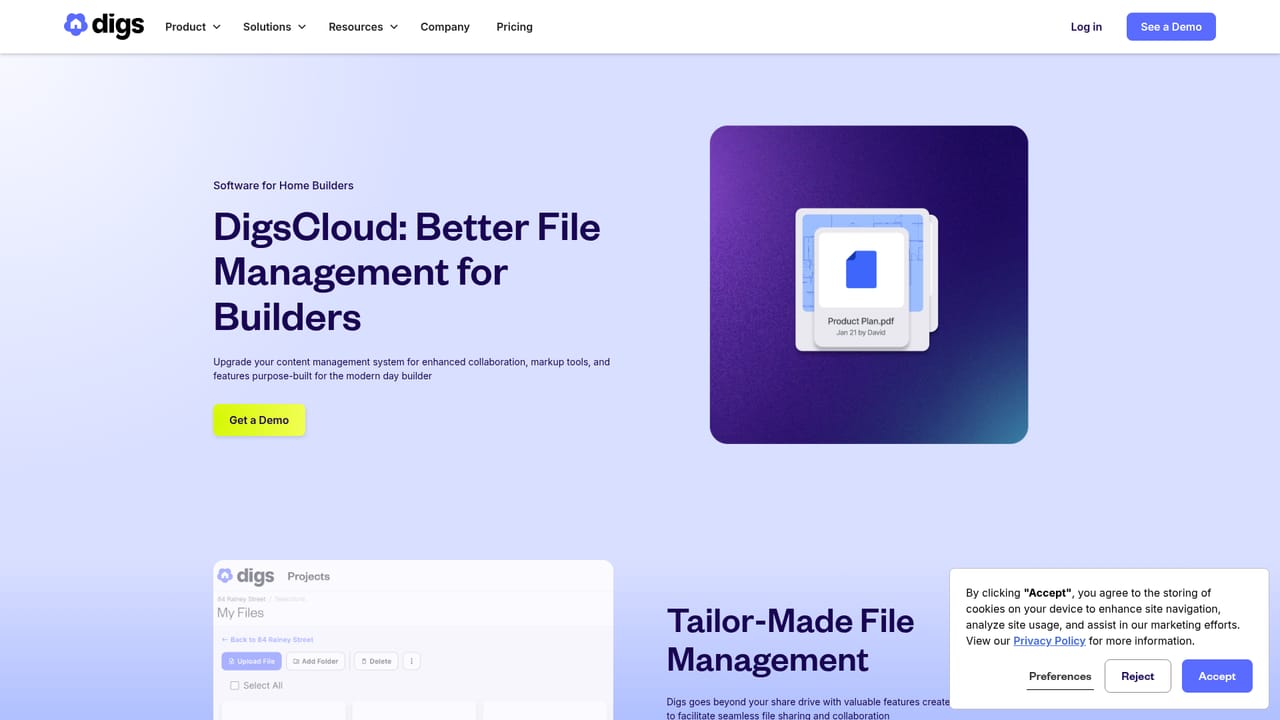
Digs is AI software built specifically for residential home builders, and its central promise is a single source of truth that carries a project from pre-construction through warranty. The system takes the documents a home build already generates (plans, specs, selections, trade scopes) and uses AI to organize them into connected, structured data rather than leaving them scattered across folders and email threads. The stated goal is fewer rework cycles and faster decisions, because the information a superintendent or project manager needs is searchable in seconds instead of buried in a PDF stack. The product spreads across the build lifecycle. DigsCanvas handles design through done, and its newest addition is AI-powered takeoffs that generate trade-specific quantity takeoffs in a click. File management covers document organization, and DigsCare addresses the aftercare and warranty end of the job, where homeowner requests and closeout records otherwise live in a separate system from the build itself. A Builder BrandKit is also offered, which points at the homeowner-facing experience as a deliberate part of the toolkit. The audience is residential production and custom builders, plus the project managers, superintendents and pre-construction staff inside those companies. Teams that mostly run one-off projects may find the structure heavier than they need. Digs positions itself against general document and markup tools, and publishes a direct comparison framed as a Bluebeam alternative for home builders, arguing that home building needs its own data model rather than a drawing markup tool. Named customers on the site include Moser Homes, WestHomes, Cascade West and Vincent Longo, and the company has collected Pro Builder MVP Gold, Fast Company Best in AI Design and Inc. 2025 Power Partner recognition. A demo can be booked through sales, and a trial starts from the web app registration page. The help centre includes a collection for setting up a first project.
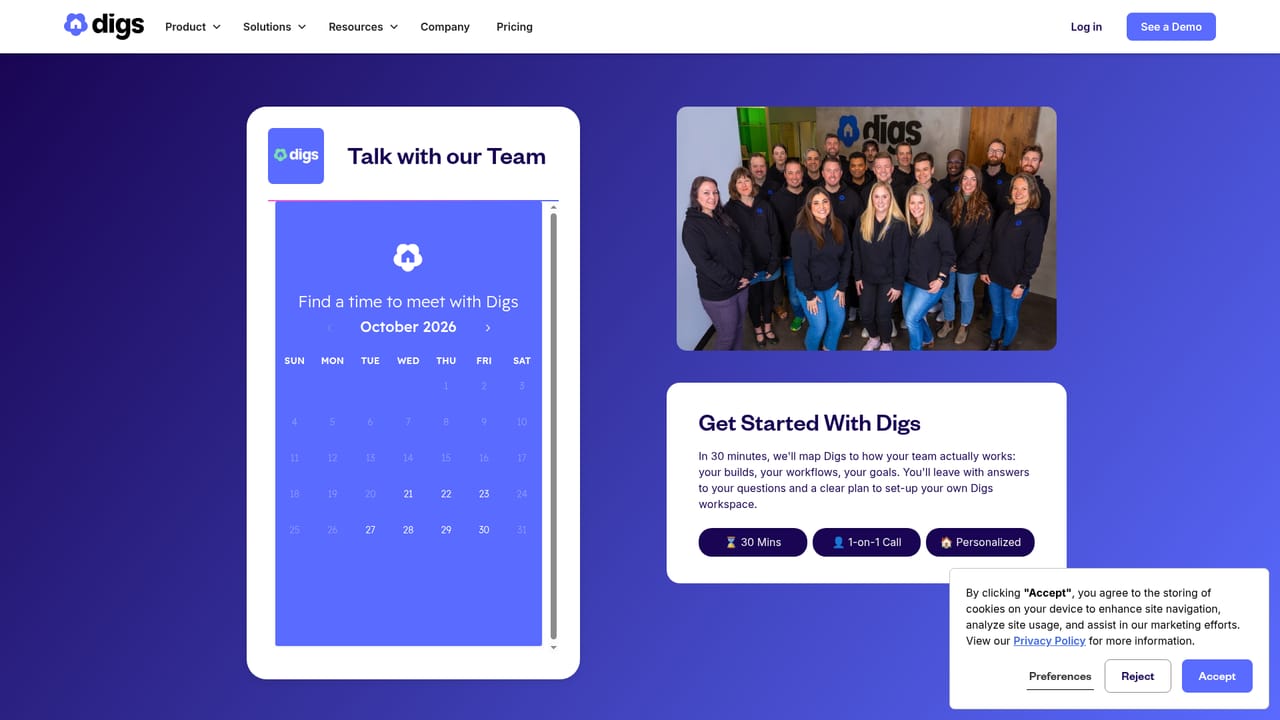
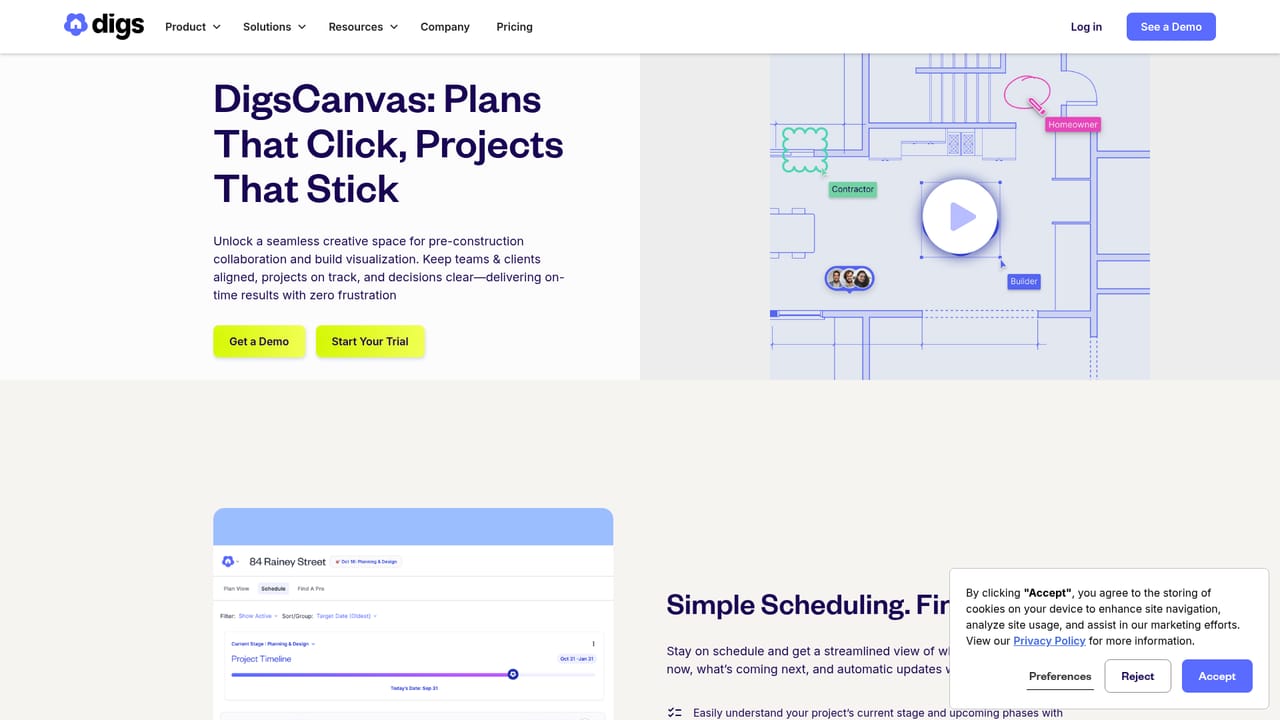
A trial is offered; the site links a Start Your Trial button to the web app registration page. No trial length or terms are stated on the homepage.
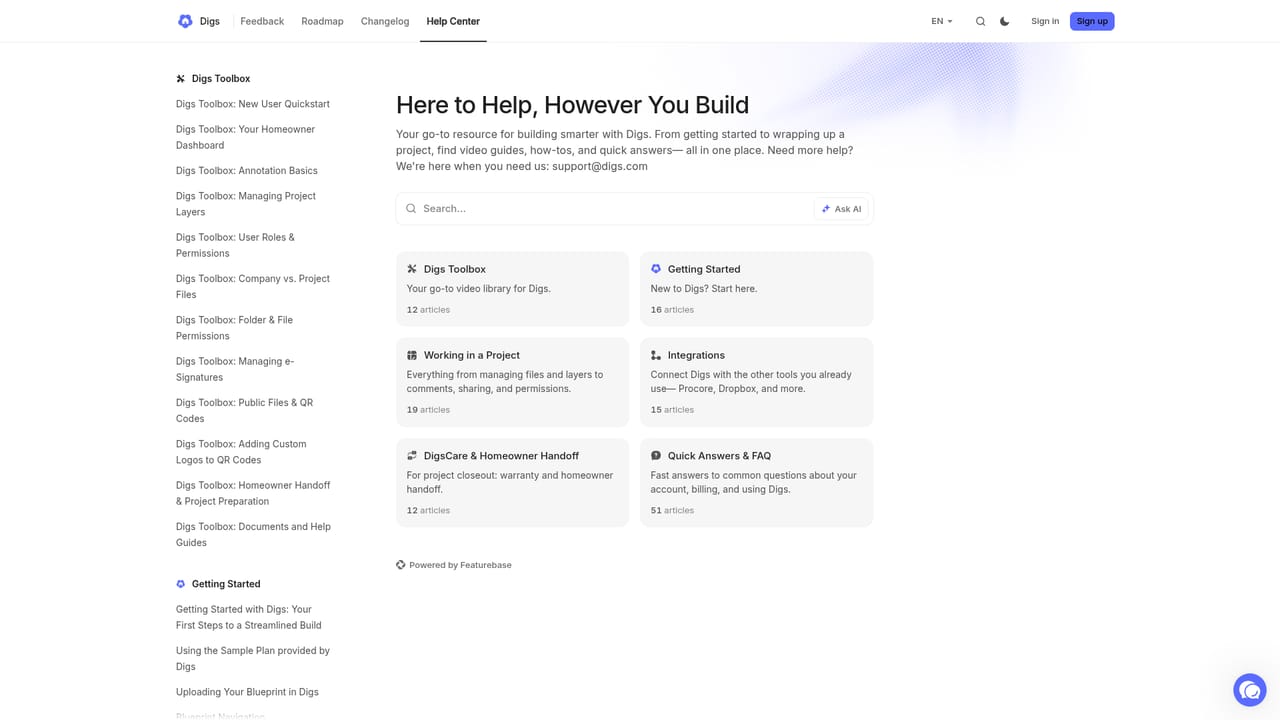
Learn moreA public help centre at support.digs.com includes a guided collection on setting up a first project. Sales and general contact routes are available from the site.
Learn moreAI document organization that converts plans and specs into connected data, fast search across a build, DigsCanvas for design through done with AI-powered trade-specific takeoffs, file management, DigsCare for aftercare and warranty, and a Builder BrandKit for homeowner-facing presentation.
Learn more AI Angels400+ customizable AI girlfriends for NSFW chat, voice calls, and roleplay
 Candy AIExperience the future of companionship with AI friends who chat, role-play, and connect with you on a human level.
 ourdream.aiA vast AI roleplay platform with millions of characters for chat, images, video and voiceAI Angels400+ customizable AI girlfriends for NSFW chat, voice calls, and roleplayCandy AIExperience the future of companionship with AI friends who chat, role-play, and connect with you on a human level.ourdream.aiA vast AI roleplay platform with millions of characters for chat, images, video and voice