Free trial
Start for free with 100+ languages supported. The homepage does not specify a trial length or usage limits for the free offering.
Learn moreTranslate documents without breaking the layout.

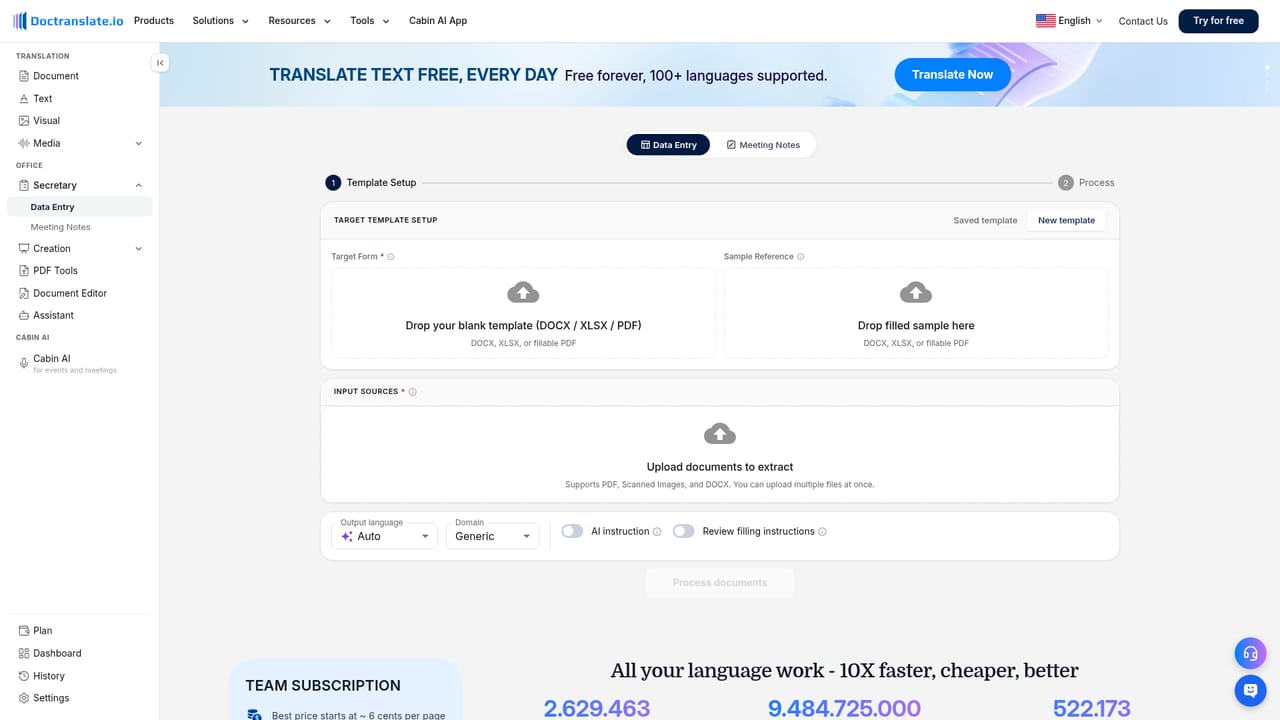
DocTranslate is a document formatting tool that translates documents without breaking the layout. DocTranslate translates DOCX, PDF, PPTX and XLSX files into 100+ languages while keeping the layout, and adds office tools for data entry, meeting notes and slides.
DocTranslate (Doctranslate.io) is a web-based platform for translating documents while preserving their original formatting. It handles DOCX, PDF, PPTX and XLSX files across more than 100 languages, keeping tables, headings and images in place. Beyond documents, it translates text, images, audio and video, and it bundles office tools for data entry, meeting notes, slide creation and PDF conversion. The tool is aimed at teams that routinely work across languages: back-office and accounting staff processing invoices, event organizers needing live interpretation, and global teams sharing multilingual documents. The platform includes Cabin AI for real-time interpretation at meetings and events, where attendees scan a QR code to follow along on their own phones. An API exposes document, text, audio and data-entry translation for developers who want to embed the technology in their own products. In practice, a user uploads a file, picks a target language, and receives a translated file with the layout intact. The same workspace offers an AI assistant for document handling, a document editor, and image tools for compressing, resizing or watermarking. For compliance-focused organizations, an on-premise deployment option is available, and the platform is ISO 27001 certified. DocTranslate sits alongside services like DeepL but differentiates on layout preservation across multiple file types and on the breadth of adjacent office automation. It is a practical choice for operations, education and events teams that need translation plus document processing in one place, though heavy users should review plan limits and API costs.
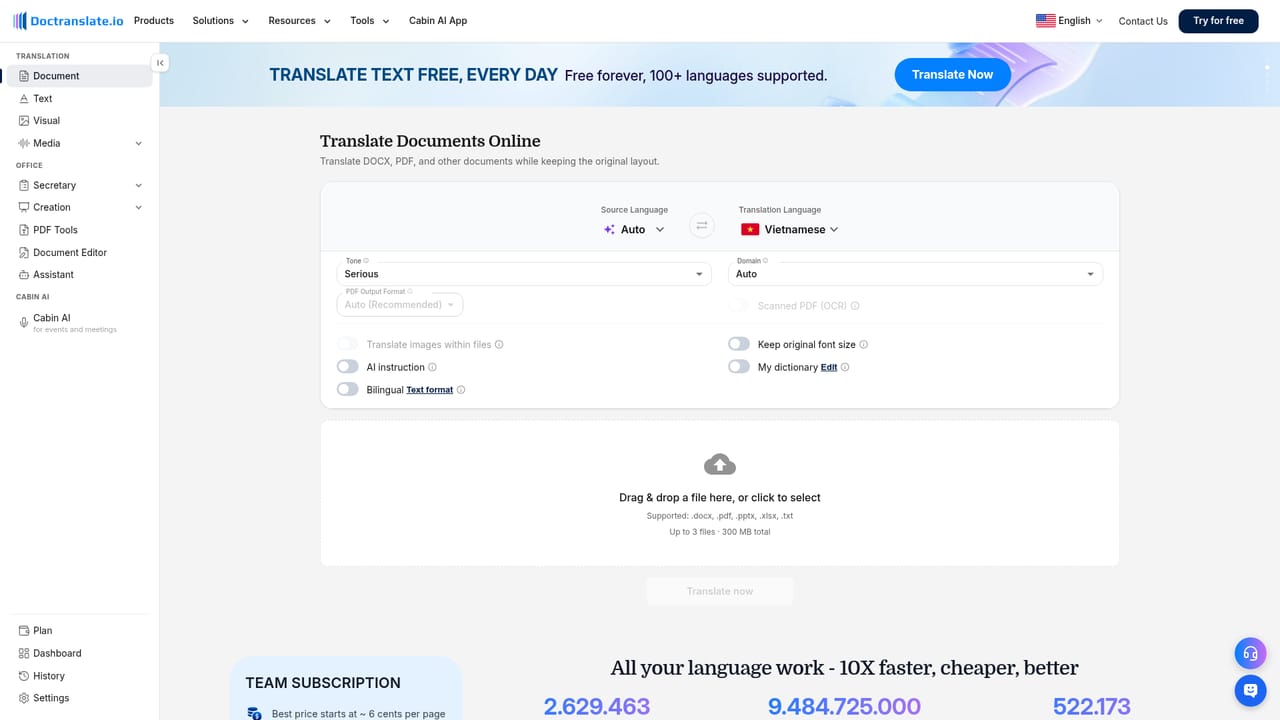
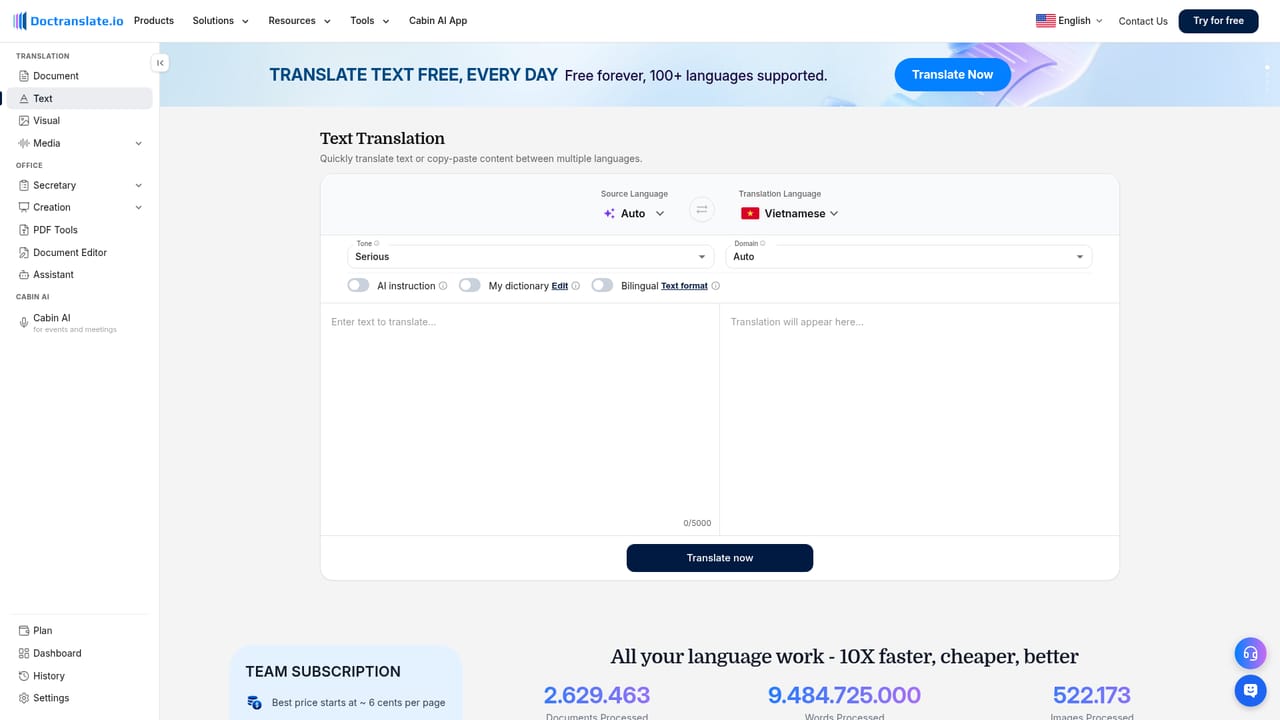
Start for free with 100+ languages supported. The homepage does not specify a trial length or usage limits for the free offering.
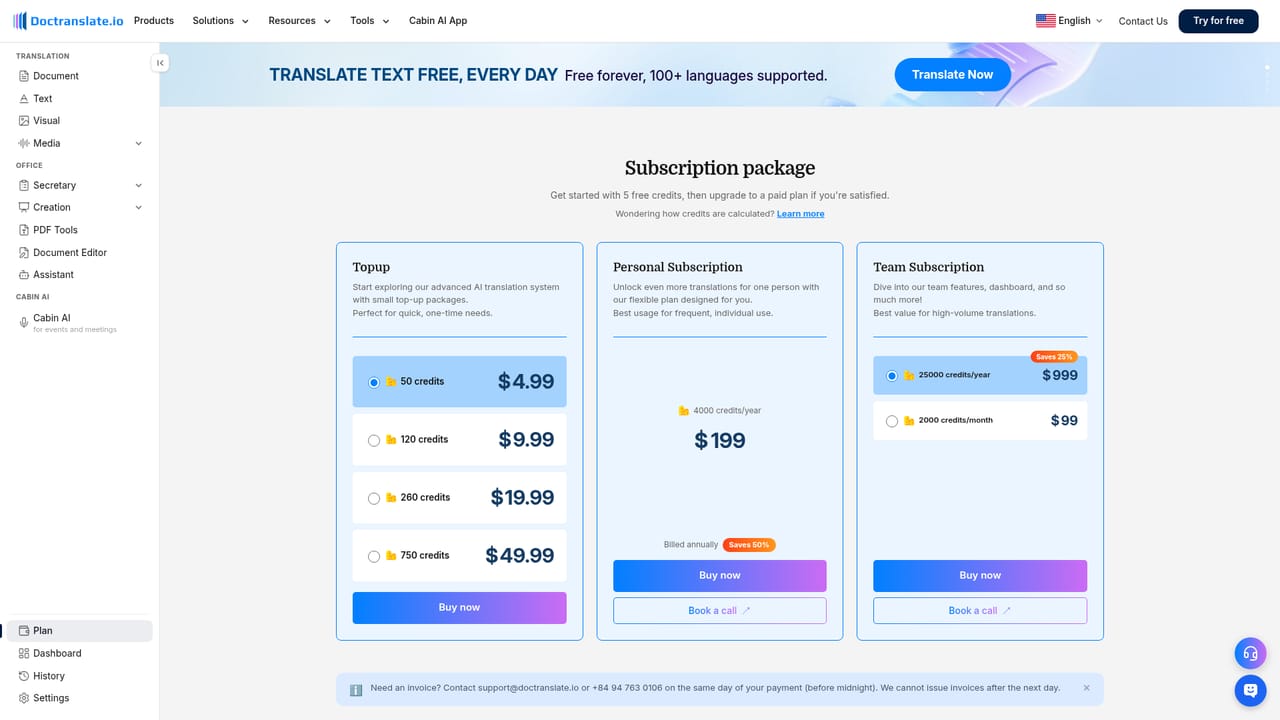
Learn moreThe homepage does not list specific prices or plan tiers beyond a Team Plan with management for up to 10 members. It states that users can start for free with 100+ languages supported, and directs to the billing page for plan details.
Learn moreA support page and a user manual are available, along with a contact page for reaching the team.
Learn moreAPI endpoints are available for document, text and audio translation, data entry, meeting notes and slides maker, allowing integration into third-party products.
Learn moreTranslate DOCX, PDF, PPTX and XLSX files while keeping layout; translate text, images, audio and video; AI Data Entry to extract data into forms; Meeting Notes with key points and action items; Slides Maker and AI Presentation; PDF conversion to Word, PowerPoint or Markdown; image tools; document editor; AI assistant; live interpretation via Cabin AI; API access and on-premise deployment.
Learn more AI Angels400+ customizable AI girlfriends for NSFW chat, voice calls, and roleplay
 Candy AIExperience the future of companionship with AI friends who chat, role-play, and connect with you on a human level.
 ourdream.aiA vast AI roleplay platform with millions of characters for chat, images, video and voiceAI Angels400+ customizable AI girlfriends for NSFW chat, voice calls, and roleplayCandy AIExperience the future of companionship with AI friends who chat, role-play, and connect with you on a human level.ourdream.aiA vast AI roleplay platform with millions of characters for chat, images, video and voice