Pricing
The homepage does not list plans or prices. It references an Enterprise subscription and an Enterprise quote, both handled through sales contact, and mentions a cart page.
Learn moreYour work session, documented and turned into a shareable deliverable

Docuit is an AI search tool. Docuit captures work and study sessions on Mac and Windows, then generates structured deliverables such as SOPs, incident reports and handoff documents in under 30 seconds, with a shared team workspace and natural-language search over what colleagues have documented.
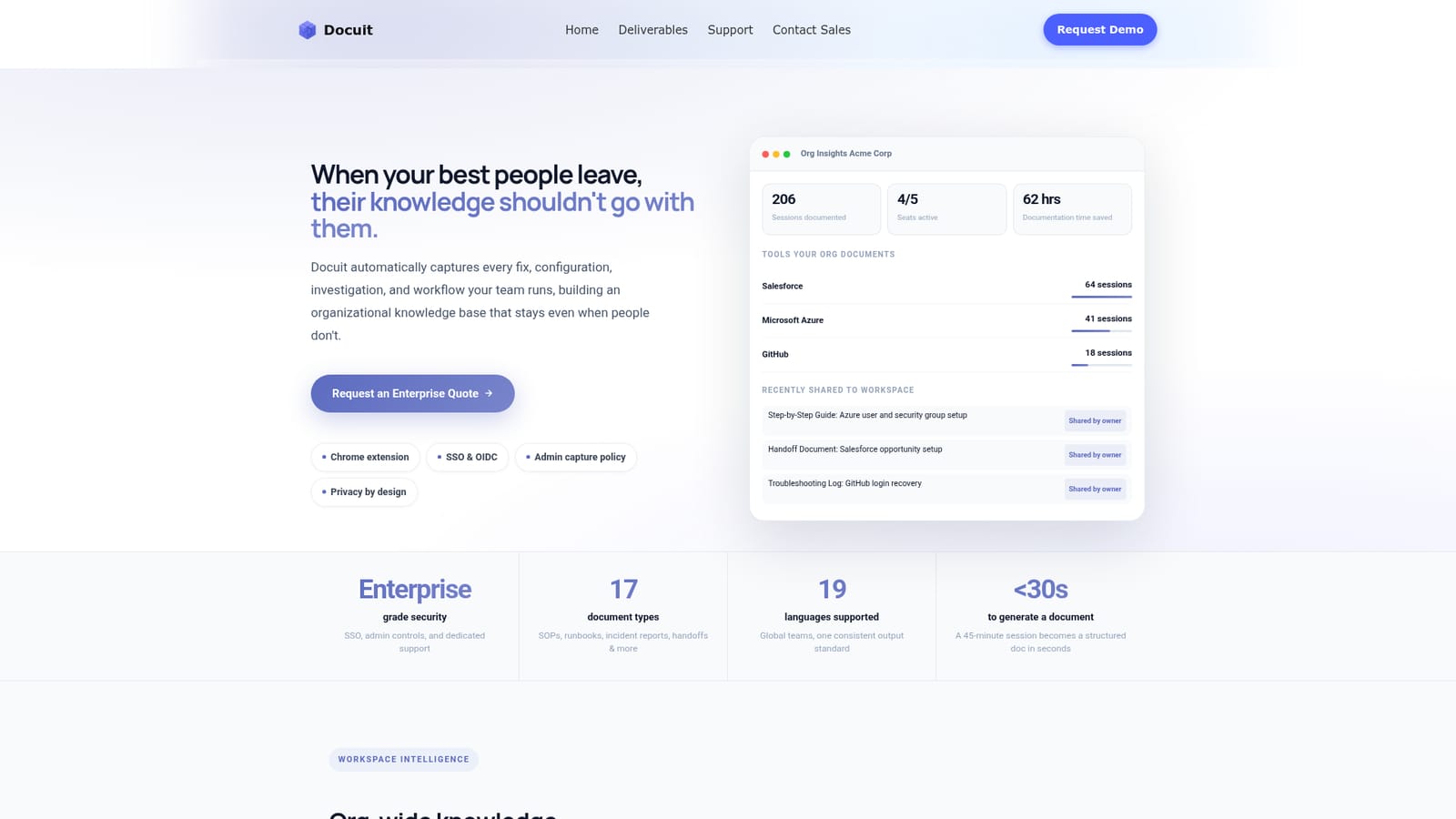
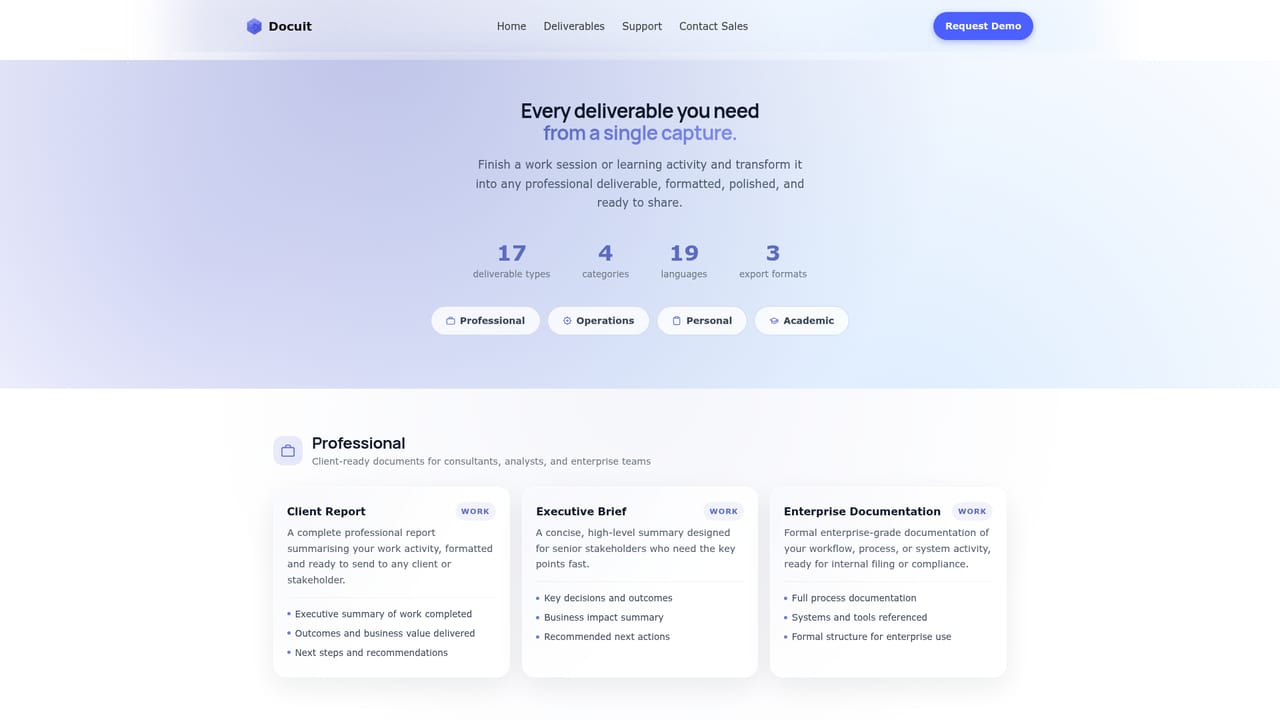
Docuit is a desktop tool for Mac and Windows that records what happens during a work or study session and turns it into a finished document. The premise is that nobody sits down to write documentation, so the writing should happen as a byproduct of the work itself. You start a session, go about your normal tasks in the browser and connected SaaS tools, and when you stop, Docuit produces a base record of pages visited, actions taken, tools used and any highlights you saved. From that record it can generate one of 17 deliverable types in under 30 seconds, exportable as PDF or Word or shareable by link. The deliverable catalogue spans four groups. Professional covers client reports and executive briefings, Operations covers step-by-step guides, incident reports, change logs and tickets, Personal covers work logs and invoices, and there is an Academic set. Output language can be set across 19 supported languages, and the same session can be regenerated as a different document type without recapturing anything. Capture runs in three modes that an administrator can restrict org-wide. Auto-Doc records everything automatically for up to 30 minutes. Co-pilot has no length limit and lets the user drop highlights and notes in real time. Focus is manual notes only with no automatic capture, aimed at high-security environments. Sessions are user-initiated and private by default; only what a member explicitly shares reaches the team workspace, where it becomes searchable through a plain-language query feature called Ask Docuit. Answers cite the actual session and date. It suits IT and operations teams, consultants and researchers who repeatedly reconstruct what they did, and organizations worried about knowledge walking out with departing staff. Compared with manual SOP writing or generic note-taking apps, the difference is that the document is a post-session artifact rather than a live note. Compared with session recording tools built for time tracking, Docuit is positioned around aggregate documentation output rather than individual activity monitoring.
The homepage does not list plans or prices. It references an Enterprise subscription and an Enterprise quote, both handled through sales contact, and mentions a cart page.
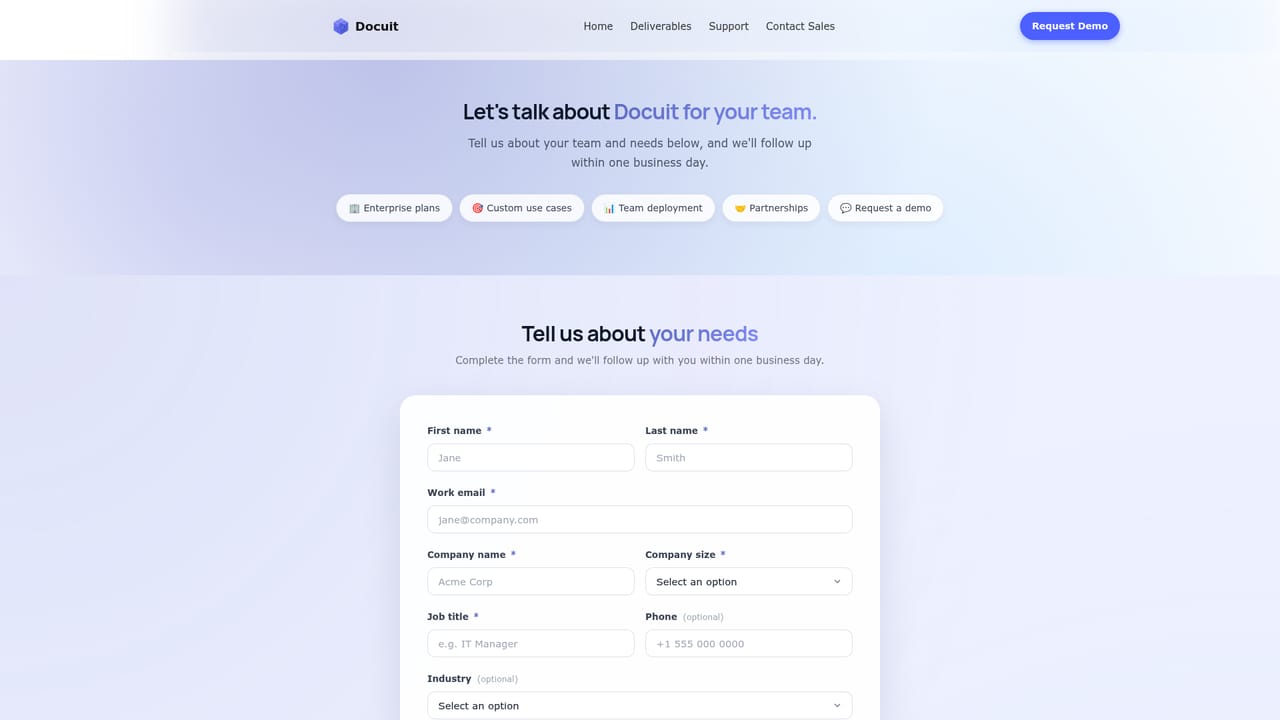
Learn moreDocuit lists a support page and a sales contact route, and positions dedicated support as part of its enterprise offering.
Learn moreThe site references capture across browser and SaaS tools, with Salesforce, Microsoft Azure, GitHub and a SIEM stack shown in examples, plus a Chrome extension mentioned in the enterprise section.
Three capture modes (Auto-Doc, Co-pilot, Focus) with admin control over which are available. 17 deliverable types including SOPs, step-by-step guides, incident reports, change logs, handoff documents, executive briefings and research summaries. Export to PDF or Word, link sharing, 19 output languages, projects for grouping sessions, a shared workspace knowledge base, and Ask Docuit search over personal and shared sessions.
Learn more AI Angels400+ customizable AI girlfriends for NSFW chat, voice calls, and roleplay
 Candy AIExperience the future of companionship with AI friends who chat, role-play, and connect with you on a human level.
 ourdream.aiA vast AI roleplay platform with millions of characters for chat, images, video and voiceAI Angels400+ customizable AI girlfriends for NSFW chat, voice calls, and roleplayCandy AIExperience the future of companionship with AI friends who chat, role-play, and connect with you on a human level.ourdream.aiA vast AI roleplay platform with millions of characters for chat, images, video and voice


