Double

AI prospect research and verified email finding for outbound teams

Beginner
Screenshot of Double, AI prospect research and verified email finding for outbound teams

What is Double?

Double uses a GPT-based agent to research prospects across the web, answer qualification questions with cited sources, and return verified emails gathered from more than ten private data sources. It targets outbound sales teams that need qualified, contactable lead lists at volume.

Double is an AI research and lead enrichment tool built for outbound sales and marketing teams. Instead of opening a browser and manually checking each prospect, users hand the work to a GPT-based agent that searches the public web and returns sourced answers. The homepage frames the product around a simple shift: stop Googling leads one by one and let AI answer the qualification questions at scale. The research layer is the core of the product. Users pose plain-language yes or no questions about a company, such as whether it is remote-first, SOC II compliant, B2B, marketplace-based, or building an API or mobile app as its primary product. Double then researches thousands of prospects at once and returns responses with citations. The homepage shows an example about whether GOAT operates a call center, answered with references to the company's own support pages. That citation habit matters, because it lets a rep check the reasoning before acting on it. Alongside research, Double handles contact data. It aggregates more than ten private data sources to surface verified emails, and positions that coverage as broader than Apollo and RocketReach. A results table in the homepage demo pairs each prospect name with a LinkedIn handle and a verified email address. The intended output is a qualified, contactable list that feeds targeted outbound messaging, which the company says converts better than generic campaigns. Sales development teams, growth marketers and agencies running prospect research at volume are the obvious audience. Double competes in the same arena as enrichment platforms like Apollo and RocketReach, but its differentiator is the question-answering research agent rather than a static database filter. The homepage does not publish pricing, plan tiers, integration details or a support policy, so buyers should confirm those directly. The tool is aimed at teams already running outbound and looking to cut manual research time, not at casual users who need a handful of contacts.

How do you use Double?

  1. 1Create your Double account
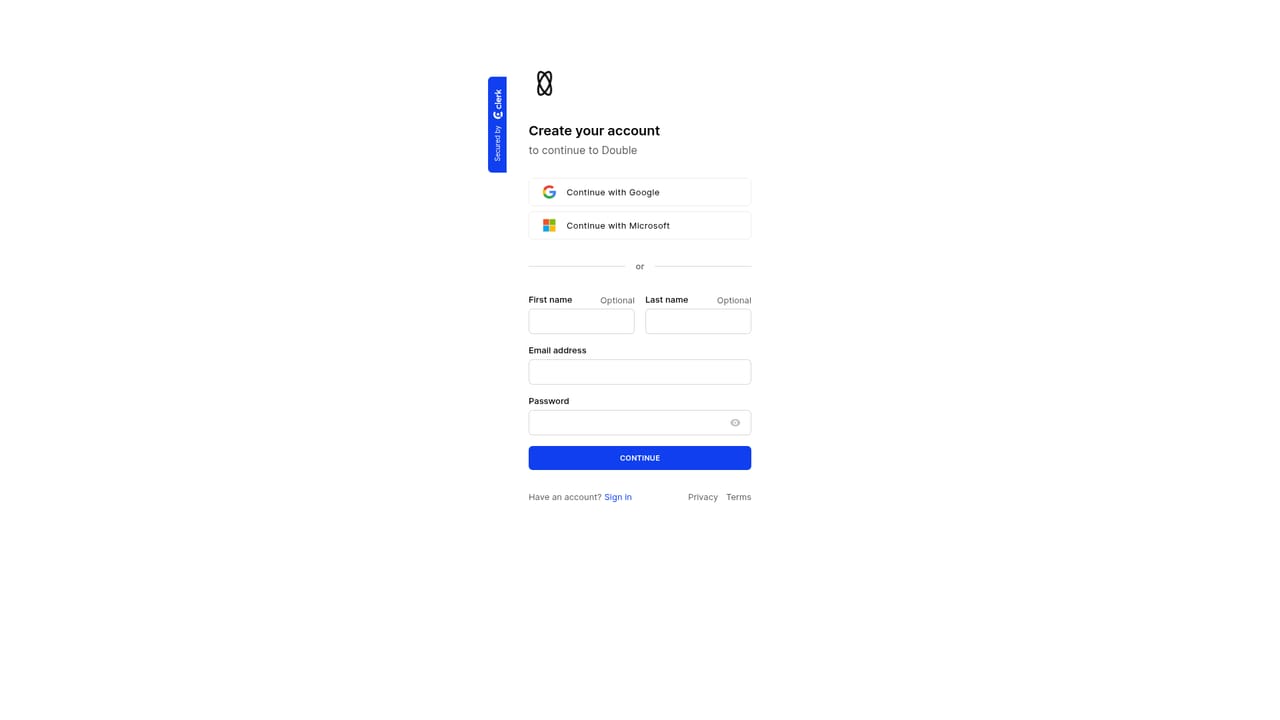
    Start at the signup page to register, then sign in to reach the workspace where prospect lists and research questions live.
    Double — Create your Double account
  2. 2Load the prospects you want to research
    Bring in the companies or contacts you plan to qualify. The homepage shows research running across thousands of prospects at once, so batch the list rather than working one row at a time.
  3. 3Write your qualification questions
    Phrase each question so it can be answered yes or no, following the homepage examples such as whether a company is remote-first or SOC II compliant.
  4. 4Review answers and their citations
    Read the returned responses and open the linked sources to confirm the reasoning before you rely on a result for targeting or segmentation.
  5. 5Pull verified emails into the list
    Use the enrichment step to attach verified email addresses to your prospects, then check the results table that pairs each name with a LinkedIn handle and address.
  6. 6Request a walkthrough of high-converting campaigns
    The site offers a demo showing how top outbound campaigns use targeted messages. Use it if you want guidance on turning the enriched list into outreach.

Pros and cons

Pros

  • Answers free-form qualification questions about each prospect and cites the web sources it usedAI
  • Runs research across thousands of prospects in one pass rather than one at a timeAI
  • Verified email coverage draws on more than ten private data sourcesAI
  • Positions its email data as broader than Apollo and RocketReachAI
  • Output pairs names with LinkedIn profiles and verified addresses ready for outboundAI

Cons

  • No pricing, plan tiers or seat limits are published on the homepageAI
  • No integration or CRM sync details are listed, so workflow fit is unconfirmedAI
  • Support channels and response times are not described anywhere on the siteAI
  • Accuracy depends on public web sources, so private or obscure companies may return thin answersAI
  • No self-serve free tier or trial terms are stated on the homepageAI

How much does Double cost?

Features

Double combines an AI research agent with email enrichment. The agent searches the public web to answer free-form qualification questions about prospects, such as remote-first status, SOC II compliance or primary product type, and returns sourced answers. Enrichment aggregates more than ten private data sources to supply verified emails, which the site claims outpaces Apollo and RocketReach. Research runs across thousands of prospects in a single pass.

Frequently asked questions about Double

  • How do you use Double?
    The walkthrough on this page covers 6 steps: 1. Create your Double account 2. Load the prospects you want to research 3. Write your qualification questions 4. Review answers and their citations 5. Pull verified emails into the list 6. Request a walkthrough of high-converting campaigns.
  • What platforms does Double support?
    Double is available on Web App.
  • What are the limitations of Double?
    No pricing, plan tiers or seat limits are published on the homepage. No integration or CRM sync details are listed, so workflow fit is unconfirmed. Support channels and response times are not described anywhere on the site.

Status

StatusActive
Views0
Outbound clicks0
Added10/21/2026

Platforms

Web App

Pricing

Freemium