Integrations
The only integration disclosed on the homepage is the underlying model stack: Together AI plus OpenAI gpt-oss. No third party connectors, browser extensions or API access are described.
Open source AI search engine that answers with sourced replies instead of link lists
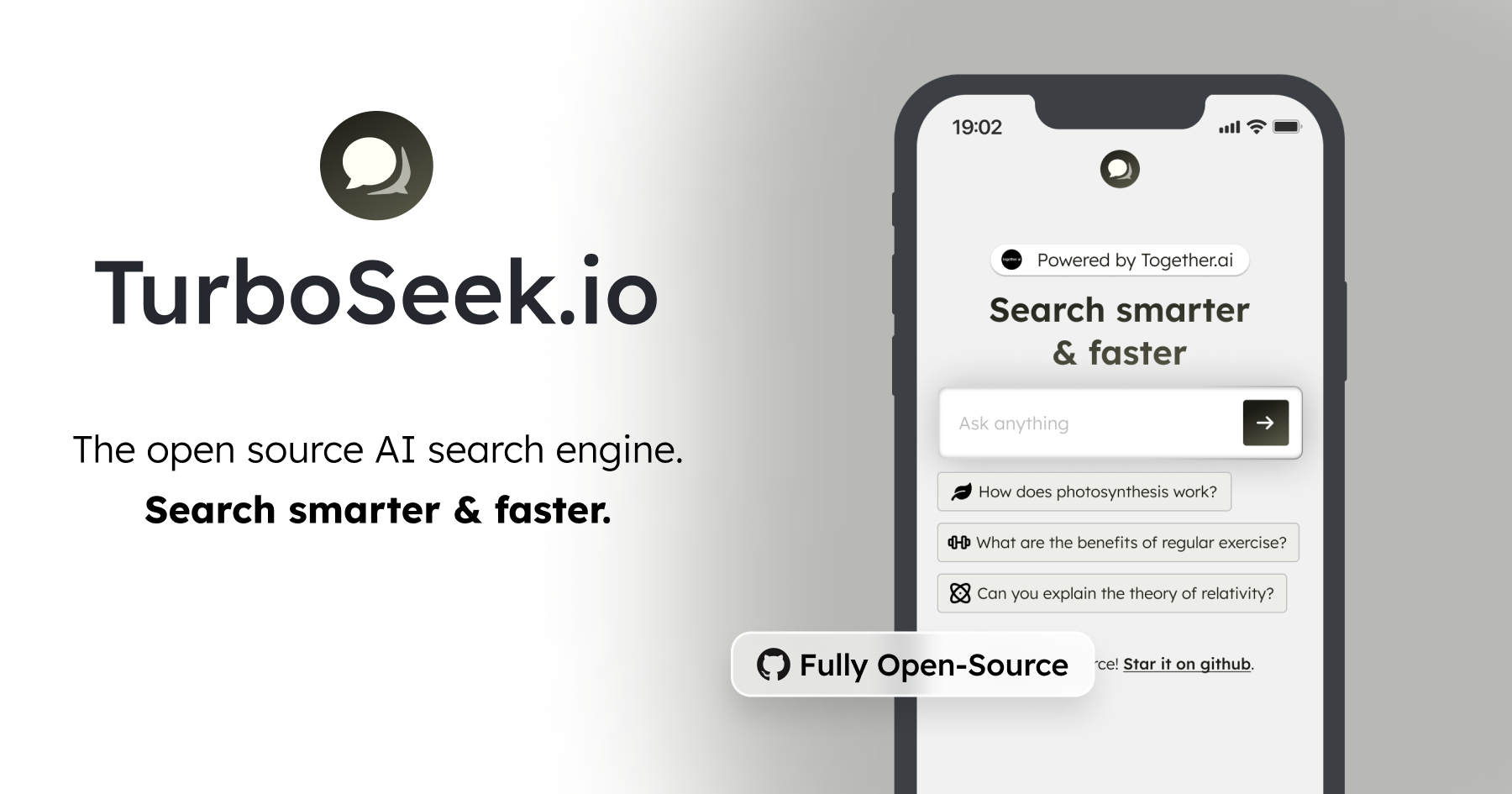
Turbo Seek is an open source AI search engine that returns written answers to natural language questions. It is powered by Together AI and OpenAI gpt-oss, with the full codebase published on GitHub for inspection or self hosting.
Turbo Seek is a web based search engine that replaces the familiar list of blue links with a written answer. You type a question, and the tool returns a synthesized response that explains the topic rather than pointing you toward pages you still have to read. The homepage frames the product around speed and clarity, showing sample prompts about photosynthesis, training for a six pack, and the theory of relativity to illustrate the range of subjects it is built to handle. The engine runs on Together AI together with OpenAI gpt-oss, so the language model layer is a hosted third party stack rather than something Turbo Seek trains itself. What sets it apart from closed commercial answer engines is that the entire codebase is published on GitHub under an open source license. That matters to developers who want to inspect how retrieval and generation are wired together, fork the project, or self host an alternative to mainstream AI search products. In practice the workflow is one step: pose a question in the search bar and read the generated answer. There are no account tiers described on the homepage, no dashboards or saved research collections, and no workspace features. It behaves as a focused utility for quick explanation style lookups, the kind of query where you want a working summary of a concept rather than a curated reading list. Students, curious general users, and engineers evaluating AI search architecture are the obvious audiences. Among alternatives, Turbo Seek sits closer to an answer engine than to a traditional crawler based index. It competes on transparency and hackability rather than on breadth of product surface, and it is a reasonable starting point for anyone who wants to study or rebuild AI search rather than simply consume it.
The only integration disclosed on the homepage is the underlying model stack: Together AI plus OpenAI gpt-oss. No third party connectors, browser extensions or API access are described.
Turbo Seek takes a natural language question and produces a written answer instead of a ranked list of links. The homepage presents it as a faster, smarter way to search, spanning everyday and scientific topics. It runs on Together AI and OpenAI gpt-oss, and the full source code is publicly available on GitHub for review, forking or self hosting.
 AI Angels400+ customizable AI girlfriends for NSFW chat, voice calls, and roleplay
 Candy AIExperience the future of companionship with AI friends who chat, role-play, and connect with you on a human level.
 ourdream.aiA vast AI roleplay platform with millions of characters for chat, images, video and voiceAI Angels400+ customizable AI girlfriends for NSFW chat, voice calls, and roleplayCandy AIExperience the future of companionship with AI friends who chat, role-play, and connect with you on a human level.ourdream.aiA vast AI roleplay platform with millions of characters for chat, images, video and voice


