Free trial
A free plan with daily-renewing AI credits acts as the entry point, so no separate time-limited trial is described.
Learn moreAgentic WordPress AI that builds real, editable Elementor pages from a prompt

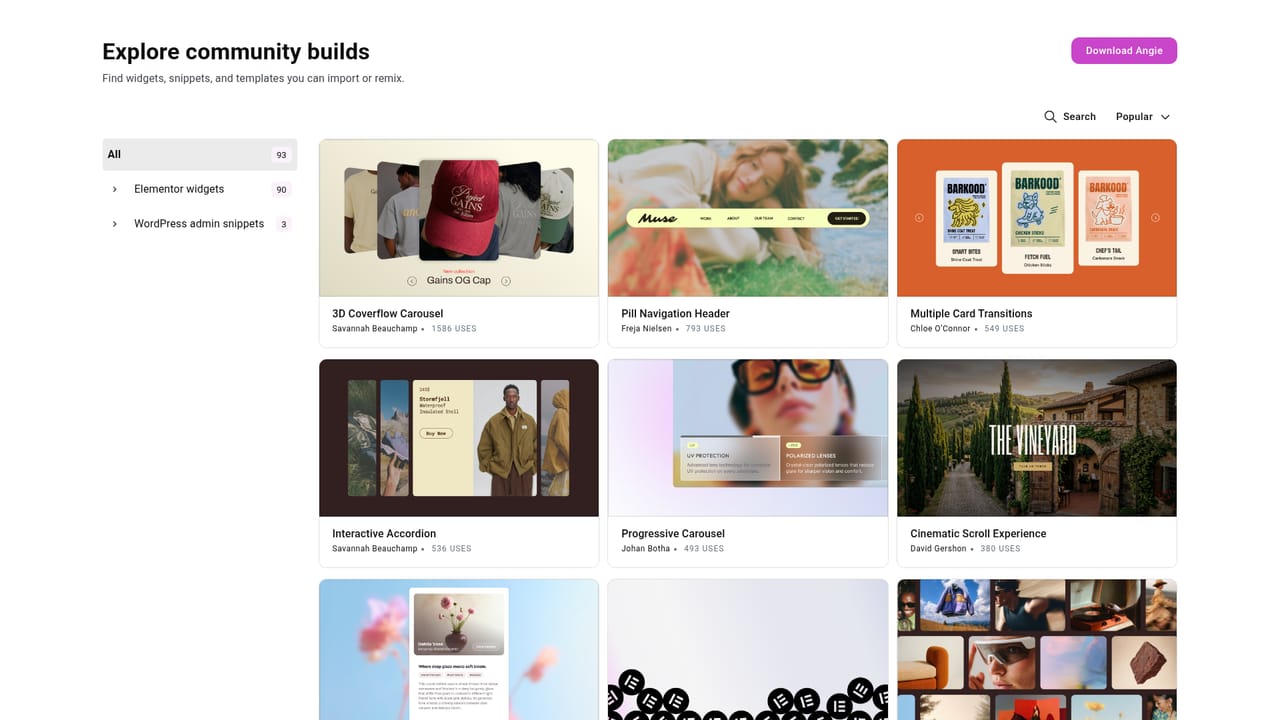
Elementor AI is an app creation tool. Elementor AI brings agentic website building to WordPress through Angie. Prompt a full page, design system, form or dynamic loop and get editable Elementor content back, or use Angie Code and the MCP connection to generate widgets, snippets and layouts from external AI tools.
Elementor AI is the umbrella for a set of agentic tools built into the Elementor ecosystem for WordPress. Its centrepiece is Angie, an AI agent that understands how a WordPress install is put together, including themes, plugins, custom fields and Elementor components, and then takes real action inside that environment rather than returning chat suggestions. A single prompt can produce a complete page layout with sections, copy and styling, and the result lands on the Elementor canvas as structured content that can be edited by hand afterwards. The scope goes past page layout. Angie can build a starting design system of colors, fonts, Classes and Variables from a brand description or a screenshot, assemble complex Atomic Forms (Elementor Pro required), and generate dynamic Loops with their archive layout, items and pagination (also Pro). Angie Code extends the agent into development work: custom Elementor widgets built from scratch or extended with new controls, WordPress admin snippets, custom post types and fields, CSS and JavaScript for interactive behaviour, and small front-end apps such as quizzes or calculators. Everything is generated in a test environment first, so it can be previewed and iterated before going live. The product is aimed at professional web creators and agencies, plus WordPress site owners who find piece-by-piece assembly slow. Beginners can rely on prompting and then refine visually in the Editor, while developers get more value from code generation and the MCP connection, which lets external assistants like Claude, Cursor and Codex produce editable Elementor layouts directly on a connected site. Compared with generic page builders that bolt on a text generator, the distinguishing claim here is native output: an editable Elementor page or widget, not a locked export or a detached code block. The trade-off is ecosystem gravity, since the deepest features assume Elementor and several capabilities sit behind the Pro license. Angie runs as a free WordPress plugin and works on any WordPress site, with Elementor recommended but not mandatory to start. Creating an account is required to sign in.
A free plan with daily-renewing AI credits acts as the entry point, so no separate time-limited trial is described.
Learn moreAngie is available on a free plan with daily-renewing AI credits, and additional Angie credits cannot be purchased during that period. Some capabilities, including Atomic Forms and dynamic Loops, require Elementor Pro. The homepage does not publish a price list.
Learn moreQuestions are handled through the Elementor Help Center and a contact route, with a Trustpilot rating of 4.4 from over 4,300 reviews shown on the page.
Learn moreThe Elementor MCP links external AI assistants, including Claude, Cursor and Codex, to a connected Elementor site. Angie itself installs as a WordPress plugin and works with or without the Elementor editor.
Learn morePrompt-to-page generation with sections, content and styling; design systems built from brand info or a screenshot; complex forms and dynamic loops (Pro); Angie Code for custom widgets, admin snippets, custom post types, CSS and JavaScript; a secure test environment for previewing; and an MCP server that connects Claude, Cursor and Codex to an Elementor site.
Learn more AI Angels400+ customizable AI girlfriends for NSFW chat, voice calls, and roleplay
 Candy AIExperience the future of companionship with AI friends who chat, role-play, and connect with you on a human level.
 ourdream.aiA vast AI roleplay platform with millions of characters for chat, images, video and voiceAI Angels400+ customizable AI girlfriends for NSFW chat, voice calls, and roleplayCandy AIExperience the future of companionship with AI friends who chat, role-play, and connect with you on a human level.ourdream.aiA vast AI roleplay platform with millions of characters for chat, images, video and voice


