Ella

An empathetic AI companion for everyday emotional support

Beginner
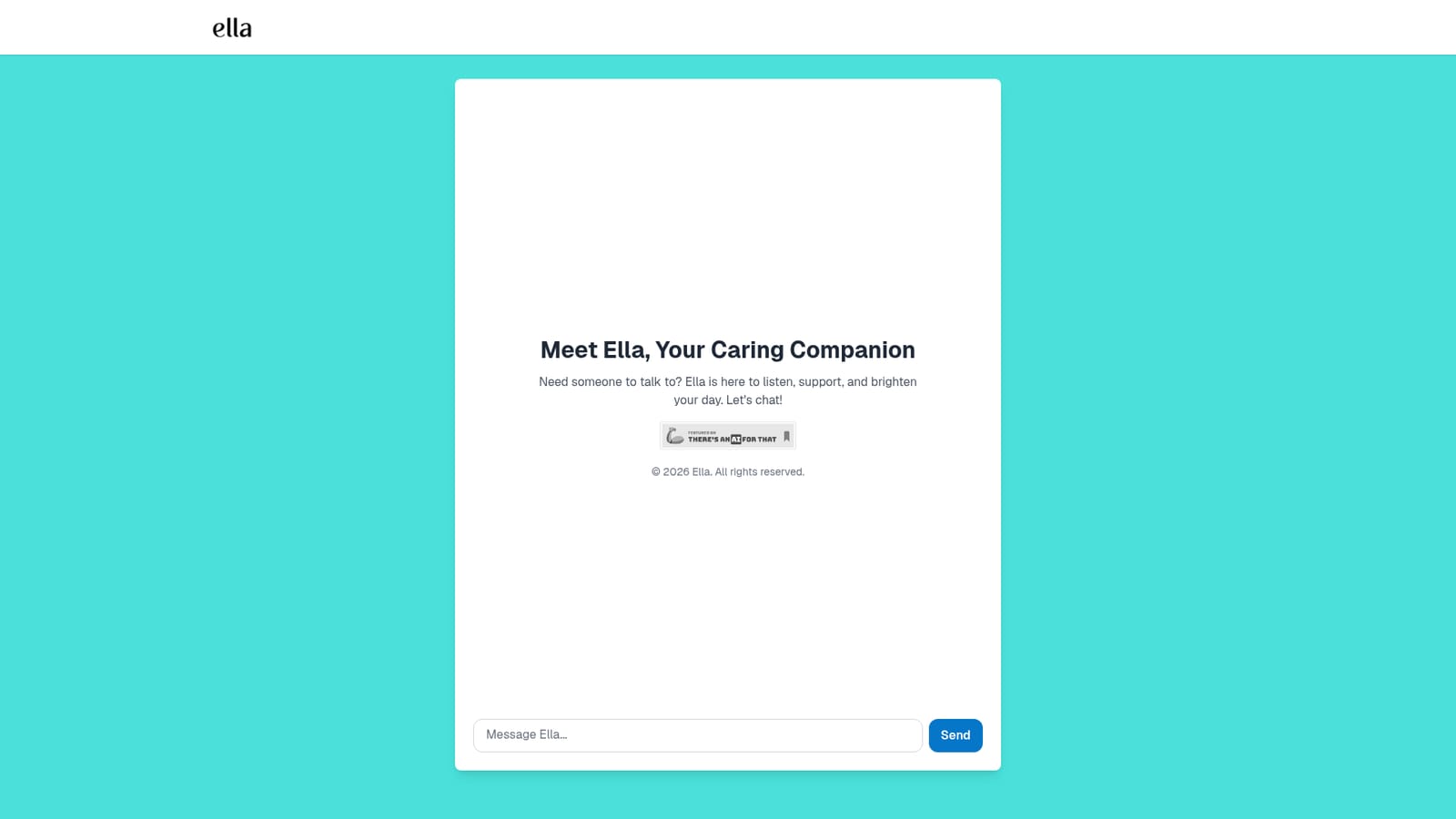
Screenshot of Ella, An empathetic AI companion for everyday emotional support

What is Ella?

Ella is a chat based AI companion focused on emotional support, offering a warm listener for work conflicts, personal challenges and everyday stress. The homepage keeps things minimal: open the site, start typing, and receive an empathetic reply.

Ella is a conversational AI companion built around one purpose: giving people a calm, patient listener whenever they need one. The product positions itself as a caring friend rather than a task tool. The homepage invites visitors to talk about work conflicts, personal challenges and the small frustrations of daily life, with the promise of being heard and supported in return. There is no dashboard, no workflow builder and no output to export. The conversation is the product. The intended audience is broad. Someone processing a difficult interaction with a colleague, a person who wants to vent after a long day, or anyone who finds it easier to type honestly to a machine than to raise a subject with friends and family can all use it the same way. Because Ella is framed as a companion rather than a therapist, it sits in the same space as general purpose AI chat assistants, but with a single tone and a single job instead of a menu of utilities. In practice the experience is a chat window. The visitor opens the site, writes a message about whatever is on their mind, and gets a reply written to sound warm and attentive. The homepage keeps the entry point to a single line of copy and a single input, so there is nothing to configure before the first message. Sessions appear to start fresh each time, which makes Ella easy to try on impulse but means continuity depends on what the product retains between visits, and the homepage does not say. The honest caveat is transparency. The homepage makes no claims about the underlying model, does not publish pricing, and offers no documentation, help centre or privacy detail in the content provided. Anyone weighing Ella against better documented AI chat products should treat that thinness as a real factor. What the site does communicate clearly is a narrow, consistent identity: a low pressure place to talk, aimed at people who value emotional tone over feature lists.

How do you use Ella?

  1. 1Open the Ella homepage
    Go to ella.quicklabs.app in any modern browser. The landing page presents a short introduction and an input field, with no account required to see the product.
    Ella — Open the Ella homepage
  2. 2Read the framing copy
    The hero text states what Ella is for: listening, supporting and brightening the day. Skim it so your expectations match the product's stated scope as a companion, not a clinical service.
  3. 3Start your first conversation
    Type a message into the chat input and send it. Beginning with whatever is actually on your mind, such as a difficult situation at work, tends to produce a more useful reply than a generic greeting.
  4. 4Keep the exchange going
    Reply to Ella as you would in a normal conversation, adding context or correcting the direction. Short follow ups usually steer the tone better than long explanations.
  5. 5Return when you need it
    Because the site is browser based, you can come back at any time without installing anything. Check the page for any account or history options if continuity between visits matters to you.

Pros and cons

Pros

  • Very low barrier to entry: one chat box and no setup before the first messageAI
  • Clear, focused purpose as an emotional support companion rather than an all purpose assistantAI
  • Explicitly covers work conflicts and personal challenges, which keeps the positioning concreteAI
  • Warm, non clinical tone that may suit people who find formal support options intimidatingAI
  • Available through a web browser, so nothing needs to be installedAI

Cons

  • No published pricing, plans or limits, so cost is unknown before committingAI
  • No documentation, help centre or FAQ to explain how conversations are stored or handledAI
  • No detail on the underlying model or how replies are generated, which makes quality hard to judge in advanceAI
  • Limited to a chat interface with no indication of memory, history export or other supporting featuresAI
  • Cannot substitute for professional mental health care, and the site offers no guidance on that boundaryAI

How much does Ella cost?

Features

Ella is a single purpose chat companion. The homepage describes an AI friend that listens and offers support for work conflicts, personal challenges and daily life, with compassionate conversation available at any time. No additional tools, settings or outputs are described in the content provided.

Frequently asked questions about Ella

  • How do you use Ella?
    The walkthrough on this page covers 5 steps: 1. Open the Ella homepage 2. Read the framing copy 3. Start your first conversation 4. Keep the exchange going 5. Return when you need it.
  • What platforms does Ella support?
    Ella is available on Web App.
  • What are the limitations of Ella?
    No published pricing, plans or limits, so cost is unknown before committing. No documentation, help centre or FAQ to explain how conversations are stored or handled. No detail on the underlying model or how replies are generated, which makes quality hard to judge in advance.

Status

StatusActive
Views0
Outbound clicks0
Added10/22/2026

Platforms

Web App

Pricing

Free