Integrations
Leads can be pushed to HubSpot, data synced from Google Sheets or Notion, alerts sent to Slack, tracking passed to Google Analytics, payments taken with Stripe, and automations triggered through webhooks and Zapier.
Learn moreDescribe a widget or landing page in plain English and embed it anywhere

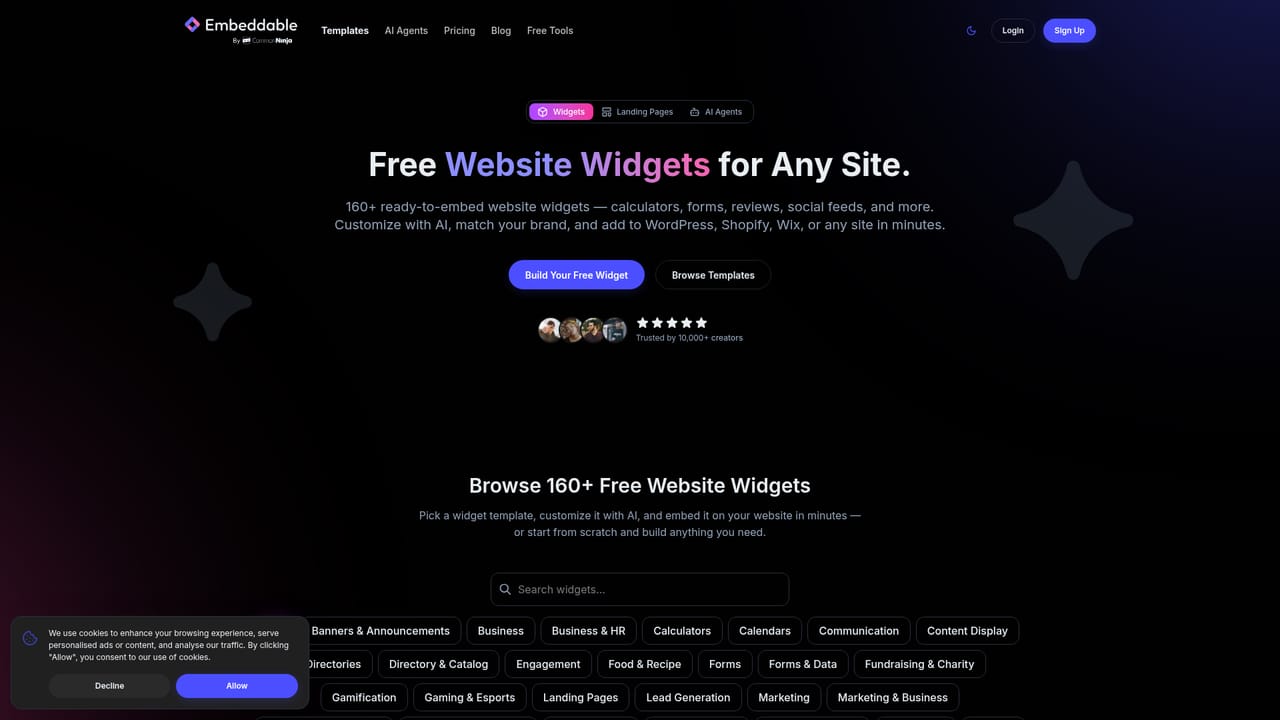
Embeddable is an app creation tool. AI widget and landing page builder that turns a plain English prompt into forms, calculators, quizzes, popups and marketing pages, with built-in analytics, A/B testing and lead capture, all embeddable on WordPress, Shopify, Wix or custom sites.
Embeddable is a no-code build platform for the interactive pieces of a website: forms, calculators, quizzes, popups, countdown timers, and full marketing landing pages. The core idea is prompt driven. A short plain English request is turned into a working widget or page, and a visual editor then handles styling, copy and behaviour changes in real time. Output can be dropped into WordPress, Shopify, Wix, Squarespace or a hand coded site. The product splits into three parts. The widget builder covers the embeddable units, with a library of over 100 free templates and a gallery organized by type (calculators, forms, interactive, media, social, business, marketing). The landing page generator produces marketing pages that are pre-rendered as static HTML for indexing, with custom meta tags, Open Graph support and semantic markup. The AI agent builder is the newest piece: chat built agents that connect to Google services through OAuth, run on a schedule or on demand, and deliver results by email or webhook for tasks such as SEO audits and data monitoring. Marketing and growth teams are the obvious audience, particularly people who want lead capture without waiting on a developer. Contact forms, feedback popups, ROI and loan calculators, personality quizzes and newsletter signups all feed into a built in lead database, so a separate CRM is optional. Analytics track submissions, clicks, conversions, scroll depth and engagement, with CSV and PDF export. A/B testing lets several variants of a widget or page run at once, with a winner promoted to control. Compared with form plugins tied to one CMS, Embeddable is platform agnostic and leans on AI generation. Compared with general landing page builders, it puts more weight on the widget layer and on experiments. The trade off is scope: this is a focused conversion tool, not a full site builder, and the agent builder is still labelled beta.
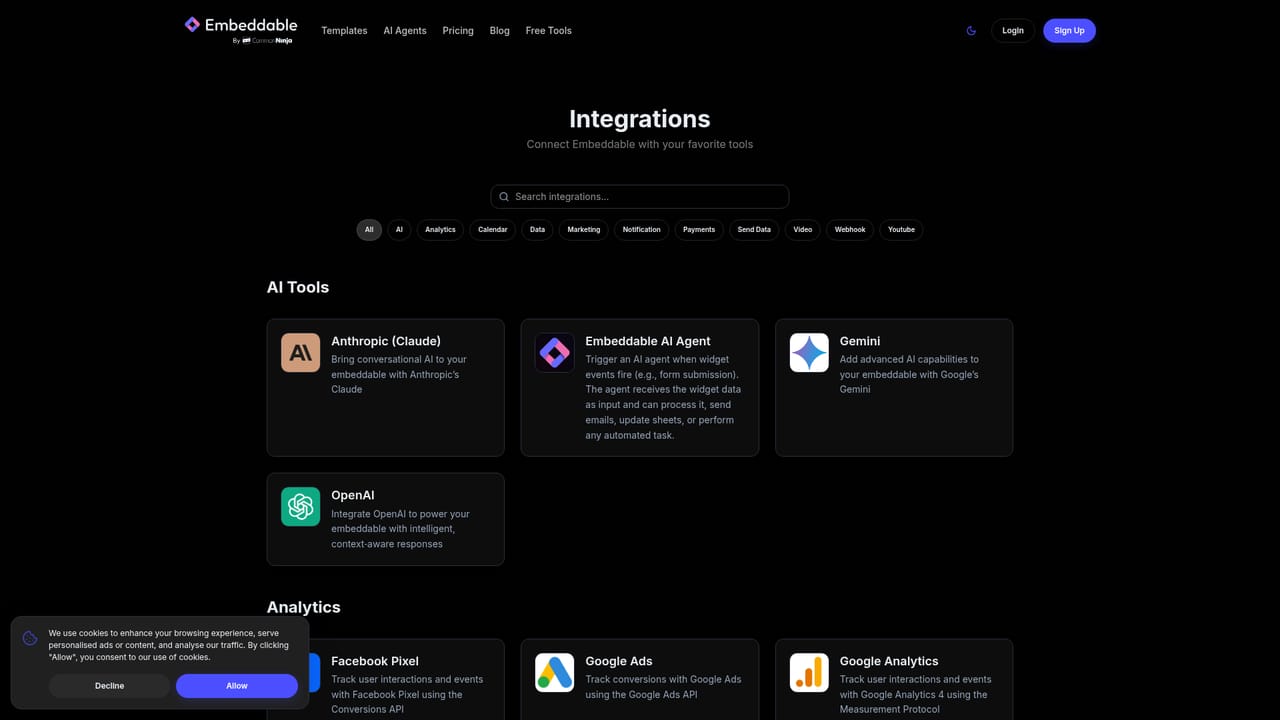
Leads can be pushed to HubSpot, data synced from Google Sheets or Notion, alerts sent to Slack, tracking passed to Google Analytics, payments taken with Stripe, and automations triggered through webhooks and Zapier.
Learn moreCovers three builders (interactive widgets, static HTML landing pages, and scheduled AI agents), plus a visual editor, built-in analytics with CSV and PDF export, unlimited A/B test variants, lead capture with segmentation, SEO controls such as meta tags and Open Graph, and agent automation with Google OAuth, email and webhook delivery.
 AI Angels400+ customizable AI girlfriends for NSFW chat, voice calls, and roleplay
 Candy AIExperience the future of companionship with AI friends who chat, role-play, and connect with you on a human level.
 ourdream.aiA vast AI roleplay platform with millions of characters for chat, images, video and voiceAI Angels400+ customizable AI girlfriends for NSFW chat, voice calls, and roleplayCandy AIExperience the future of companionship with AI friends who chat, role-play, and connect with you on a human level.ourdream.aiA vast AI roleplay platform with millions of characters for chat, images, video and voice


