Ember

A private AI companion for the people, money and habits in your life

Beginner
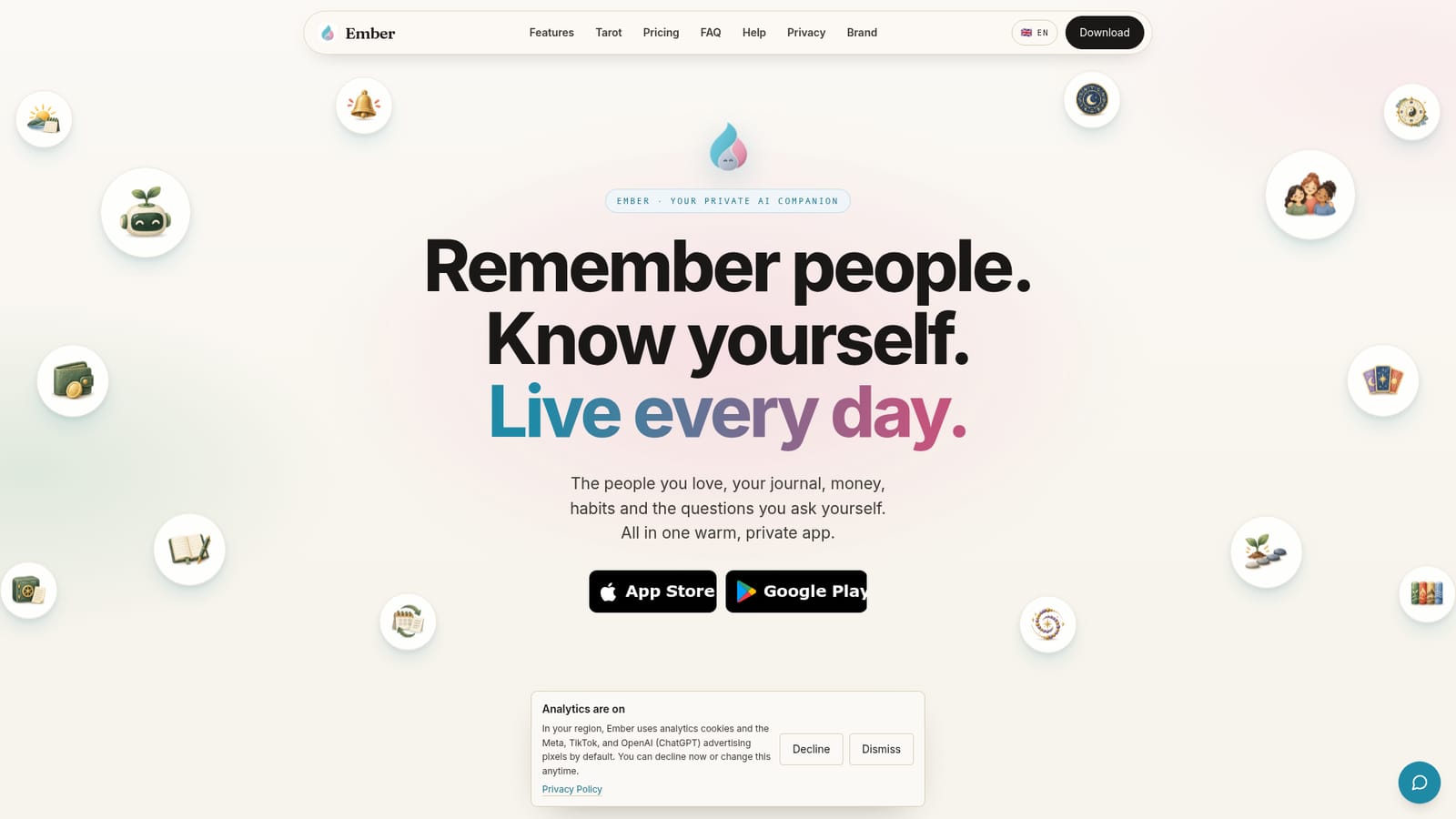
Screenshot of Ember, A private AI companion for the people, money and habits in your life

What is Ember?

Ember is a private, end-to-end encrypted iOS and Android app that combines a people memory vault, journal, personal finances, habits, reminders, subscriptions and optional astrology tools, with an AI assistant called Keeper that turns a spoken or typed sentence into a drafted reminder, payment or journal entry.

Ember is a private AI companion app that pulls the scattered details of daily life into one place: the people you care about, your journal, personal finances, habits and reminders. It ships as a native iOS and Android app built around a customizable home screen where each tile (People, Money, Journal, Habits, Tarot, Birth chart, Subscriptions and others) can be switched on, resized and reordered, so the first screen you see reflects how you actually live rather than a fixed template. The centerpiece is Keeper, an assistant you can talk to or type to in ordinary language. Keeper parses a sentence, works out whether it is a reminder, a payment, a journal entry or a question, and drafts the item in the correct module for you to confirm. Ask whose birthday is coming up, who still owes you money, or how much of the food budget is left, and the answer is drawn from what you have stored. A voice command is available from the home screen, so logging something takes a sentence instead of a form. The People module is where Ember differs from a generic notes app. Every contact gets a page with important dates and countdowns, clothing and ring sizes, food preferences and allergies, interests, banking details, documents and health fields, including cycle tracking with a next-period forecast. Two-way relationships, friend groups, custom fields and QR contact sharing are included. Ember positions itself as the memory layer around your relationships, with astrology, numerology, BaZi, Tu Vi and Tarot as optional reflection tools alongside the practical ones. The stated privacy stance is end-to-end encryption for the whole app, which matters given how much sensitive identity and financial detail a profile can hold. Ember is aimed at people who want a single personal record rather than another social network: those who forget birthdays and sizes, keep a journal, watch subscriptions and spending, and prefer an assistant that remembers on their behalf. Anyone expecting calendar, email or banking integrations should check the app before committing, since none are detailed on the homepage.

How do you use Ember?

  1. 1Install Ember on iOS or Android
    Download the app from the App Store or Google Play and create your profile. Everything described on the homepage starts from this account.
    Ember — Install Ember on iOS or Android
  2. 2Arrange the home screen
    Turn on the tiles you need, then drag them into order and resize each one. Hidden modules can stay off until you want them.
  3. 3Add the people in your inner circle
    Create a page per person with dates that matter, sizes, food preferences, documents and other details. Mark your closest contacts so they stay at the top.
  4. 4Talk to Keeper
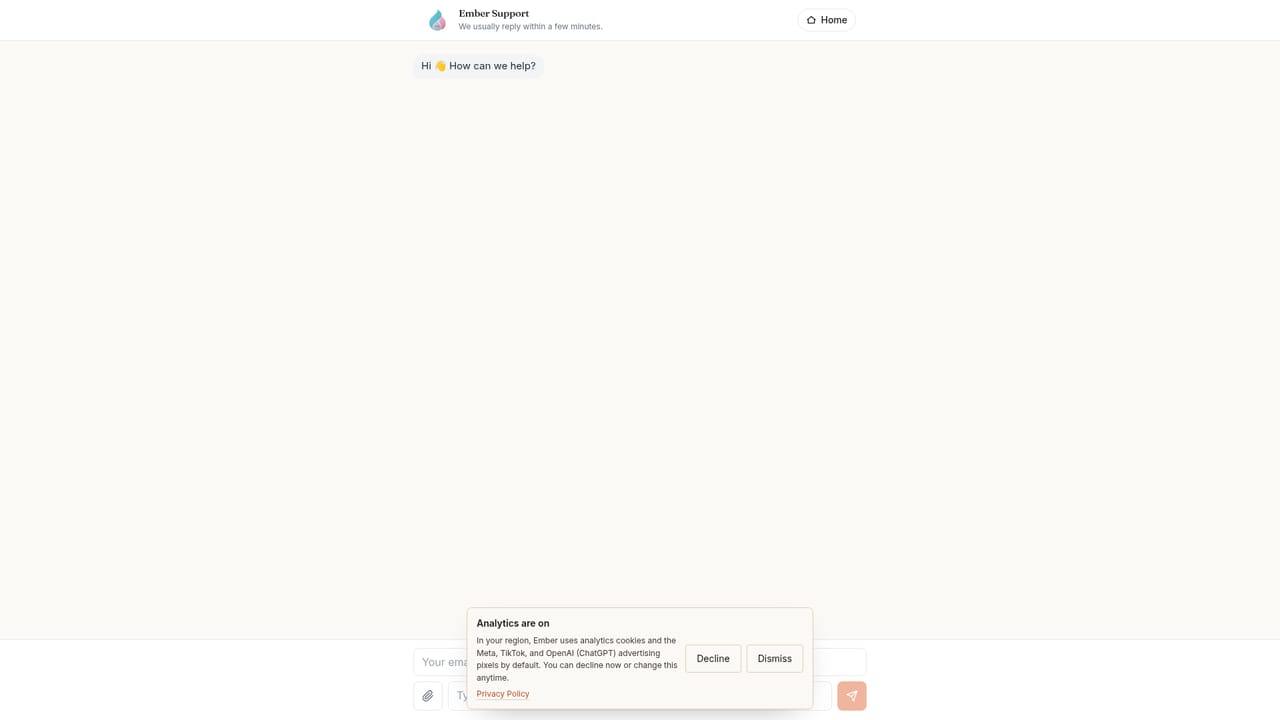
    Open the chat or use a quick voice command and speak naturally, for example asking for a reminder or logging a repayment. Keeper drafts the entry in the matching module for you to confirm.
    Ember — Talk to Keeper
  5. 5Log a first journal entry and habit
    Write a short journal page or set up a habit and a reminder so the daily briefing has something to summarize on the next open.
  6. 6Redeem a code if you have one
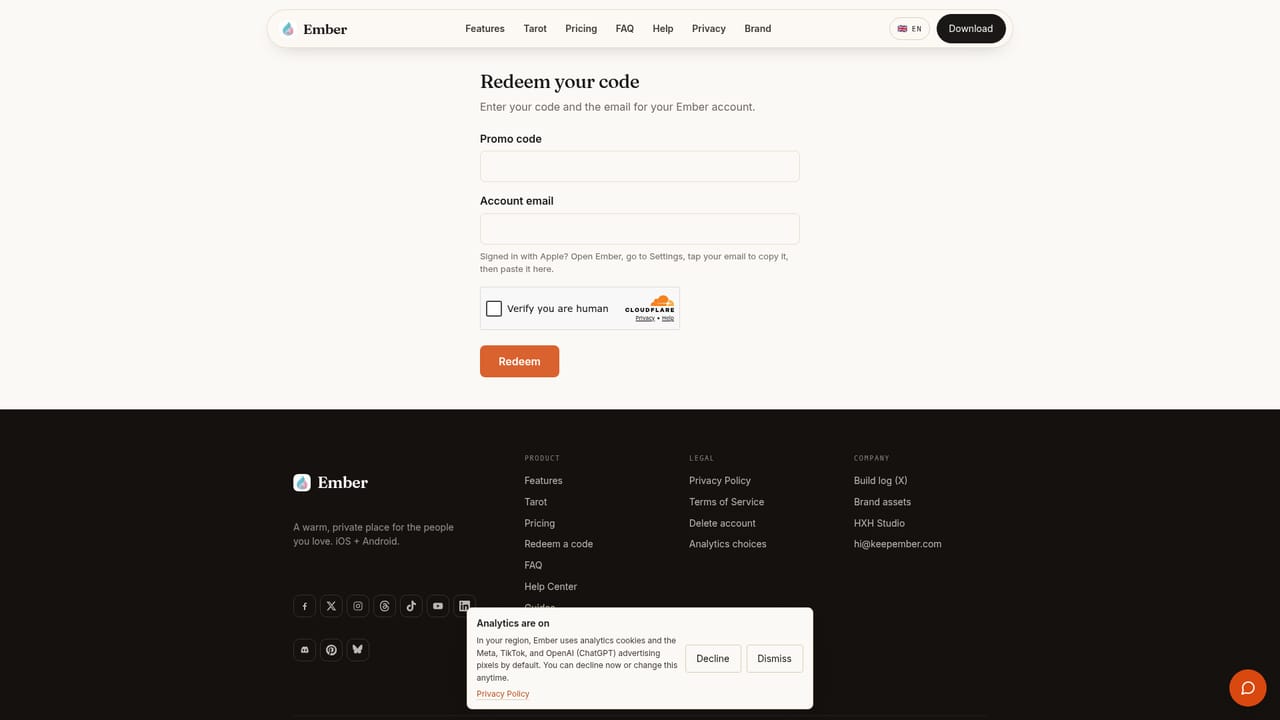
    If you received an access or gift code, enter it on the redeem page to activate it on your account.
    Ember — Redeem a code if you have one

Pros and cons

Pros

  • Keeper drafts structured entries from plain sentences, so reminders, expenses and journal lines are captured without filling in formsAI
  • People profiles hold genuinely hard-to-remember detail: sizes, allergies, favourite dishes, documents and important dates with countdownsAI
  • End-to-end encryption is stated for the app and for shared contacts, which suits the sensitivity of the data storedAI
  • Home screen tiles can be enabled, resized and reordered, so the app can stay narrow or become a broad personal dashboardAI
  • Native apps on both iOS and Android, with voice commands reachable from the first screenAI

Cons

  • No pricing, subscription tiers or free plan details appear on the homepage, so cost has to be checked in the storesAI
  • The homepage lists no calendar, email, banking or contacts sync, so data entry is likely manual despite the assistantAI
  • Astrology, Tarot, numerology, BaZi and Tu Vi sit alongside practical tools; users who want only utility may find the mix distractingAI
  • The value depends on consistent input, and there is no visible documentation on how Keeper handles conflicts or corrections at scaleAI
  • Support channels and help documentation are not described on the siteAI

How much does Ember cost?

Features

Modules cover Keeper AI chat and voice commands, People profiles with dates, sizes, documents and relationships, a journal, personal finance with budgets and jars, subscriptions tracking, habits, reminders, a daily briefing, personal info storage, and optional Tarot, birth chart, numerology, BaZi and Tu Vi tools. Contacts can be shared by QR code with encryption and a 24 hour expiry.

Frequently asked questions about Ember

  • How do you use Ember?
    The walkthrough on this page covers 6 steps: 1. Install Ember on iOS or Android 2. Arrange the home screen 3. Add the people in your inner circle 4. Talk to Keeper 5. Log a first journal entry and habit 6. Redeem a code if you have one.
  • What platforms does Ember support?
    Ember is available on iOS and Android.
  • What are the limitations of Ember?
    No pricing, subscription tiers or free plan details appear on the homepage, so cost has to be checked in the stores. The homepage lists no calendar, email, banking or contacts sync, so data entry is likely manual despite the assistant. Astrology, Tarot, numerology, BaZi and Tu Vi sit alongside practical tools; users who want only utility may find the mix distracting.

Status

StatusActive
Views0
Outbound clicks0
Added10/21/2026

Platforms

iOSAndroid

Pricing

Freemium