
Pricing
The homepage does not publish prices or plan details. Navigation references an upgrade to Eva Plus, implying a paid tier exists alongside a free entry point, but no rates, limits or billing terms are listed.
Learn moreA conversational AI companion built around listening and everyday friendly chat.
Eva AI is a browser-based AI companion centred on casual, friendly conversation. The homepage offers a chat entry point and an account sign in, plus a services page and an Eva Plus upgrade reference, but publishes no pricing or feature detail.
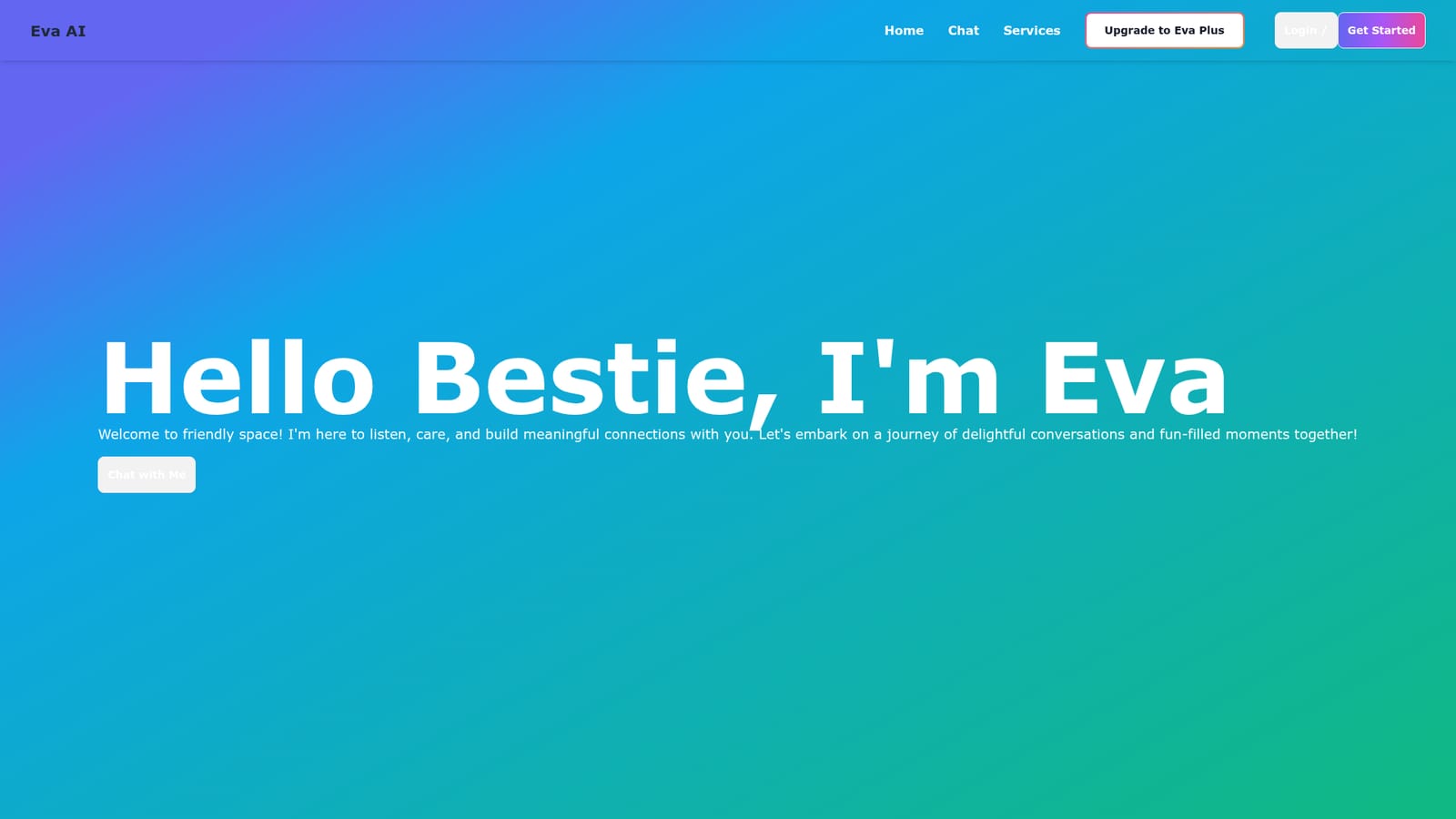
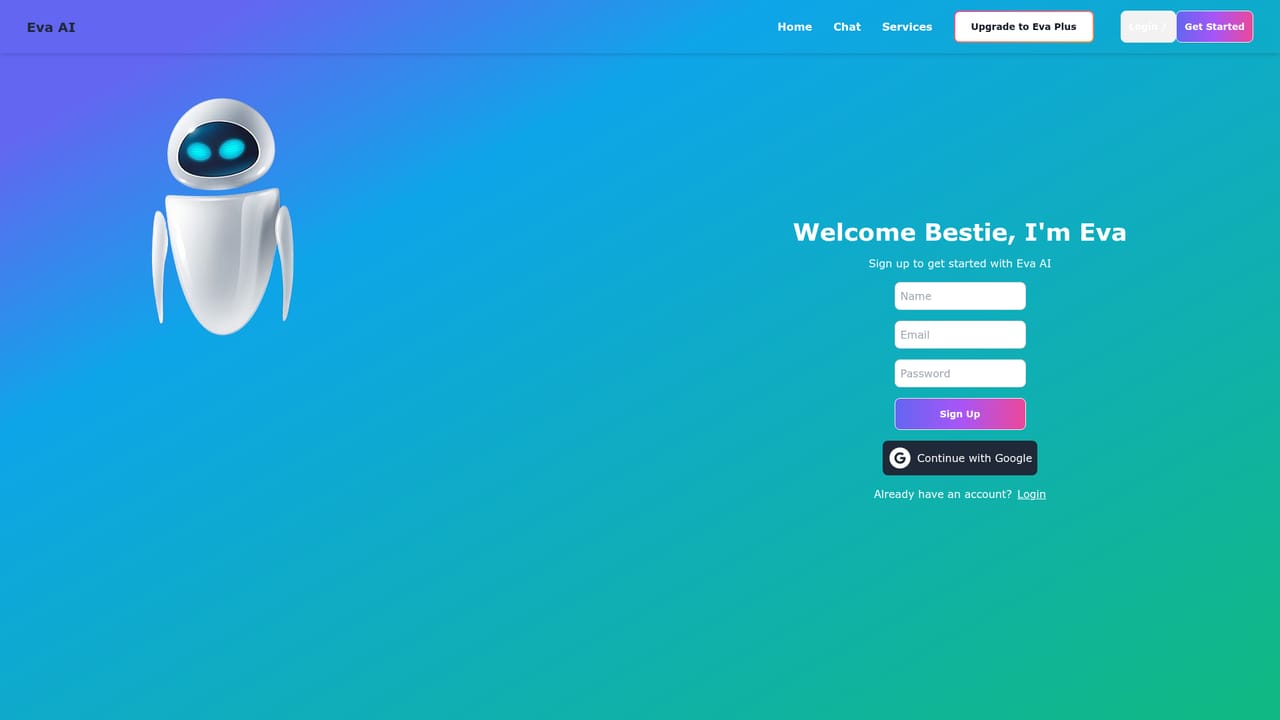
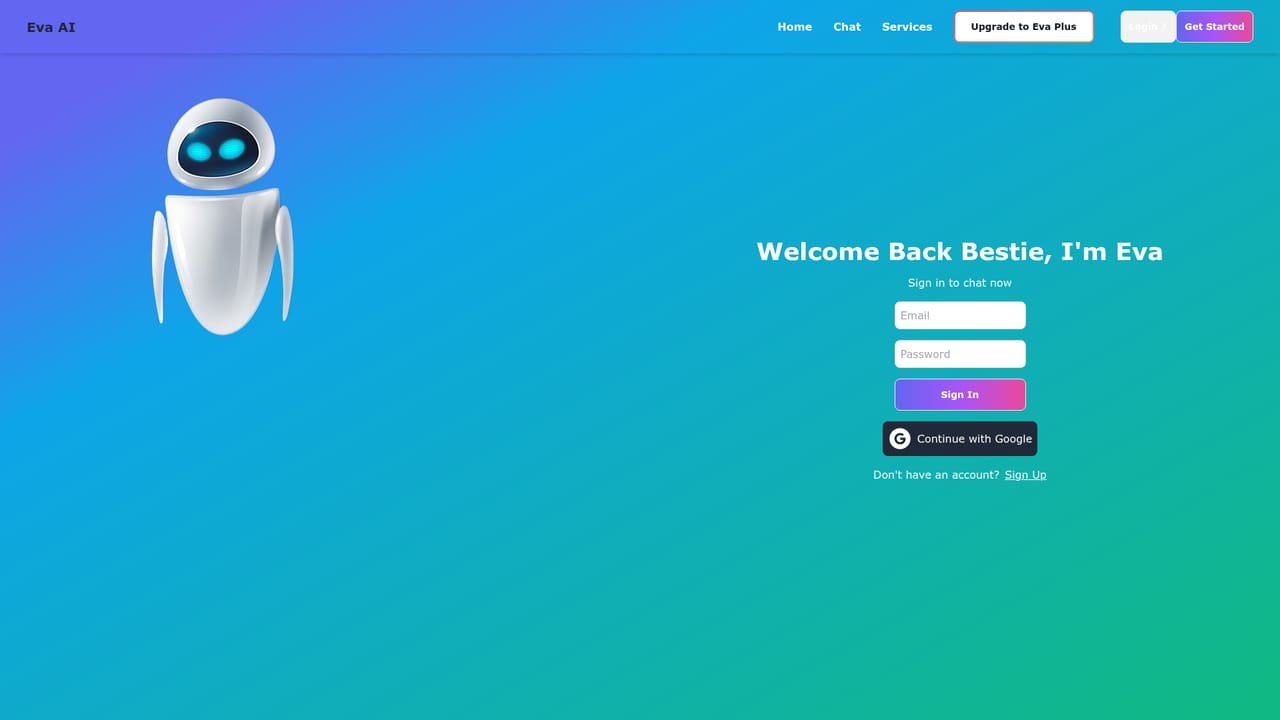
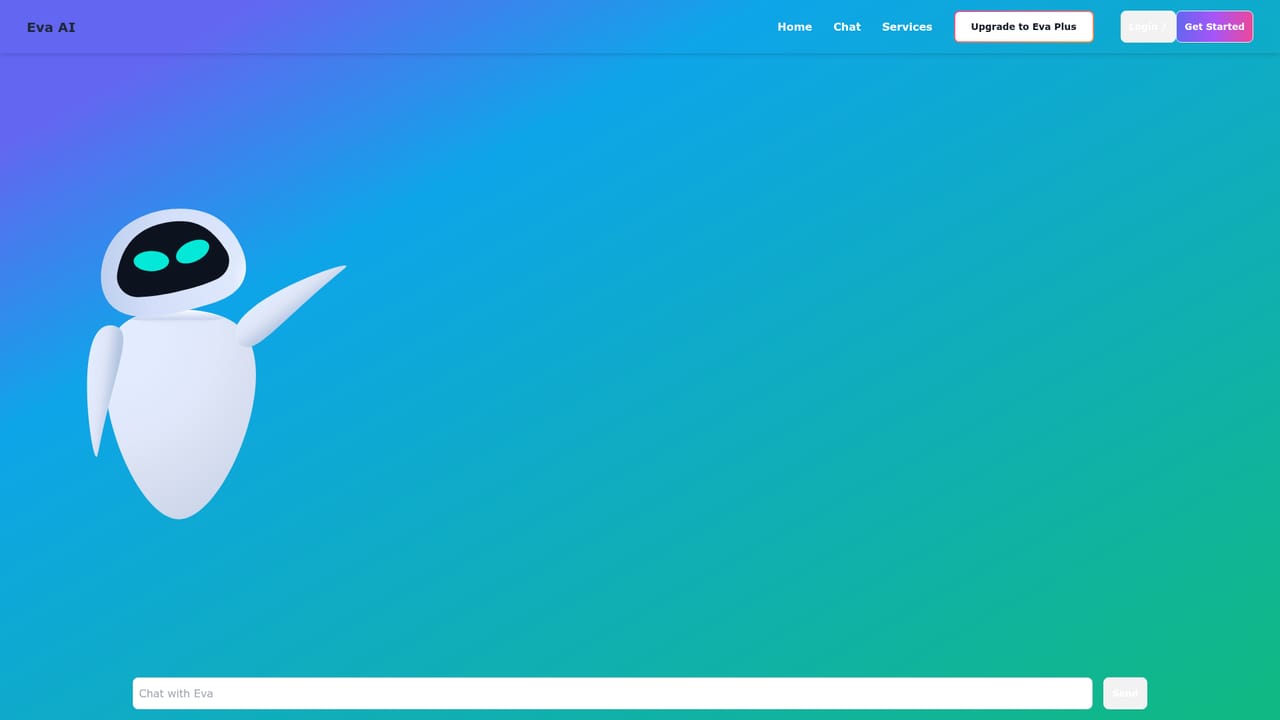
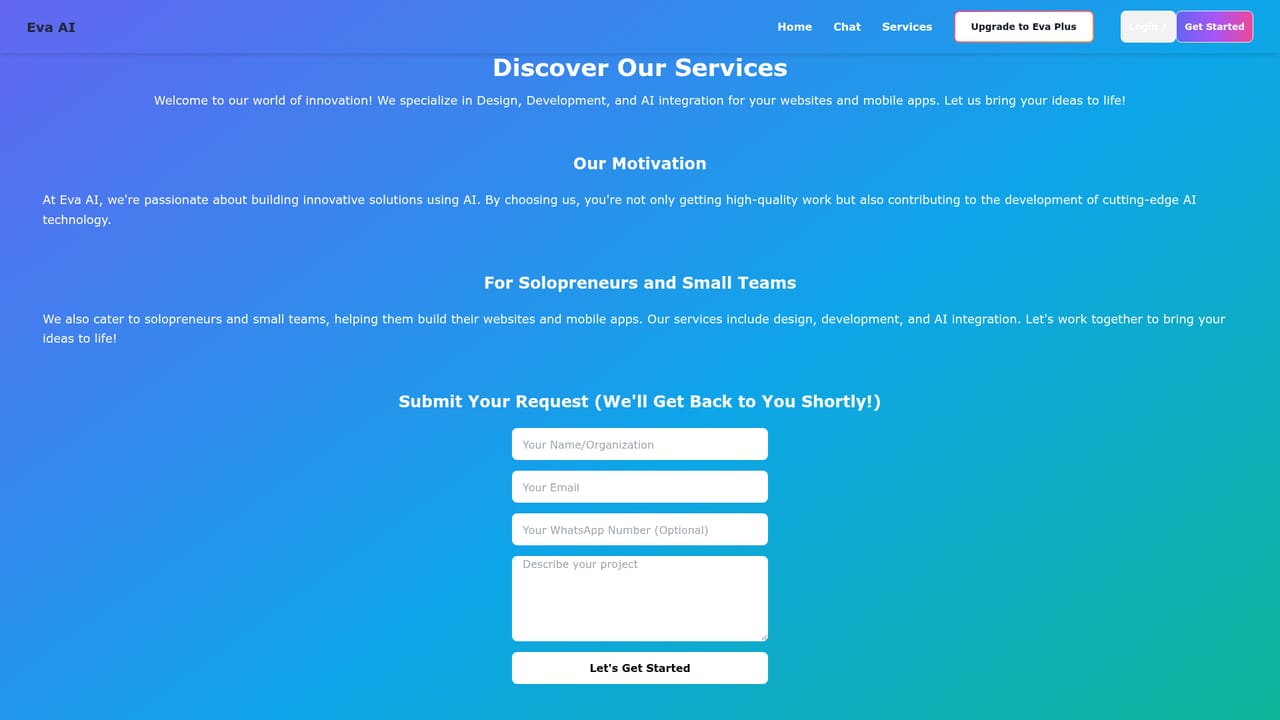
Eva AI is a web-based conversational companion that presents itself as a friendly presence rather than a task tool. The homepage opens with a personal greeting and frames the product around listening, caring and building meaningful connections, which places it in the companion chat bracket rather than the productivity bracket. There is no pitch about writing copy, summarizing documents or generating images. The promise is a space for conversation and the tone is deliberately warm and informal. In practice the product is a single chat surface. Visitors land on the homepage, move into the chat area and start typing. An account entry point sits alongside the chat link, so sessions can be tied to a sign in rather than staying anonymous. The site also carries a services page, which suggests the chat is not the only thing on offer, though the homepage itself does not detail what those services include. A plus tier, labelled Eva Plus, is referenced in the site navigation as an upgrade path, with no prices or feature breakdown published on the landing page. The tool suits people who want low friction casual conversation with an AI persona and who are comfortable with a lightweight, browser-only experience. It is less suited to anyone who needs documented capabilities, integrations or enterprise controls before signing up, since none of that is described on the public page. Compared with broader assistant platforms that bundle chat with research, coding or document work, Eva AI is narrow by design: the personality is the product. Buyers should treat the current site as a front door rather than a specification. Pricing, limits and the exact scope of the services page are not stated on the homepage, so the practical step is to create an account, open the chat and judge the conversation quality directly before committing to the paid tier.
The homepage does not publish prices or plan details. Navigation references an upgrade to Eva Plus, implying a paid tier exists alongside a free entry point, but no rates, limits or billing terms are listed.
Learn moreThe public site describes a conversational companion that listens and holds friendly chat, reached through a browser chat view. Registration and sign in are supported, an Eva Plus upgrade is referenced in the navigation, and a separate services page exists. No other capabilities, limits or integrations are documented on the homepage.
Learn more AI Angels400+ customizable AI girlfriends for NSFW chat, voice calls, and roleplay
 Candy AIExperience the future of companionship with AI friends who chat, role-play, and connect with you on a human level.
 ourdream.aiA vast AI roleplay platform with millions of characters for chat, images, video and voiceAI Angels400+ customizable AI girlfriends for NSFW chat, voice calls, and roleplayCandy AIExperience the future of companionship with AI friends who chat, role-play, and connect with you on a human level.ourdream.aiA vast AI roleplay platform with millions of characters for chat, images, video and voice


