Free trial
A free tier is referenced in the FAQ and the extension is promoted for free use, but the homepage gives no details on limits or duration.
Learn moreOne AI assistant across browser, mobile, desktop and Telegram

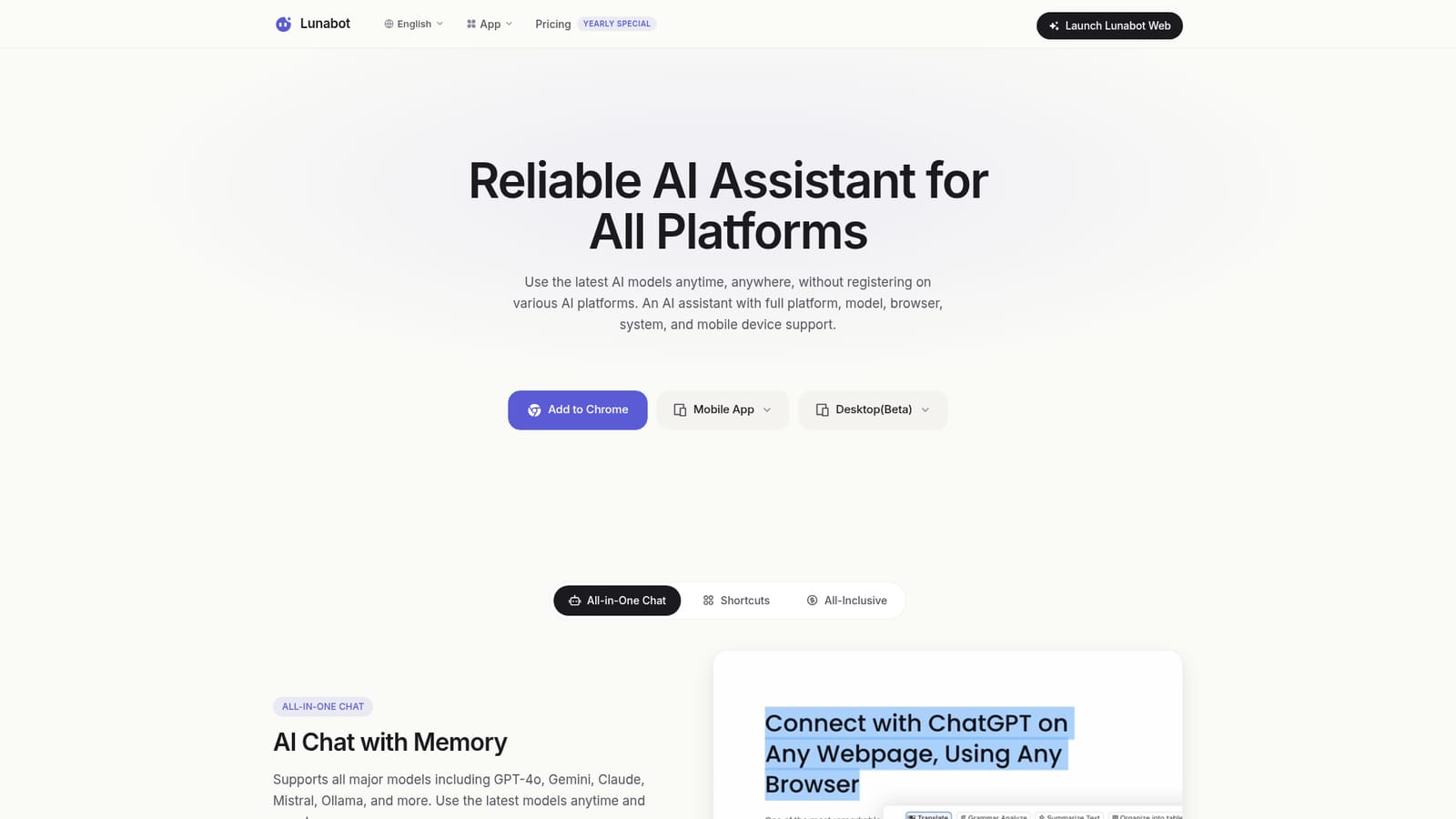
Lunabot is an AI chat bot tool. Lunabot bundles GPT-4o, Gemini, Claude, Mistral and Ollama behind one account that works as a Chrome extension, mobile app, desktop client, web chat and Telegram bot, aimed at reading, writing and quick research without a ChatGPT account or API key.
Lunabot is a cross platform AI assistant that puts a single chat interface in front of several major language models, including GPT-4o, Gemini, Claude, Mistral and Ollama. The pitch is convenience: there is no ChatGPT account to create and no OpenAI API key to manage. A user installs the Chrome extension, mobile app, desktop client or Telegram bot, signs in once, and can then draw on the supported models from whatever device is at hand. Sync keeps conversations and custom commands consistent between those surfaces. For writing work, the product leans on context awareness. The browser extension sits alongside any web page and can summarise or translate what is on screen, and the AI chat memory remembers earlier requests so text does not have to be pasted back in. Custom AI commands let a user save recurring instructions, for example a tone or format for social posts, and trigger them when relevant. Document chat covers question answering over files that do not need to be downloaded first, which suits students working through readings and knowledge workers drafting from source material. Voice input and output extend the same assistant to hands free situations such as driving. The intended audience is broad rather than specialist. The site speaks to students, office workers and content creators who want ChatGPT style help without juggling subscriptions or remembering which platform holds which model. A developer testimonial points to API integration, though the homepage does not document it in detail. Image generation from text and text extraction from images round out the feature set, so light visual work sits beside the writing tools. Where Lunabot fits: it is a wrapper and convenience layer, not a model maker. Users who want one login, a lower price than a first party subscription and the freedom to switch between providers will find the value clear. Users who need deep model specific controls, guaranteed access to the newest releases on day one, or documented enterprise terms should verify those points before committing. The site positions reliability through multiple data centers and provider partnerships, and privacy through encryption, a control panel and GDPR compliance claims.
A free tier is referenced in the FAQ and the extension is promoted for free use, but the homepage gives no details on limits or duration.
Learn moreThe site describes flexible plans running from free to premium, with a one-time payment option covering all platforms, costs positioned below ChatGPT and no need for separate AI accounts or API keys. It also mentions dynamic usage based pricing and earning points by contributing data or ideas. No specific prices are listed on the homepage.
Learn moreQuestions are directed to hi@lunabot.ai. The homepage offers an FAQ covering supported models, efficiency, pricing, data security and service stability, but names no help centre or live chat channel.
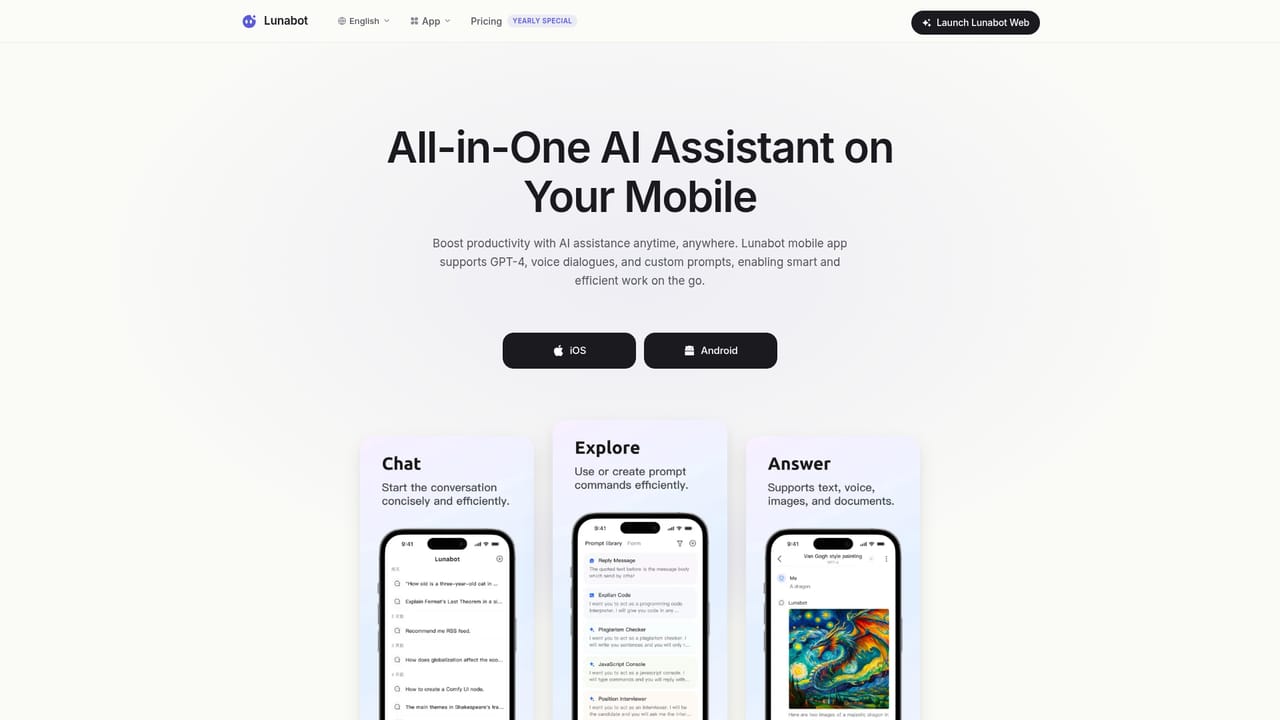
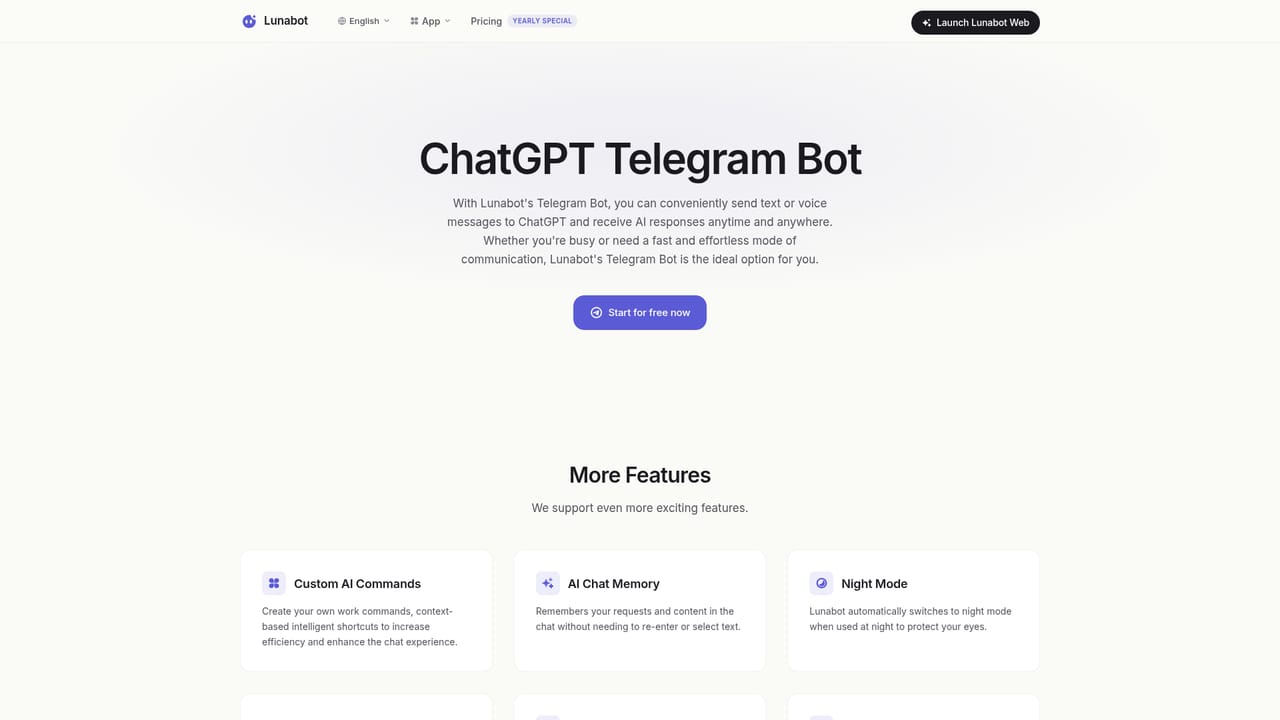
Official clients exist for Chrome, iOS, Android, Telegram, Siri shortcuts (beta), macOS and Windows (beta) plus a web chat. Models from OpenAI, Google, Anthropic, Mistral and Ollama are reachable, and a user testimonial mentions API integration without further documentation.
Multi model chat with memory covering GPT-4o, Gemini, Claude, Mistral and Ollama; custom AI commands; document chat; page summarising and translation from a browser sidebar; voice input and output; text to image and image to text generation; cross device sync; night mode; a privacy control panel; and multi data center deployment for uptime.
 AI Angels400+ customizable AI girlfriends for NSFW chat, voice calls, and roleplay
 Candy AIExperience the future of companionship with AI friends who chat, role-play, and connect with you on a human level.
 ourdream.aiA vast AI roleplay platform with millions of characters for chat, images, video and voiceAI Angels400+ customizable AI girlfriends for NSFW chat, voice calls, and roleplayCandy AIExperience the future of companionship with AI friends who chat, role-play, and connect with you on a human level.ourdream.aiA vast AI roleplay platform with millions of characters for chat, images, video and voice


