Free trial
Scripting, scene planning and price checks cost nothing, so you can see a video's length and cost before anything is drawn. Rendering before a purchase adds a small explain.ink mark.
Learn moreTurn a topic, script or document into a hand-drawn explainer video
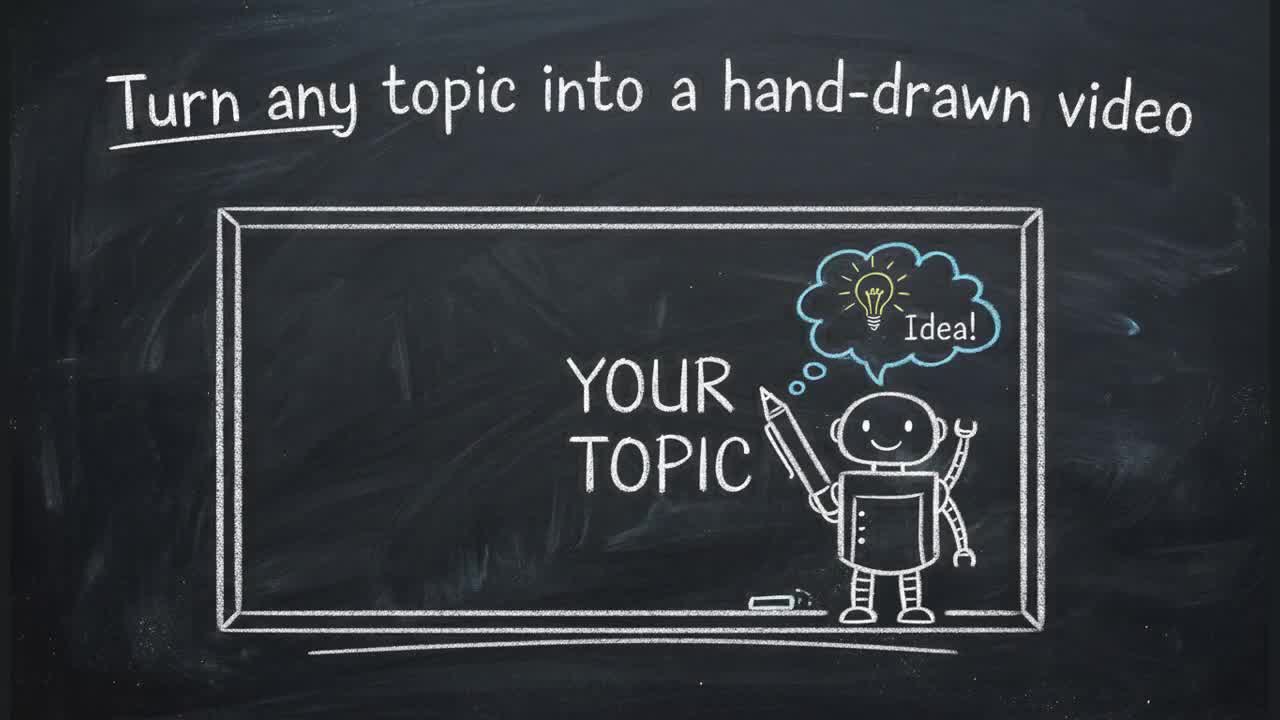
explain.ink is an AI narration tool that turns a topic, script or document into a hand-drawn explainer video. explain.ink converts a topic, a written script or an uploaded document into a narrated hand-drawn explainer video.
explain.ink is a web tool that produces hand-drawn explainer videos from one of three starting points: a one line topic, a script you already wrote, or a document you upload. In each case the service writes or keeps the story, generates drawn scenes to match it, records a narration track and renders a video file. A whiteboard, chalkboard, notebook, comic, blueprint and minimal look are among the many styles offered, and a custom reference can be uploaded to define a look of your own. The whole video follows a single style setting, so a series of lessons or product clips stays visually consistent without an animator being involved. The workflow is deliberately narrow. You pick the input and the style, decide the frame shape (landscape, vertical or square) before rendering, and the platform handles scripting, artwork and voiceover. Individual frames can be redrawn or reworded and the video rebuilt, which avoids starting over when one scene misses the mark. Finished pieces can run up to five minutes, though the tool is clearly aimed at the 30 second to three minute range where a single idea holds attention. The audience is anyone who has to explain something to people who were not in the room: teachers turning notes into rewatchable lessons, course authors needing forty lessons that look related, marketers replacing stock footage, and training teams converting an existing SOP into a watchable walkthrough. Competing tools usually assemble motion graphics from template libraries or expect you to edit footage yourself. explain.ink sits closer to the automated script-to-video category, with its differentiator being that scenes are generated for the specific script rather than pulled from an asset pack. Commercial rights are included in the output file. Videos rendered before any minutes are purchased carry a small explain.ink watermark, and every render after a first purchase comes out clean. You can plan and preview a video at no cost, see its length and its price, then decide whether to spend minutes. Purchase is a one off pack of minutes rather than a subscription, and the balance stays usable for 12 months.
Scripting, scene planning and price checks cost nothing, so you can see a video's length and cost before anything is drawn. Rendering before a purchase adds a small explain.ink mark.
Learn moreOne off minute packs rather than a subscription: $10 for 2 minutes, $20 for 5, $45 for 15 and $100 for 50, sliding from $5.00 to $2.00 per minute. Every pack unlocks the same features; only the per minute rate changes. A single minute costs $5. Minutes last 12 months from purchase. Planning a video is free and failed renders are not charged.
Learn moreText, script, document and PDF to video inputs; roughly twenty drawn styles plus custom reference upload; narration generated from the script; landscape, vertical and square output; per frame redraw and reword with rebuild; MP4 export with full commercial rights; watermark removed after first purchase; multiple videos rendering at once.
Learn more AI Angels400+ customizable AI girlfriends for NSFW chat, voice calls, and roleplay
 Candy AIExperience the future of companionship with AI friends who chat, role-play, and connect with you on a human level.
 ourdream.aiA vast AI roleplay platform with millions of characters for chat, images, video and voiceAI Angels400+ customizable AI girlfriends for NSFW chat, voice calls, and roleplayCandy AIExperience the future of companionship with AI friends who chat, role-play, and connect with you on a human level.ourdream.aiA vast AI roleplay platform with millions of characters for chat, images, video and voice