Support
Contact is handled through a contact form and demo request; the homepage gives no details on support tiers or response times.
Learn moreFacial biometrics built to catch deepfakes, not just faces

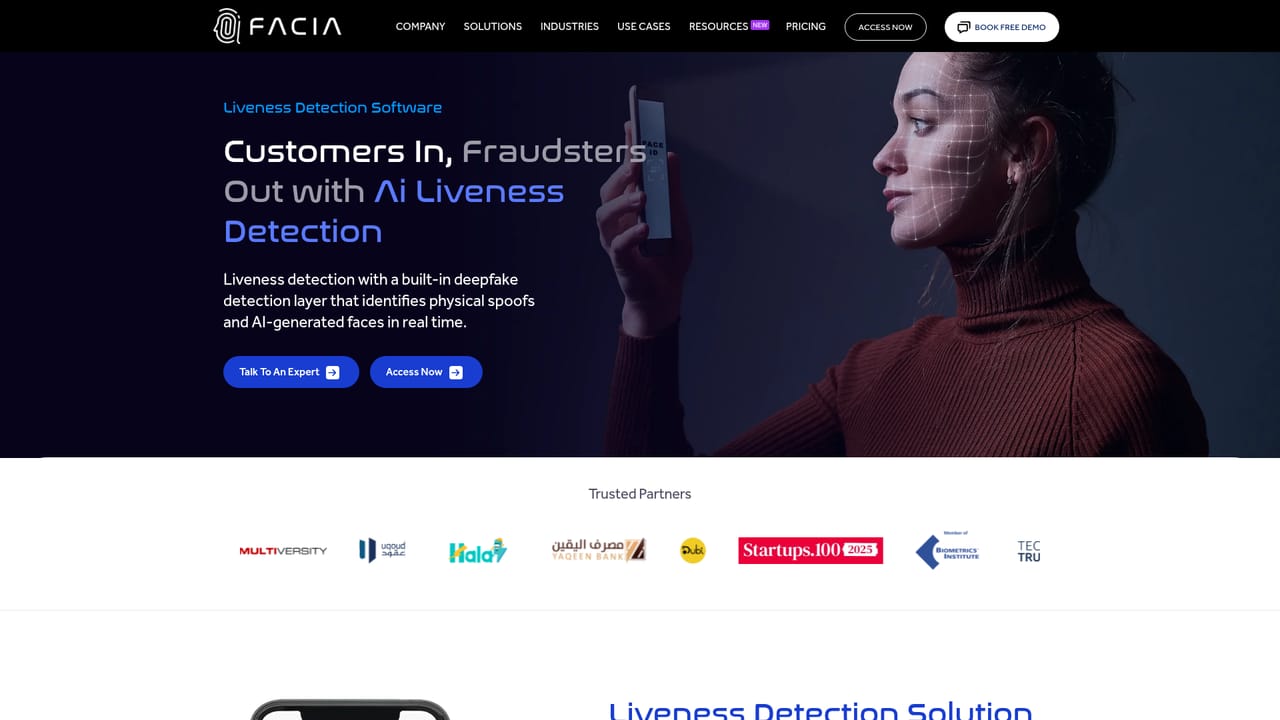
Facia AI is an AI detector tool. Facia AI combines liveness detection, deepfake detection and facial recognition for KYC onboarding, step-up authentication, video interview screening and access security. Its DeepLiveness layer checks whether a face is genuine, not merely present, and the company cites iBeta Level 2 compliance and sub-1% error rates.
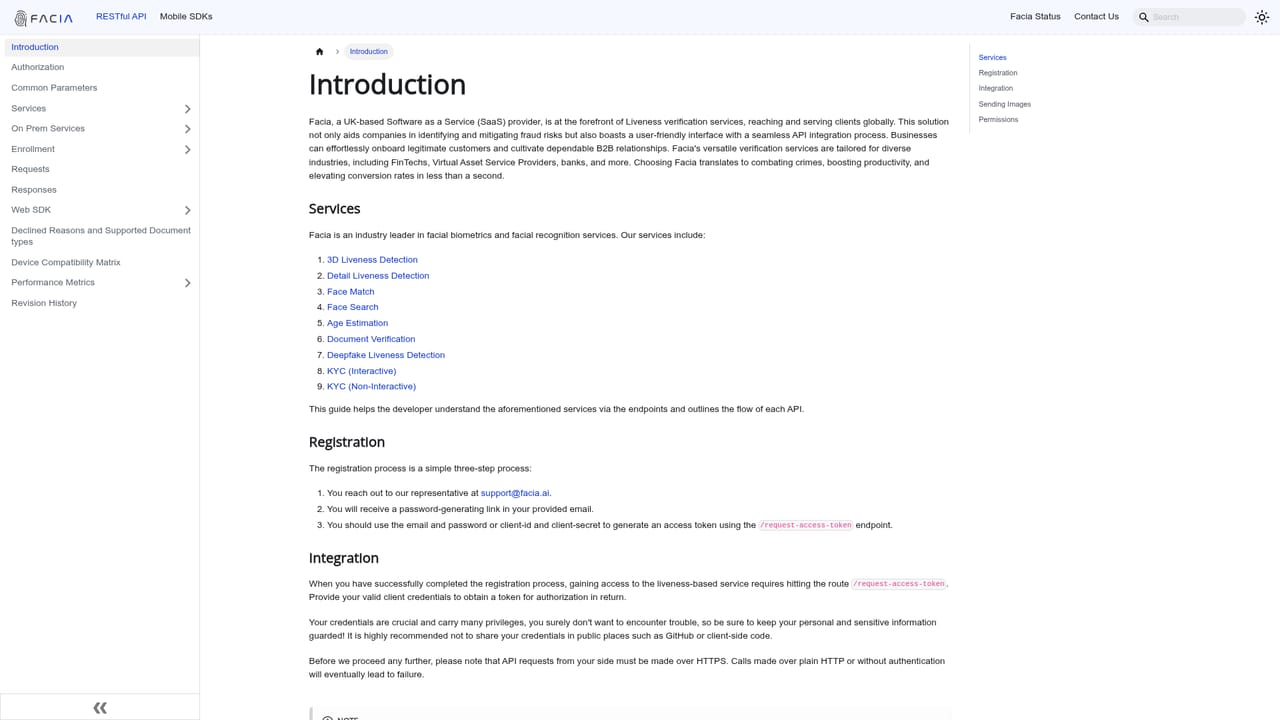
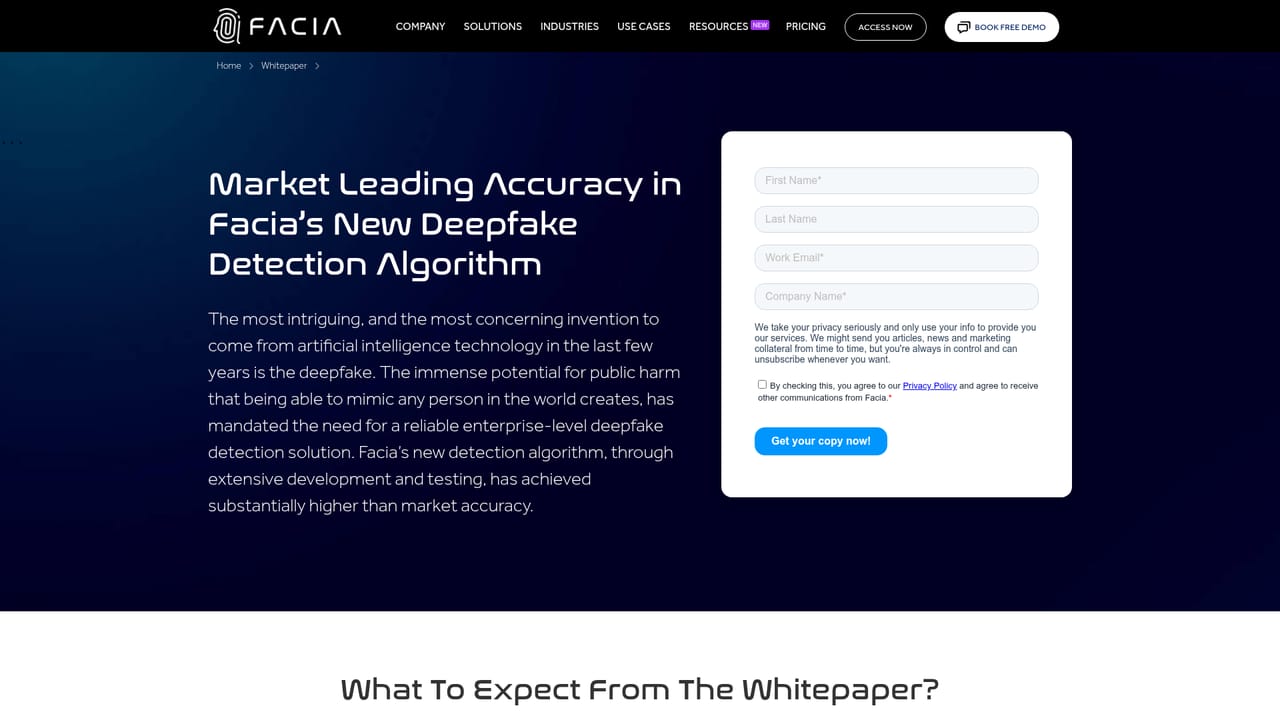
Facia AI is a biometric identity platform aimed at the fraud problem that ordinary face matching does not solve: a live camera feed of a person who is not really there. The product line covers three areas. Liveness detection confirms that a real, present human is in front of the camera rather than a photo, a replay, a mask or a synthetic face. Deepfake detection inspects images and video for AI generation and face swaps. Facial recognition handles 1:1 photo ID matching, 1:N searching, image-to-video and video-to-video comparisons, and age estimation. The company's differentiator is DeepLiveness, a layer that runs on top of standard liveness checks. Facia argues that presence alone is a weak signal now that generative tools can produce convincing faces live, so its stack adds texture, motion, depth and neural anomaly analysis to judge whether the face itself is authentic. Published figures cite a false acceptance rate of 0.06% and a false rejection rate of 0.3%, and the liveness product carries iBeta Level 2 compliance under ISO 30107-3 for presentation attack detection. Facia also points to NIST face recognition testing and says its models are trained across demographic groups to limit bias. Typical deployments are enterprise and government workflows rather than consumer apps: KYC onboarding, step-up authentication before high-risk account actions, biometric enrollment and recovery, deepfake screening during video interviews and support calls, and person-of-interest detection on live security streams. Facia reports that customer onboarding pass rates reached 95% in one deployment and that a hiring platform caught 15% of applicants using deepfakes. Among alternatives, Facia competes with liveness vendors such as iProov and identity platforms that bundle face verification, and its pitch rests on deepfake-specific detection layered into the same one-second check. Teams that only need basic selfie matching will find the stack broader than necessary. Pricing is quoted through sales rather than published, and integration runs through a developer portal.

Contact is handled through a contact form and demo request; the homepage gives no details on support tiers or response times.
Learn moreIntegration is offered through a developer portal with customizable methods for embedding the checks into existing KYC and identity flows; the homepage gives no named third-party integrations.
Learn moreThree modules: liveness detection with DeepLiveness for synthetic face and spoof detection (active and passive modes, sub-one-second response, hats and glasses supported, protection against 56+ spoofing attack types), deepfake detection for AI-generated images and cross-platform video, and facial recognition with 1:1 ID matching, 1:N search, image-to-video and video-to-video matching, plus age estimation.
Learn more AI Angels400+ customizable AI girlfriends for NSFW chat, voice calls, and roleplay
 Candy AIExperience the future of companionship with AI friends who chat, role-play, and connect with you on a human level.
 ourdream.aiA vast AI roleplay platform with millions of characters for chat, images, video and voiceAI Angels400+ customizable AI girlfriends for NSFW chat, voice calls, and roleplayCandy AIExperience the future of companionship with AI friends who chat, role-play, and connect with you on a human level.ourdream.aiA vast AI roleplay platform with millions of characters for chat, images, video and voice


