Felo

Multilingual AI search that also creates slides, maps, and clips.

Beginner
Screenshot of Felo, Multilingual AI search that also creates slides, maps, and clips

What is Felo?

Felo is an AI search tool. Felo combines multilingual AI search with built-in creation tools for slides, mind maps, documents, images and short videos. It suits researchers and content teams who want one workspace from question to deliverable, though much of the creation layer is still in beta.

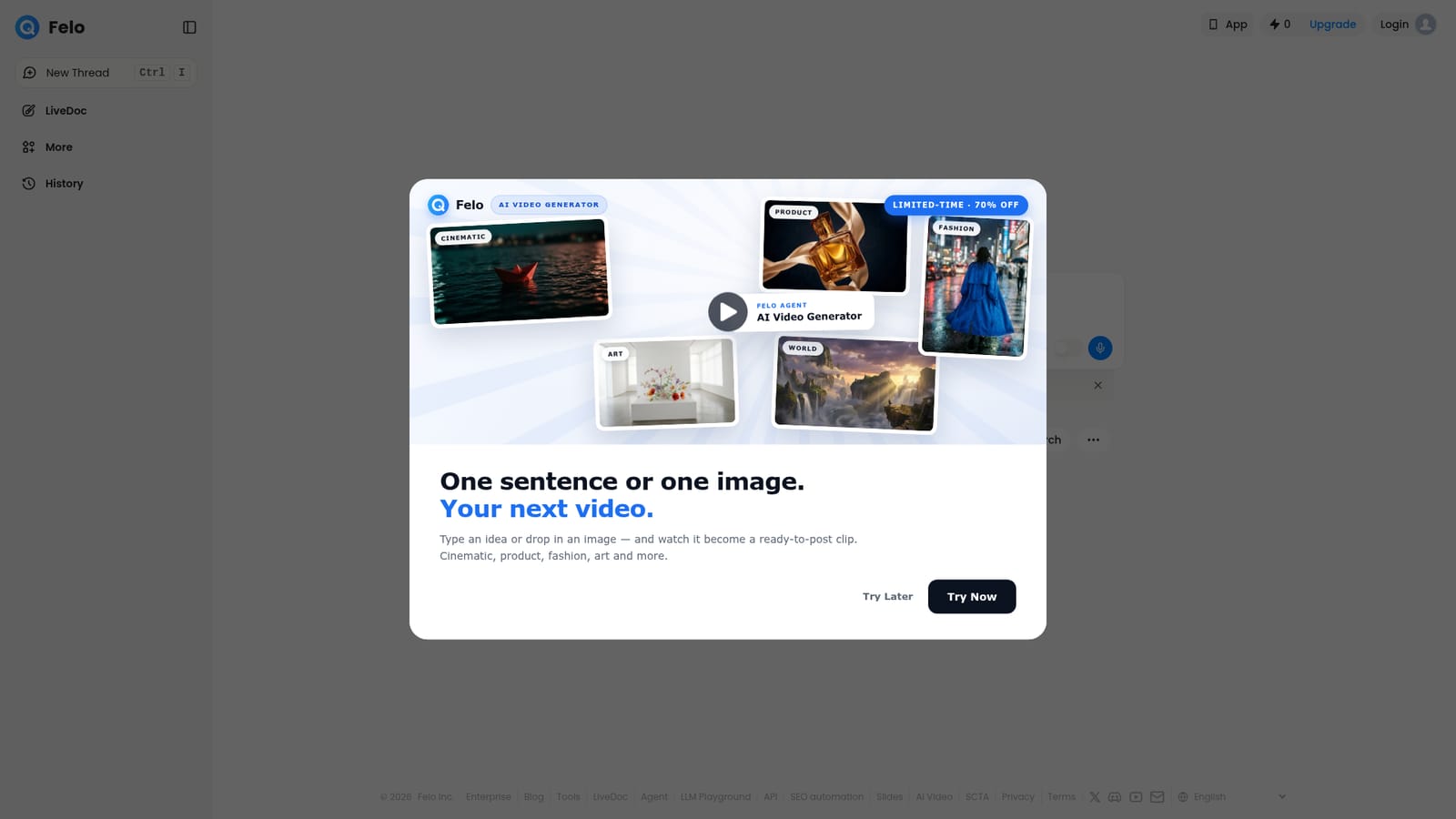
Felo is an AI search and creation platform built around cross-language research. You type a question or drop in files, and the system pulls material from sources in multiple languages, then presents an answer rather than a bare list of links. The same workspace then lets you turn that research into an AI slide deck, mind map, document, image or webpage without exporting to another product. A beta agent layer sits on top of the search box to handle multi-step creation tasks, and the site advertises access to several model backends, so users can pick a model for a given query. The tool is aimed at people who research across language barriers and then need to communicate what they found: students, analysts, marketers, consultants and writers who would otherwise run searches, translate sources and build decks as three separate jobs. In practice the workflow starts with a query or an uploaded file in the main search field. Results feed into the Create menu, where slide, video, designer and research templates take the output further. File drops suggest that uploaded documents can be used as context, which suits teams that need answers grounded in their own material rather than the open web. Felo positions itself as a free, all-in-one alternative to stitching together a search engine, a translator and a slide tool. The category is crowded: Perplexity owns the answer-engine narrative, while Gamma and Tome cover AI slide making. Felo bets on breadth (search plus creation plus multilingual coverage) and on keeping those steps in one interface. The homepage promotion for an AI video generator, with a temporary discount, shows the platform is expanding toward media generation rather than staying a pure research utility. Because much of the product is free and the creation modes are labeled beta, expectations should be set accordingly. Felo is a strong fit for quick multilingual reconnaissance and first-draft deliverables. It is less clearly a replacement for a dedicated research database or a professional design suite, and the homepage does not document pricing tiers, data handling or integrations, so buyers with compliance requirements should verify those before committing.

How do you use Felo?

  1. 1Open the search page and choose a model
    Go to the Felo search page and select one of the advertised models from the model switcher. Changing the model changes the style and depth of the answer you get.
    Felo — Open the search page and choose a model
  2. 2Ask a question or drop in a file
    Type your query into the main field, or drag a document onto the drop area to use it as context. Press Ctrl+Enter to run the search.
  3. 3Read the synthesized answer and check sources
    Review the cross-language answer rather than a list of links. Open the cited sources to confirm claims before reusing them.
  4. 4Turn findings into a deliverable
    Use the Create menu to convert the research into an AI slide deck, mind map, document or image. Pick the template that matches the output you need.
  5. 5Try the agent for multi-step tasks
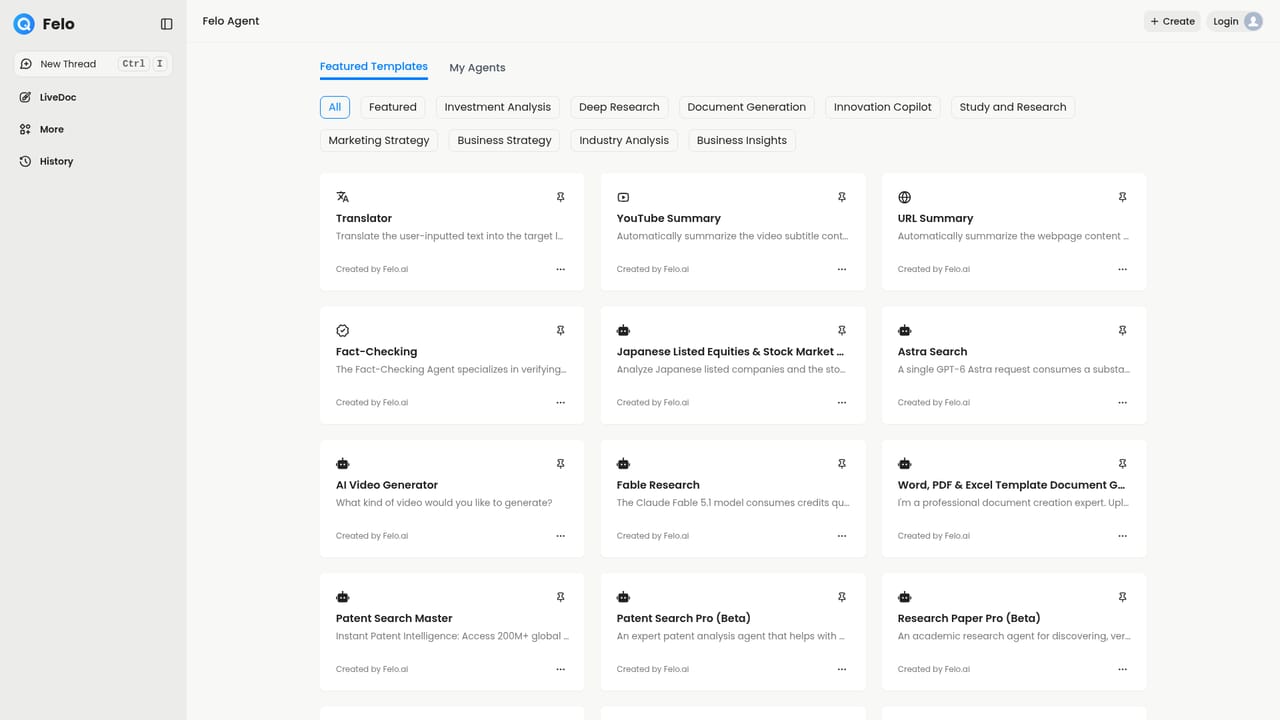
    The beta agent page handles longer workflows that combine search and creation. Use it when a single query is not enough to reach the finished asset.
    Felo — Try the agent for multi-step tasks

Pros and cons

Pros

  • Search and creation live in one interface, so research output can become a slide deck or document without switching apps.AI
  • Multilingual source coverage is the core design goal, which helps when relevant material exists only in another language.AI
  • The platform is free to use at the entry level according to its homepage positioning.AI
  • Model switching lets users choose between several advertised AI backends depending on the task.AI
  • File drop support suggests answers can be grounded in your own uploaded material.AI

Cons

  • The creation tools, including the agent layer and video generator, are labeled beta, so output quality and stability may vary.AI
  • Pricing tiers, limits and what Pro unlocks are not documented on the homepage.AI
  • There is no public documentation of data retention, source citation depth or enterprise controls.AI
  • Breadth across search, slides, images and video risks being shallow in each area compared with focused competitors.AI
  • The homepage devotes significant space to promotions, which makes it harder to judge the core product.AI

How much does Felo cost?

Features

Cross-language AI search with synthesized answers, a model switcher for several advertised AI backends, file drop for context, and a Create menu covering AI slides, mind maps, documents, images and webpages. A beta agent layer handles multi-step tasks, and an AI video generator turns a sentence or image into a short clip.

Frequently asked questions about Felo

  • How do you use Felo?
    The walkthrough on this page covers 5 steps: 1. Open the search page and choose a model 2. Ask a question or drop in a file 3. Read the synthesized answer and check sources 4. Turn findings into a deliverable 5. Try the agent for multi-step tasks.
  • What platforms does Felo support?
    Felo is available on Web App.
  • What are the limitations of Felo?
    The creation tools, including the agent layer and video generator, are labeled beta, so output quality and stability may vary. Pricing tiers, limits and what Pro unlocks are not documented on the homepage. There is no public documentation of data retention, source citation depth or enterprise controls.

Status

StatusActive
Views0
Outbound clicks0
Added10/21/2026

Platforms

Web App

Pricing

Freemium