Free trial
A free trial is offered; the site links to a sign-up page to start it. No trial length or limits are stated on the page.
Learn moreAn AI layer that builds and queries the workspaces your team runs on

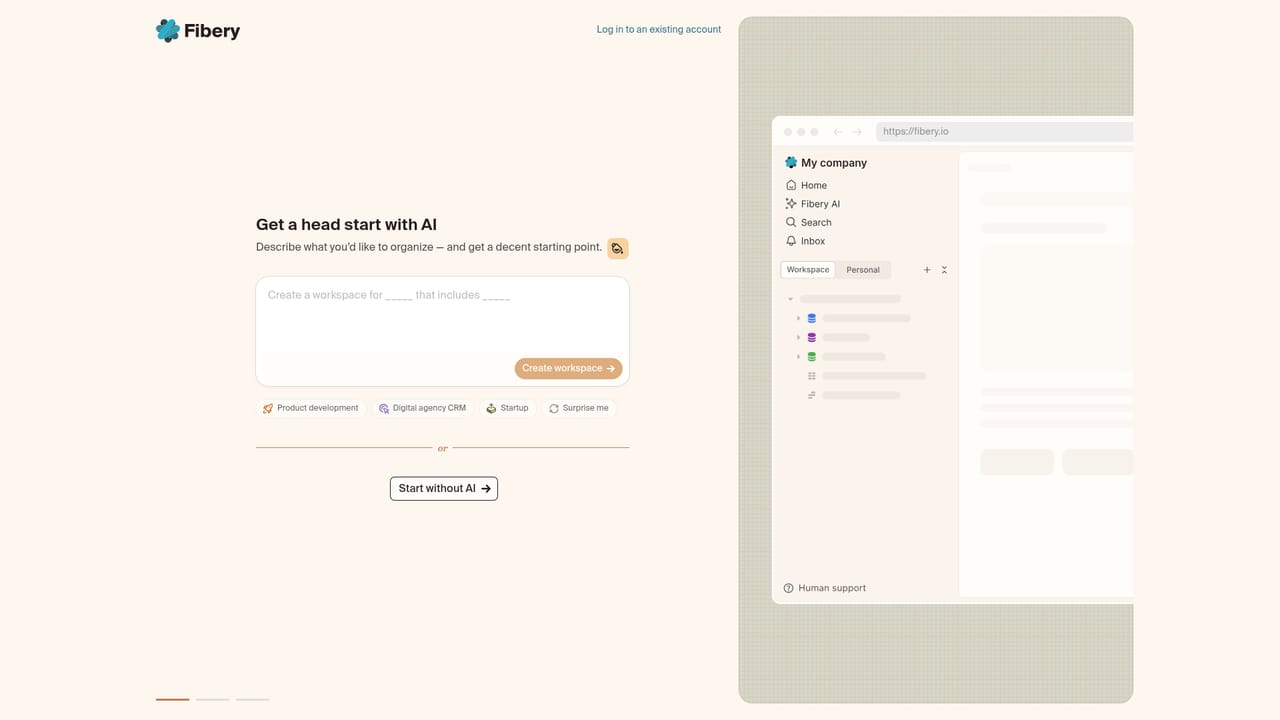
Fibery AI is the assistant layer in Fibery, a modular work platform. It generates a full workspace from a plain language description, answers questions about your live data, and exposes an MCP server so external agents like ChatGPT or Claude Code can operate on the same records your team uses.
Fibery AI is the assistant layer inside Fibery, a modular work platform that teams use to assemble their own tools: spaces, databases, relations, fields, formulas, views and reports. Rather than selling a standalone chatbot, Fibery positions itself as the environment where people and AI agents share the same operational surface. The AI can describe a desired tracking system in plain language and generate the whole workspace, or answer questions about the data already stored, without a trip to a separate tab. The product pitch is deliberately narrow. Fibery describes its job as building the best place for humans and agents to collaborate, not building the smartest agent. Human users and agents are meant to hold comparable powers over the workspace, with spaces, databases, relations, fields, formulas, views, reports, data and whiteboards on one side, and custom apps and automations flagged as coming soon. Inside the product, speed and context are the argument: a founder sketching a CRM, a product team tracking development, or even someone planning a wedding can describe the schema and have it assembled. The other half of the strategy faces outward. Fibery publishes an MCP server so that external assistants, including ChatGPT and Claude Code, can read and modify the same records the team works with. The company openly says it will not invest heavily in its own agents because other vendors have more resources, and it has signposted a future where autonomous agents exist as first class users with their own permissions, reviewed and approved like colleagues. That makes Fibery AI a fit for teams already committed to Fibery as their backbone and wanting AI to shortcut setup and querying, plus technical users who prefer to drive the data from an external agent through MCP. Buyers wanting a polished native agent divorced from a workspace should look elsewhere.
A free trial is offered; the site links to a sign-up page to start it. No trial length or limits are stated on the page.
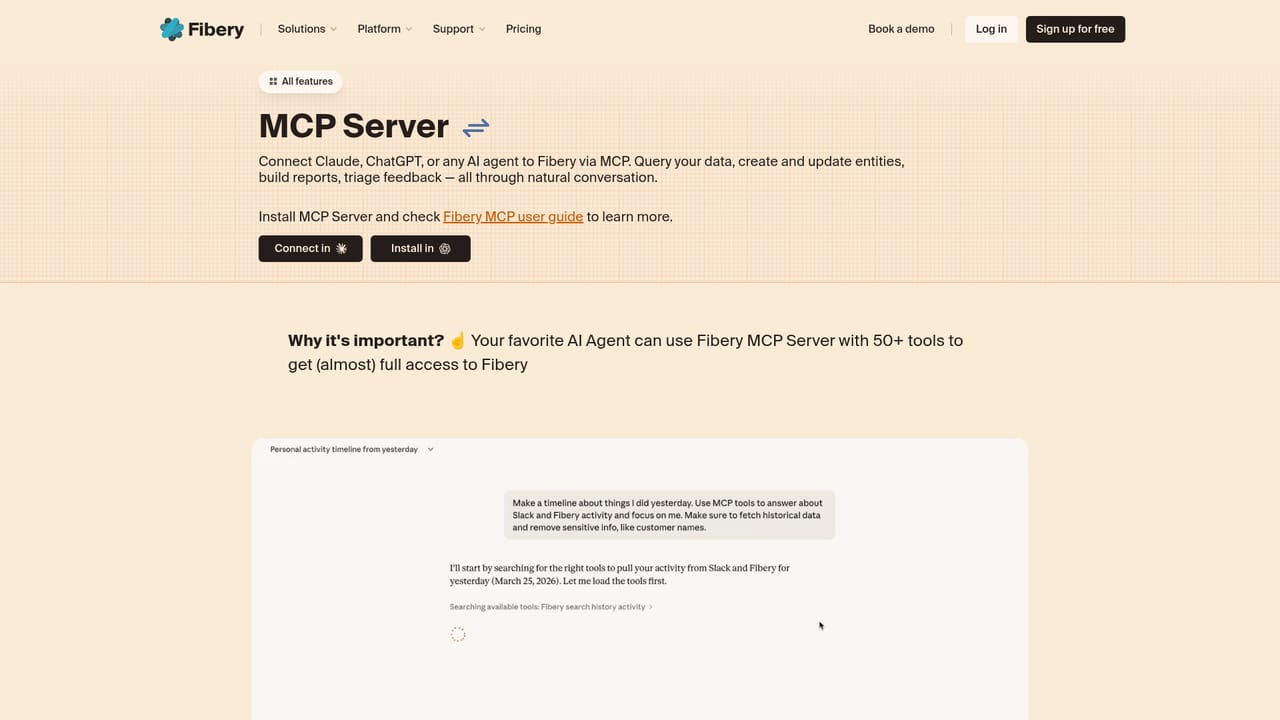
Learn moreThe Fibery MCP server connects external AI assistants, with ChatGPT and Claude Code named on the page, to the same data your team uses.
Learn moreAI workspace generation from a plain language description (CRM, product development, personal projects), in-product question answering over your live data, and an MCP server that gives external assistants the same access to spaces, databases, relations, fields, formulas, views and reports that humans have. Custom apps, automations and whiteboards are listed as coming soon.
 AI Angels400+ customizable AI girlfriends for NSFW chat, voice calls, and roleplay
 Candy AIExperience the future of companionship with AI friends who chat, role-play, and connect with you on a human level.
 ourdream.aiA vast AI roleplay platform with millions of characters for chat, images, video and voiceAI Angels400+ customizable AI girlfriends for NSFW chat, voice calls, and roleplayCandy AIExperience the future of companionship with AI friends who chat, role-play, and connect with you on a human level.ourdream.aiA vast AI roleplay platform with millions of characters for chat, images, video and voice


