Free trial
Fimo offers a free sign up in the browser with no credit card required, and a demo can be booked for a guided look at the platform.
Learn moreAutonomous website platform for code you own and agents you brief

Fimo is an app creation tool. Fimo adds a visual editor, scheduled AI agents and branch isolated environments on top of a website you built with your own coding agent. Content teams edit without touching code, agents run SEO and translation jobs in reviewable branches, and the code stays in your repository.
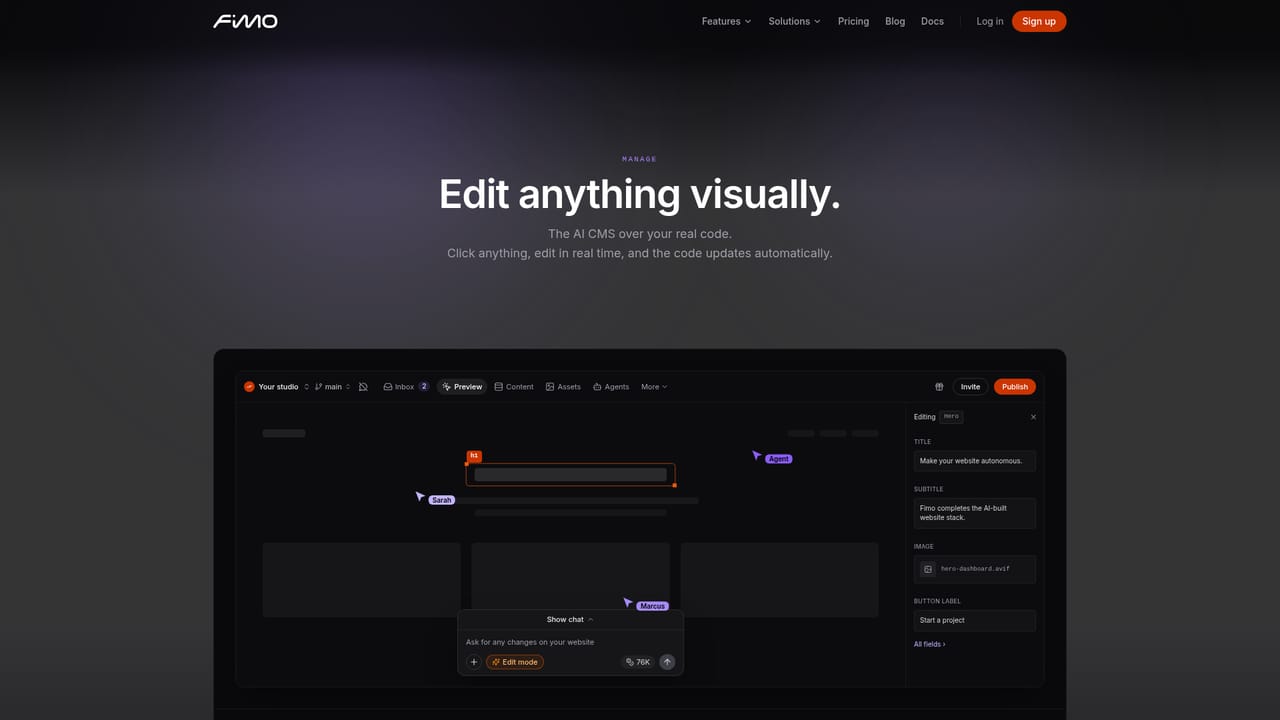
Fimo is a platform for teams that already have a website built with AI coding tools and want it to keep improving after launch. The pitch is narrow and specific: most AI builders generate a site and stop, leaving a static artifact behind. Fimo assumes the site exists in your own repository and layers three things on top of it: a visual editor so non developers can change content, isolated environments for every branch and agent run, and scheduled agents that perform recurring work such as SEO audits, translations, competitor scans and content refreshes. The mechanics matter more than the marketing. Every agent run works in its own branch with a dedicated server, database and asset bucket, so nothing touches production until a human reviews the diff and merges. That review step is the core design decision: Fimo is not selling hands off automation, it is selling supervised automation with a paper trail. The visual editor sits over the real code rather than a proprietary template, so clicking a headline and typing produces a commit. Deployment runs through a single command, with hosting, SSL, CDN and custom domains included. The tool is aimed at two audiences that rarely share a workflow. Developers keep Claude Code, Codex, Cursor, GitHub Copilot or similar tools and the frameworks they already use, including Next.js, Astro, SvelteKit, React and Vite. Marketing and content teams get an editing surface that does not require reading TypeScript. Fimo positions itself as the connective layer between those groups rather than a replacement for either. Compared with AI website builders, the distinction is ownership. The site lives in a repository you control, and Fimo states that no export is needed because there is nothing to export. Compared with a plain CMS, it adds agent scheduling and environment isolation. The tradeoff is that Fimo assumes you arrive with a site and a coding agent; teams without either will find less to do here.
Fimo offers a free sign up in the browser with no credit card required, and a demo can be booked for a guided look at the platform.
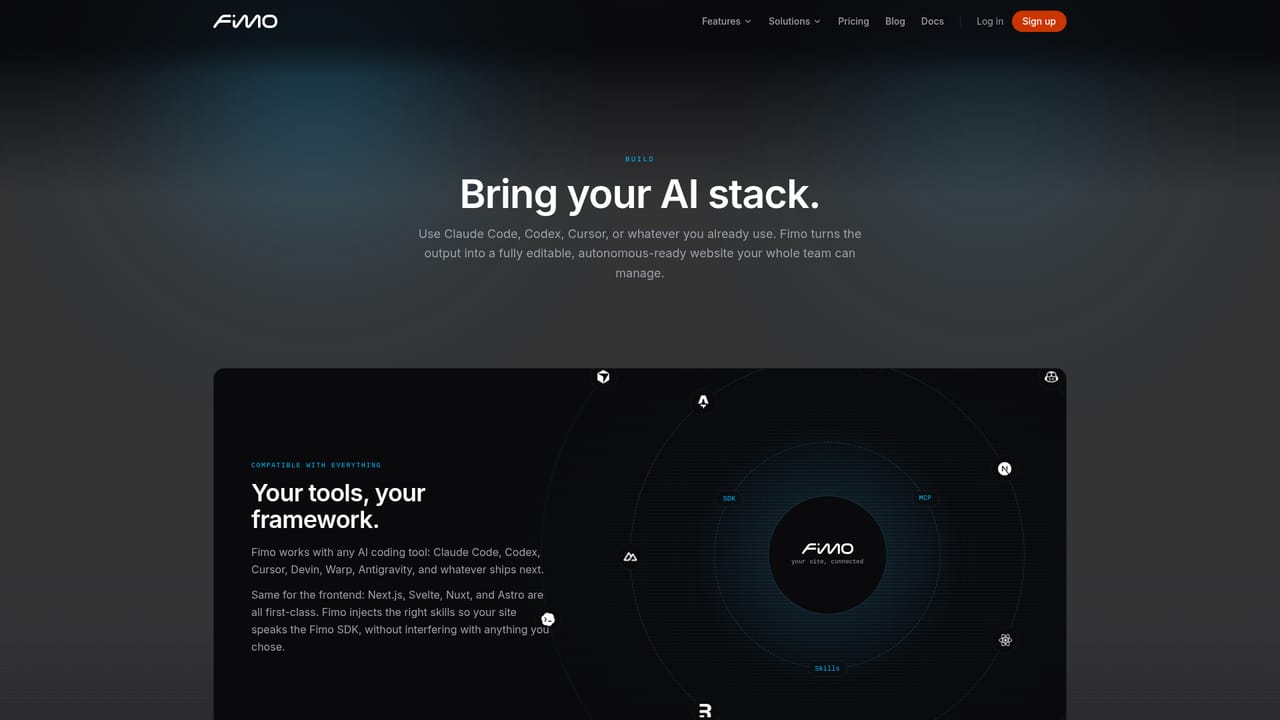
Learn moreCompatible with Claude Code, Codex, Cursor, Devin Desktop, GitHub Copilot and Warp, plus frameworks such as Next.js, Astro, React Router, SvelteKit, React, Vite, TypeScript and Tailwind CSS.
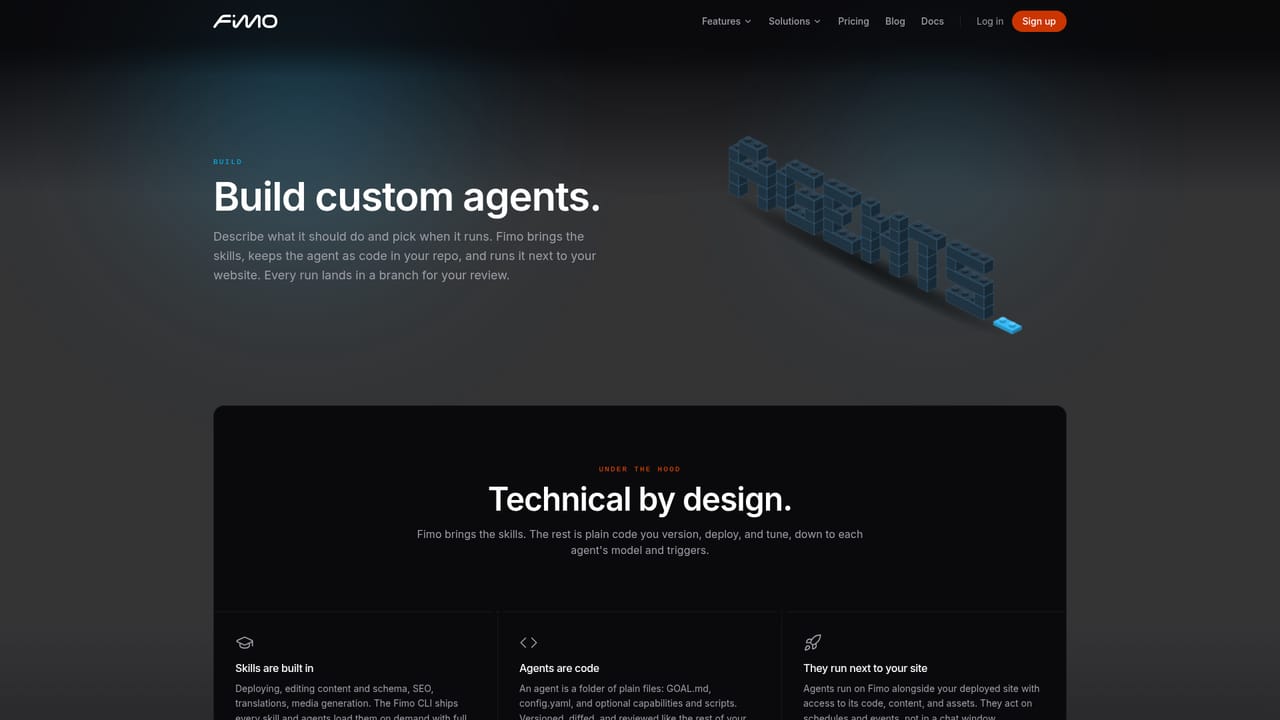
Learn moreCore features include a visual editor that writes to real code, custom agents with goals and schedules for SEO, translations, competitor analysis and content refresh, isolated environments with a dedicated server, database and asset bucket per branch, one command deployment with hosting, SSL, CDN and custom domains, and SEO and GEO oriented output built for search engines and AI assistants.
Learn more AI Angels400+ customizable AI girlfriends for NSFW chat, voice calls, and roleplay
 Candy AIExperience the future of companionship with AI friends who chat, role-play, and connect with you on a human level.
 ourdream.aiA vast AI roleplay platform with millions of characters for chat, images, video and voiceAI Angels400+ customizable AI girlfriends for NSFW chat, voice calls, and roleplayCandy AIExperience the future of companionship with AI friends who chat, role-play, and connect with you on a human level.ourdream.aiA vast AI roleplay platform with millions of characters for chat, images, video and voice


