Free trial
A free trial is offered: the assistant page links to a Start Free Trial sign-up, so the feature can be evaluated before paying.
Learn moreAsk plain English questions about your money inside a budgeting app

FinWise is an advice giver tool. A conversational assistant inside the FinWise budgeting app that answers money questions in plain English, surfaces personalised recommendations and nudges, and guides new users through a customised setup based on their own account data.
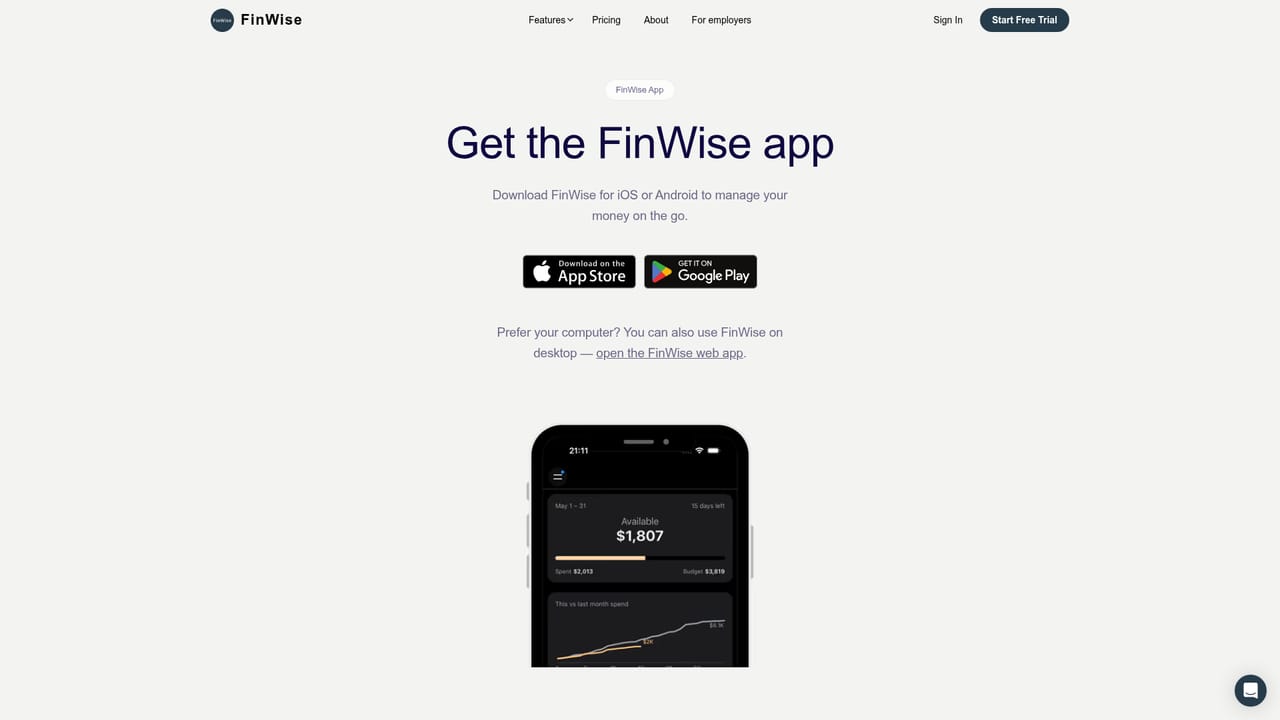
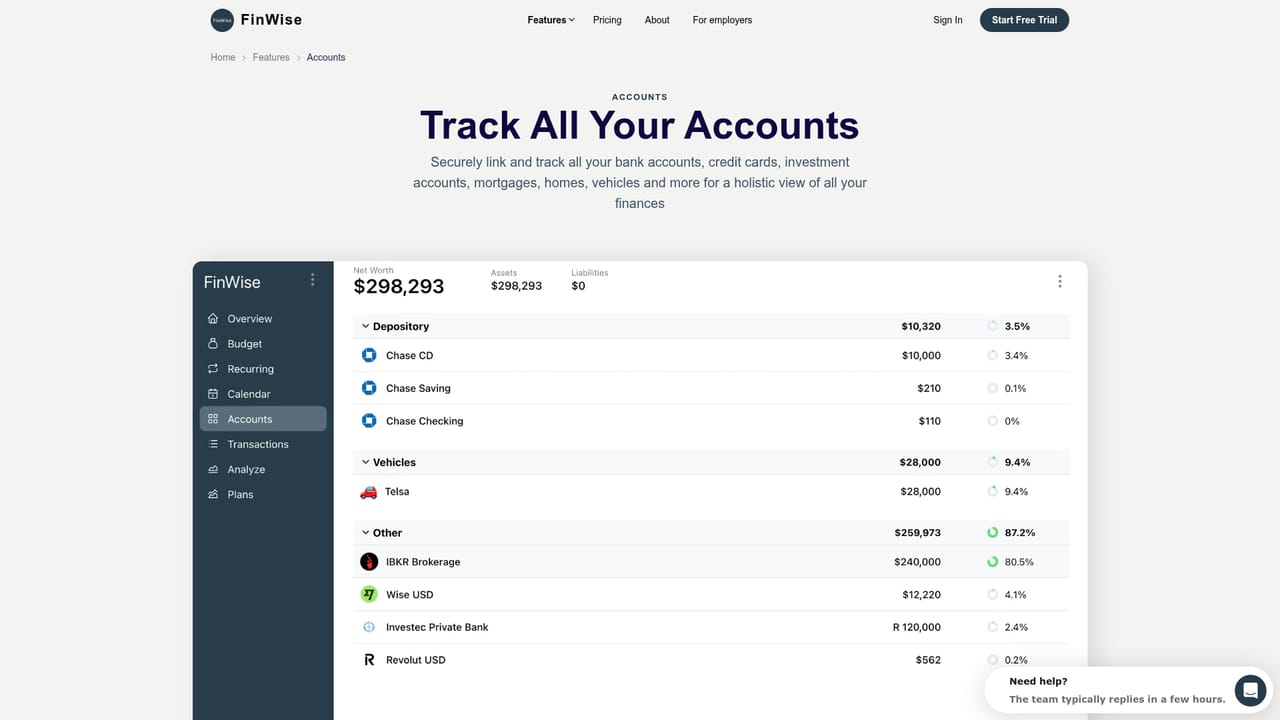
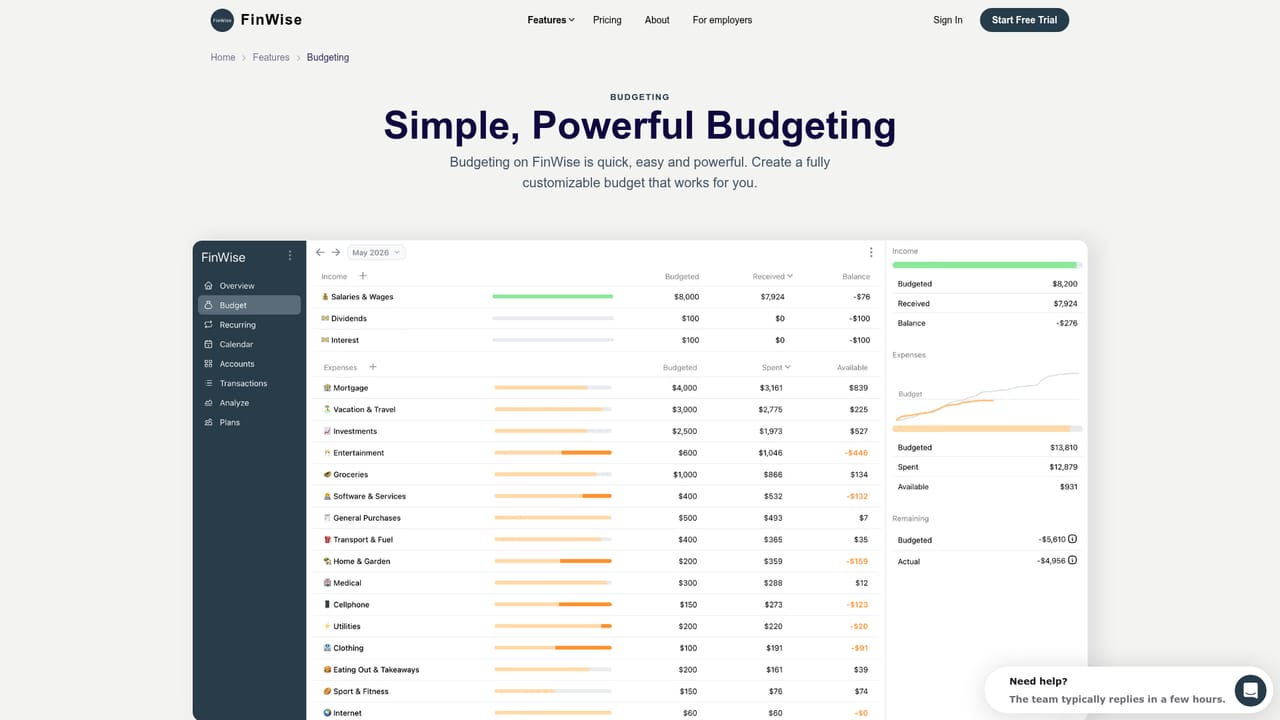
FinWise's AI Assistant is a conversational layer built into the FinWise money management app. Rather than opening a separate chatbot, users ask questions about their own finances and get answers tied to the accounts, transactions, budgets and plans already stored in their FinWise profile. The assistant is positioned as a guidance tool: it produces personalised recommendations, sends nudges when something in the user's money picture deserves attention, and responds to general questions on financial topics. The practical value comes from context. Because FinWise already tracks accounts, transactions, recurring bills, net worth, trends and forecasts, the assistant can respond to questions about the user's actual situation instead of offering generic budgeting platitudes. Someone who wants to know where their spending drifted last month, or whether a planned purchase fits the current budget, can ask in everyday language rather than building filters or reading charts. New users also get a customised onboarding flow, which walks them through setup with guidance shaped by their own answers. It fits best with people who already want a structured budgeting app but dislike hunting through reports. Compared with standalone finance chatbots, the assistant gains from living next to the data it discusses, and compared with traditional budgeting tools such as YNAB, Monarch or Simplifi, the conversational element is the differentiator. FinWise publishes comparison pages against those products, so buyers can check the trade-offs directly. The assistant is one feature of a wider app rather than a product in its own right, and the same account also unlocks household sharing, a developer API and planning tools. The assistant is aimed at individuals and households managing day to day finances, not at professional advisors or traders. There is no claim that it replaces regulated financial advice, and users should treat its suggestions as a starting point. A free trial is available before committing.
A free trial is offered: the assistant page links to a Start Free Trial sign-up, so the feature can be evaluated before paying.
Learn moreFinWise maintains a help and support page plus a documentation hub covering product and API guidance.
Learn moreFinWise publishes a developer API, API documentation and an MCP connection option for linking external tools to the platform.
Learn moreThe assistant answers plain English questions about the user's finances, generates personalised recommendations and nudges, responds to general financial topics and provides a customised onboarding experience. It sits alongside budgeting, net worth, transactions, recurring bills, trends and planning features in the same FinWise app.
Learn more AI Angels400+ customizable AI girlfriends for NSFW chat, voice calls, and roleplay
 Candy AIExperience the future of companionship with AI friends who chat, role-play, and connect with you on a human level.
 ourdream.aiA vast AI roleplay platform with millions of characters for chat, images, video and voiceAI Angels400+ customizable AI girlfriends for NSFW chat, voice calls, and roleplayCandy AIExperience the future of companionship with AI friends who chat, role-play, and connect with you on a human level.ourdream.aiA vast AI roleplay platform with millions of characters for chat, images, video and voice


