Free trial
The homepage advertises a welcome offer giving users their first video, which works as a trial before committing to a plan. Full plan pricing is listed on the separate pricing page.
Learn moreTurn any URL, text or brief into a finished video in one click

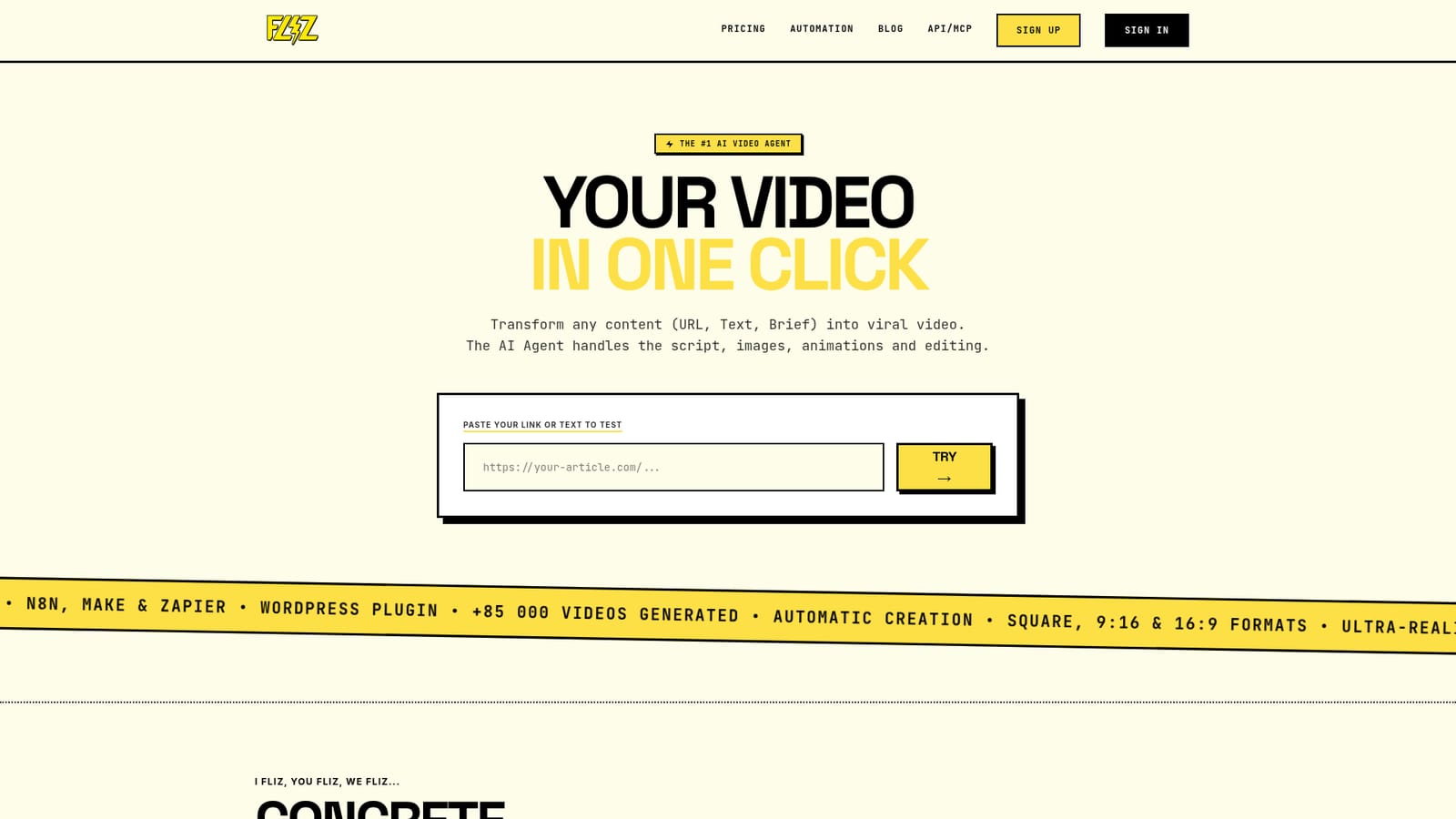
Fliz is a bulk video generator tool that turns any URL, text or brief into a finished video in one click. AI video agent that converts a URL, article text or brief into a finished MP4 with script, generated images, voiceover and editing, offered in 62 styles, 16 script formats and 32 languages, with API and no-code automation support.
Fliz is a browser-based AI video agent that converts a single input (a web link, pasted article text, or a short brief) into a finished MP4 with script, images, voiceover and editing handled automatically. The pitch is deliberately narrow: no timeline, no prompt engineering, no editing skill required. Users paste a URL or a few lines of text, and the agent analyzes the source, writes a script with hooks and a call to action, generates custom imagery, adds an ultra-realistic voice, and exports video in square, 9:16 vertical or 16:9 horizontal formats. The output is shaped by two menus rather than manual control. Fliz advertises 62 visual styles (hyperrealistic, futuristic, monochrome, horror, 3D animation, manga, cartoon US, kawaii, clay animation, watercolor, pixel art, pop art and more), 16 script formats and 32 languages. The company says it adapts editing to context, so a news story, a recipe, a children's story or a wellness explainer each get a different treatment. Sample outputs on the site include a TV news style clip built from a news URL, a vintage health video, a pop art sunscreen recipe, a clay animation children's tale and a dark cinematic horror piece. It suits social media managers, content marketers, small business owners and publishers who need steady video volume without an editor. The automation layer broadens that: a documented REST API, n8n, Make and Zapier integrations, and a WordPress plugin let teams generate videos programmatically, and the site states the API is included in every plan. Buyers weighing it against manual editors or generic text-to-video generators should note that Fliz is strongest when there is existing content to repurpose, and weakest when frame-level creative control matters. The site reports more than 85,000 videos generated and offers a welcome deal on a first video.
The homepage advertises a welcome offer giving users their first video, which works as a trial before committing to a plan. Full plan pricing is listed on the separate pricing page.
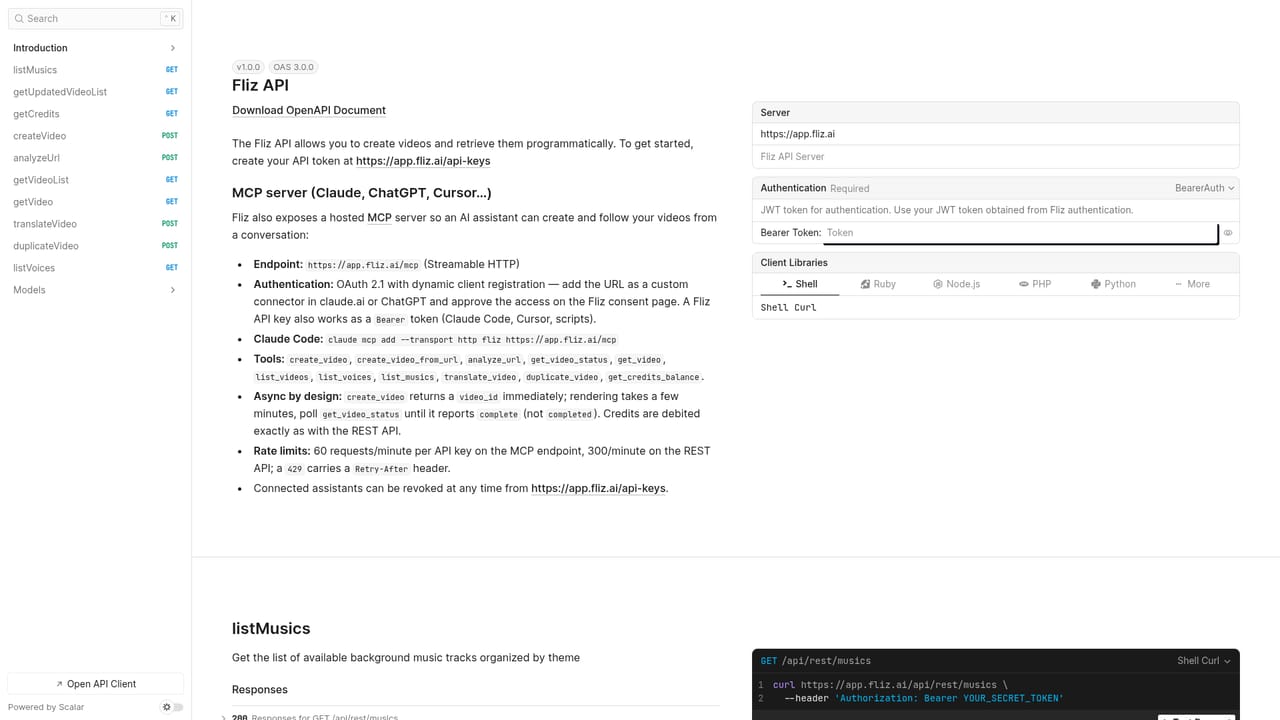
Learn moreDocumented REST API included in every plan, plus native connections for n8n, Make and Zapier, and an automated WordPress plugin for publishing workflows.
Learn moreURL, text or brief to finished MP4 in one click. The AI agent writes the script with hooks and call to action, generates custom images, adds ultra-realistic voices and handles editing. Output covers 1:1, 9:16 and 16:9. The catalog offers 62 styles, 16 script formats and 32 languages. The site reports over 85,000 videos generated.
 AI Angels400+ customizable AI girlfriends for NSFW chat, voice calls, and roleplay
 Candy AIExperience the future of companionship with AI friends who chat, role-play, and connect with you on a human level.
 ourdream.aiA vast AI roleplay platform with millions of characters for chat, images, video and voiceAI Angels400+ customizable AI girlfriends for NSFW chat, voice calls, and roleplayCandy AIExperience the future of companionship with AI friends who chat, role-play, and connect with you on a human level.ourdream.aiA vast AI roleplay platform with millions of characters for chat, images, video and voice


