Remotion

React-based framework for rendering video from code

Advanced API
Screenshot of Remotion, React-based framework for rendering video from code

What is Remotion?

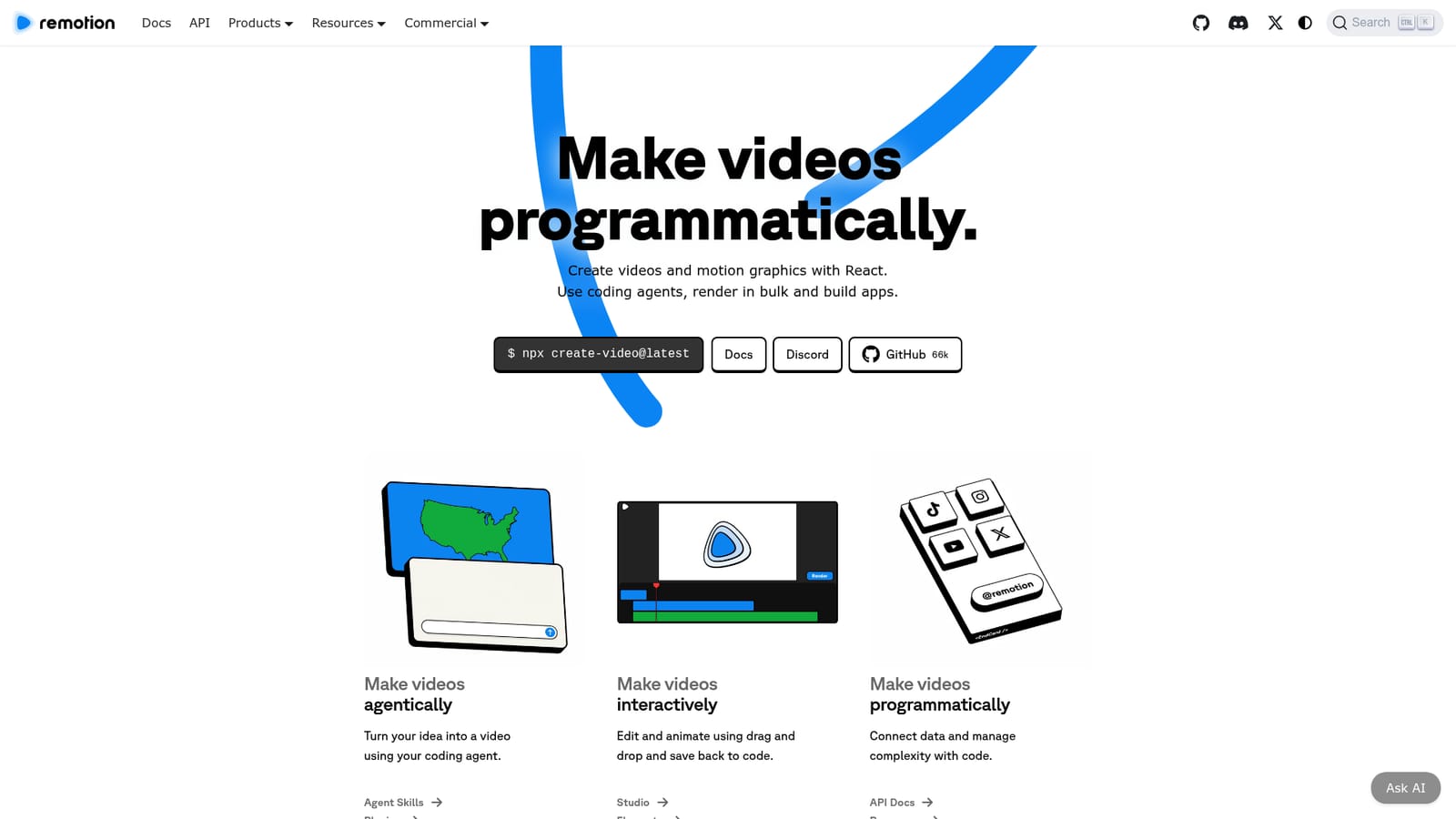
Remotion is a framework for making videos and motion graphics with React. It combines coding agents, a drag and drop Studio and a full API, so teams can render parameterized videos in bulk, embed players in apps and build their own video editors, with code always as the source of truth.

Remotion is a toolkit for building video and motion graphics with React. Instead of drawing timelines in a separate editor, you compose frames as components, animate them with standard state and timing APIs, and let the framework turn the result into an actual video file. The project has become a de facto standard for developers who need video output inside a software pipeline, with more than five million monthly installs, around 65,000 GitHub stars and a sprawling documentation set. The workflow spans three modes that share one codebase. In agent mode, coding assistants can drive video creation through Agent Skills and plugins, so an idea can be turned into a rendered composition with prompts and generated source. In interactive mode, Remotion Studio offers drag and drop editing that saves changes back into code, with the Elements package for animation work. In programmatic mode, direct API access lets teams connect data sources and manage complexity at scale. Code stays the source of truth no matter which entry point is used. The natural fit is batch and parameterized rendering. Assets and data can be organized into templates, so a single composition produces thousands of variants: personalized recaps, captions, data visualizations, screencasts, music visualizations and year in review videos. Rendering can run on your own infrastructure, on the server or in the browser, and the Remotion Player embeds those compositions in web apps. Editor Starter gives teams a base for building full video editors rather than one-off renders. Compared with generative video models, Remotion does not synthesize footage; it composes graphics, text, data and media deterministically, which suits teams that need repeatable output and version control. The trade-off is that the primary audience is developers and technically minded motion designers. Pricing is licensing based rather than per-render SaaS: free for individuals and companies of up to three people, with company, automator, creator and enterprise tiers above that.

How do you use Remotion?

  1. 1Scaffold a project with create-video
    Run the create-video command shown on the homepage to generate a starter project. This sets up a React codebase with Remotion dependencies and an example composition you can render immediately.
    Remotion — Scaffold a project with create-video
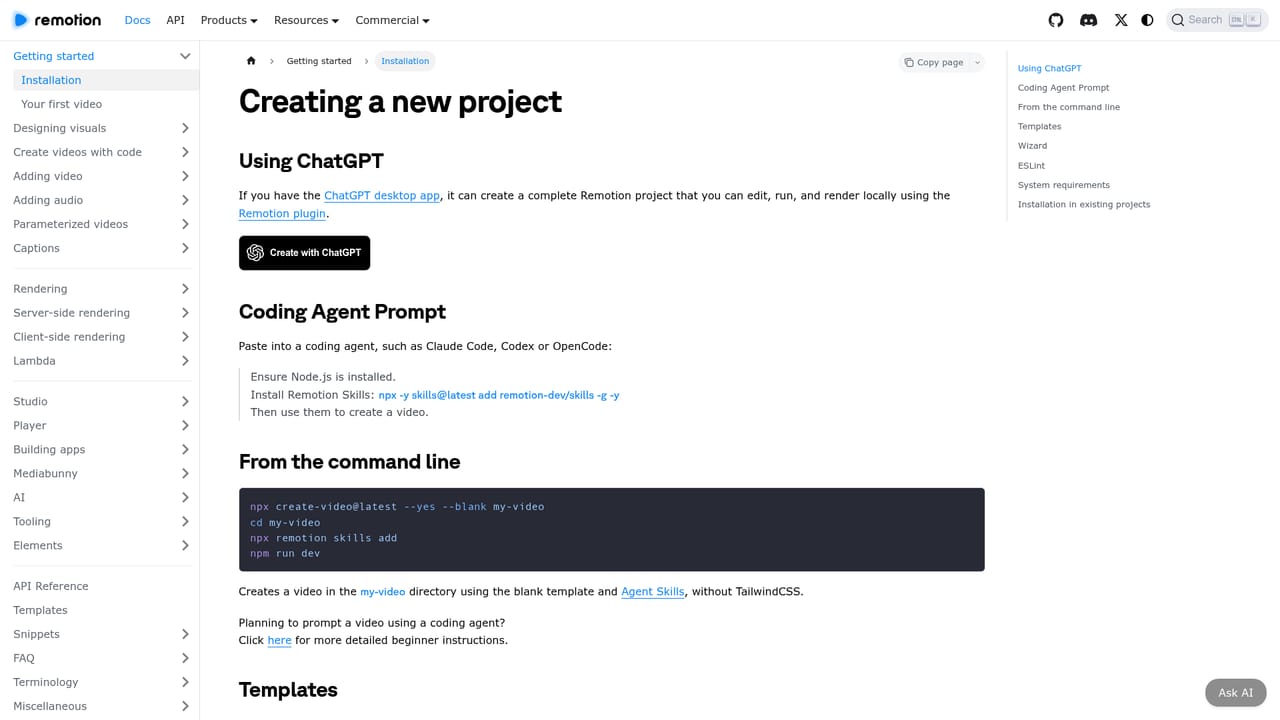
  2. 2Learn the composition model in the docs
    Work through the documentation to understand compositions, frames and timing. The docs cover the core concepts you need before building anything custom.
    Remotion — Learn the composition model in the docs
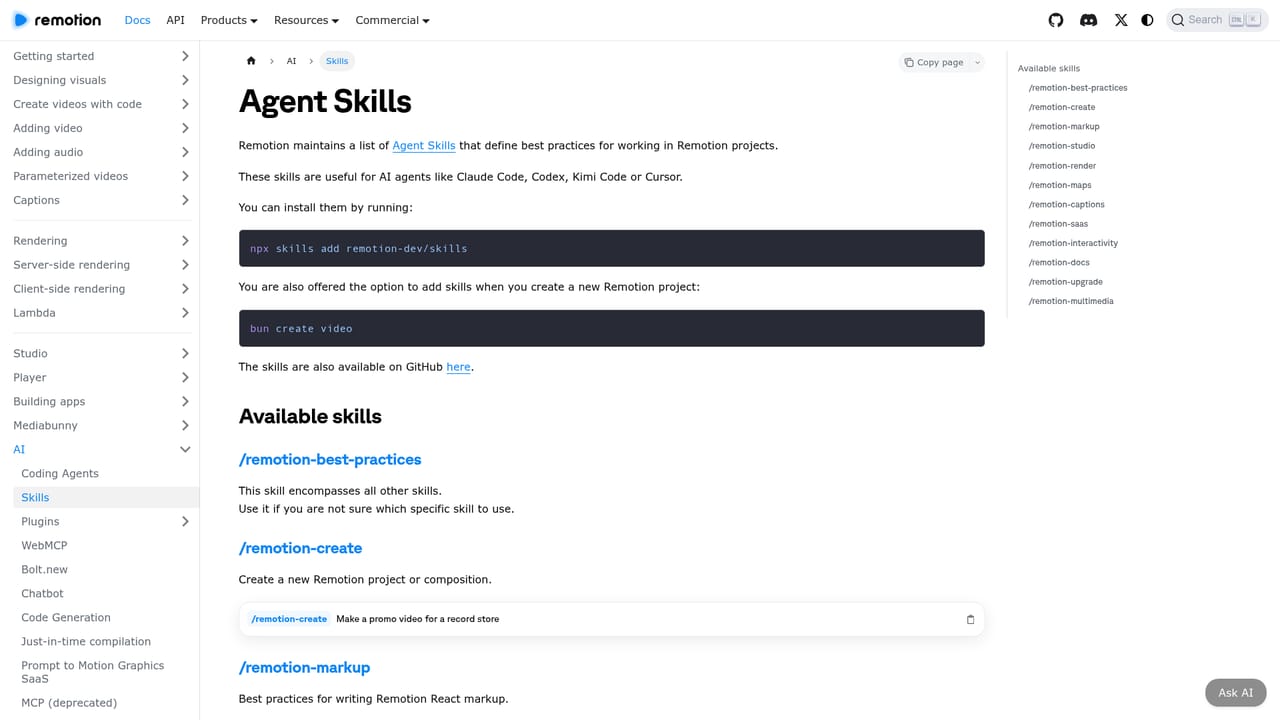
  3. 3Let a coding agent build the first video
    Install Agent Skills or the AI plugins so your coding agent can author compositions from prompts. This is the fastest path from an idea to a working render.
    Remotion — Let a coding agent build the first video
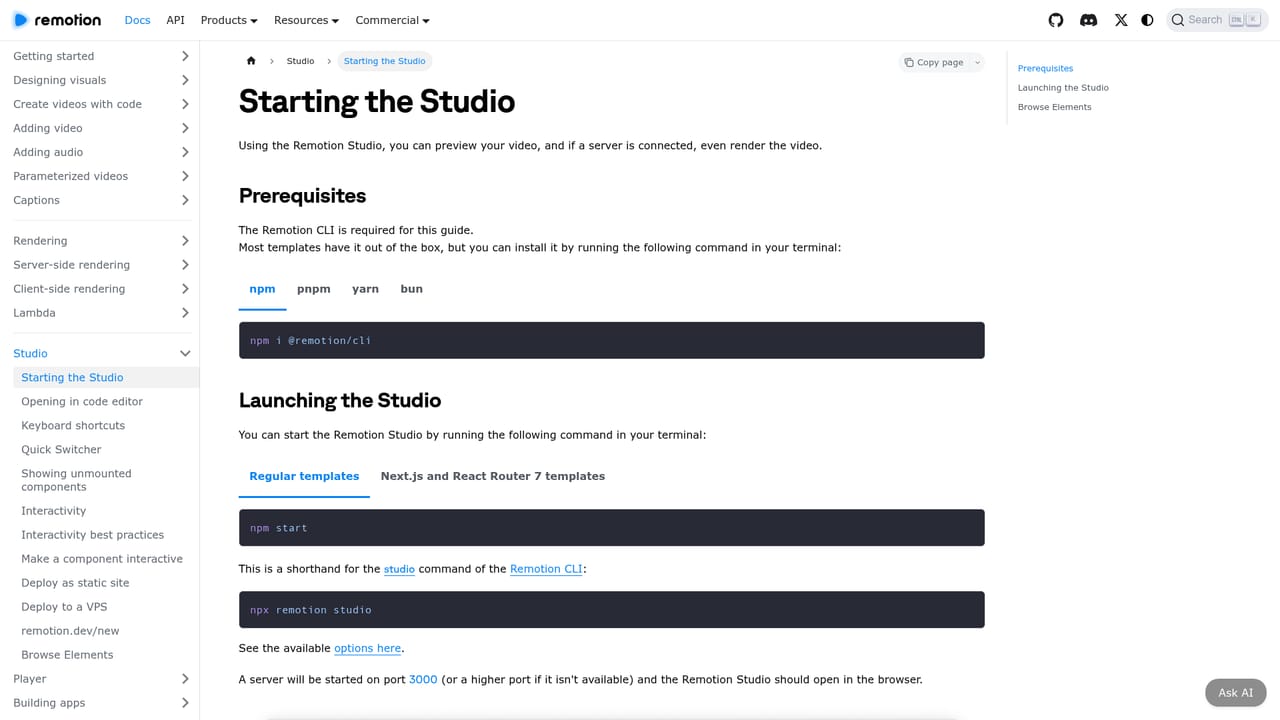
  4. 4Edit interactively in Remotion Studio
    Open Remotion Studio to preview the composition and adjust animation with drag and drop. Changes save back into the source code, so nothing is locked in a binary project file.
    Remotion — Edit interactively in Remotion Studio
  5. 5Parameterize and batch render
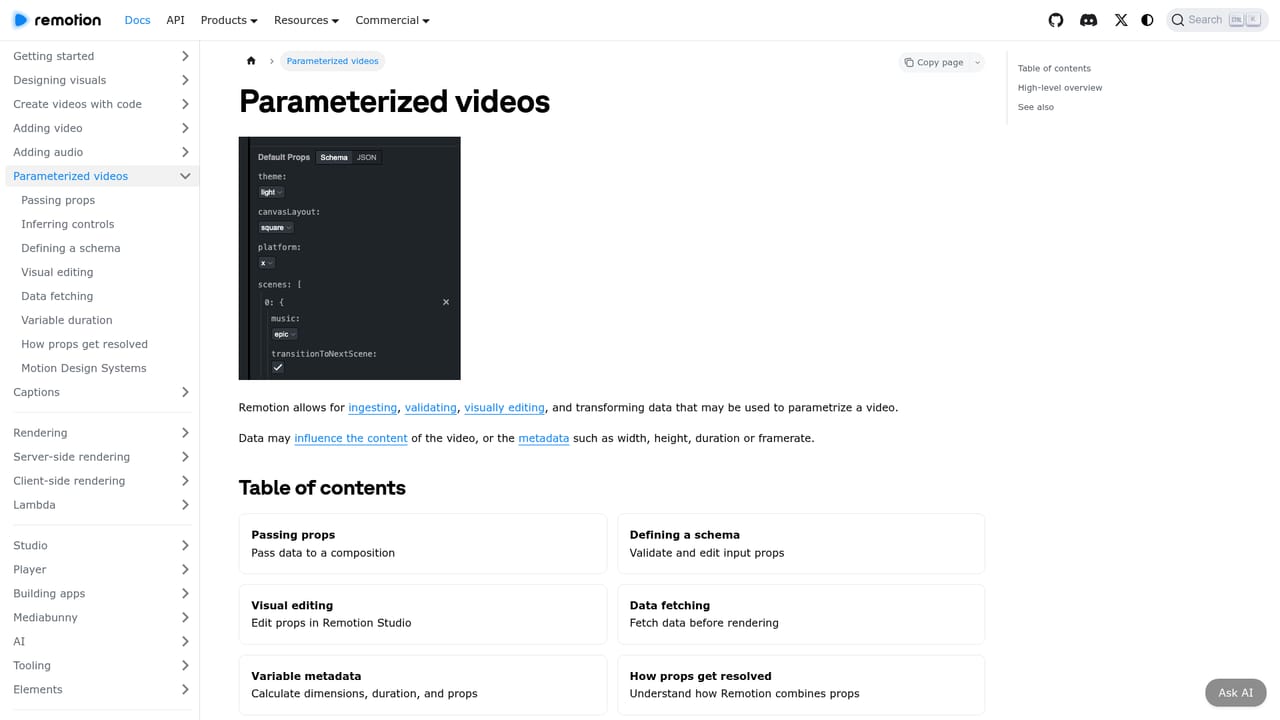
    Turn fixed values into props so one composition produces many variants. Then render in bulk on your own infrastructure, server side or client side depending on the workload.
    Remotion — Parameterize and batch render
  6. 6Embed with the Player
    Use the Remotion Player to publish compositions inside a web app. The same code that renders files can power an interactive preview or a small editing tool for end users.

Pros and cons

Pros

  • Videos are built in React, so output is deterministic, version controlled and repeatableAI
  • Supports batch rendering of large volumes on your own infrastructureAI
  • Covers agent driven, interactive and pure code workflows in one codebaseAI
  • Open documentation base (around 1000 pages), 35 templates and a 10K+ Discord communityAI
  • Free license covers individuals and small companies of up to three peopleAI

Cons

  • Requires real React and JavaScript knowledge, so non technical editors will struggleAI
  • You assemble footage, graphics and audio yourself: there is no generative model producing clipsAI
  • Rendering millions of videos depends on your own compute and engineering effortAI
  • Company licensing is usage based and gets complicated for larger organizationsAI
  • Interactive Studio editing is less mature than dedicated motion design suitesAI

How much does Remotion cost?

Pricing

Free License for individuals and companies of up to 3 people, with all features, unlimited commercial use and no signup. Larger organizations need a Company License: Remotion for Automators costs $0.01 per render with a $100 per month minimum, and Remotion for Creators costs $25 per month per seat. Enterprise starts at $500 per month.

Learn more

Support

Community help is available through the Discord server, which has over 10,000 members. Paid experts can be hired for project work, license evaluation calls can be booked, and email contact is offered. Enterprise plans add a private Slack, Discord or Teams channel and monthly consulting.

Learn more

Integrations

Agent Skills and AI plugins connect coding agents to Remotion, and the Player plus editor tooling let compositions be embedded in web applications. The site does not list a catalog of third party integrations.

Learn more

Features

Agent Skills and AI plugins for prompt driven video creation, Remotion Studio for drag and drop editing that saves to code, the Elements package for animation, full API access, parameterized rendering, motion design systems, server side and client side batch rendering, the Remotion Player for embedding, and Editor Starter for building custom video editors.

Learn more

Frequently asked questions about Remotion

  • How much does Remotion cost?
    Free License for individuals and companies of up to 3 people, with all features, unlimited commercial use and no signup. Larger organizations need a Company License: Remotion for Automators costs $0.01 per render with a $100 per month minimum, and Remotion for Creators costs $25 per month per seat. Enterprise starts at $500 per month.
  • Does Remotion have an API?
    Yes, Remotion offers an API.
  • How do you use Remotion?
    The walkthrough on this page covers 6 steps: 1. Scaffold a project with create-video 2. Learn the composition model in the docs 3. Let a coding agent build the first video 4. Edit interactively in Remotion Studio 5. Parameterize and batch render 6. Embed with the Player.
  • What platforms does Remotion support?
    Remotion is available on Web App, Windows, MacOS and Linux.
  • What does Remotion integrate with?
    Agent Skills and AI plugins connect coding agents to Remotion, and the Player plus editor tooling let compositions be embedded in web applications. The site does not list a catalog of third party integrations.
  • What are the limitations of Remotion?
    Requires real React and JavaScript knowledge, so non technical editors will struggle. You assemble footage, graphics and audio yourself: there is no generative model producing clips. Rendering millions of videos depends on your own compute and engineering effort.

Status

StatusActive
Views0
Outbound clicks0
Added10/22/2026

Platforms

Web AppWindowsMacOSLinux

Pricing

FreePaidSubscription