Free trial
No signup is required to try an AI draft or open the public live examples in the editor. The homepage does not describe a timed free trial of the paid plans.
Learn moreTurn approved Figma frames into animated HTML5 ad sets
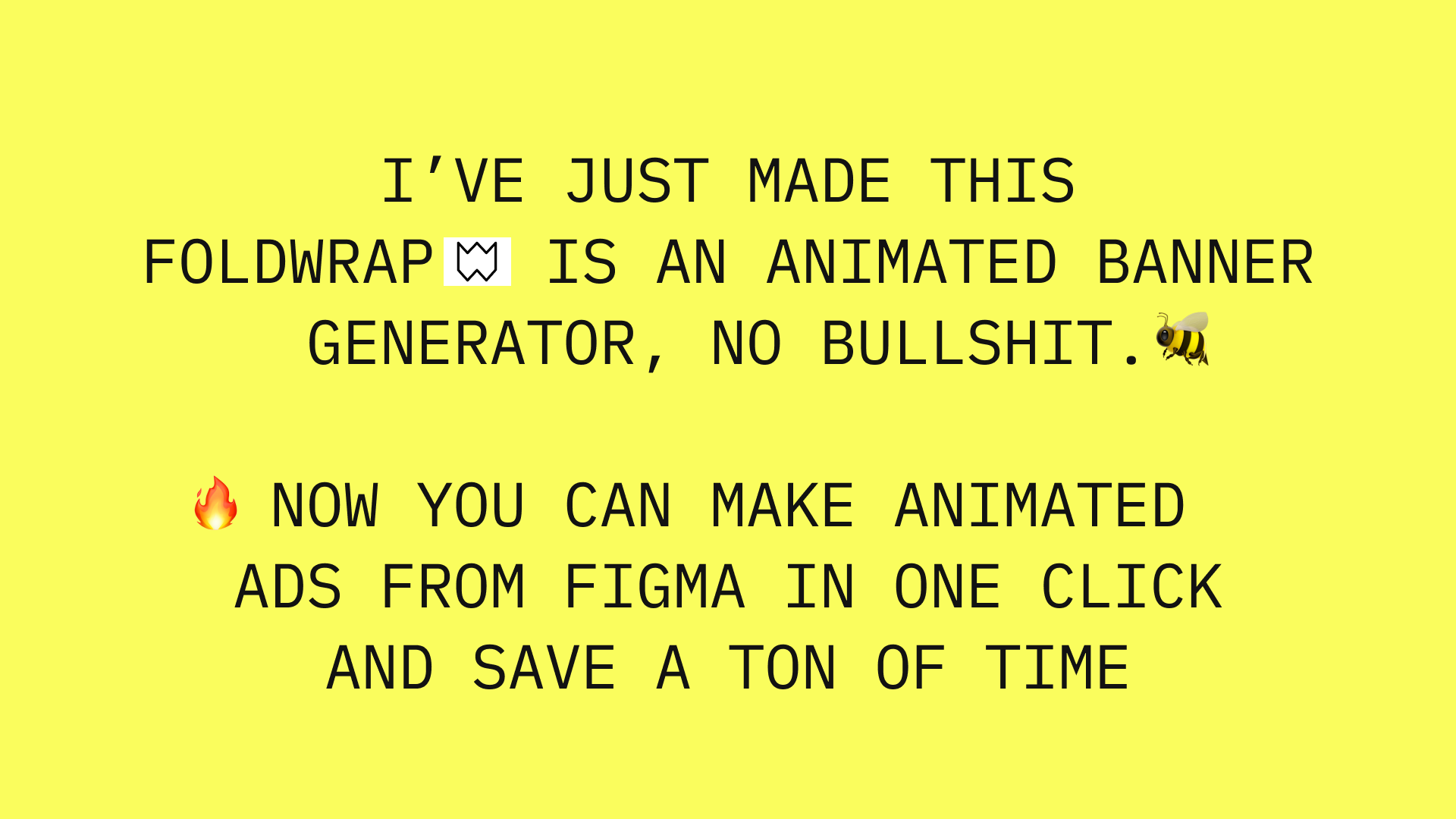
Foldwrap is a code animation tool that turns approved Figma frames into animated HTML5 ad sets. An HTML5 banner production tool that imports approved Figma frames, auto-animates them, resizes with AI, reuses motion across sizes and exports HTML5, video or GIF, with a shared review link for clients and spreadsheet-driven variants on the Studio plan.
Foldwrap is a production tool for animated display advertising. It takes an approved Figma design and turns it into an editable animated master, then builds out the full campaign set of sizes and content versions from that single source. The pitch is aimed squarely at the repetitive part of ad production: the first banner is rarely the problem, but the extra sizes, the language swaps, the late copy change after sign-off and the handoff between designer, animator and delivery all add up. Foldwrap pulls those steps into one workflow and exports native HTML5 (as a ZIP package with the banner and its resources), video or GIF. The workflow has three stages. Import the approved frames with the Foldwrap plugin for Figma and the layout, type and assets arrive as an editable master rather than something rebuilt by hand. Automatic animation then produces a working first pass where every element gets motion without opening a timeline; timing, presets and keyframes stay available when a client asks for something specific. Finally, AI resize generates the campaign sizes, Copy motion reuses approved animation across those sizes while preserving each layout and flagging layers that need attention, and the set is shared on a single review link for side-by-side comparison of sizes and motion. The audience is digital agencies, creative studios and in-house teams producing campaigns on a regular basis, ideally with a Figma design process already in place. Anyone without an approved design can start from an AI draft at a chosen size (160x600, 300x250, 728x90 and others) or open one of the public live examples in the editor without signing up. Compared with hand-keyframing every size in After Effects or a traditional banner builder, Foldwrap trades some fine-grained control for set-level speed; the animation timeline remains for teams that need to go deep on individual elements.
No signup is required to try an AI draft or open the public live examples in the editor. The homepage does not describe a timed free trial of the paid plans.
Learn moreThe homepage does not list prices. It names three tiers: Pro for recurring campaign production, Studio for spreadsheet variants, more AI capacity and team logins, and Enterprise for API access and custom workflows. Current figures are on the pricing page.
Learn moreSelf-serve help guides and a contact route are linked from the FAQ. The homepage does not state response times or support tiers.
Learn moreFigma is the documented integration, through the Foldwrap plugin, plus spreadsheet-based variant creation on the Studio plan and API access on Enterprise.
Learn moreFigma import via plugin, automatic animation with an editable timeline, AI resize for campaign sizes, Copy motion across sizes, spreadsheet-driven variants on Studio, side-by-side client review, and export to native HTML5 (ZIP with resources), video or GIF.
Learn more AI Angels400+ customizable AI girlfriends for NSFW chat, voice calls, and roleplay
 Candy AIExperience the future of companionship with AI friends who chat, role-play, and connect with you on a human level.
 ourdream.aiA vast AI roleplay platform with millions of characters for chat, images, video and voiceAI Angels400+ customizable AI girlfriends for NSFW chat, voice calls, and roleplayCandy AIExperience the future of companionship with AI friends who chat, role-play, and connect with you on a human level.ourdream.aiA vast AI roleplay platform with millions of characters for chat, images, video and voice