Free trial
New users get 30 free credits on sign up, which the FAQ says is enough to animate one photo into a video at no cost.
Learn moreTurn still photos into short animated video clips with premium AI models
Own AI Animate Image? Verify ownership to get a dofollow link
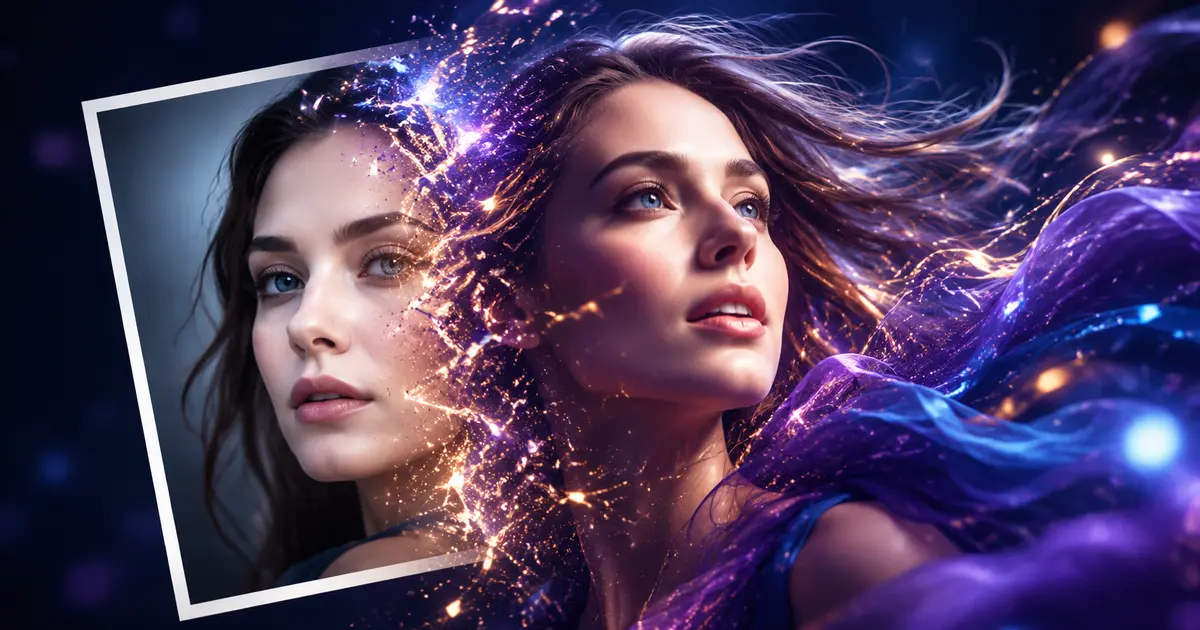

AI Animate Image is a code animation tool that turns still photos into short animated video clips with premium AI models. A browser based image to video generator that animates a single uploaded photo using premium engines such as Seedance, Kling, Veo 3.1, Hailuo and Runway.
AI Animate Image is a browser based generator that converts a single still photo into a short motion clip. The tool does not train a model of its own; instead it routes your upload to third party video engines, among them Seedance, Kling, Wan, Veo 3.1 and its Fast variant, Hailuo, plus Midjourney and Runway. Users pick a model, upload an image, write a short animation prompt and set ratio, resolution and clip length, then let the service render. Optional text to video mode extends the workflow beyond stills. The practical appeal is range without setup. One upload box accepts portraits, illustrations, product shots, logos and artwork in JPEG, PNG, WebP and TIFF (BMP is also listed in the FAQ), so the same interface covers a social media post, a product showcase or a piece of concept art. Because rendering happens in the cloud, nothing needs installing and the process is short: the site advertises roughly 30 seconds from photo to animation on average. Beginners can skip the prompt field and rely on defaults, while more deliberate users can tune prompt, aspect ratio, quality (480p at the base setting) and duration options of 4, 8 or 12 seconds. Output is aimed at practical publishing rather than film production: vertical or landscape clips for feeds, product rotations, presentation visuals and marketing snippets. The FAQ claims full commercial licensing for business projects, and it states that uploads are encrypted and deleted after processing. The sample gallery on the homepage shows the stylistic range the engines cover, from cinematic portrait motion to cartoon and product story clips. Alternatives worth weighing fall into two groups: direct subscriptions to the underlying models, which may cost more but give finer control over each engine, and general purpose video generators built for full scene creation rather than animating a supplied image. AI Animate Image sits in between as a convenient multi model front end, so its value depends on how often you need quick photo to clip conversions and whether a credit pack beats a single model subscription for your volume.
New users get 30 free credits on sign up, which the FAQ says is enough to animate one photo into a video at no cost.
Learn moreThe homepage does not publish a price list. Credits are the billing unit and consumption varies by engine; the visible default, Seedance 1.5 Pro at 480p for 4 seconds, is listed at 25 credits. New accounts receive 30 free credits.
Learn moreModel choice across Seedance, Kling, Wan, Veo 3.1 and Veo 3.1 Fast, Hailuo, Midjourney and Runway. Image to video and text to video modes, an animation prompt field, landscape or vertical ratio, quality and duration settings (4, 8 or 12 seconds), real time preview and instant download. JPEG, PNG, WebP and TIFF uploads, with BMP also listed in the FAQ.
 AI Angels400+ customizable AI girlfriends for NSFW chat, voice calls, and roleplay
 Candy AIExperience the future of companionship with AI friends who chat, role-play, and connect with you on a human level.
 ourdream.aiA vast AI roleplay platform with millions of characters for chat, images, video and voiceAI Angels400+ customizable AI girlfriends for NSFW chat, voice calls, and roleplayCandy AIExperience the future of companionship with AI friends who chat, role-play, and connect with you on a human level.ourdream.aiA vast AI roleplay platform with millions of characters for chat, images, video and voice