Integrations
Twitch VOD import by URL is the only source integration named on the homepage. No direct publishing or third-party account connections are described.
Turns Twitch VODs into vertical, caption-ready gaming clips
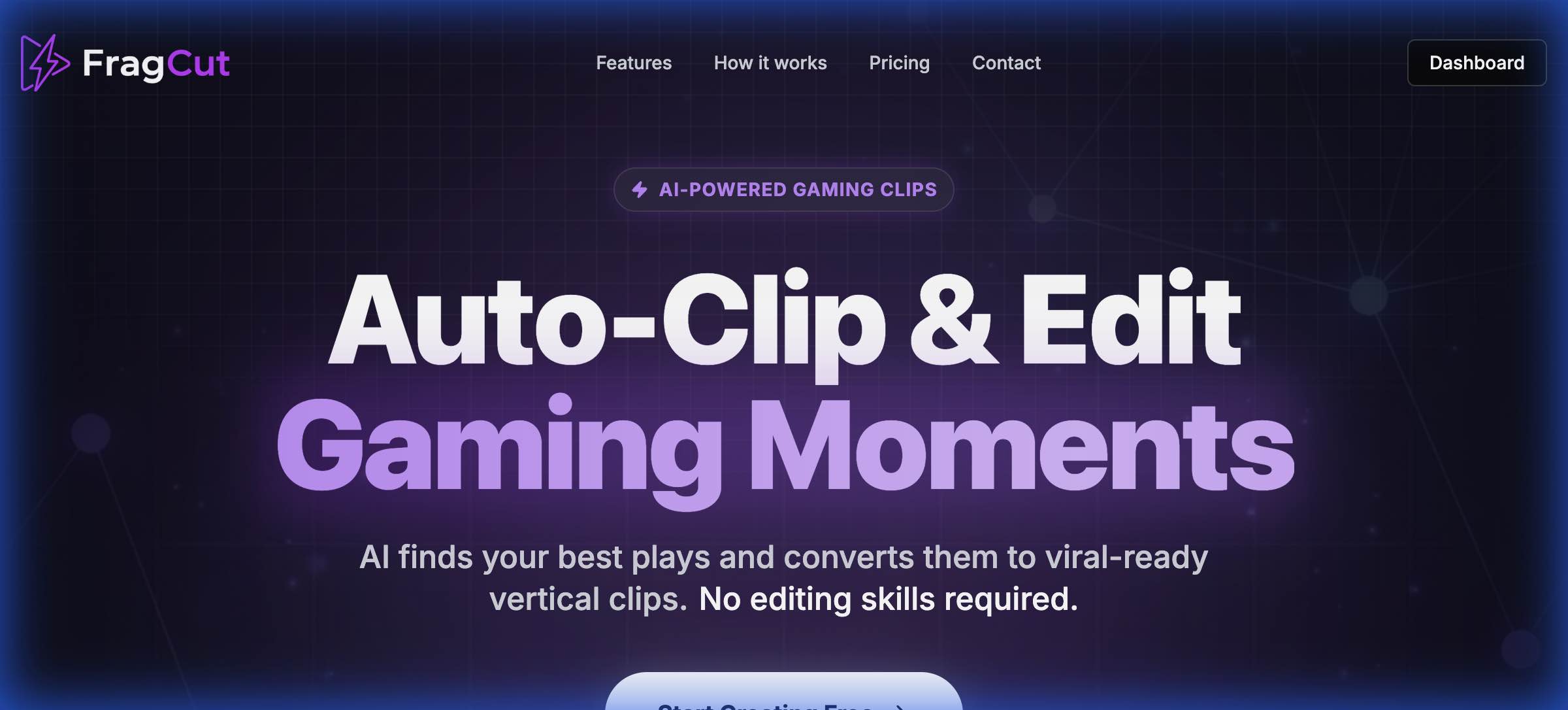
FragCut is a clip finder tool that turns Twitch VODs into vertical, caption-ready gaming clips. FragCut is a browser-based AI clip maker for streamers. It ingests gameplay uploads or Twitch VOD links, detects kills, aces, clutches and funny moments, then exports captioned 9:16 clips for TikTok, Reels and Shorts, with frame-level trimming and a montage stitcher.
FragCut is a browser-based clip factory for Twitch streamers and gaming creators who want short-form content without living inside a timeline editor. You bring a recording (MP4, MOV, WebM or MKV) or paste a Twitch VOD link, and the service scans the footage for the moments worth posting: headshot streaks, full team wipes from first kill to ace, clutch 1vX rounds under pressure, and the whiffs and comms breakdowns that travel well on social feeds. The output is 9:16 vertical video sized for TikTok, Reels and Shorts, with speech-to-text subtitles burned in so muted viewers still follow the action. The practical workflow is batch-oriented. A single video can yield 5 to 8 clips, which matters if you stream several nights a week and need a posting cadence rather than one highlight. Clips land in a dashboard where you can nudge start and end points at frame level, preview changes in the browser, then drag clips into order or hit Auto Stitch to build a montage. Uploads are capped at roughly four hours of footage, and the marketing claims a 15 to 30 minute turnaround from source file to finished vertical exports. Support is broad rather than niche: the site lists optimized handling for VALORANT, Counter-Strike 2, Overwatch 2, Apex Legends, Deadlock, Delta Force, Marvel Rivals, League of Legends, Dota 2, Fortnite and Grand Theft Auto V, while also stating it works with any game. That positions FragCut against dedicated clippers like Eklipse.gg, Medal.tv, Powder.gg, StreamLadder and CS2.VIDEO, and the site publishes head-to-head comparison pages for each. Who it suits: streamers who treat clips as distribution rather than art, and creators who would rather review AI picks than scrub four hours of VOD manually. Who it does not suit: editors who need deep color, audio mixing or multi-track control, since the tool is scoped to cutting, captioning and stitching. Everything runs in the browser with no install, and the site states plans can be cancelled at any time.
Twitch VOD import by URL is the only source integration named on the homepage. No direct publishing or third-party account connections are described.
Core features include AI highlight detection for kills, aces, clutches and funny moments, 9:16 vertical conversion, automatic speech-to-text subtitles burned into clips, a montage maker with drag-to-reorder and Auto Stitch, frame-level trimming with live in-browser preview, and 5 to 8 clips generated per source video. Uploads accept MP4, MOV, WebM and MKV, or a Twitch URL, up to about 4 hours.
 AI Angels400+ customizable AI girlfriends for NSFW chat, voice calls, and roleplay
 Candy AIExperience the future of companionship with AI friends who chat, role-play, and connect with you on a human level.
 ourdream.aiA vast AI roleplay platform with millions of characters for chat, images, video and voiceAI Angels400+ customizable AI girlfriends for NSFW chat, voice calls, and roleplayCandy AIExperience the future of companionship with AI friends who chat, role-play, and connect with you on a human level.ourdream.aiA vast AI roleplay platform with millions of characters for chat, images, video and voice