Free trial
A free tier is available with no credit card required, including 720p exports. Free exports are watermarked with framecall.com in two corners.
Learn moreType a prompt, get an animated video: no After Effects skills required
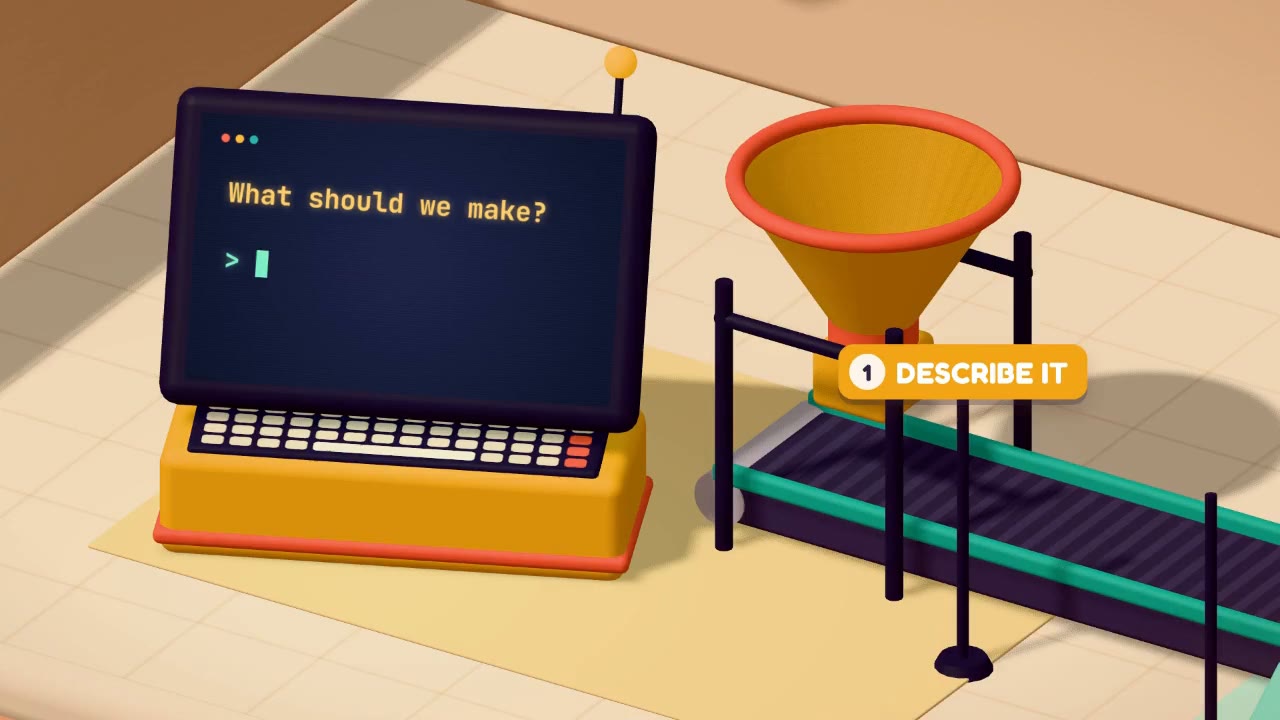
FrameCall is a code animation tool. AI motion design tool that turns a written description into an animated video: storyboard, animation, self review and text based revisions, exported as MP4 up to 4K or as editable HTML, CSS and JavaScript.
FrameCall is a browser based motion design tool that turns written descriptions into finished animated videos. Instead of building keyframes by hand, you type the story, the visual style and the length you want, and the system writes a storyboard, animates it and then reviews preview frames to correct what looks wrong. The output is a video file rather than a project locked inside proprietary editing software, which changes how the work can be handed off and iterated. The tool is aimed at people who need motion graphics but do not live inside animation software: founders making launch clips, small marketing teams producing intros and end screens, event organisers needing title sequences, and editors who would otherwise spend days exchanging versions by email. Logo reveals, channel intros, launch films and explainers are the advertised use cases. Templates act as starting points: each is a completed video, and picking one lets you describe what your version is for so FrameCall generates something in the same style. Revision happens in plain language. You say what should change, the preview updates as the build runs, and you can scrub to any frame or point at a moment and ask about it. Every version is retained, so an earlier take can be restored. Variants produces two to four alternative videos from a single prompt for side by side comparison. A Brand Kit stores your logo, colours and fonts once so each new video reuses them, and finished work can be shared as a public link, optionally with remixing enabled for others. Two details separate FrameCall from typical prompt to video generators. Output resolution scales with your plan, from a watermarked 720p free export to clean 1080p, 2K and 4K from any credit pack. And every video is real HTML, CSS and JavaScript, readable and editable in a Code tab, which suits teams that want to own and modify the underlying files rather than receive a rendered clip alone. Three model tiers (Fast, Quality and Premium) let you trade speed for output quality per project.
A free tier is available with no credit card required, including 720p exports. Free exports are watermarked with framecall.com in two corners.
Learn moreFree to start with 720p exports that carry a framecall.com watermark. Any credit pack, from $9.99, unlocks watermark free exports at 1080p, 2K or 4K, Quality mode, HD AI images and the other pack benefits. No credit card is needed to begin.
Learn morePrompt to animated video with automatic storyboarding, animation and frame level self checking. Text based revisions with full version history, Variants for two to four alternative takes, Brand Kit for logos, colours and fonts, public share links with optional remixing, Fast, Quality and Premium model tiers, MP4 export up to 4K, and HTML, CSS and JavaScript output editable in a Code tab.
Learn more AI Angels400+ customizable AI girlfriends for NSFW chat, voice calls, and roleplay
 Candy AIExperience the future of companionship with AI friends who chat, role-play, and connect with you on a human level.
 ourdream.aiA vast AI roleplay platform with millions of characters for chat, images, video and voiceAI Angels400+ customizable AI girlfriends for NSFW chat, voice calls, and roleplayCandy AIExperience the future of companionship with AI friends who chat, role-play, and connect with you on a human level.ourdream.aiA vast AI roleplay platform with millions of characters for chat, images, video and voice