Free trial
The free tier itself acts as the trial: complete songs and lyrics can be generated at no cost and without a credit card, per the FAQ.
Learn moreText-to-music and lyrics in the browser, no account required
Own Free AI Music Generator? Verify ownership to get a dofollow link

Free AI Music Generator is an AI song covers tool. A browser based AI music tool that turns text prompts or lyrics into full tracks, with optional AI vocals, MP3/WAV and stem downloads, and a free tier that requires no account to start.
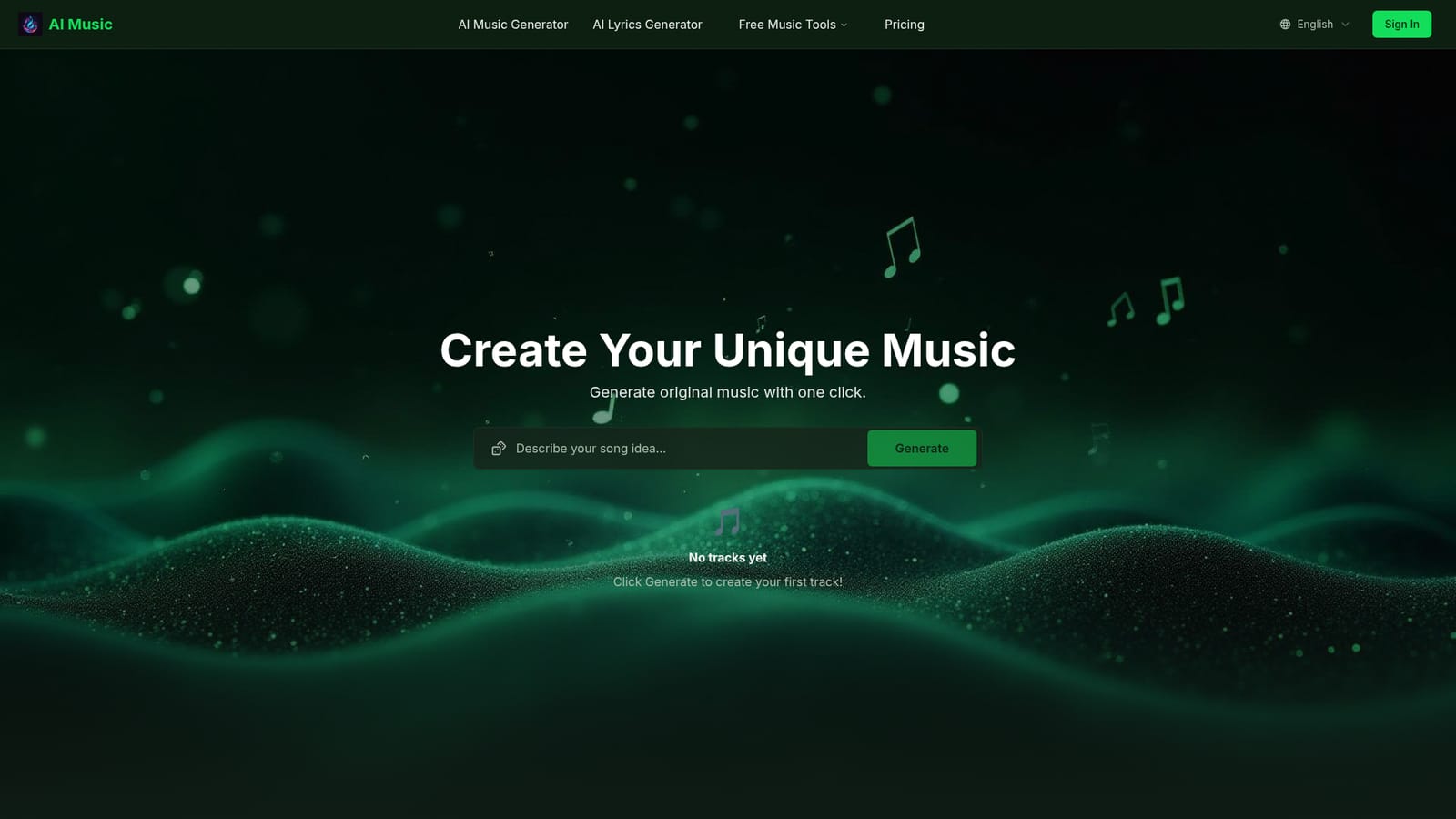
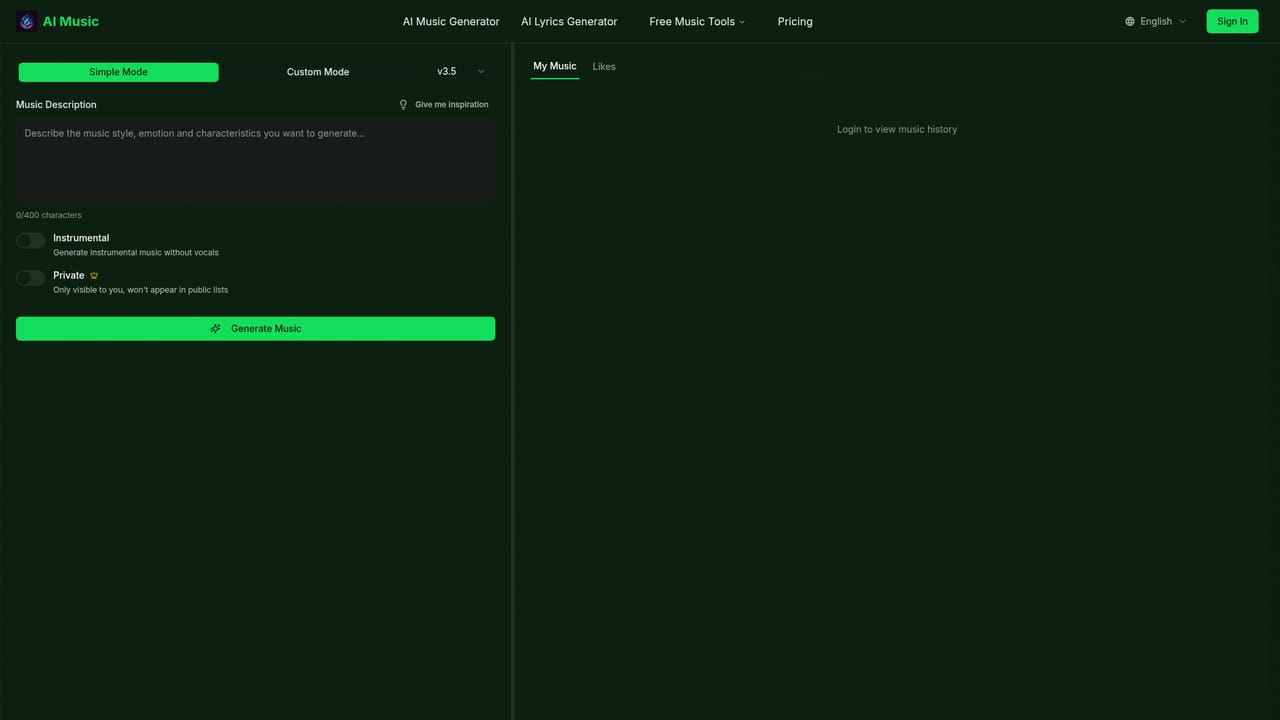
Free AI Music Generator is a browser based music creation tool that converts short text prompts into finished tracks. A prompt such as a lo-fi chill beat at 80 BPM or an epic cinematic score with strings is processed into an original composition in under a minute, according to the site. The same workspace also writes song lyrics from a theme, and can layer AI sung male or female vocals over an instrumental to produce a complete song rather than an isolated backing track. Nothing is installed: generation runs online and the homepage states that no sign-up is required to start. The workflow is deliberately shallow. Users describe the music they want, pick a style and mood from dozens of presets spanning pop, rock, happy and relaxing, then generate several variations and preview them before choosing what to keep. Exports are offered as MP3, hi-fi WAV or separated stems, which matters for anyone who wants to remix or finish a mix in a DAW rather than publish the render as-is. The site also frames its output as royalty-free for monetised YouTube videos, podcasts, games and Twitch streams, which positions it toward content creators and indie game developers as much as toward hobbyist songwriters. The tool competes in a crowded text-to-music field, and its pitch is accessibility rather than depth: free access, no credit card, no install, and lyrics plus vocals bundled into the same product. The free tier is the entry point, with a paid upgrade covering unlimited renders, higher bit rates and stem export. There is a public community gallery of recent creations with titles, durations and genre notes, which gives a reasonable sense of output quality before committing. Anyone needing professional mixing controls, sample-level editing or granular control over arrangement should expect to move to a DAW once stem export is available. It suits beginners, content creators on a deadline and marketers who need background beds quickly. It is a weaker fit for producers who want detailed MIDI-level editing or for teams that need documented integrations.
The free tier itself acts as the trial: complete songs and lyrics can be generated at no cost and without a credit card, per the FAQ.
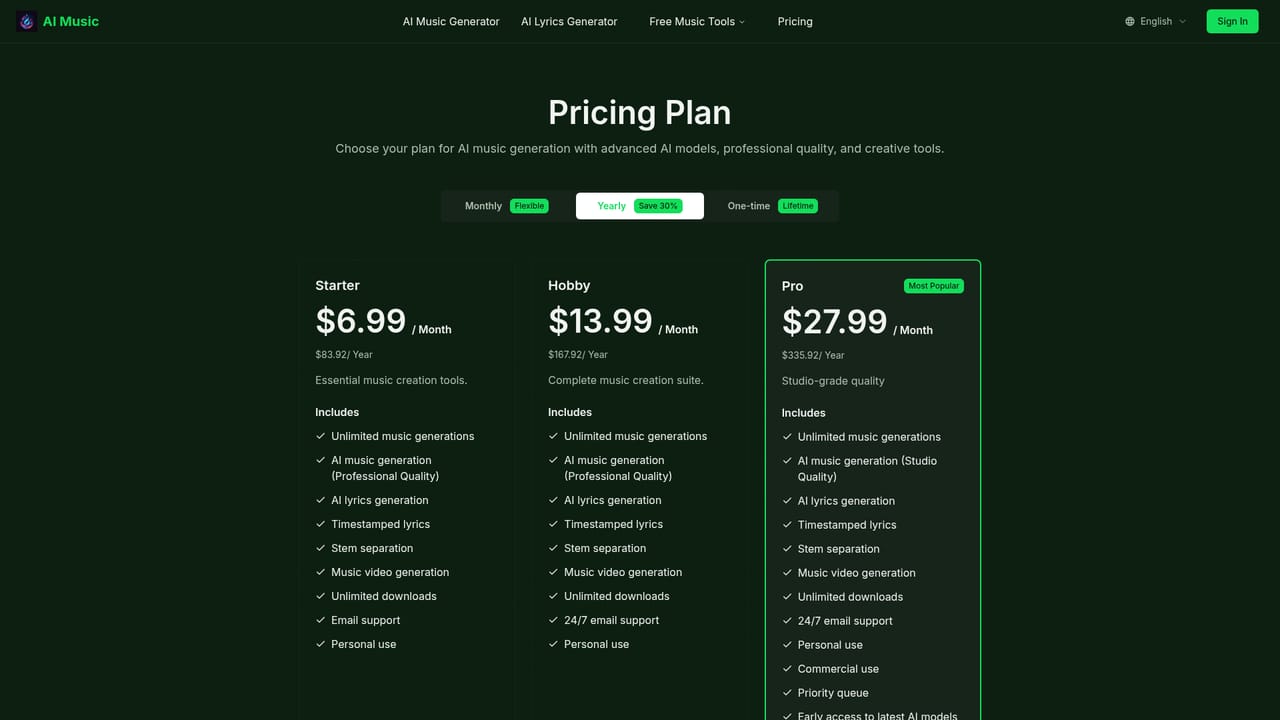
Learn moreFree tier for generating songs and lyrics with no credit card, plus a paid upgrade covering unlimited renders, higher bit rates and stem export. Exact plan prices are not stated on the homepage.
Learn moreA homepage FAQ answers common questions about free access, text-to-music, vocals, accounts and commercial licensing. No dedicated help centre or contact channel is listed.
Text-to-music generation from prompts, preset styles and moods, an AI lyrics writer, male and female AI vocals, multiple variations per request, MP3/WAV/stem downloads, and royalty-free output for commercial and personal projects.
Learn more AI Angels400+ customizable AI girlfriends for NSFW chat, voice calls, and roleplay
 Candy AIExperience the future of companionship with AI friends who chat, role-play, and connect with you on a human level.
 ourdream.aiA vast AI roleplay platform with millions of characters for chat, images, video and voiceAI Angels400+ customizable AI girlfriends for NSFW chat, voice calls, and roleplayCandy AIExperience the future of companionship with AI friends who chat, role-play, and connect with you on a human level.ourdream.aiA vast AI roleplay platform with millions of characters for chat, images, video and voice