Free trial
Every plan starts with a seven day free trial, and the site states you can cancel at any time during it.
Learn morePhoto of your fridge in, three chef recipes out
Own fridgesnap.AI? Verify ownership to get a dofollow link
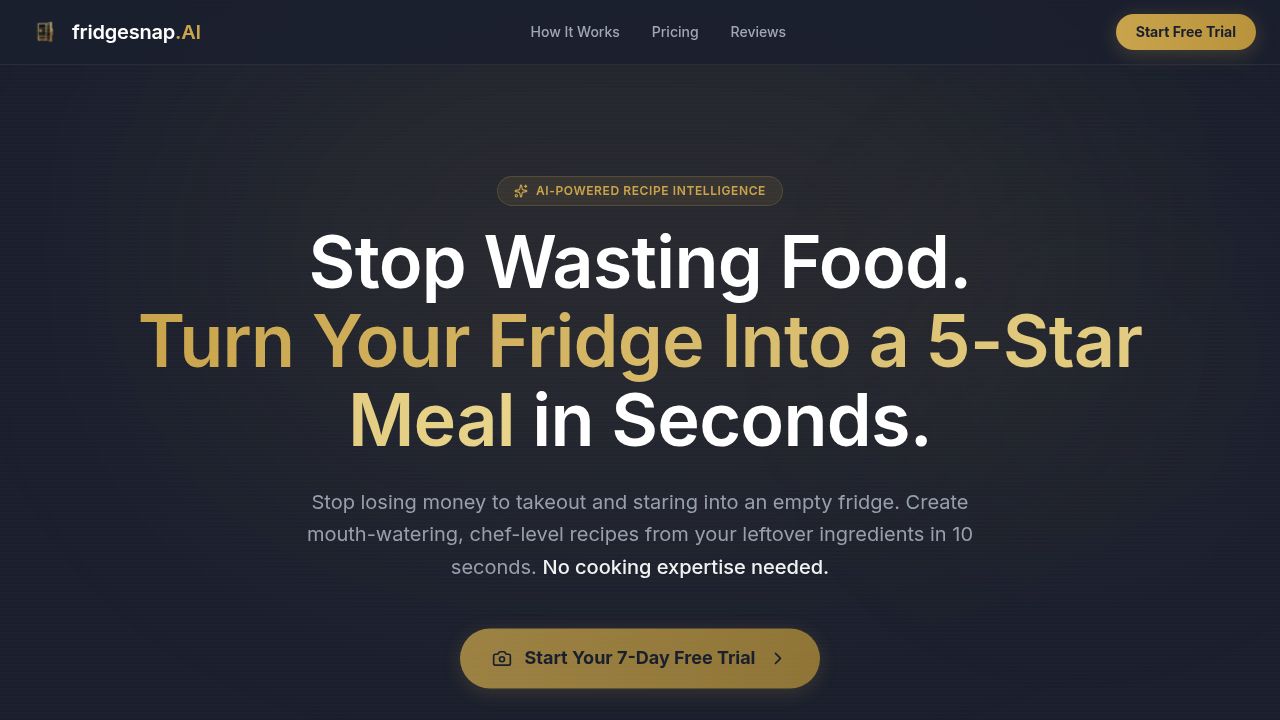
fridgesnap.AI analyzes a photo of your fridge or pantry with Gemini, then returns three chef style recipes with Imagen 3 food photos, step by step instructions and macro tracking. It targets home cooks who want to use what they already own instead of ordering takeout.
fridgesnap.AI turns a single photo of a fridge, pantry or countertop into three complete recipes. The site pitches the product at home cooks who open the door, see assorted leftovers and default to delivery instead. The workflow is deliberately short: snap the contents, let the model identify ingredients and estimate quantities, then receive three chef style recipes with generated food photography and guided step by step instructions. The stated aim is to cut both grocery waste and the nightly decision fatigue that precedes a takeout order. The engine behind the scenes is a combination of Google models. Gemini handles ingredient recognition and quantity estimation, and cross references what it sees against dietary preferences saved in the account. Imagen 3 produces the plated images that accompany each recipe. The site frames the output as restaurant quality cooking from ordinary fridge contents, with macro tracking available so the recipes can be logged rather than treated as loose inspiration. Each scan returns a fixed set of three recipes rather than an open ended chat, which keeps the decision narrow. The vendor positions the tool against two habits: searching recipe sites for whatever happens to be on hand, and ordering delivery out of exhaustion. Marketing figures claim a tenfold speed advantage over manual recipe searching, roughly $3,000 in annual savings, and a near zero food waste outcome, though those numbers are promotional and not independently verified. Three audience profiles are named: solo cooks and professionals rescuing leftovers, busy parents planning family meals, and budget conscious households trying to use everything before it spoils. The supporting blog covers adjacent practical questions such as cheap dinner ideas, what to make with ground beef, and safe storage timelines for cooked chicken. That content signals the product is aimed at everyday cooking rather than professional kitchens. Pricing sits at $9.99 monthly, $99 annually or a $499 lifetime pass, each starting with a seven day trial. The site mentions a mobile app in its FAQ without stating which platforms, so check availability before committing.
Every plan starts with a seven day free trial, and the site states you can cancel at any time during it.
Learn moreMonthly Cook is $9.99 per month, Annual Chef is $99 per year (billed as saving $21 against monthly), and the Founder's Pass is a one time $499 for lifetime access. All tiers list unlimited scans, high resolution image generation, macro tracking, three recipes per scan and dietary preferences; annual and lifetime add priority processing and meal plan history.
Learn morePhoto based ingredient recognition via Gemini, including quantity estimates and dietary preference matching. Each scan produces three chef style recipes with Imagen 3 food photography and guided instructions. Paid plans add unlimited scans, high resolution images, macro tracking, priority AI processing and meal plan history, with a lifetime tier that also includes early access to new features.
 AI Angels400+ customizable AI girlfriends for NSFW chat, voice calls, and roleplay
 Candy AIExperience the future of companionship with AI friends who chat, role-play, and connect with you on a human level.
 ourdream.aiA vast AI roleplay platform with millions of characters for chat, images, video and voiceAI Angels400+ customizable AI girlfriends for NSFW chat, voice calls, and roleplayCandy AIExperience the future of companionship with AI friends who chat, role-play, and connect with you on a human level.ourdream.aiA vast AI roleplay platform with millions of characters for chat, images, video and voice