Pricing
The homepage states that Frodo is free. No paid tiers, subscriptions or usage limits are described, and no pricing page is listed.
Learn moreA free, private chatbot that runs entirely in your browser.

Frodo is a free, private chatbot that runs open language models locally in a WebGPU capable browser. It offers Mistral-7B, Llama-3-8B, TinyLlama and phi-2 with visible model cache status, and requires Chrome, Edge or Arc. No account is described, and performance depends on the user's hardware.
Frodo is a browser based chatbot built for people who want conversational AI without sending their prompts to a remote server. The homepage describes it as free and fully private, and the mechanism behind that claim is local execution: the model runs inside the browser using WebGPU, so the conversation happens on the user's own machine. That architectural choice sets Frodo apart from hosted assistants and explains both its appeal and its limits. The tool ships with a small menu of open models rather than a single fixed engine. The homepage lists Mistral-7B-Instruct, Llama-3-8B-Instruct, TinyLlama-1.1B-Chat and phi-2, each marked with a cache status indicator (Not Cached or Not Cached at the time of writing). In practice, a first session means loading a model into browser cache before chatting; later sessions can reuse that cached copy, which is why the interface surfaces load state so prominently. There is a simple prompt box with the heading Ask Frodo anything, and the page notes that Frodo was created using Prototyper. Frodo suits privacy conscious users, developers testing small open models, and anyone on a capable desktop who wants a no account, no sign up chat experience. It is a poor fit for phones, older laptops or browsers without WebGPU support, since the homepage explicitly directs visitors to Chrome, Edge or Arc. Compared with cloud chatbots, Frodo trades raw capability and convenience for data locality. The models it exposes are compact, so expect shorter, less nuanced answers than frontier systems deliver.
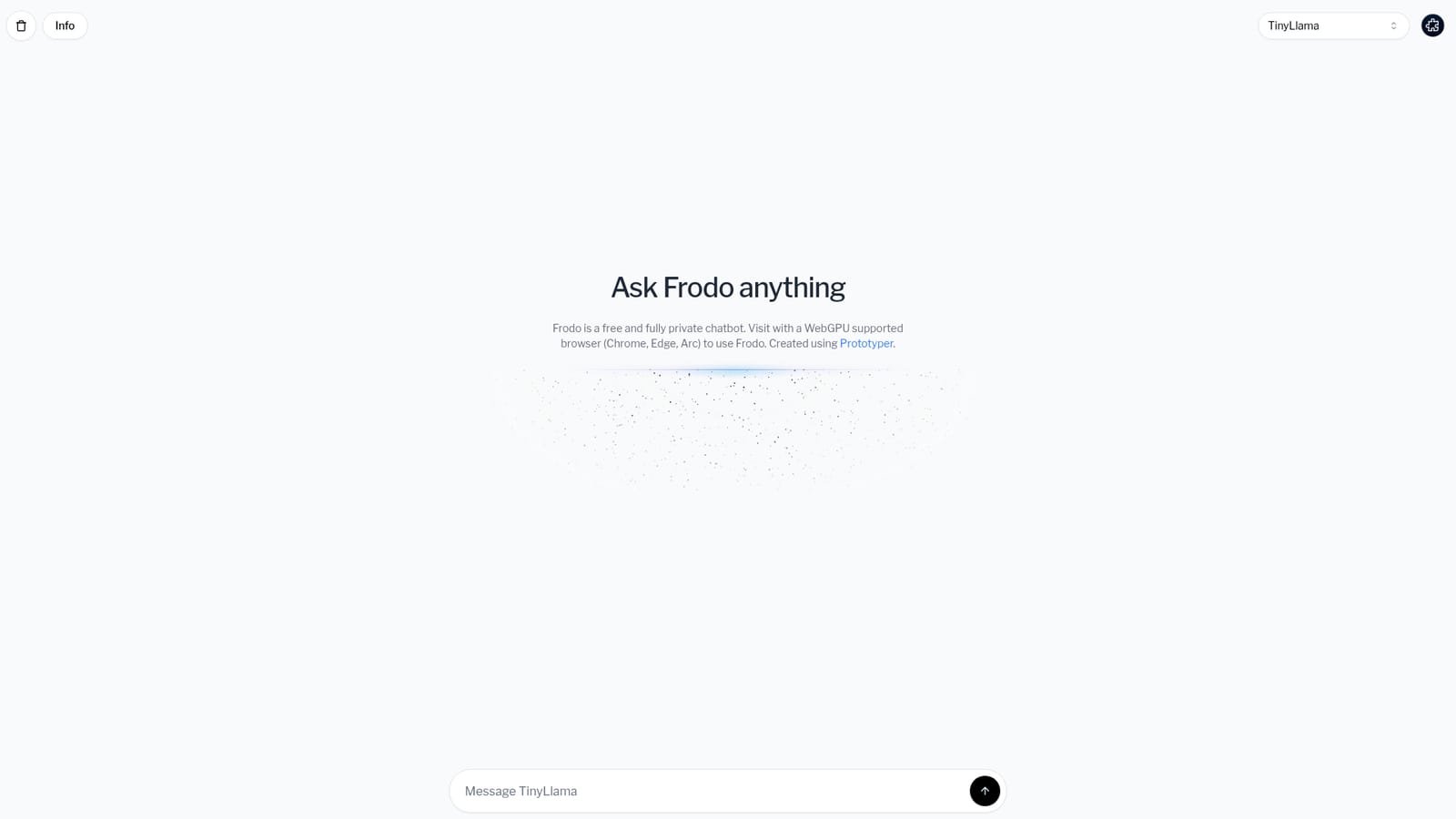
The homepage states that Frodo is free. No paid tiers, subscriptions or usage limits are described, and no pricing page is listed.
Learn moreFrodo is a browser based chat interface that runs open language models locally via WebGPU. The homepage lists Mistral-7B-Instruct, Llama-3-8B-Instruct, TinyLlama-1.1B-Chat and phi-2 as selectable models, with load and cache indicators. A single prompt box handles conversation. Privacy comes from local execution rather than a server side policy.
 AI Angels400+ customizable AI girlfriends for NSFW chat, voice calls, and roleplay
 Candy AIExperience the future of companionship with AI friends who chat, role-play, and connect with you on a human level.
 ourdream.aiA vast AI roleplay platform with millions of characters for chat, images, video and voiceAI Angels400+ customizable AI girlfriends for NSFW chat, voice calls, and roleplayCandy AIExperience the future of companionship with AI friends who chat, role-play, and connect with you on a human level.ourdream.aiA vast AI roleplay platform with millions of characters for chat, images, video and voice


