Free trial
A free starting tier is advertised directly on the homepage, and no credit card terms are stated. Plan-based access is offered as an alternative rather than a prerequisite.
Learn moreA ChatGPT alternative that also reads links, PDFs and audio files

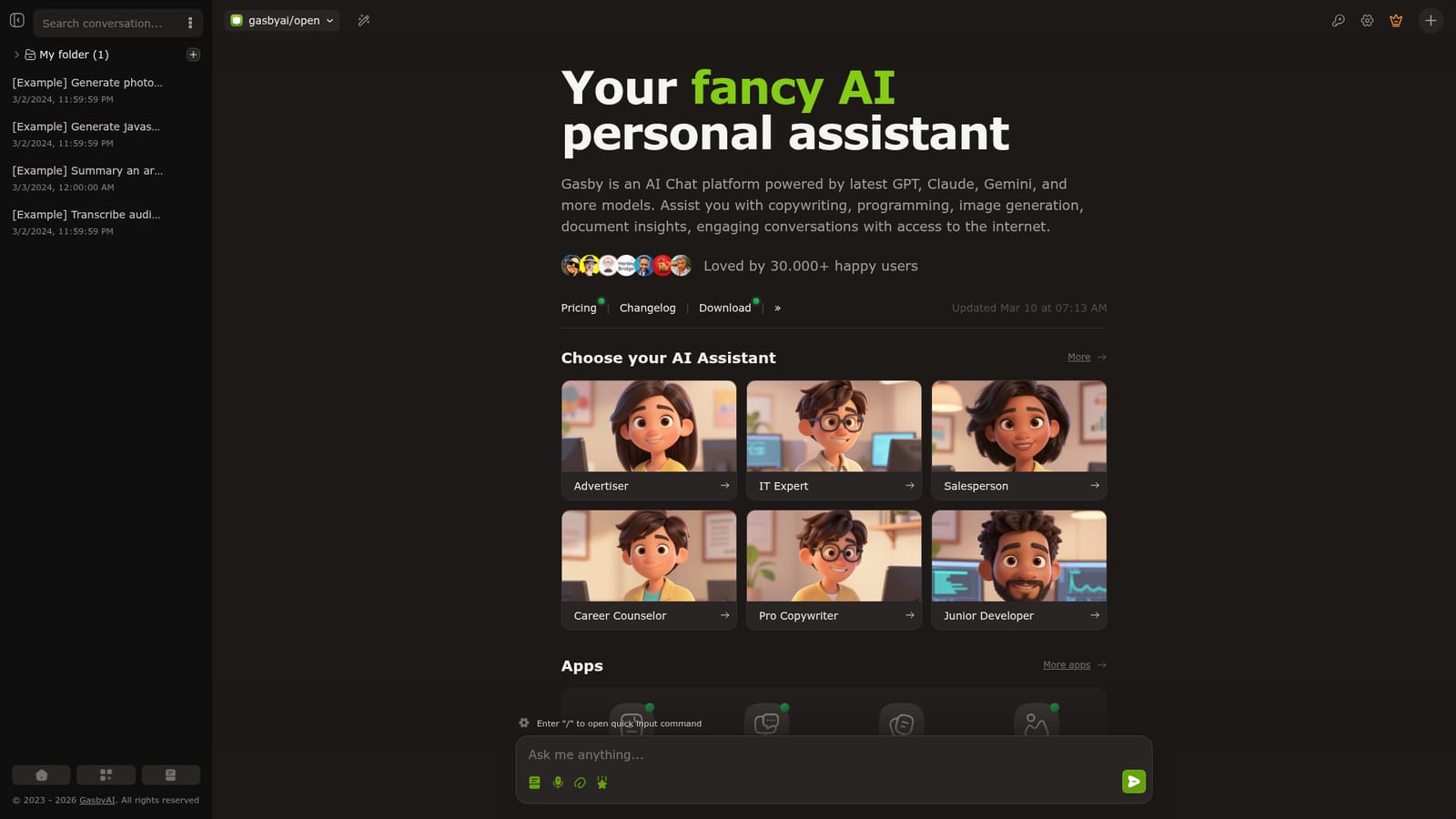
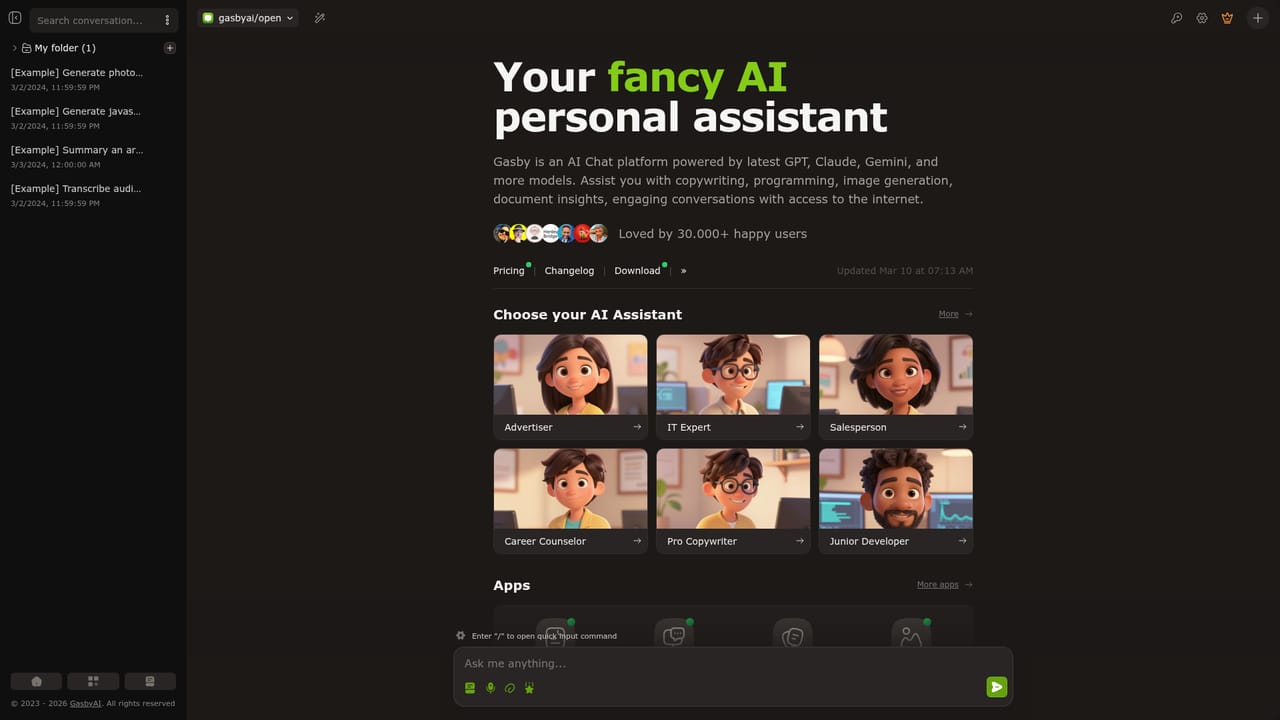
GasbyAI is a browser chat assistant built on OpenAI models that answers questions, reads URLs, summarises PDF and DOCX files, transcribes audio and video, and generates images. Preset personas (Advertiser, IT Expert, Salesperson, Career Counselor, Copywriter, Junior Developer) sit alongside standalone apps for OCR, document chat, image generation and model comparison.
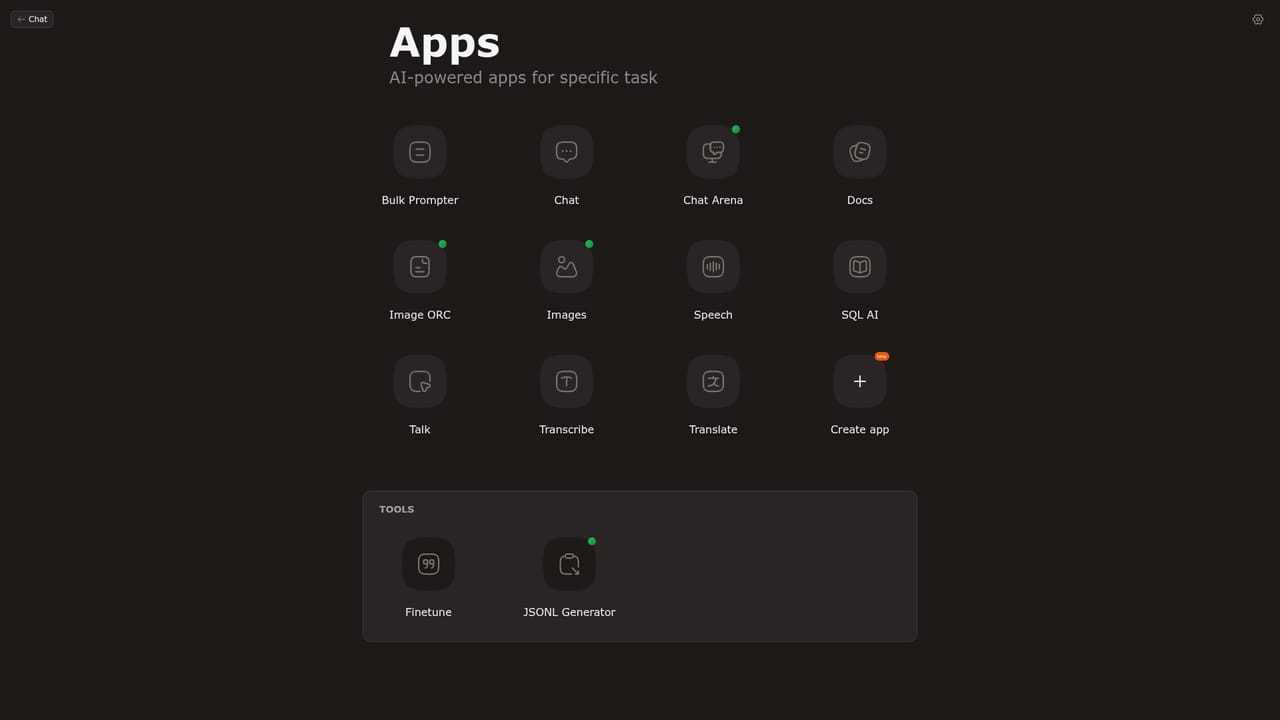
GasbyAI is a browser based chat assistant positioned as an alternative to ChatGPT, built on OpenAI's latest models. The core product is a single chat window where users type a question, paste a URL, upload a PDF or DOCX file, or drop in an audio or video file for transcription. The pitch is breadth: instead of juggling several subscriptions for summarising documents, reading web pages, writing code or generating pictures, GasbyAI gathers those tasks into one interface. The tool leans on preset personas rather than a blank prompt. A picker lets users switch between assistants tuned for different jobs: an Advertiser for marketing and promotion strategy, an IT Expert for technical troubleshooting and support, a Salesperson for deal closing, a Career Counselor for goal setting, a Pro Copywriter for articles and marketing copy, and a Junior Developer for building things. Each persona comes with its own framing, which shortens the distance between opening the app and getting a usable answer for people who do not write prompts for a living. Beyond the chat there is a small suite of separate apps. Image ORC extracts data from images and PDFs using vision and OCR, Chat Arena puts responses from multiple AI models side by side for comparison, Docs lets users chat with a PDF or DOCX file, and Images handles AI picture generation. Quick input commands are triggered with a forward slash inside the chat box, and example threads in the workspace show what image generation, code writing, article summarising and audio transcription look like in practice. The service is aimed at general knowledge workers, small teams and solo operators who want one tab for everyday AI chores rather than a stack of specialised tools. Pricing is not published in detail on the homepage: it offers a free starting tier, subscription plans, and a bring your own provider option for users who already have API access to a model vendor. That flexibility is useful, but it also means the quality of output depends on which provider sits behind the chat.
A free starting tier is advertised directly on the homepage, and no credit card terms are stated. Plan-based access is offered as an alternative rather than a prerequisite.
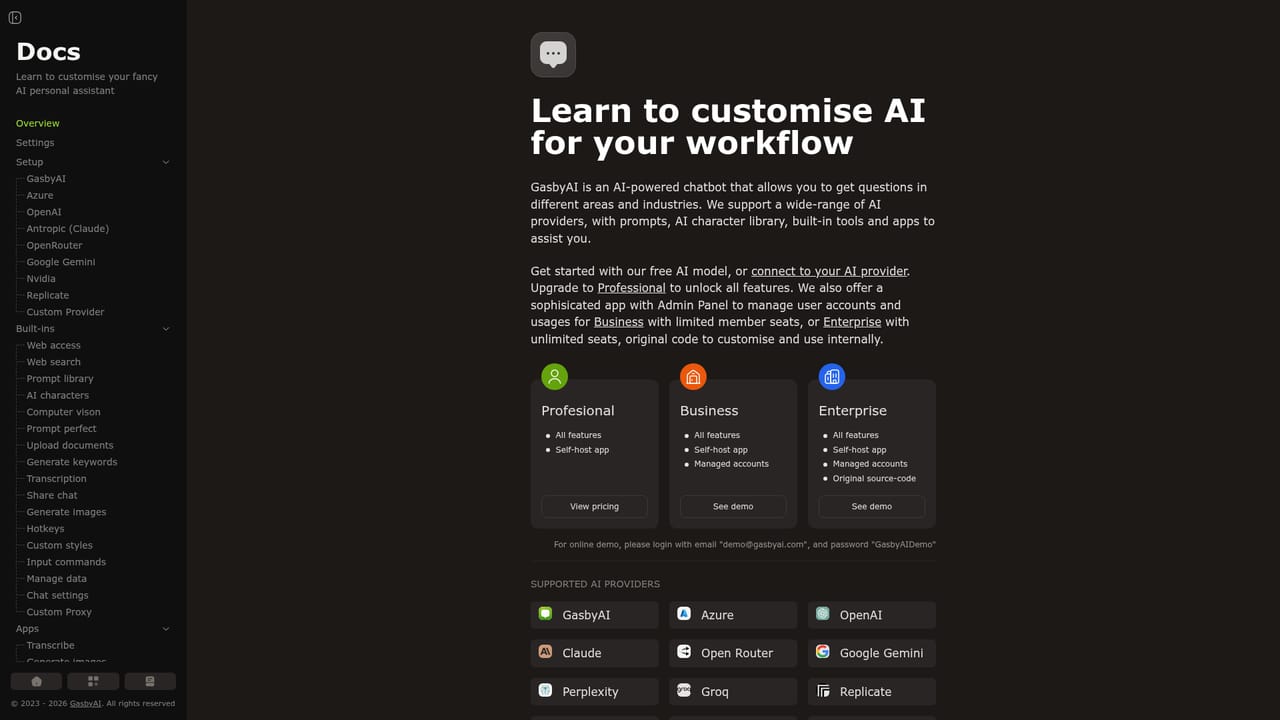
Learn moreThe homepage states that users can start chatting for free, subscribe to a plan, or set up their own AI provider. No plan names, prices, message caps or feature tiers are published on the visible page.
Learn moreA documentation page is linked from the main navigation, but no help centre, contact channel, community forum or response time commitment is described on the homepage.
Learn moreUsers can connect their own AI provider credentials instead of relying on the built-in service; the homepage names no specific third party integrations beyond that option.
Chat with text or pasted URLs, summarise and question PDF and DOCX files, transcribe audio and video, generate images, extract data from images and PDFs with OCR and vision, compare multiple models in Chat Arena, and switch between six preset assistant personas. Slash commands speed up repeated input.
Learn more AI Angels400+ customizable AI girlfriends for NSFW chat, voice calls, and roleplay
 Candy AIExperience the future of companionship with AI friends who chat, role-play, and connect with you on a human level.
 ourdream.aiA vast AI roleplay platform with millions of characters for chat, images, video and voiceAI Angels400+ customizable AI girlfriends for NSFW chat, voice calls, and roleplayCandy AIExperience the future of companionship with AI friends who chat, role-play, and connect with you on a human level.ourdream.aiA vast AI roleplay platform with millions of characters for chat, images, video and voice


