Free trial
A 45 day free trial with full access is offered when signing up for StreamRoutine. The standalone chatbot sign up is free and does not mention a trial period.
Learn moreA ChatGPT-powered Twitch chatbot with logs and custom commands.
Own Streamroutine? Verify ownership to get a dofollow link

Streamroutine is an AI chat bot tool. StreamRoutine's ChatGPT Twitch ChatBot adds AI replies to a Twitch channel, with the ChatGPT module free for all users and tied to StreamRoutine account tools like chat logs and custom commands. Setup runs through Twitch sign in, with a chatbot-only option or a full account.
StreamRoutine's ChatGPT Twitch ChatBot brings an AI conversational layer to a Twitch channel while keeping the surrounding tools in one account. The product page describes a bot with several features tied to a StreamRoutine account, including chat logs and custom commands, plus a ChatGPT module that can be enabled from the Chatbot section of the site. The AI part is offered free to everyone, which makes it an unusual entry point: streamers can test the chatbot without taking on the broader subscription. The intended audience is Twitch streamers who want the chat to do more than repeat commands. The page gives two concrete examples of use. A streamer might ask the bot to brainstorm ideas during a broadcast, or let the audience brainstorm through it. In the other example, chat can challenge the bot to a rap battle, with the page showing a Shakespeare-styled exchange. Those examples point to a tool aimed at entertainment and interaction rather than moderation or analytics, and the emphasis sits on the AI replies as a source of on-air material. In practice, the setup runs through StreamRoutine's Twitch sign in. Streamers can create a full StreamRoutine account or sign up for the chatbot only, and subscribers enable the ChatGPT module inside the site's Chatbot section. The documentation linked from the page covers the bot's commands and behaviour. Because chat logs and custom commands sit in the same account, the chatbot is positioned for people who want their Twitch tooling consolidated rather than spread across separate bots. Among alternatives, StreamRoutine competes with dedicated Twitch bot services and with custom scripts built on AI APIs. Its differentiator is the free ChatGPT component attached to a hosted account, not a standalone AI model. Streamers who already use a different bot for commands and logs may see less value, while those starting fresh get an AI feature without extra setup. The page targets Twitch specifically and does not claim support for other streaming platforms.
A 45 day free trial with full access is offered when signing up for StreamRoutine. The standalone chatbot sign up is free and does not mention a trial period.
Learn moreThe ChatGPT portion of the bot is free to everyone, including non-subscribers. Subscribers enable the module inside the Chatbot section. The page does not list subscription prices, but it advertises a 45 day free trial with full access for the full StreamRoutine account.
Learn moreSupport is limited to public bot documentation linked from the product page. No help centre, email or chat support details are stated.
Learn moreConnects to Twitch through StreamRoutine sign in. The page does not list other platform integrations.
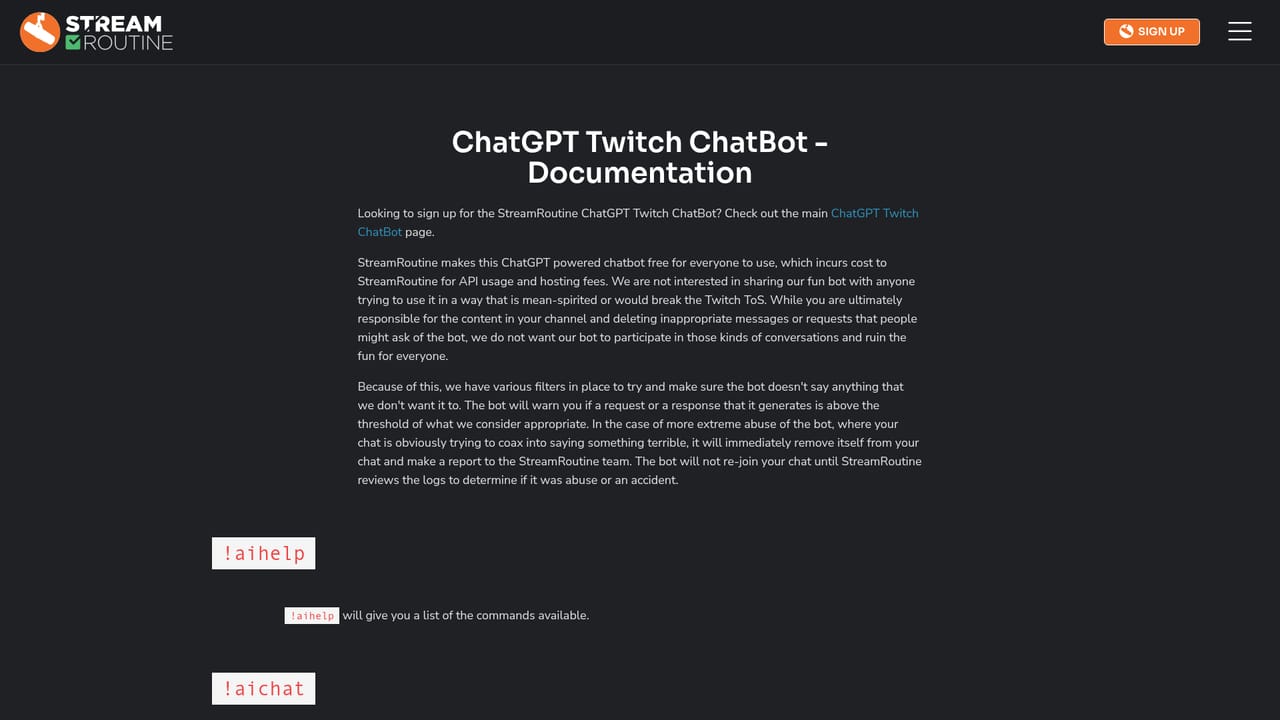
The bot combines ChatGPT-powered replies with StreamRoutine account features such as chat logs and custom commands. The ChatGPT module can be enabled from the Chatbot section for subscribers, and it is available free through sign up. The page cites brainstorming and rap battles as example interactions.
Learn more AI Angels400+ customizable AI girlfriends for NSFW chat, voice calls, and roleplay
 Candy AIExperience the future of companionship with AI friends who chat, role-play, and connect with you on a human level.
 ourdream.aiA vast AI roleplay platform with millions of characters for chat, images, video and voiceAI Angels400+ customizable AI girlfriends for NSFW chat, voice calls, and roleplayCandy AIExperience the future of companionship with AI friends who chat, role-play, and connect with you on a human level.ourdream.aiA vast AI roleplay platform with millions of characters for chat, images, video and voice


