Pricing
The homepage states that GetAiPic offers top-tier AI visuals at economical prices but does not list plan tiers, credit amounts or per-image costs. Exact pricing has to be confirmed on the site after opening the generator.
Learn moreTurn written prompts into finished AI imagery at budget-friendly prices

GetAiPic is a content tool that turns written prompts into finished AI imagery at budget-friendly prices. A browser-based text-to-image generator that turns written prompts into AI artwork, pitched at budget-conscious users who need quick visuals for content and social posts.
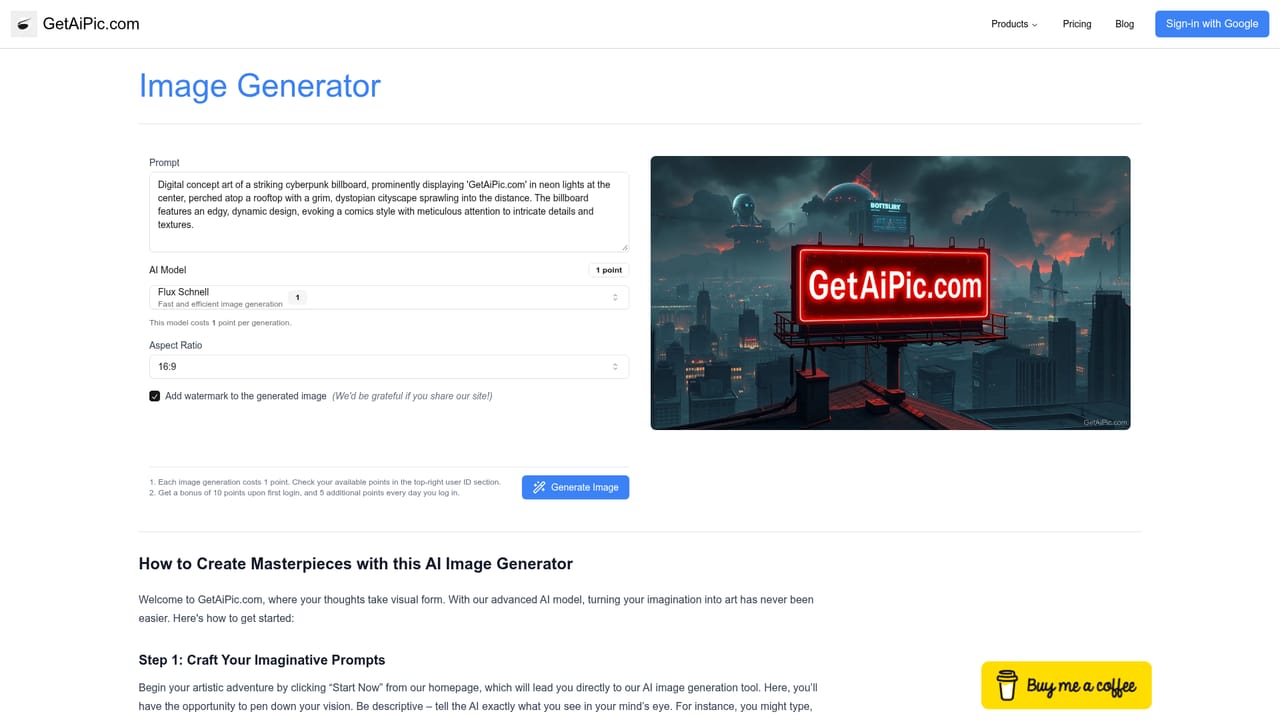
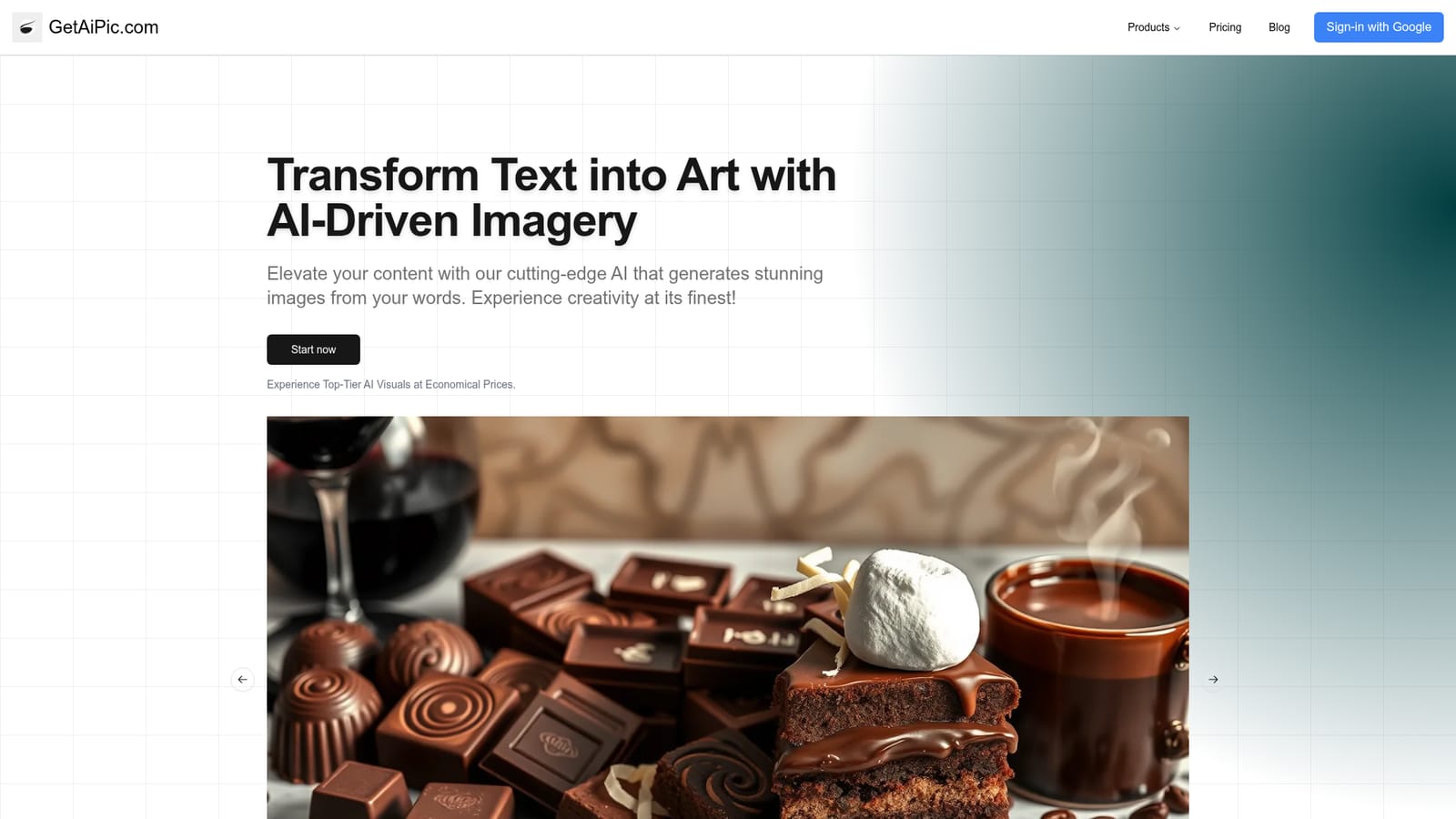
GetAiPic is a text-to-image tool built around a single, narrow promise: you describe what you want in words and the service returns a generated picture. The homepage keeps its pitch short, framing the product as AI-driven imagery that elevates content, with a one-click entry point labelled Start now that leads straight into the generator. There is no sprawling suite of editing tools advertised here, just prompt-in, image-out. In practice the workflow is a prompt box and a result. You write a description of the scene, subject or style you need, submit it, and the system renders an image. The gallery of sample outputs on the homepage shows the kind of visual range the generator is meant to cover, from photographic-looking scenes to stylised artwork. Because the tool is browser-based, nothing needs installing, and the only skill it asks for is the ability to write a clear description of the image you have in mind. The audience is broad rather than specialist. Bloggers who need a header image, small businesses building social posts, students assembling a deck, and hobbyists experimenting with prompt writing are all reasonable fits. The homepage leans on price as a differentiator, describing top-tier AI visuals at economical prices, which positions GetAiPic against larger and better-known image generators on cost rather than on feature depth. Where it fits among alternatives is as a lightweight, low-cost front end to image generation. Tools in this space compete on model quality, editing controls, resolution and licensing, and the homepage does not make claims about any of those. Buyers comparing options should treat GetAiPic as a simple prompt-to-image service and check the specifics that matter to them, such as commercial usage terms and output options, before committing.
The homepage states that GetAiPic offers top-tier AI visuals at economical prices but does not list plan tiers, credit amounts or per-image costs. Exact pricing has to be confirmed on the site after opening the generator.
Learn moreText-to-image generation from written prompts, delivered in the browser with no installation. The homepage highlights a sample gallery of generated visuals and a single Start now entry point into the generator. No details are published on resolution, editing controls, model versions or export formats.
Learn more AI Angels400+ customizable AI girlfriends for NSFW chat, voice calls, and roleplay
 Candy AIExperience the future of companionship with AI friends who chat, role-play, and connect with you on a human level.
 ourdream.aiA vast AI roleplay platform with millions of characters for chat, images, video and voiceAI Angels400+ customizable AI girlfriends for NSFW chat, voice calls, and roleplayCandy AIExperience the future of companionship with AI friends who chat, role-play, and connect with you on a human level.ourdream.aiA vast AI roleplay platform with millions of characters for chat, images, video and voice








