Free trial
A FAQ entry asks whether the lyric video generator can be used for free, which suggests a no-cost way in, but the homepage gives no terms or limits for it.
Learn moreTurn a finished song into a synced, AI-generated music video in minutes.
Own GetLyricVideo AI? Verify ownership to get a dofollow link

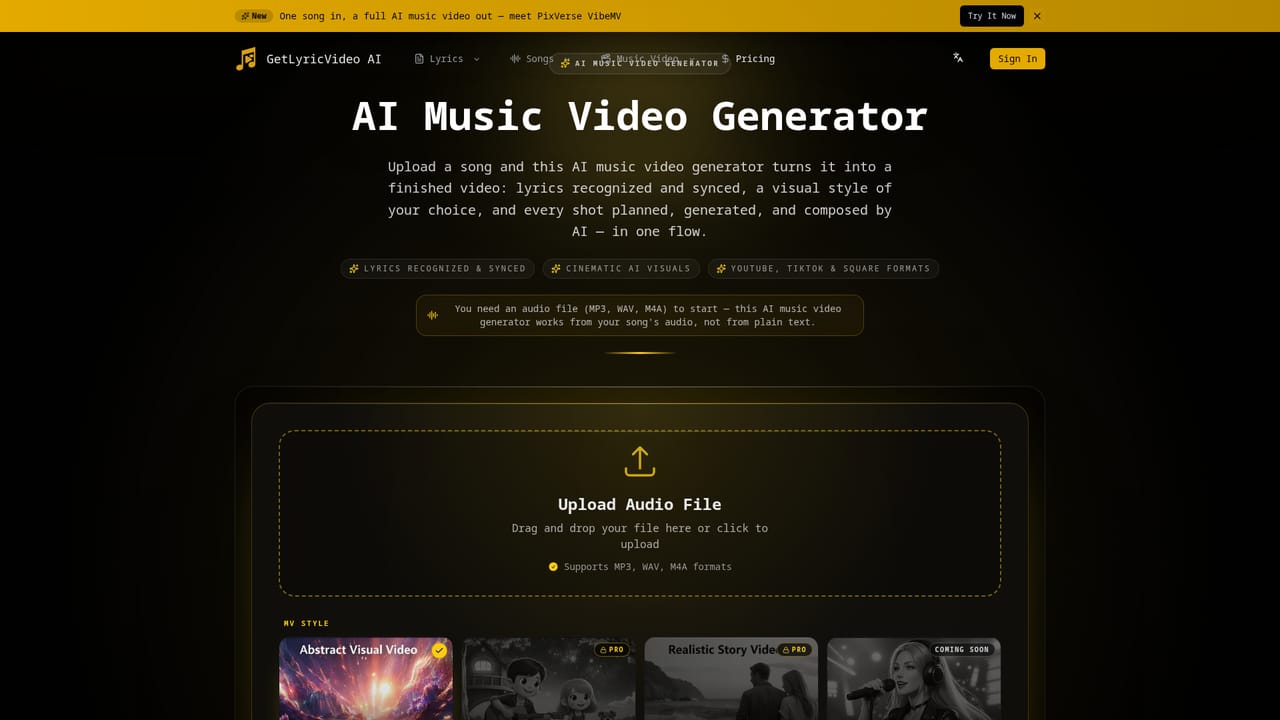
GetLyricVideo AI is an audio to video tool that turns a finished song into a synced, AI-generated music video in minutes. An AI lyric video generator that accepts an audio upload, detects or takes your lyrics, and renders a full music video with synced text and AI-generated scenes.
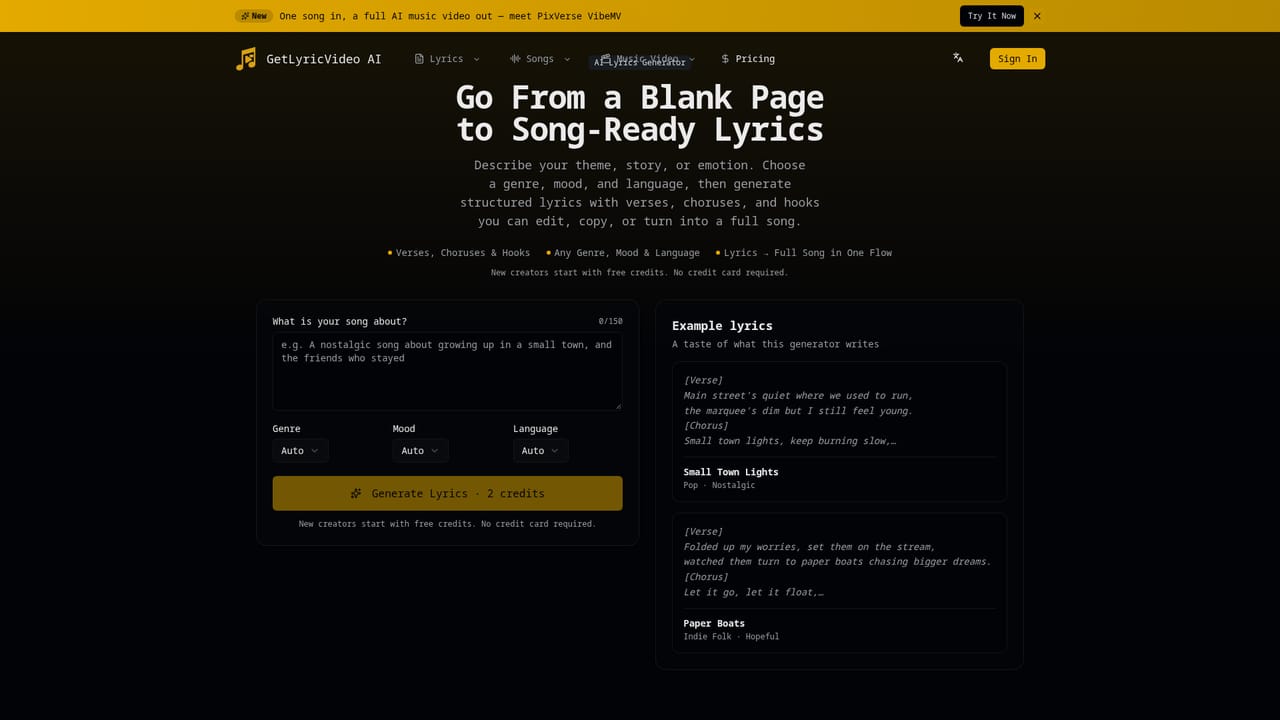
GetLyricVideo AI is a browser-based studio that takes a finished audio track and returns a complete lyric video: scenes generated from the words, lyrics synced on screen, and a file ready to post. The workflow is deliberately short. Upload an MP3, WAV or M4A file, let the tool recognize the lyrics automatically or paste your own text, pick a visual style, and export. There is no timeline to learn and no keyframing, which puts the product closer to a rendering service than to conventional video editing software. The visual direction is where it separates from older lyric video makers that loop stock footage behind text. GetLyricVideo generates actual scenes that follow the lyric content and the mood of the song, and it presents this as story-driven rather than decorative. Four styles are listed: Abstract Visuals, Story (3D cartoon narrative), Realistic Story, and Performance, with Realistic and Performance marked as coming soon while the homepage simultaneously says they are available, so confirm availability before committing. Two publish formats are offered, 16:9 for YouTube and 9:16 for TikTok, Reels and Shorts, with vertical output at 720p. The audience is independent musicians, producers, label marketing teams and social content creators who need release-day visuals without hiring an editor. GetLyricVideo also bundles the earlier stages of production: an AI lyrics generator that turns an idea into structured verses, an AI song generator that performs those lyrics with vocals and production, and then the video step. A creator without a recorded track can go from concept to publishable clip inside one site. Where it fits: it is a faster, cheaper route than commissioning a video editor or assembling lyric loops by hand, and it is more narrative than template-driven lyric tools. The trade-off is control. You choose a style, not a shot. Artists who need precise visual authorship, brand-specific typography or scene-level edits will still end up in a traditional editor.
A FAQ entry asks whether the lyric video generator can be used for free, which suggests a no-cost way in, but the homepage gives no terms or limits for it.
Learn moreThe homepage does not publish prices, tiers or export limits. It only indicates that a free option exists (a FAQ entry asks whether the generator can be used for free) and points visitors to a start button. Check the site for current plans before uploading paid material.
Learn moreThe FAQ block ends with a prompt to contact the support team for unanswered questions. No help centre, documentation or contact channel is listed on the homepage.
Audio upload in MP3, WAV and M4A; automatic lyric recognition or manual lyric entry; AI-generated scenes with synced lyrics; styles covering Abstract Visuals, Story (3D cartoon narrative), Realistic Story and Performance (marked coming soon); 16:9 and 9:16 publish formats at up to 720p; companion AI lyrics generator and AI song generator; download and share the finished video.
 AI Angels400+ customizable AI girlfriends for NSFW chat, voice calls, and roleplay
 Candy AIExperience the future of companionship with AI friends who chat, role-play, and connect with you on a human level.
 ourdream.aiA vast AI roleplay platform with millions of characters for chat, images, video and voiceAI Angels400+ customizable AI girlfriends for NSFW chat, voice calls, and roleplayCandy AIExperience the future of companionship with AI friends who chat, role-play, and connect with you on a human level.ourdream.aiA vast AI roleplay platform with millions of characters for chat, images, video and voice