Free trial
Three free transcriptions are offered with no credit card required; the homepage notes a login is needed to start.
Learn moreSpeech to text for audio, video and YouTube links in seconds
Own Turbo Transcription AI? Verify ownership to get a dofollow link
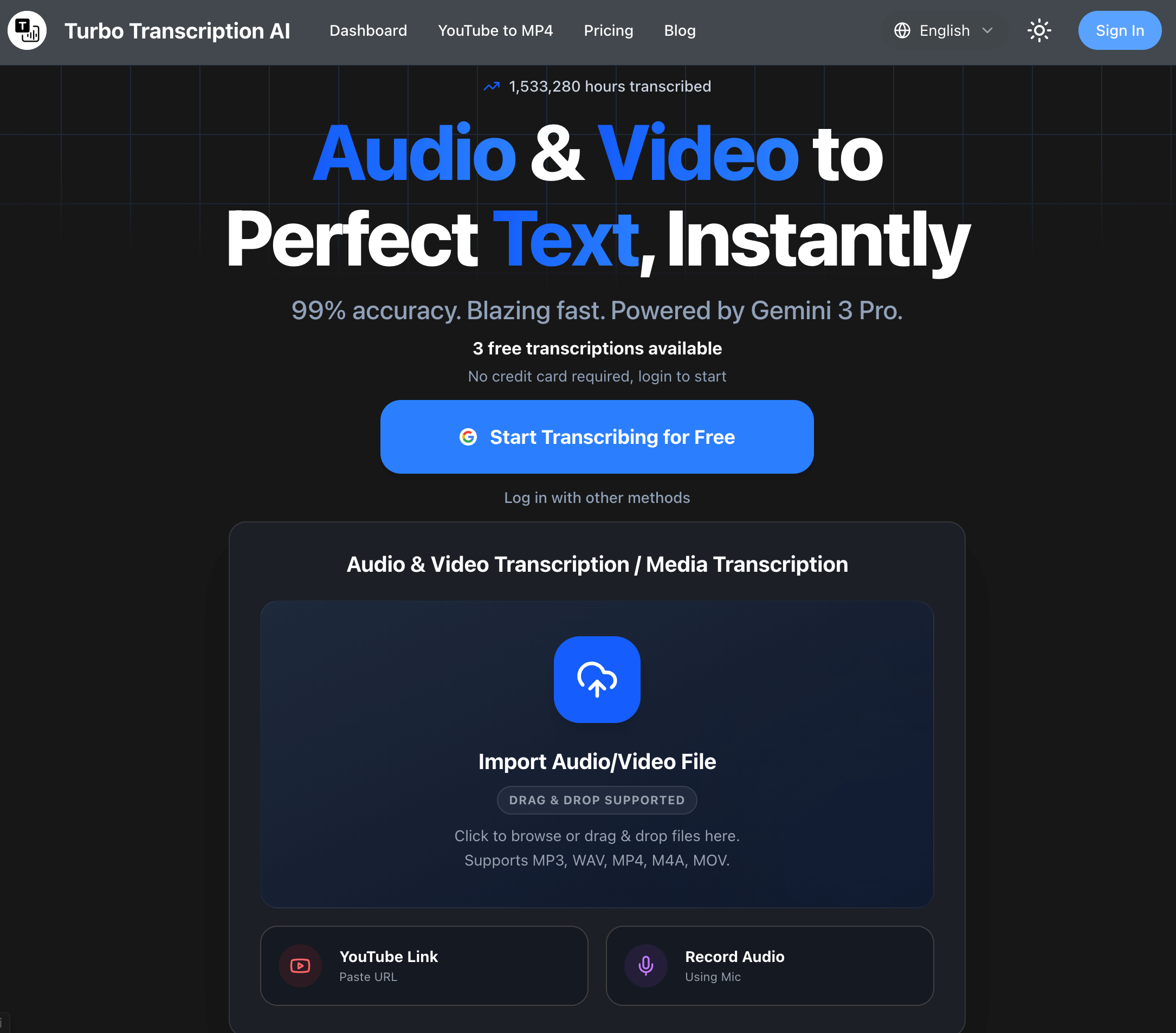
Turbo Transcription AI converts audio, video, YouTube links and microphone recordings into text, with exports to TXT, DOCX, PDF, SRT and VTT. Free users get three transcriptions, and paid plans scale daily file and hour limits plus language coverage from 40+ to 100+ languages.
Turbo Transcription AI is a browser based speech to text service that turns audio files, video files, YouTube links and live microphone input into written transcripts. The homepage claims a one hour recording can be processed in under 30 seconds, and the site reports more than 2.4 million hours transcribed across a user base it puts above one million. Files arrive as MP3, WAV, M4A, MP4, MOV, AVI and MPEG among other common formats, and the FAQ states there are no file size limits. The workflow is deliberately narrow. A visitor drops a file onto the upload panel, pastes a YouTube URL or records straight from the microphone, then waits for the text to appear. Finished transcripts leave the platform as TXT, DOCX, PDF, SRT or VTT, so the same output can serve as a written record, a document for editing or a subtitle track. Language coverage depends on the plan: Basic covers 40+ languages while Pro and Ultimate reach 100+ languages. Paid tiers add an AI summary, inline editing, translation, batch processing and a priority queue. Freelancers, journalists, students, podcasters and video producers make up the obvious audience, and the site also pitches a medical transcription page at healthcare staff. Teams running heavy volumes are served by the Ultimate tier, which permits 50 files and 250 hours per day with a 4 hour ceiling per file. Anyone comparing options will find the site positions itself against Express Scribe, GoTranscript and MacWhisper, leaning on speed and self serve pricing rather than human review. Accuracy depends on source quality. The FAQ is candid that background noise, strong accents and overlapping speakers degrade results, and nothing on the homepage promises speaker labels or human proofreading. Treat the output as a fast first draft that still needs a read through before it goes into a report, a caption file or a legal record.
Three free transcriptions are offered with no credit card required; the homepage notes a login is needed to start.
Learn moreBasic is $16 per month ($0.5/day): 1 file daily, 2 hours daily, 2 hours per file, 40+ languages. Pro is $20 per month ($0.7/day): 10 files, 50 hours daily, 3 hours per file, 100+ languages, translation, editing, AI summary, batch, priority queue. Ultimate is $100 per month ($3.3/day): 50 files, 250 hours daily, 4 hours per file. Yearly billing saves 17%.
Learn moreYouTube is the only third party source named on the homepage, handled by pasting a video URL into the transcription panel.
Learn moreAccepts audio and video uploads, YouTube links and microphone recordings, with no file size limit stated. Produces transcripts with exports to TXT, DOCX, PDF, SRT and VTT. Paid tiers add 100+ language support, translation, inline editing, AI summaries, batch transcription and a priority queue.
Learn more AI Angels400+ customizable AI girlfriends for NSFW chat, voice calls, and roleplay
 Candy AIExperience the future of companionship with AI friends who chat, role-play, and connect with you on a human level.
 ourdream.aiA vast AI roleplay platform with millions of characters for chat, images, video and voiceAI Angels400+ customizable AI girlfriends for NSFW chat, voice calls, and roleplayCandy AIExperience the future of companionship with AI friends who chat, role-play, and connect with you on a human level.ourdream.aiA vast AI roleplay platform with millions of characters for chat, images, video and voice







