Integrations
Stripe is named for on-site payments. No other third party integrations are described in the homepage content.
Describe a site in a sentence and get a publishable multi-page website

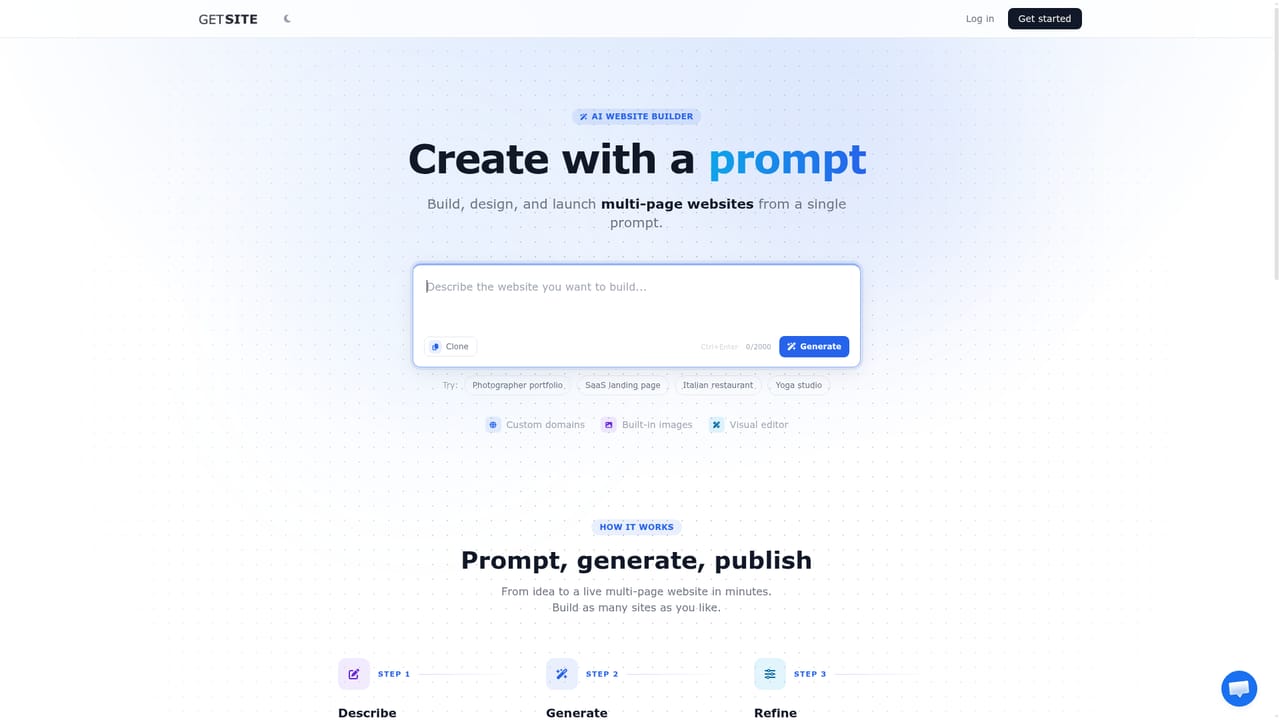
GetSite generates a full multi-page website from a short text description, including design, copy and images, then hosts it. Editing happens visually or through AI instructions, and the plan bundles domains, SEO, analytics, forms, Stripe payments, email campaigns and A/B testing.
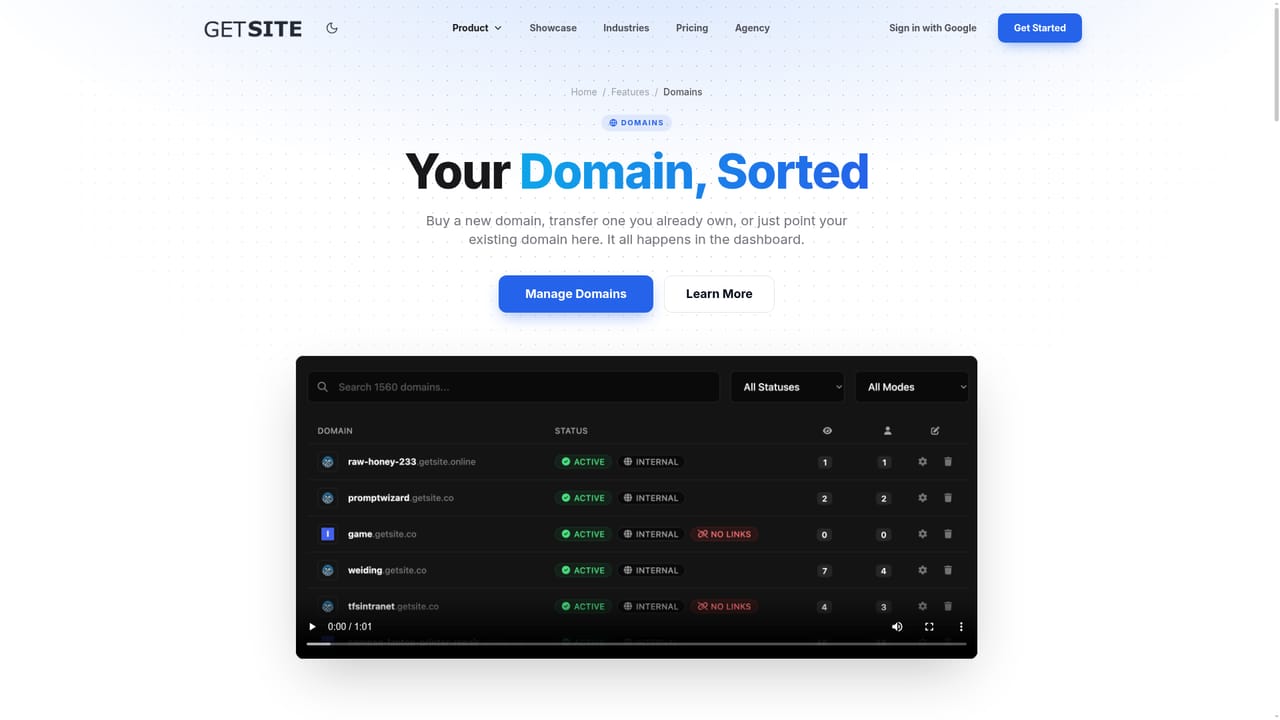
GetSite is an AI website builder that turns a short written brief into a complete, multi-page website. You type a few sentences about the business or project, choose colors, and the system generates the design, page copy and imagery on its own. The output is not a static mockup: it is a site you can publish immediately, with custom domains, DNS and SSL handled by the platform. In practice the workflow is three moves. First you describe the idea, for example a one page site for an interior design studio in a named city. The AI then writes the code, picks or generates images and fills in the content. After that you review the result in a visual editor where text, images and layout are changed directly on the page, or you describe the change you want and the AI Developer applies it. Assets live in a library that accepts your own uploads alongside AI generated images. Beyond the build itself, GetSite bundles the growth tooling most small sites eventually need: page titles, meta tags and sitemaps for SEO, visitor analytics, contact forms with spam filtering and submission notifications, Stripe payments for selling on the site, email campaigns with list management, lead search for finding prospects by keyword and location, and A/B testing for comparing page versions. The public showcase of generated sites points to small businesses, freelancers, consultants and product landing pages as the core audience. The positioning is convenience over control. People who want a fast, hosted, all-in-one site without touching hosting or code will find the bundle sensible, while teams with detailed design requirements or existing CMS infrastructure may find the generated output and editing model limiting. Hosting is included, so the practical comparison is against other prompt-to-site generators and against assembling a site from a general builder plus separate hosting, email and analytics services.
Stripe is named for on-site payments. No other third party integrations are described in the homepage content.
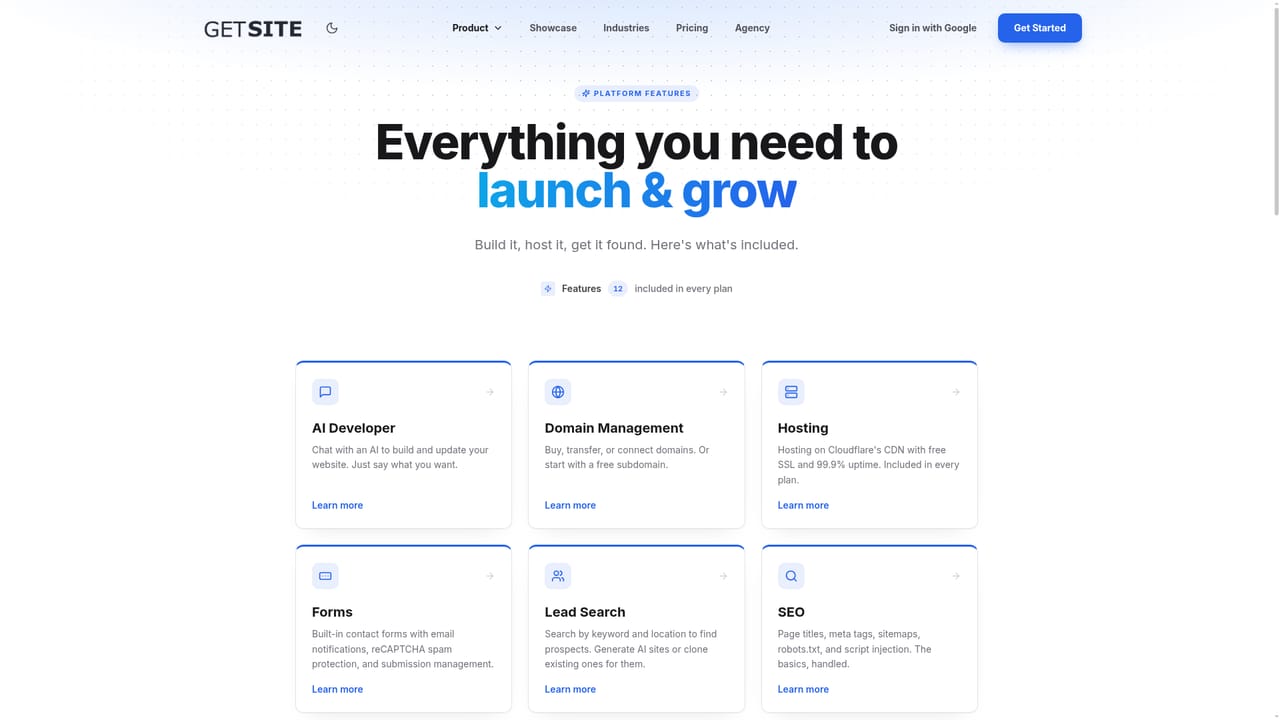
Twelve features are listed as included in every plan: custom domains with DNS and SSL, smart contact forms with spam filtering, SEO controls (titles, meta tags, sitemaps, script injection), visitor analytics, a visual editor, the AI Developer for prompt-based changes, managed hosting, an asset library with AI image generation, Stripe payments, email campaigns, lead search with one-click site cloning, and A/B testing.
Learn more AI Angels400+ customizable AI girlfriends for NSFW chat, voice calls, and roleplay
 Candy AIExperience the future of companionship with AI friends who chat, role-play, and connect with you on a human level.
 ourdream.aiA vast AI roleplay platform with millions of characters for chat, images, video and voiceAI Angels400+ customizable AI girlfriends for NSFW chat, voice calls, and roleplayCandy AIExperience the future of companionship with AI friends who chat, role-play, and connect with you on a human level.ourdream.aiA vast AI roleplay platform with millions of characters for chat, images, video and voice


