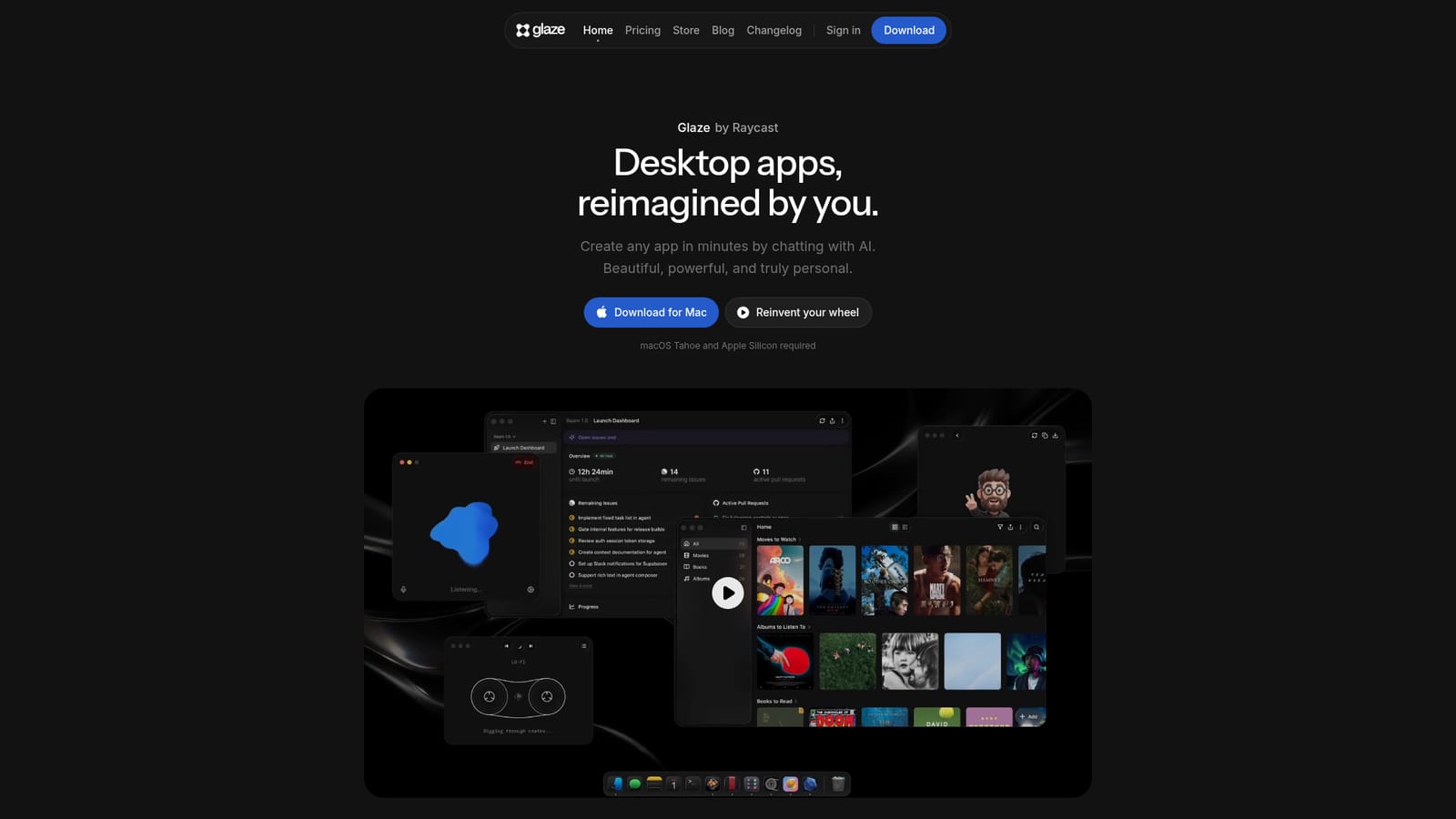
Glaze by Raycast

Build native Mac apps by chatting with an AI agent that lives on your desktop.

Beginner API
Screenshot of Glaze by Raycast, Build native Mac apps by chatting with an AI agent that lives on your desktop

What is Glaze by Raycast?

Glaze by Raycast is an AI project builder tool that builds native Mac apps by chatting with an AI agent that lives on your desktop. Glaze lets you build native Mac apps by describing them in plain language. Apps run locally, integrate with your OS, and can be shared publicly or privately.

Glaze by Raycast is a Mac application that lets you create desktop apps by describing what you want in plain language. Unlike browser-based builders, Glaze apps run locally on your machine, which means they launch instantly, work without an internet connection, and can tap into your file system, keyboard shortcuts, menu bar, and hardware. The tool is aimed at people who need custom software for their daily life, their team, or a specific workflow but lack the time or coding skills to build it from scratch. It also appeals to developers who want a faster way to prototype and refine internal tools. In practice, you start by describing an app idea in the chat interface. The built-in agent turns that description into a working desktop app. From there, you can annotate directly in the running app to request changes, and the agent will update the code. You can also open the app's source with any agent, and if you have a Claude subscription, you can connect it to power the model instead of using Glaze credits. When the app is ready, you can publish it to the public Glaze Store, share it privately with your team through a Team Store, or use unlisted publishing (on the Pro plan) for one-to-one sharing. Recipients need Glaze installed and must be signed in, but they don't have to be paid subscribers to run your app. Among alternatives, Glaze differentiates itself by targeting the desktop rather than the browser. Tools like Lovable, Replit, or v0 are focused on web apps, while Glaze emphasizes OS-level integration and local data storage. This makes it a better fit for utilities that need to interact with local files, background processes, or system features. The main trade-off is platform lock-in: Glaze currently requires macOS Tahoe and Apple Silicon, with Windows and Linux support only planned. If you are a Mac user who wants bespoke software without a web stack, Glaze offers a direct path from idea to a running app.

How do you use Glaze by Raycast?

  1. 1Download Glaze for Mac
    Get the installer from the official site and run it on a Mac with macOS Tahoe and Apple Silicon. Launch the app after installation.
    Glaze by Raycast — Download Glaze for Mac
  2. 2Describe your app idea
    Open the chat interface and type a plain-language description of the app you want. The agent will generate a working desktop app based on your prompt.
  3. 3Refine with annotations
    Use the annotate feature to point at parts of the running app and tell the agent what to change. The agent updates the app directly.
  4. 4Connect a Claude subscription (optional)
    If you have a Claude subscription, sign in via Claude CLI and connect it to Glaze to use Claude models alongside Glaze's own, without spending Glaze credits.
  5. 5Publish or share your app
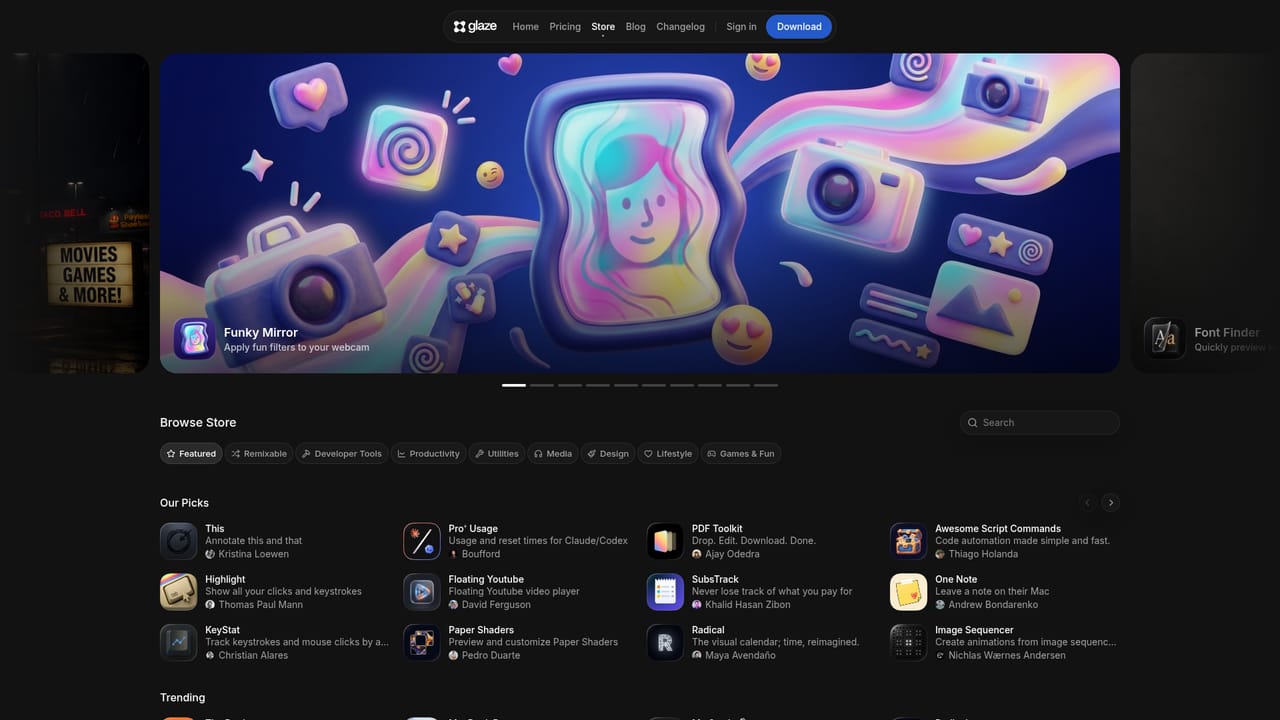
    Publish to the public Glaze Store, create a private Team Store for your team, or use unlisted publishing on the Pro plan for one-to-one sharing.
    Glaze by Raycast — Publish or share your app

Pros and cons

Pros

  • Apps run locally and work offline, keeping your data on your machineAI
  • Deep OS integration: access files, keyboard shortcuts, menu bar, and hardwareAI
  • No coding required; describe what you want and iterate with in-app annotationsAI
  • Publish to a public store or private team store for easy distributionAI
  • Bring your own Claude subscription to power the agent without spending Glaze creditsAI

Cons

  • Currently limited to macOS Tahoe and Apple Silicon; no Windows or Linux support yetAI
  • Recipients of shared apps must have Glaze installed and be signed inAI
  • Team Stores are free only during Beta; future pricing is unclearAI
  • Relies on an internet connection for the initial build, even though apps run offlineAI

How much does Glaze by Raycast cost?

Pricing

Glaze uses a credits system for its own models, with a Pro plan that adds unlisted publishing. You can also connect a Claude subscription to avoid using Glaze credits during the Beta. Specific prices are not listed on the homepage.

Learn more

Integrations

Glaze apps can connect to your APIs, local files, hardware, and any service with an API. It also integrates with Claude via a Claude subscription for model access.

Features

Glaze builds native Mac apps from plain-language prompts using an AI agent. Apps run locally and offline, integrate with the OS, support in-app annotations for changes, and can be published to a public store or shared privately. It also supports bringing your own Claude subscription and opening app sources with external agents.

Frequently asked questions about Glaze by Raycast

  • How much does Glaze by Raycast cost?
    Glaze uses a credits system for its own models, with a Pro plan that adds unlisted publishing. You can also connect a Claude subscription to avoid using Glaze credits during the Beta. Specific prices are not listed on the homepage.
  • Does Glaze by Raycast have an API?
    Yes, Glaze by Raycast offers an API.
  • How do you use Glaze by Raycast?
    The walkthrough on this page covers 5 steps: 1. Download Glaze for Mac 2. Describe your app idea 3. Refine with annotations 4. Connect a Claude subscription (optional) 5. Publish or share your app.
  • What platforms does Glaze by Raycast support?
    Glaze by Raycast is available on MacOS.
  • What does Glaze by Raycast integrate with?
    Glaze apps can connect to your APIs, local files, hardware, and any service with an API. It also integrates with Claude via a Claude subscription for model access.
  • What are the limitations of Glaze by Raycast?
    Currently limited to macOS Tahoe and Apple Silicon; no Windows or Linux support yet. Recipients of shared apps must have Glaze installed and be signed in. Team Stores are free only during Beta; future pricing is unclear.

Status

StatusActive
Views0
Outbound clicks0
Added10/21/2026

Platforms

MacOS

Pricing

FreemiumPaidSubscription