GoLinks

Internal short links and AI search for company knowledge.

Beginner
Screenshot of GoLinks, Internal short links and AI search for company knowledge

What is GoLinks?

GoLinks is an AI search tool. GoLinks combines internal short links (go/links) with a generative AI assistant to help teams find and share company resources quickly. It targets engineering, IT, sales, marketing, HR and support teams that want a shared naming convention and faster knowledge discovery.

GoLinks is a knowledge discovery and link management platform built around a simple convention: replace long internal URLs with short, memorable paths such as go/prs, go/helpdesk or go/sprint. Employees create these Go Links for any application or resource, then share them verbally, in chat, or in documents. The system resolves the link instantly, so a new hire can reach the right dashboard or policy page without hunting through bookmarks or asking around. The platform adds a generative AI layer called GoAI Assistant. Rather than only resolving a link someone already knows, the assistant answers questions and surfaces relevant internal resources, aiming to deliver the accuracy of a knowledgeable colleague at machine speed. This positions GoLinks as more than a URL shortener: it becomes a front door to company knowledge across engineering, IT, marketing, sales, HR, project management, design and customer support. Each department gets its own set of example links, which helps teams standardize routing to tools like GitHub, Jira, ServiceNow, Salesforce and HubSpot. In practice, adoption runs through a browser extension and integrations with workplace tools such as Slack, so links resolve inside the flow of normal work. Administrators manage the link inventory, and the shared naming scheme reduces duplicated effort and broken references. The product is aimed at organizations large enough to feel the cost of scattered information, from IT and support teams to revenue and engineering groups. It competes less with consumer link shorteners and more with internal search portals and wiki-style knowledge bases, though its model depends on teams actually creating and curating links. The homepage does not publish detailed pricing, trial terms or a full integration list. GoLinks is best understood as lightweight infrastructure for link hygiene plus an AI-assisted discovery layer on top.

How do you use GoLinks?

  1. 1Request access or book a demo
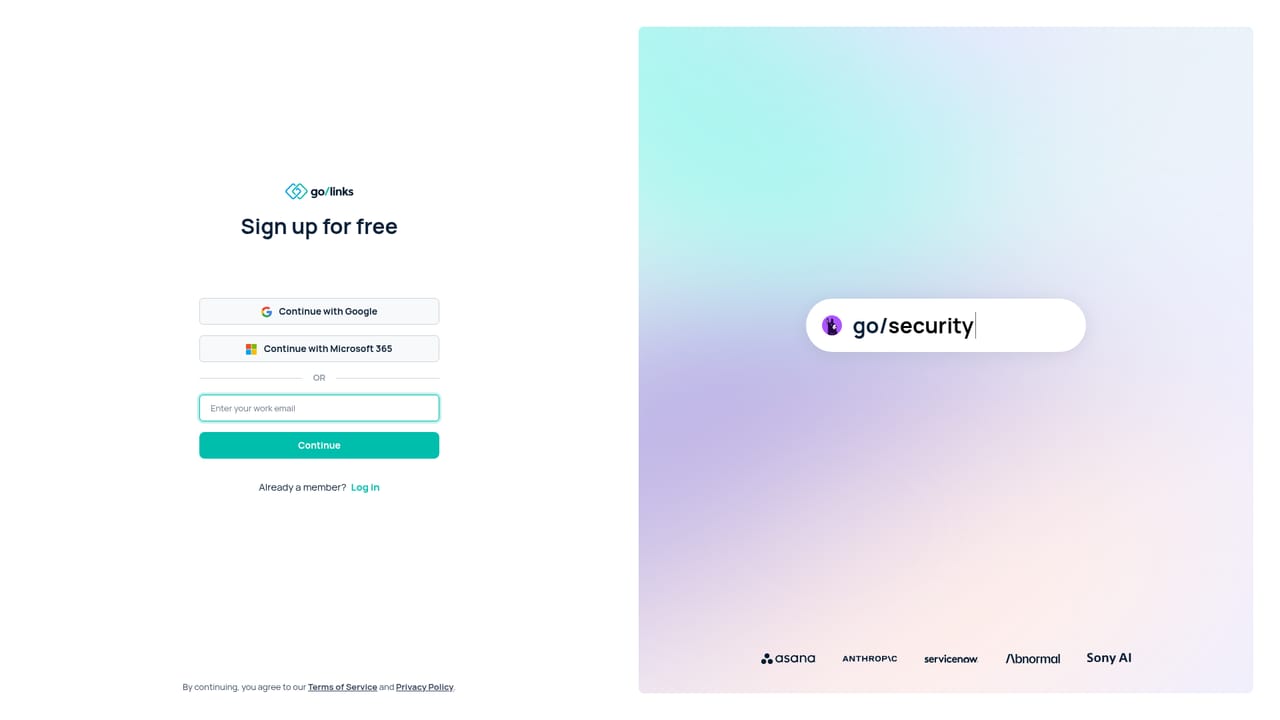
    Start on the signup page to create an account, or book a demo if you need a walkthrough before committing.
    GoLinks — Request access or book a demo
  2. 2Review the platform features
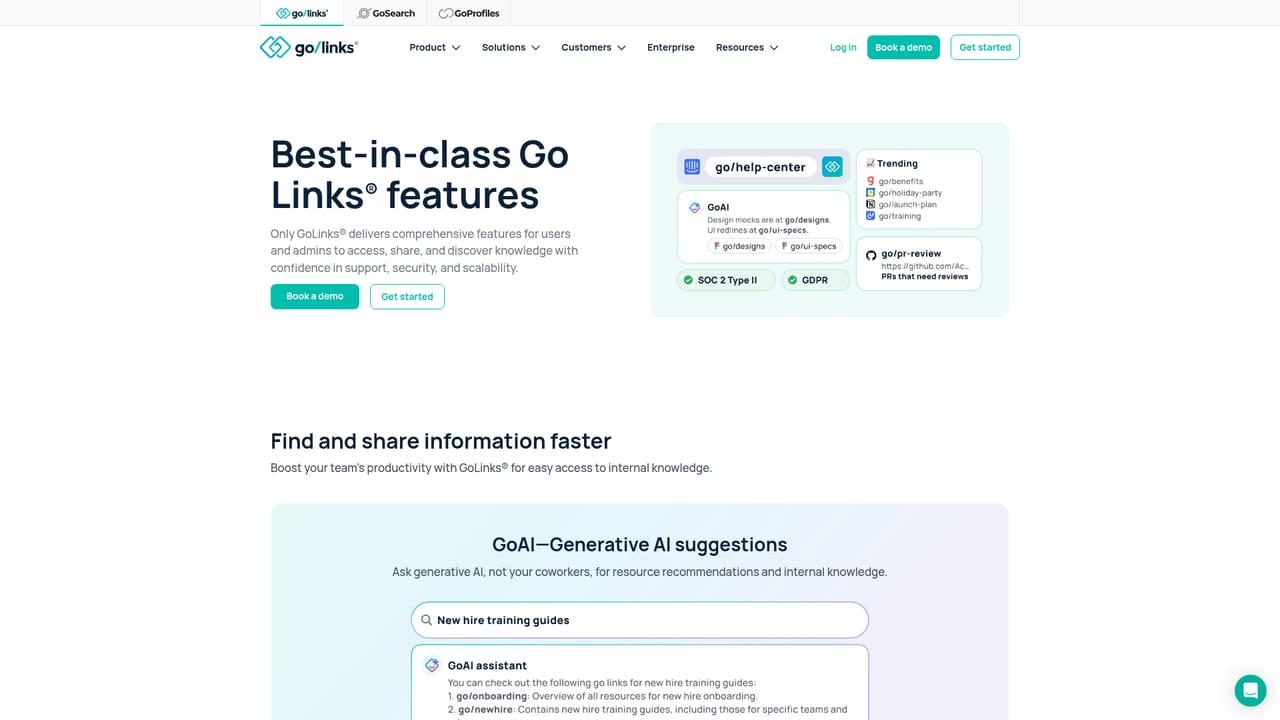
    Read the features page to understand link management, sharing and the scope of what administrators can control.
    GoLinks — Review the platform features
  3. 3Install the browser extension
    Add the extension so go/links resolve directly in the address bar while people work in their normal browser.
    GoLinks — Install the browser extension
  4. 4Connect your workplace tools
    Check the integrations page and link GoLinks to tools such as Slack so links resolve where conversations happen.
    GoLinks — Connect your workplace tools
  5. 5Set up GoAI Assistant
    Explore the GoAI Assistant page to see how generative AI surfaces resources and answers questions from your link inventory.
  6. 6Roll out department by department
    Use the solution pages, such as IT or engineering, to pick starter links and naming conventions for each team.

Pros and cons

Pros

  • Simple go/link convention is easy to teach and remember across departmentsAI
  • GoAI Assistant adds a generative AI layer for answering questions and surfacing resourcesAI
  • Department-specific examples show practical uses for engineering, IT, sales, marketing, HR and supportAI
  • Resolves links inside a browser extension and workplace tools like Slack, fitting existing workflowsAI
  • Backed by a large volume of reviews and G2 recognition in the URL shortener categoryAI

Cons

  • Value depends on teams consistently creating and maintaining links; stale entries degrade trustAI
  • Pricing details are not published on the homepage, so buyers must request a quoteAI
  • The homepage highlights a limited set of integrations, with no public full list or API detailsAI
  • AI answers are only as good as the linked resources behind them, which requires curation workAI
  • Primarily aimed at organizations; individuals and very small teams may find it overbuiltAI

How much does GoLinks cost?

Integrations

The homepage shows Slack integration in action and names tools such as GitHub, Jira, AWS, ServiceNow, Salesforce, HubSpot and Okta in its department examples. A dedicated integrations page exists, but the full list is not included in the homepage content.

Learn more

Features

Core features include internal short links (Go Links) for any app or URL, a generative AI GoAI Assistant for answering questions and recommending resources, a browser extension for link resolution, department-specific solutions for engineering, IT, marketing, sales, HR, project management, design and support, and the ability to share links verbally, visually and digitally to reduce knowledge silos.

Learn more

Frequently asked questions about GoLinks

  • How do you use GoLinks?
    The walkthrough on this page covers 6 steps: 1. Request access or book a demo 2. Review the platform features 3. Install the browser extension 4. Connect your workplace tools 5. Set up GoAI Assistant 6. Roll out department by department.
  • What platforms does GoLinks support?
    GoLinks is available on Web App and Browser extension.
  • What does GoLinks integrate with?
    The homepage shows Slack integration in action and names tools such as GitHub, Jira, AWS, ServiceNow, Salesforce, HubSpot and Okta in its department examples. A dedicated integrations page exists, but the full list is not included in the homepage content.
  • What are the limitations of GoLinks?
    Value depends on teams consistently creating and maintaining links; stale entries degrade trust. Pricing details are not published on the homepage, so buyers must request a quote. The homepage highlights a limited set of integrations, with no public full list or API details.

Status

StatusActive
Views0
Outbound clicks0
Added10/21/2026

Platforms

Web AppBrowser extension

Pricing

FreemiumPaid