Pricing
The software is open source and free to install and self host. Costs come from the LLM and search provider API keys you connect, which are billed by those providers. No paid plans are described on the homepage.
Learn moreOpen source autonomous research agent that writes cited reports
Own GPT Researcher? Verify ownership to get a dofollow link

GPT Researcher is an AI search tool. An open source research agent that plans a question, runs parallel researchers across web and local sources, filters passages, and writes long reports with inline citations. Configure your own LLM and search engine, export to PDF, Word, Markdown, JSON or CSV, or call it from an MCP client.
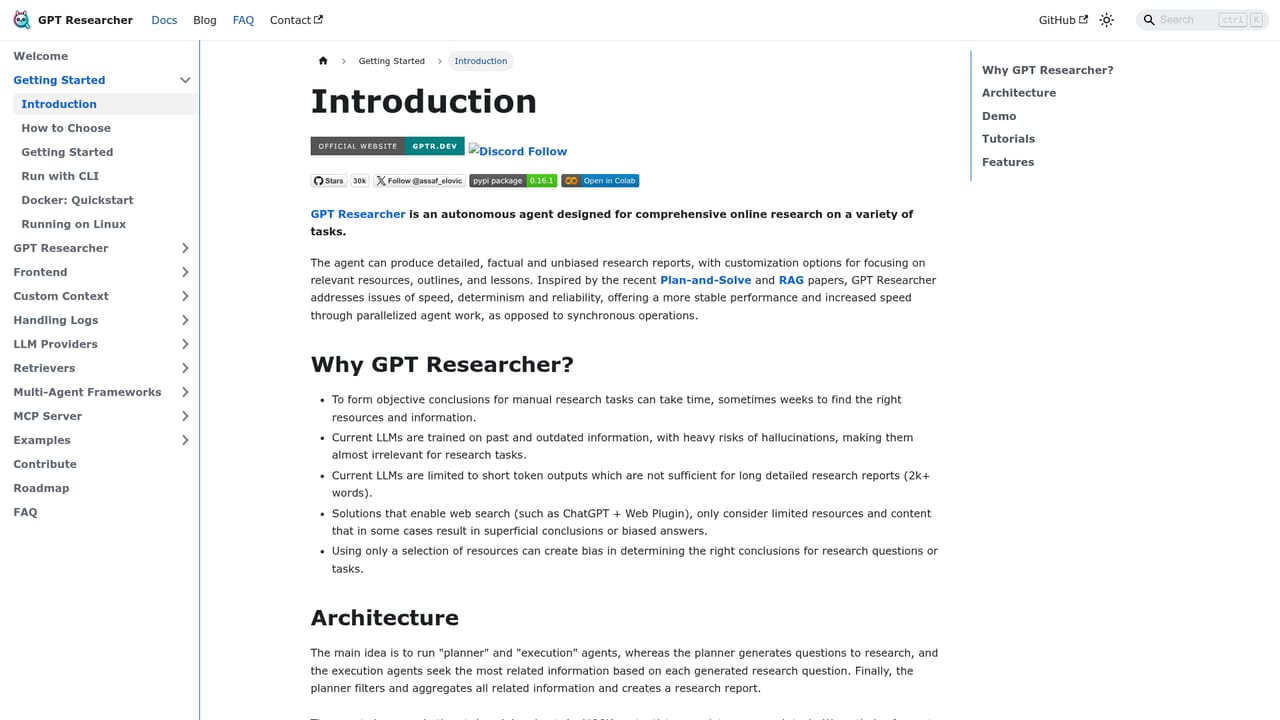
GPT Researcher is an open source autonomous research agent. You give it a question, and it writes a plan, splits that plan into a set of narrower research questions, then runs a separate researcher on each question in parallel. Sources are scraped and filtered, only the passages that matter are passed forward, and a writer assembles the result into a long report with inline citations. Every claim in the output traces back to a source, which is the core promise of the project. The architecture is deliberately modular. A planner handles decomposition, parallel researchers pull from more than twenty retrievers (Tavily, Google, Bing, Exa, arXiv, PubMed and others, plus any MCP server), and a context filter (Jev by default, with keyword ranking or embeddings as alternatives) trims noise before anything reaches the model. Deep research mode feeds findings back in as new questions, so a run grows a tree of subtopics rather than making a single pass. You choose the LLM and the search engine, and reports export to Markdown, PDF, Word, JSON or CSV. The tool is built for people who already think in code. Installation is a pip command on Python 3.11 or later, and the documented usage is a short async script. That makes it a natural fit for developers, research engineers, data teams and analysts who want research inside their own pipelines, and for anyone wiring a research agent into Claude, Cursor or n8n through the companion MCP server. Local document research and hybrid web plus local runs extend it to private material. Against alternatives, GPT Researcher is not a polished consumer chat product. It competes on transparency, configurability and citation rigor, and it points to Carnegie Mellon's DeepResearchGym benchmark (May 2025), where it ranked first on citation quality, report quality and coverage ahead of Perplexity and OpenAI systems. Teams that want a hosted interface and zero setup will find the setup cost real; teams that want an auditable, self-managed research pipeline get a mature, widely adopted option.
The software is open source and free to install and self host. Costs come from the LLM and search provider API keys you connect, which are billed by those providers. No paid plans are described on the homepage.
Learn moreSupport runs through the documentation site, the GitHub repository and a community Discord server. The homepage does not describe a paid or dedicated support tier.
Works with any LLM (OpenAI, Anthropic, Groq, Llama 3, Hugging Face) and major search engines. The gptr-mcp server exposes research tools to Claude, Cursor, n8n and any MCP client.
Learn morePlanner driven question decomposition, parallel researchers, 20+ retrievers including Tavily, Google, Bing, Exa, arXiv and PubMed, MCP server support, research over local documents with hybrid web plus local runs, Jev, BM25 or embedding based context filtering, deep research looping by depth and breadth, long report generation, multi agent support, and export to PDF, Word, Markdown, JSON and CSV.
Learn more AI Angels400+ customizable AI girlfriends for NSFW chat, voice calls, and roleplay
 Candy AIExperience the future of companionship with AI friends who chat, role-play, and connect with you on a human level.
 ourdream.aiA vast AI roleplay platform with millions of characters for chat, images, video and voiceAI Angels400+ customizable AI girlfriends for NSFW chat, voice calls, and roleplayCandy AIExperience the future of companionship with AI friends who chat, role-play, and connect with you on a human level.ourdream.aiA vast AI roleplay platform with millions of characters for chat, images, video and voice


