Free trial
A free Lite mode is available without an account, alongside Free, Lite, Pro and Ultra options shown in the tool interface. No time-limited trial terms are described.
Learn moreRewrites AI drafts into natural, human-sounding prose
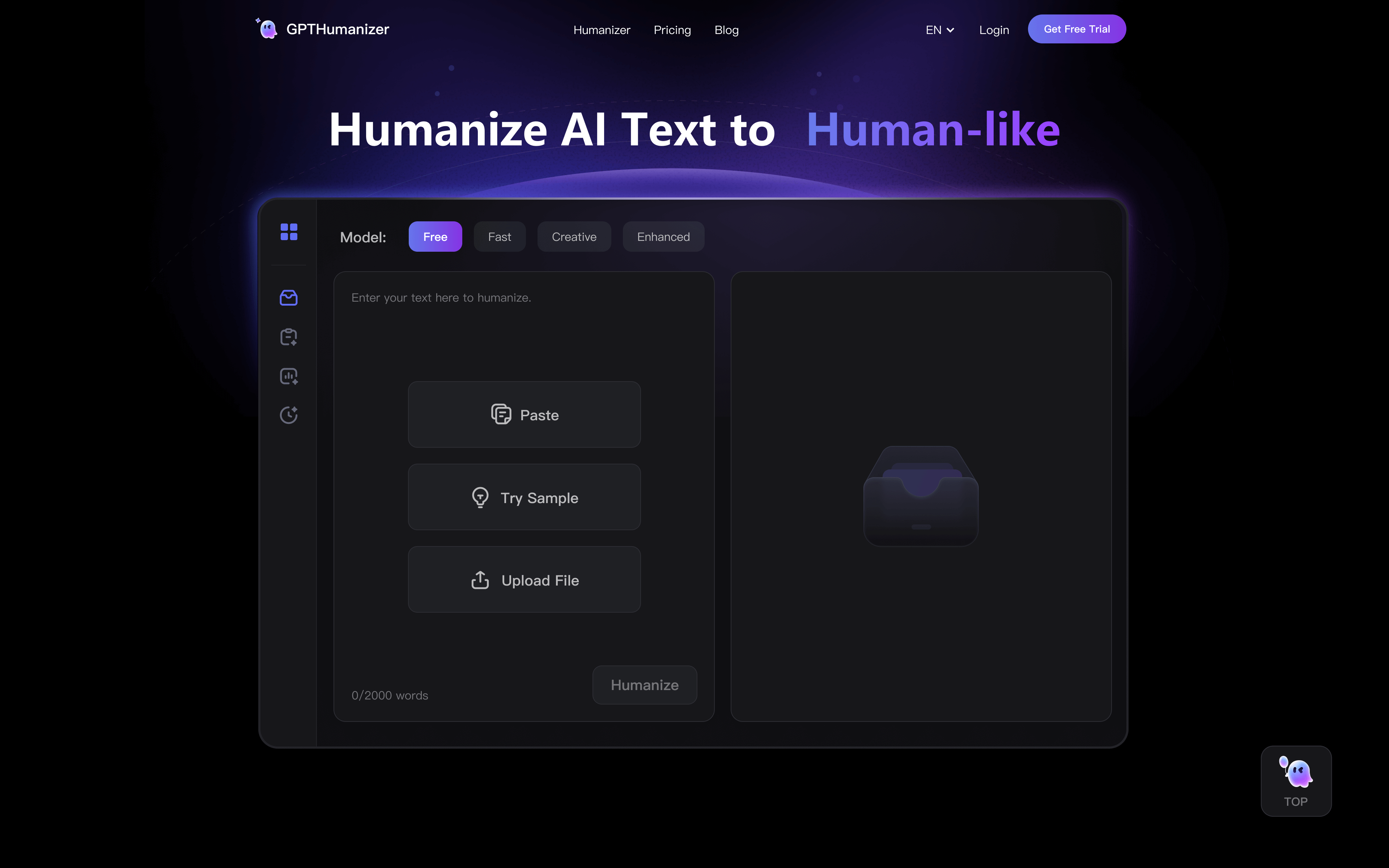
GPTHumanizer is an AI detector tool that rewrites AI drafts into natural, human-sounding prose. A free, no-sign-up AI humanizer that rewrites ChatGPT, Claude and Gemini output into smoother, more natural prose using Lite, Pro and Ultra modes, eight styles and eleven languages.
GPTHumanizer is a web based rewriting tool built around one job: taking text produced by ChatGPT, Claude, Gemini or similar models and reworking it so it reads like something a person wrote. Rather than inserting invisible characters or swapping synonyms, it rewrites at the sentence and paragraph level, adjusting phrasing, transitions and rhythm while keeping the original argument and key terms in place. The homepage frames the output as publication ready, aimed at blogs, emails, landing pages and business documents where stiff, repetitive AI phrasing stands out. The workflow is deliberately short. Text is pasted into the input box, a model level is picked (Lite, Pro or Ultra), a style is selected from eight presets, and the humanized version appears alongside writing feedback. Lite runs without any account, which makes it the natural entry point for a quick clean-up pass, while Pro and Ultra are intended for longer or more demanding drafts. The tool supports eleven languages and ships with companion utilities on the same site: an AI detector with sentence-level scoring, a rewriter, a paragraph rewriter, a translator, a word counter, a citation checker and a drafting agent. Because those tools operate on the same document, the pitch is a single loop of draft, humanize, check and translate instead of juggling separate services. It is pitched at bloggers and content creators, SEO teams worried about copy that reads mass-produced, marketers tightening brand voice, ESL writers smoothing transitions, and anyone writing routine work email or reports. Students appear in the trust section, though the site pairs this with an ethical use policy that users should read before submitting academic work. Compared with dedicated paraphrasing tools, GPTHumanizer leans harder on readability and less on word substitution, and it bundles detection so results can be checked immediately. It is still a rewriting layer, not an editor with judgment: outputs need a read-through for introduced grammar slips, and marketing claims about detection evasion should be treated as marketing until tested on your own text.
A free Lite mode is available without an account, alongside Free, Lite, Pro and Ultra options shown in the tool interface. No time-limited trial terms are described.
Learn moreThe homepage advertises a free Lite model that requires no sign-up and no login, with unlimited words. Pro and Ultra are presented as deeper rewriting modes but no prices, tiers or billing details are listed on the page, so the paid structure remains unpublished there.
Learn moreHumanizes AI text from ChatGPT, Claude and Gemini at sentence and paragraph level, with Lite, Pro and Ultra rewrite depths, eight writing styles, eleven languages, style and tone control, SEO-friendly keyword preservation and built-in writing feedback. Separate tools cover AI detection with sentence-level scores, sentence rewriting, paragraph rewriting, translation, word counting and citation checking.
Learn more AI Angels400+ customizable AI girlfriends for NSFW chat, voice calls, and roleplay
 Candy AIExperience the future of companionship with AI friends who chat, role-play, and connect with you on a human level.
 ourdream.aiA vast AI roleplay platform with millions of characters for chat, images, video and voiceAI Angels400+ customizable AI girlfriends for NSFW chat, voice calls, and roleplayCandy AIExperience the future of companionship with AI friends who chat, role-play, and connect with you on a human level.ourdream.aiA vast AI roleplay platform with millions of characters for chat, images, video and voice


