Support
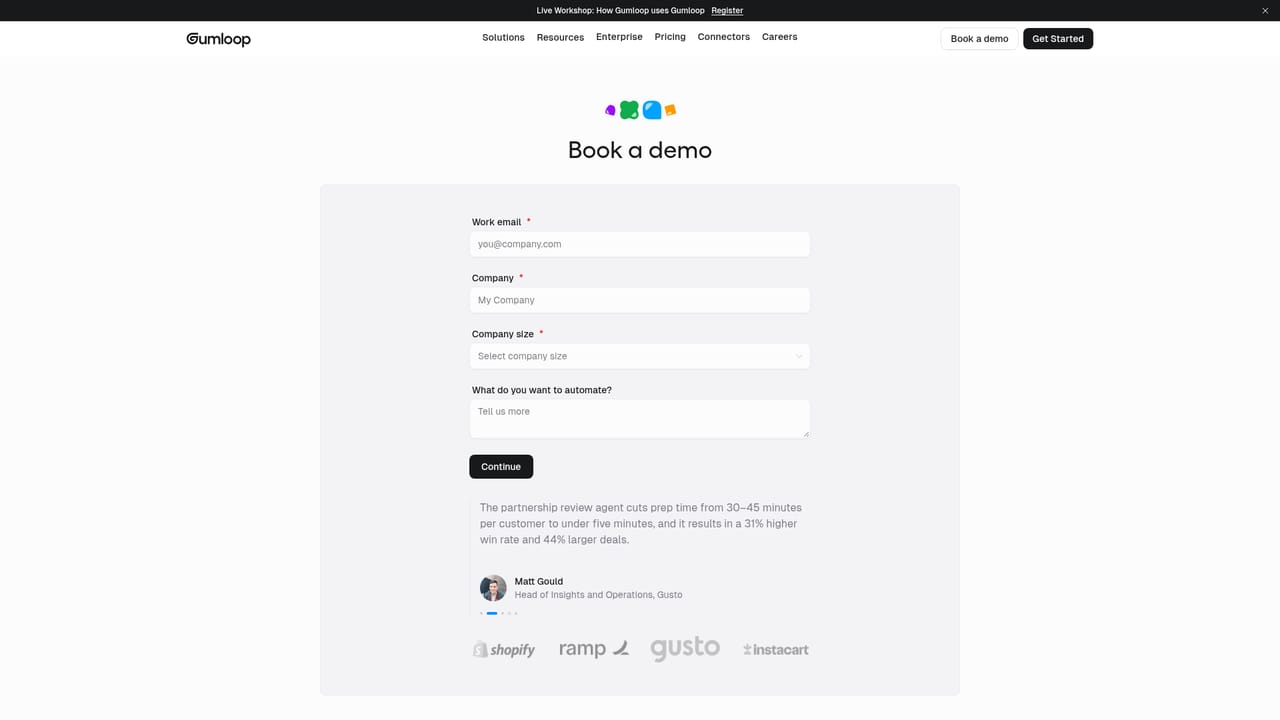
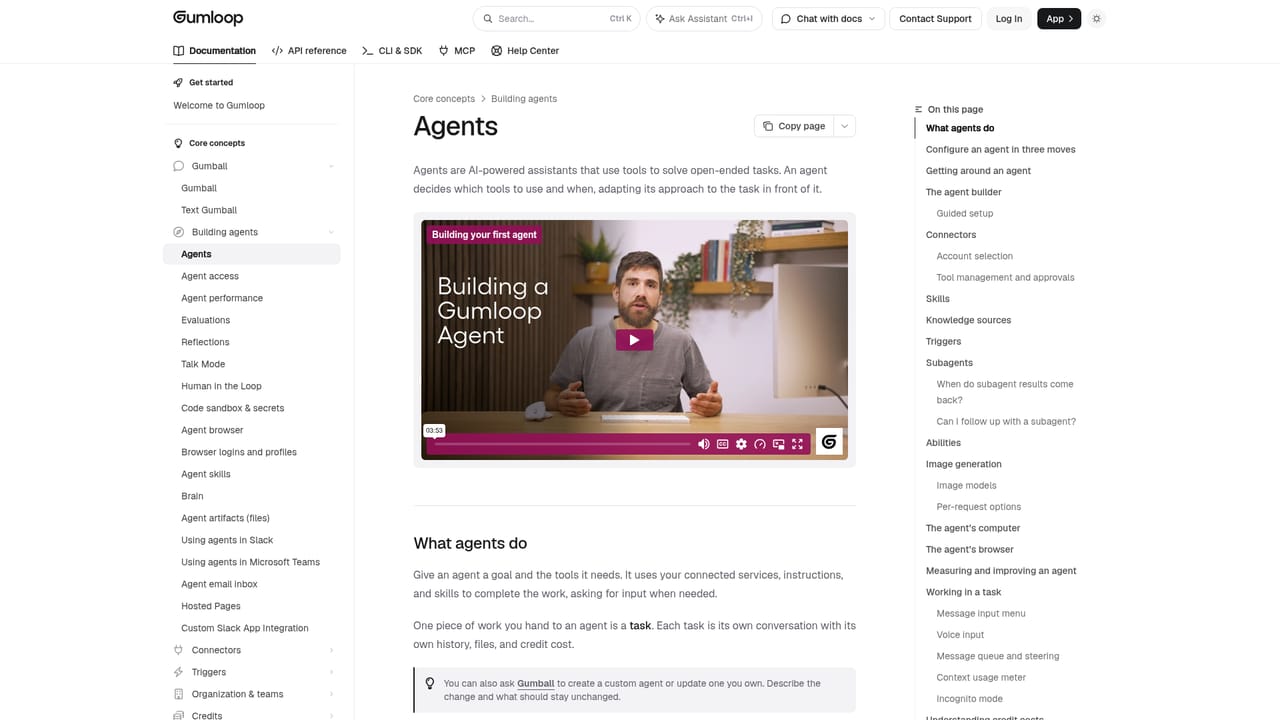
Support runs through a contact form and documentation at docs.gumloop.com, plus live workshops. No ticketing SLAs or in product help centre details are stated on the homepage.
Learn moreMultiplayer AI agent builder with a real browser for every agent

Gumloop is an AI project builder tool. Gumloop lets non engineers build, share and govern AI agents that use 400+ connectors, a real browser with secure login handoffs, scheduled triggers and human approval steps. It targets revenue, support and operations teams that need repeatable agent workflows with IT oversight.
Gumloop is a platform for building AI agents that do actual work inside the tools a company already runs on. Agents pull from connectors such as HubSpot, Salesforce, Gong, Notion, Stripe, PostHog and Intercom, walk through a task step by step, and report back with findings plus a recommended play. The pitch is that the people who understand a process, not engineers, should be the ones automating it. Builders describe a goal in plain language and attach the connectors and skills the agent needs. The training features are broader than text generation. Besides 400+ connectors, agents support app triggers, recurring schedules, research skills, artifact building, image generation and self-improvement loops. The research features go further than text generation. Each agent gets a real browser that can click, type, upload and scrape sites with or without an API. Logins are stored in a password vault or pulled from 1Password so the agent never sees credentials, CAPTCHAs are cleared automatically, and sessions are recorded with masked passwords and audit logs. When a site needs a human, the agent hands over the live browser, waits for the sign in, then continues. The design centers on collaboration: agents are shared across teams (named examples include a GTM Agent, Account Researcher, Renewal Watch and Ticket Triage), queried from chat channels, and tracked through adoption and credit dashboards per person and per model. IT keeps control over which connectors each team can reach. It suits revenue, support, finance and data teams at mid market or larger companies that have too many recurring workflow tasks and not enough engineers. Smaller teams may find the setup work heavy relative to the payoff, and anyone wanting a simple prompt based chatbot is looking at the wrong layer of the stack. Compared with single purpose automation tools, Gumloop bets on breadth: any model, any connector, human approval gates, and governance, which is where its value and its complexity both come from.
Support runs through a contact form and documentation at docs.gumloop.com, plus live workshops. No ticketing SLAs or in product help centre details are stated on the homepage.
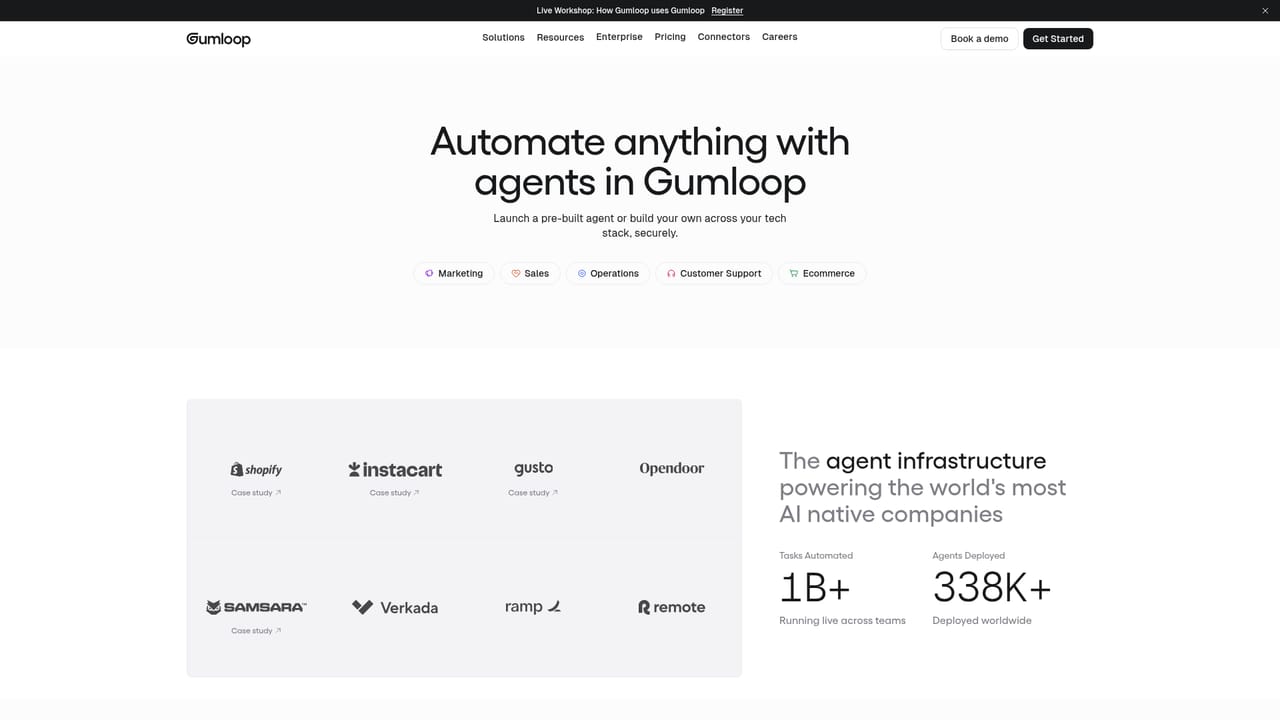
Learn moreThe homepage shows connectors for Slack, HubSpot, Gong, Gmail, Salesforce, Notion, Stripe, PostHog, Intercom and Ashby, and states 400+ connectors in total. Agents can also drive sites that have no API through a browser session.
Agents combine 400+ connectors, app triggers, recurring schedules, research skills, artifact building, image generation and self-improvement loops. Each agent gets a real browser for clicking, typing and scraping sites without APIs, backed by a password vault or 1Password, CAPTCHA handling, secure human handoffs, and recorded sessions with audit logs. Builders pick the model per agent and share agents across teams.
Learn more AI Angels400+ customizable AI girlfriends for NSFW chat, voice calls, and roleplay
 Candy AIExperience the future of companionship with AI friends who chat, role-play, and connect with you on a human level.
 ourdream.aiA vast AI roleplay platform with millions of characters for chat, images, video and voiceAI Angels400+ customizable AI girlfriends for NSFW chat, voice calls, and roleplayCandy AIExperience the future of companionship with AI friends who chat, role-play, and connect with you on a human level.ourdream.aiA vast AI roleplay platform with millions of characters for chat, images, video and voice


