Free trial
No free trial is described. A free plan covers AI generated workouts, customisation and analytics, and paid plans carry a 7 day money back guarantee.
Learn moreAI workout plans built around your goals, level and equipment
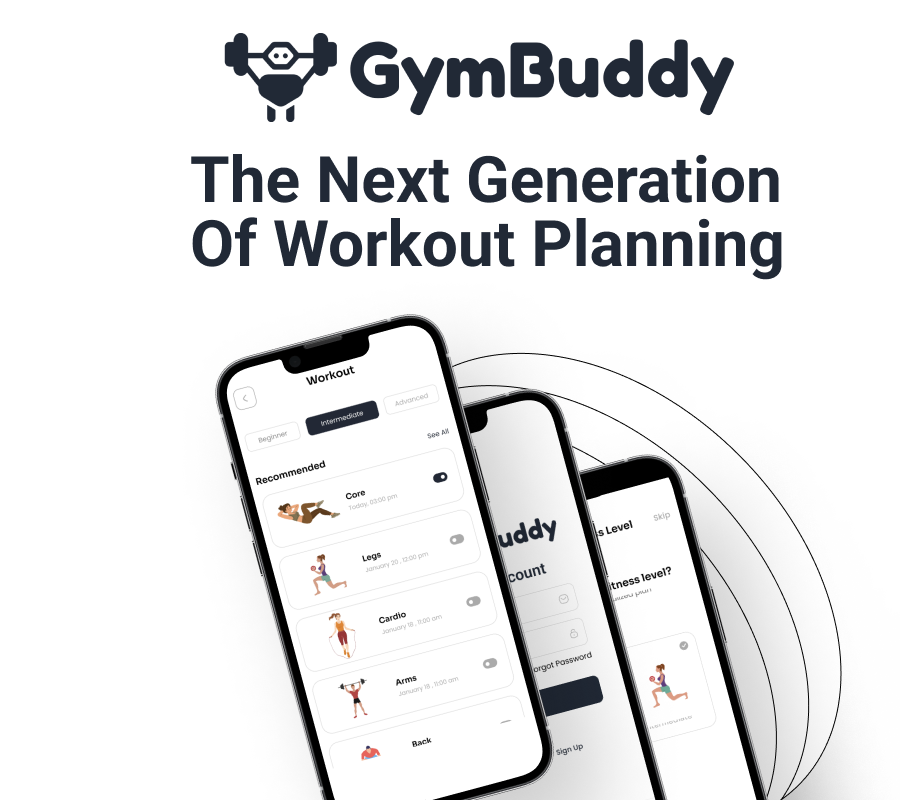
GymBuddy generates personalised workout plans from your goals, experience level and available equipment, then tracks your progress over time. A free tier covers AI workouts, customisation and analytics, with paid monthly or yearly plans adding a 7 day money back guarantee.
GymBuddy is a web app that generates workout routines from a short set of inputs: what you want to achieve, how much training experience you have, and what equipment you can actually get to. Instead of running a fixed programme written for someone else, you get a plan that is assembled for your situation, whether that means a commercial gym floor, a spare room with a pair of dumbbells, or very little at all. The pitch is deliberately narrow: stop guessing what to do in a session and start following a structure. The product combines three things. First, routine generation, which is the core. Second, progress tracking, which shows how you are improving over time through analytics rather than memory. Third, workout customisation, so a generated plan is a starting point you can adjust rather than a rigid prescription. The interface is presented as simple and free of advertising. Alongside the app, GymBuddy publishes editorial guides on training topics, including a 3 day full body split, a couch to 5k running plan and a hex dumbbell press technique piece, written by the founder. Those articles act as a lighter entry point for people who are not ready to commit to a structured plan. The typical user is a beginner or early intermediate trainee who has access to limited equipment and does not want to pay a coach for a programme. The site also answers questions about whether GymBuddy suits people with health concerns and what to do after an injury, which suggests it expects users with real constraints rather than only experienced lifters. Anyone chasing advanced periodisation, coach-led programming or competition prep should look elsewhere; this sits in the same space as general-purpose fitness plan generators and template-based training apps, competing on personalisation and price rather than depth of coaching. Pricing is unusually accessible. A free tier covers AI generated workouts, workout customisation and analytics, and paid tiers at €3.99 monthly or €39.99 yearly (20 percent saved annually) add a 7 day money back guarantee. Because the free plan already lists access to all features, the paid tier functions largely as a commitment and support mechanism rather than a feature gate, which is worth checking before subscribing.
No free trial is described. A free plan covers AI generated workouts, customisation and analytics, and paid plans carry a 7 day money back guarantee.
Learn moreFree plan with AI generated workouts, full customisation, analytics and no ads. Paid options are €3.99 per month or €39.99 per year, the yearly tier saving 20 percent. Both paid plans include a 7 day money back guarantee. The free tier already lists access to all features.
Learn moreAI generated workout plans based on goals, experience and available equipment; full workout customisation; progress tracking with analytics; an ad-free interface; and editorial guides covering splits, running plans and exercise technique.
 AI Angels400+ customizable AI girlfriends for NSFW chat, voice calls, and roleplay
 Candy AIExperience the future of companionship with AI friends who chat, role-play, and connect with you on a human level.
 ourdream.aiA vast AI roleplay platform with millions of characters for chat, images, video and voiceAI Angels400+ customizable AI girlfriends for NSFW chat, voice calls, and roleplayCandy AIExperience the future of companionship with AI friends who chat, role-play, and connect with you on a human level.ourdream.aiA vast AI roleplay platform with millions of characters for chat, images, video and voice


