Free trial
A free version is available on GitHub, offering core search features without a time limit. The paid version does not mention a free trial.
Learn moreNatural language search for your personal videos and images.

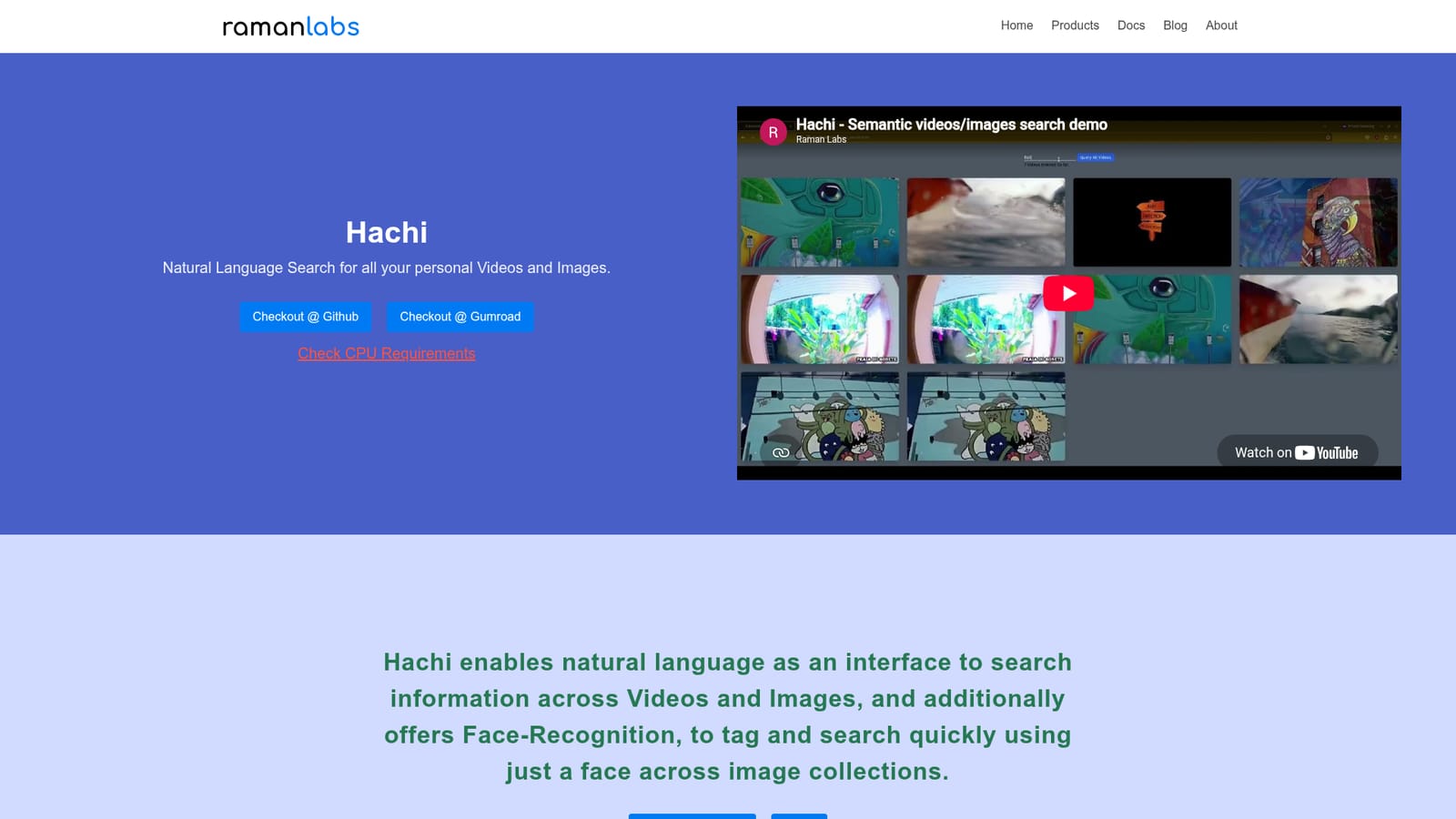
Hachi is a self-hosted, offline AI tool for natural language search across personal videos and images. It indexes your media locally, supports face recognition, and runs on consumer-grade CPUs without sending data to the cloud. A free version is available on GitHub, with a paid upgrade for face search and support.
Hachi is a self-hosted web app that lets you search your personal videos and images using natural language. Instead of manually scrolling through folders or tagging files by hand, you type a description of what you are looking for and Hachi returns the matching scenes, objects, or people. It also includes face recognition that can find a specific person across an entire image collection. The tool runs entirely on your own machine, with no internet connection required, so your media never leaves your device. Under the hood, Hachi builds a local index of your videos and images the first time you add them. Once indexed, searches are fast and work across the whole library, not just one file at a time. For videos, you can search while playback is running, which is useful for finding a particular moment in a long recording. The face recognition feature is also fully local, letting you search for yourself or loved ones without uploading anything to a server. The product is aimed at individuals and small teams who want a private, offline way to manage large media collections. It suits photographers, videographers, researchers, and anyone who values data privacy. Because it is self-hosted, you need a machine with a quad-core CPU supporting AVX2 instructions and at least 4GB of RAM, running an x86_64 architecture. Setup is more involved than a typical cloud service, but the trade-off is complete control over your data. Hachi is open source under the AGPLv3, with a free version available on GitHub and a paid version sold through Gumroad. The free tier covers live video search, natural language search across indexed videos and images, and unlimited indexing. The paid version adds face recognition across indexed images, improved video search, email support, and one year of free updates. The paid license is for personal, non-commercial use only. Hachi competes with cloud-based media search tools by offering privacy and offline operation, though it requires more technical setup and lacks some polish of commercial alternatives.
A free version is available on GitHub, offering core search features without a time limit. The paid version does not mention a free trial.
Learn moreHachi has a free version available on GitHub with live video search, natural language search across indexed videos and images, and unlimited indexing. The paid version, sold on Gumroad, adds face recognition across images, improved video search, email support, and one year of free updates. Pricing details are not listed on the homepage.
Learn moreThe free version includes community support, while the paid version adds email support. No further support details are provided.
Hachi offers natural language search across videos and images, including live search while a video plays. It indexes media locally for fast repeated searches, supports face recognition for finding people across image collections, and provides full database search across all indexed files. All processing is offline and private.
 AI Angels400+ customizable AI girlfriends for NSFW chat, voice calls, and roleplay
 Candy AIExperience the future of companionship with AI friends who chat, role-play, and connect with you on a human level.
 ourdream.aiA vast AI roleplay platform with millions of characters for chat, images, video and voiceAI Angels400+ customizable AI girlfriends for NSFW chat, voice calls, and roleplayCandy AIExperience the future of companionship with AI friends who chat, role-play, and connect with you on a human level.ourdream.aiA vast AI roleplay platform with millions of characters for chat, images, video and voice