Support
Support is handled by email at contact@creatorroam.com, with no help centre or documentation linked from the page.
Creator dashboard for Instagram, Facebook and YouTube growth

HiveHubAI is an analytics tool. HiveHubAI, now rebranded as Creator Roam, is a creator dashboard that connects Instagram, Facebook, YouTube, Travelpayouts and Buy Me a Coffee in one place, aimed at independent creators who want audience channels and monetisation income tracked together.
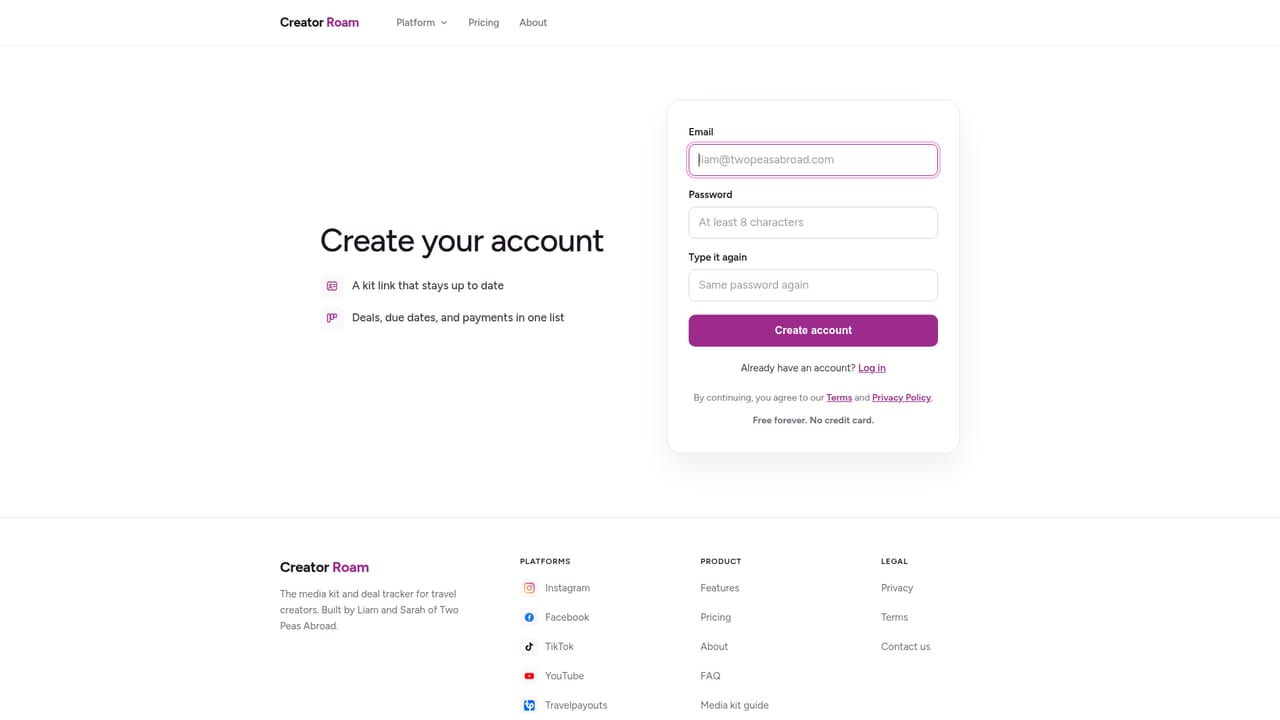
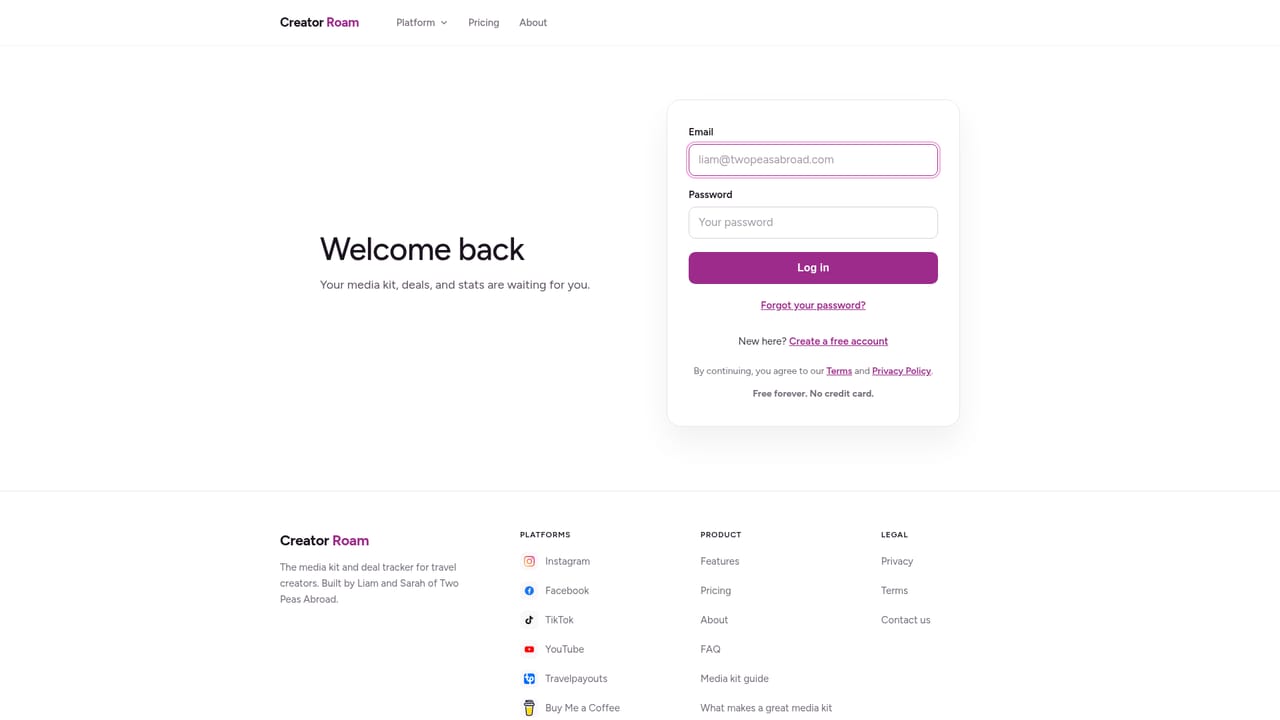
HiveHubAI now operates under the name Creator Roam. The rebrand keeps the same team and preserves existing user data, so anyone who signed up under the old name can log back in with an email address and continue from where they stopped. The product itself is a creator dashboard: one place where social and monetisation accounts are connected and tracked together rather than checked one tab at a time. The core of the offering is account connection. Instagram, Facebook, YouTube, Travelpayouts and Buy Me a Coffee all sit inside a single dashboard, which puts audience channels next to affiliate earnings and tip jar income. For a creator whose income mixes platform payouts with affiliate commissions and reader or viewer support, that side by side view is the practical draw. Nothing has to be exported or stitched together in a spreadsheet to see which channel is carrying the month. It suits independent creators, small content teams and affiliate driven publishers who already publish across more than one network and want the administrative side consolidated. Someone running a single Instagram account with no other revenue streams will find little here that the native apps do not already show. The value grows with the number of connected accounts, because the dashboard is a consolidation layer rather than a publishing or editing tool. Compared with all in one social schedulers, the positioning is narrower and more revenue oriented. HiveHubAI does not present itself as a content studio; it reads as a control panel for accounts and monetisation rather than a place to draft posts. Buyers should treat the rebrand as the main recent event and confirm current feature depth directly before committing budget, since the public page is a migration notice rather than a full feature tour.
Support is handled by email at contact@creatorroam.com, with no help centre or documentation linked from the page.
Connects Instagram, Facebook, YouTube, Travelpayouts and Buy Me a Coffee in one dashboard.
The dashboard connects Instagram, Facebook, YouTube, Travelpayouts and Buy Me a Coffee into one account view. It works as a consolidation layer for audience channels and monetisation income rather than a publishing or editing suite, and existing HiveHubAI accounts and data carry over to the Creator Roam name.
 AI Angels400+ customizable AI girlfriends for NSFW chat, voice calls, and roleplay
 Candy AIExperience the future of companionship with AI friends who chat, role-play, and connect with you on a human level.
 ourdream.aiA vast AI roleplay platform with millions of characters for chat, images, video and voiceAI Angels400+ customizable AI girlfriends for NSFW chat, voice calls, and roleplayCandy AIExperience the future of companionship with AI friends who chat, role-play, and connect with you on a human level.ourdream.aiA vast AI roleplay platform with millions of characters for chat, images, video and voice