HTML Pub

Paste AI-generated HTML and get a live URL in seconds.

Beginner API
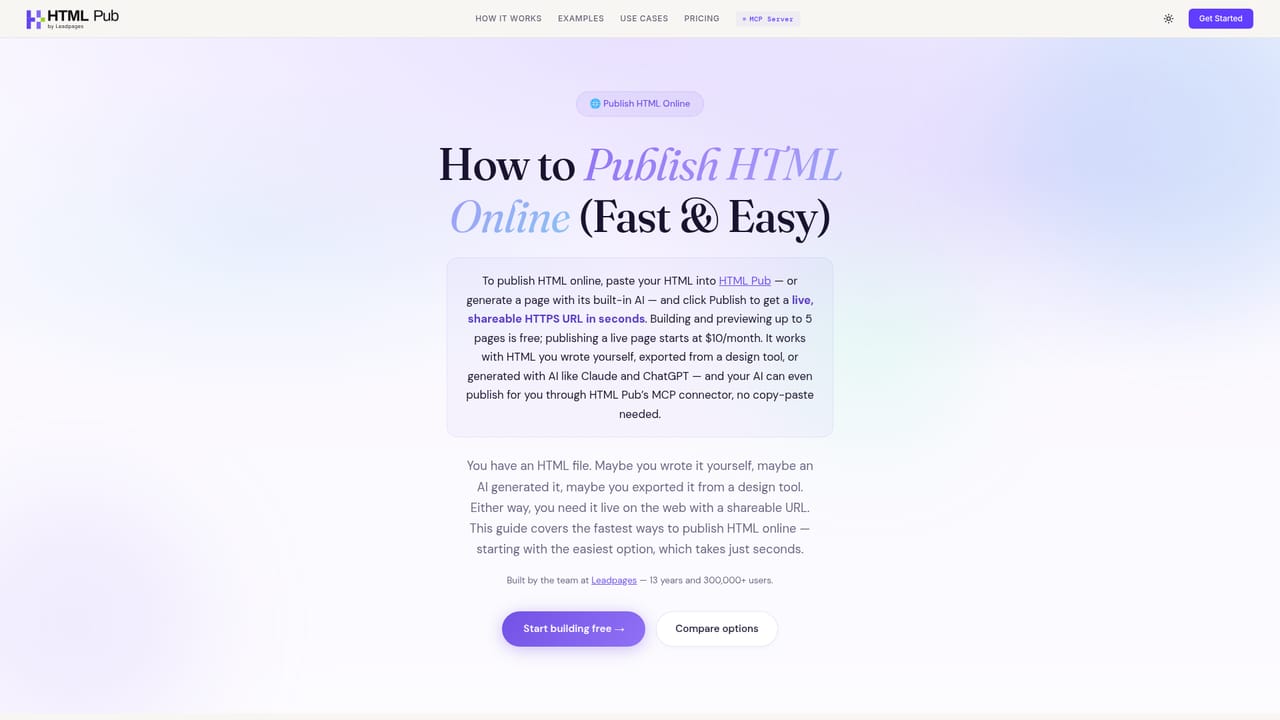
Screenshot of HTML Pub, Paste AI-generated HTML and get a live URL in seconds

What is HTML Pub?

HTML Pub turns AI-generated HTML into a live, hosted URL with forms, checkout, analytics, blogs and custom domains built in. It offers a visual editor, a conversational builder and an MCP connector so Claude, ChatGPT, Cursor or n8n can publish pages directly from a chat.

HTML Pub is a publishing layer for pages that were written by an AI model rather than by hand. The workflow is deliberately narrow: ask ChatGPT, Claude or Cursor for a page, copy the raw HTML, drop it into HTML Pub, and the platform returns a working URL on its own subdomain within seconds. No template gallery is involved, and no design system has to be learned first. The product positions itself as the piece that was missing from the AI coding chain, since most assistants can produce markup but have nowhere to put it once it exists. The platform does more than host a static file. Published pages can carry forms with email notifications, checkout through Stripe, Shopify, Gumroad or Lemon Squeezy without a backend, analytics for visits, clicks and conversions, and connections to HubSpot, Mailchimp, Pipedrive or Slack. Pages can be grouped into multi-page sites with shared navigation and styles, and a blog module publishes AI-written posts with an index and permalinks. Editing happens two ways: a visual click-to-edit mode for text, images and layout, or a conversational builder that takes natural language requests such as making the hero bolder. There is also an MCP connector. Once connected, compatible assistants (Claude, ChatGPT, Cursor, Windsurf, n8n, Make and others) can create, change and publish pages from inside the chat, which removes the copy and paste step entirely. Custom domains, SSL and CDN delivery are included on paid tiers. The tool suits indie builders, marketers, agencies and developers who treat AI output as a first draft and want to iterate on a live URL rather than a local file. Compared with general site builders such as Framer or Wix, HTML Pub starts from HTML you already have instead of a canvas; compared with raw hosting, it bundles forms, commerce and analytics that would otherwise need separate services.

How do you use HTML Pub?

  1. 1Create a free account
    Sign up with the free plan to unlock the AI editor, 5,000 AI credits and the MCP connector. Pages can be built and previewed immediately, but going live requires a paid plan.
  2. 2Generate a page with your own AI
    Ask ChatGPT, Claude, Cursor or another assistant for the page you want, such as a landing page, waitlist or portfolio. Copy the resulting HTML.
  3. 3Paste the HTML and publish
    Drop the code into HTML Pub. The page is processed and given a live address on a pubhtml.com subdomain within seconds.
    HTML Pub — Paste the HTML and publish
  4. 4Connect an AI via MCP for chat-based edits
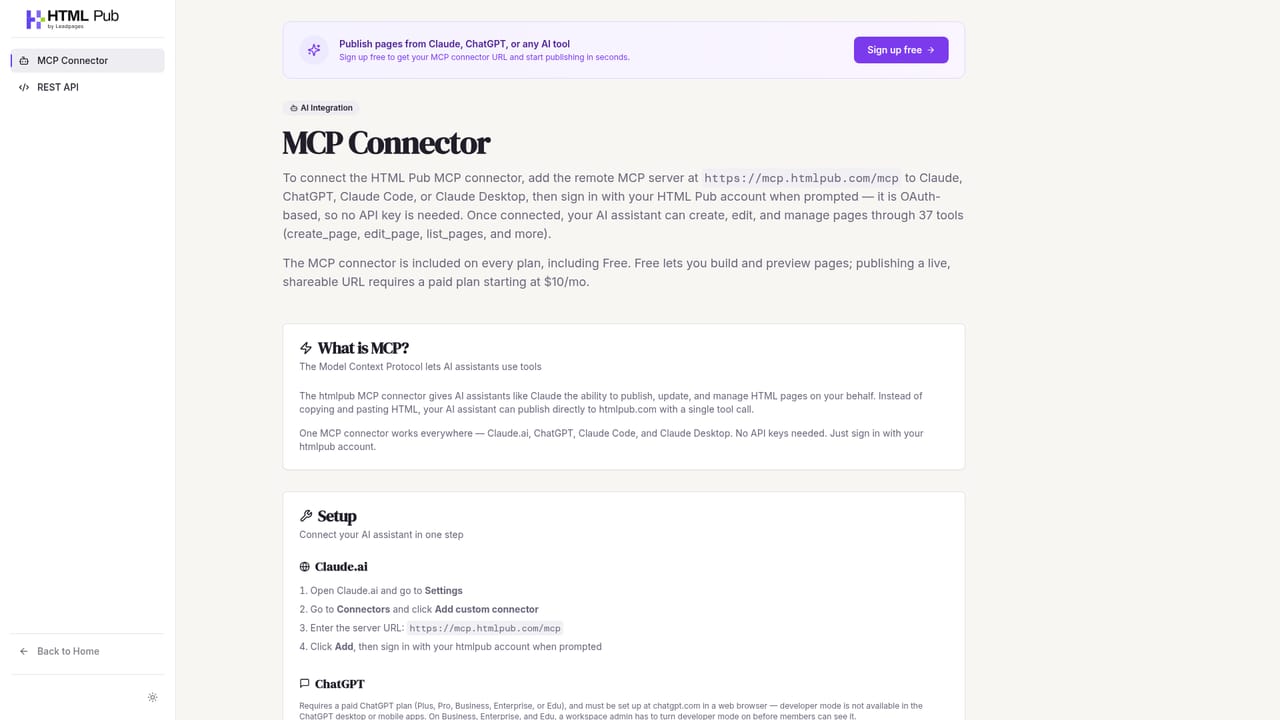
    Link HTML Pub to an MCP-compatible assistant so you can request changes such as a bolder hero or a new section and have them applied and republished from the chat.
    HTML Pub — Connect an AI via MCP for chat-based edits
  5. 5Wire up forms, checkout and analytics
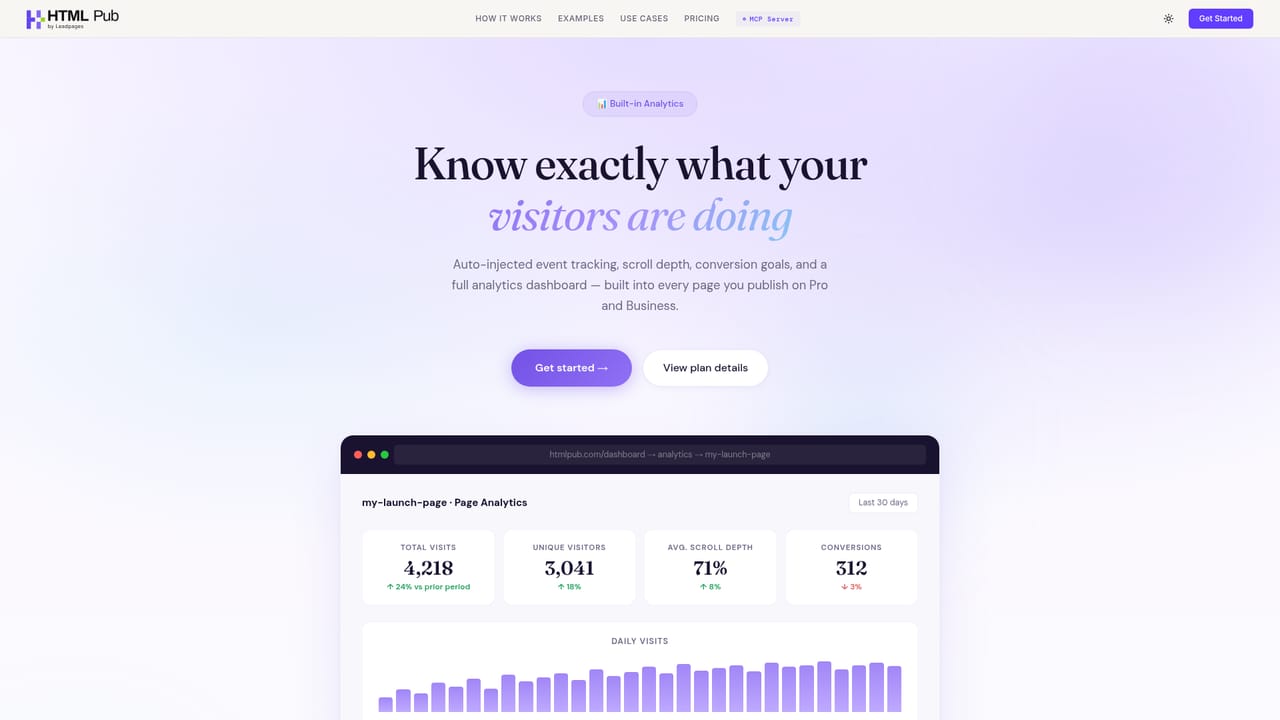
    Add a form to collect leads with email notifications, attach a Stripe, Shopify, Gumroad or Lemon Squeezy checkout to any page, and switch on visit and conversion tracking.
    HTML Pub — Wire up forms, checkout and analytics
  6. 6Point a custom domain
    On Starter or above, connect one custom domain with one-click setup; Business allows two. SSL and CDN delivery come with the paid plans.

Pros and cons

Pros

  • Publishing is genuinely fast: paste HTML and a live URL is returned in about ten seconds, according to the siteAI
  • MCP connector lets Claude, ChatGPT, Cursor, n8n and Make create and publish pages without leaving the conversationAI
  • Commerce, forms, analytics and integrations are bundled, so simple funnels do not need a separate backendAI
  • Multi-page sites with shared navigation and styles are supported, not just single-page experimentsAI
  • Free tier includes the full AI editor and 5,000 starting credits, so the core workflow can be tested without payingAI

Cons

  • Free plan limits you to 5 pages and, crucially, you cannot publish live without a paid planAI
  • Published pages stay live only while the subscription is active, so there is no permanent static export path describedAI
  • Page and storage caps are tight on lower tiers: 5 pages and 1 GB on Starter, with blogs reserved for Pro and aboveAI
  • Built-in analytics is basic on Starter, with 90-day retention only from Pro and CSV exports only on BusinessAI
  • Requires an external AI model to generate the HTML, so the platform depends on tools it does not controlAI

How much does HTML Pub cost?

Pricing

Free plan: 5 pages to build and preview, 100 MB storage, MCP connector and 5,000 starter credits, with no live publishing. Starter is $10/month (5 pages, 1 domain, 4,000 credits), Pro $29/month (25 pages, 1 blog, 12,000 credits) and Business $49/month (50 pages, 2 domains, 2 blogs, 20,000 credits). Credit top-ups run from $2.50 for 2,000 up to $90 for 150,000.

Learn more

Integrations

Checkout connects to Stripe, Shopify, Gumroad and Lemon Squeezy. Marketing and CRM connections include HubSpot, Mailchimp, Pipedrive and Slack. The MCP connector works with Claude, ChatGPT, Cursor, Windsurf, n8n, Make and any other MCP-compatible tool.

Learn more

Features

Core features cover AI-assisted and visual page editing, multi-page sites with shared styles, AI-written blogs with permalinks, forms with notifications, checkout via Stripe, Shopify, Gumroad and Lemon Squeezy, privacy-friendly analytics, custom domains, and an MCP connector that lets compatible assistants publish directly from a conversation.

Learn more

Frequently asked questions about HTML Pub

  • How much does HTML Pub cost?
    Free plan: 5 pages to build and preview, 100 MB storage, MCP connector and 5,000 starter credits, with no live publishing. Starter is $10/month (5 pages, 1 domain, 4,000 credits), Pro $29/month (25 pages, 1 blog, 12,000 credits) and Business $49/month (50 pages, 2 domains, 2 blogs, 20,000 credits). Credit top-ups run from $2.50 for 2,000 up to $90 for 150,000.
  • Does HTML Pub have an API?
    Yes, HTML Pub offers an API.
  • How do you use HTML Pub?
    The walkthrough on this page covers 6 steps: 1. Create a free account 2. Generate a page with your own AI 3. Paste the HTML and publish 4. Connect an AI via MCP for chat-based edits 5. Wire up forms, checkout and analytics 6. Point a custom domain.
  • What platforms does HTML Pub support?
    HTML Pub is available on Web App.
  • What does HTML Pub integrate with?
    Checkout connects to Stripe, Shopify, Gumroad and Lemon Squeezy. Marketing and CRM connections include HubSpot, Mailchimp, Pipedrive and Slack. The MCP connector works with Claude, ChatGPT, Cursor, Windsurf, n8n, Make and any other MCP-compatible tool.
  • What are the limitations of HTML Pub?
    Free plan limits you to 5 pages and, crucially, you cannot publish live without a paid plan. Published pages stay live only while the subscription is active, so there is no permanent static export path described. Page and storage caps are tight on lower tiers: 5 pages and 1 GB on Starter, with blogs reserved for Pro and above.

Status

StatusActive
Views0
Outbound clicks0
Added10/21/2026

Platforms

Web App

Pricing

FreemiumSubscription