Free trial
The homepage advertises 200 free words when you sign up, which works as a limited trial of the humanizer rather than a full free plan.
Learn moreAI humanizer and study toolkit for rewriting and checking text

Humbot is an AI detector tool. Humbot bundles an AI text humanizer with AI detection, plagiarism and grammar checks, plus study tools such as a math solver, quiz and flashcard makers, summarizer, ChatPDF, citation generator and translator. It targets students and content writers who want rewriting and verification in one place, with 200 free words on signup.
Humbot is a web based workspace that combines an AI humanizer with detection and study utilities. Its central promise is rewriting machine generated drafts into prose that reads naturally, adjusting tone, flow and clarity while keeping the original meaning intact. Around that core sit tools for checking whether text or images were produced by AI, a plagiarism scanner that compares submissions against large databases, and a grammar checker for cleaning up final drafts. The study side is what separates Humbot from single purpose humanizers. Students get an AI math solver with step by step solutions, a homework helper covering multiple subjects, a quiz generator with adjustable formats and difficulty, a flashcard maker, a summarizer for documents, videos and webpages, ChatPDF for questioning PDFs directly, a citation generator supporting more than 40 styles, and a translator covering over 100 languages. An article rewriter rounds out the writing tools for turning rough drafts into publishable copy. In practice the workflow is sequential: generate or paste a draft, humanize it, run it through the AI checker (the site references cross checking against Originality.ai, ZeroGPT, Turnitin and GPTZero), then scan for plagiarism and fix grammar before submitting or publishing. That pipeline suits students preparing assignments, bloggers and marketers polishing content, and professionals who need text that passes as authentic. The platform positions itself as an all in one alternative to juggling separate subscriptions for humanizing, detection and study help. The homepage advertises 200 free words on signup, and the company claims data privacy across its tools. It does not publish exact subscription prices or enterprise plans on the page, so buyers should confirm current tiers before committing.
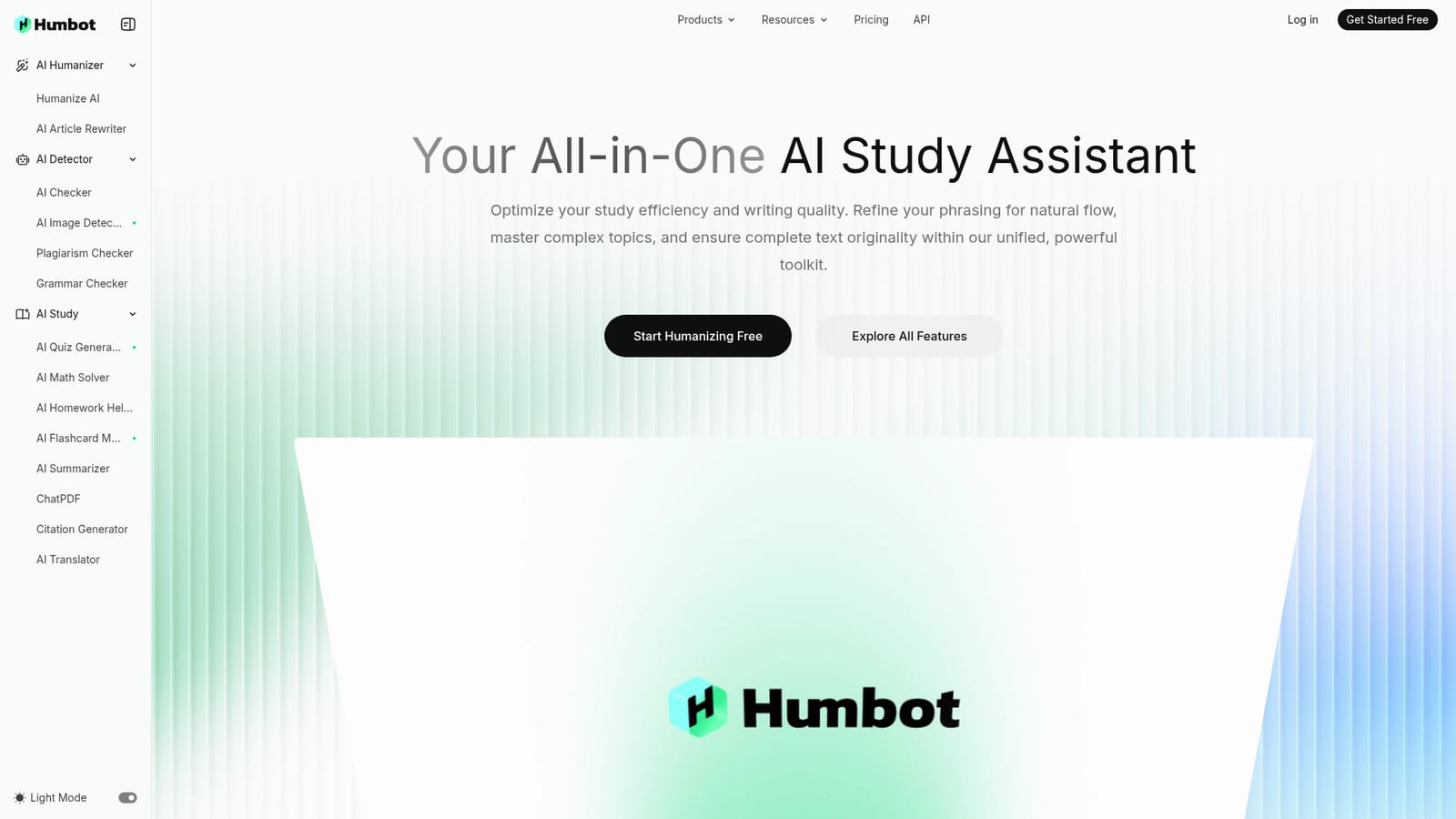




The homepage advertises 200 free words when you sign up, which works as a limited trial of the humanizer rather than a full free plan.
Learn moreCore tools are the AI humanizer, AI text checker, AI image detector, plagiarism checker and grammar checker. Study and writing extras include an article rewriter, math solver, homework helper, quiz generator, flashcard maker, summarizer for documents, videos and webpages, ChatPDF, a citation generator with 40+ styles and a translator covering 100+ languages.
 AI Angels400+ customizable AI girlfriends for NSFW chat, voice calls, and roleplay
 Candy AIExperience the future of companionship with AI friends who chat, role-play, and connect with you on a human level.
 ourdream.aiA vast AI roleplay platform with millions of characters for chat, images, video and voiceAI Angels400+ customizable AI girlfriends for NSFW chat, voice calls, and roleplayCandy AIExperience the future of companionship with AI friends who chat, role-play, and connect with you on a human level.ourdream.aiA vast AI roleplay platform with millions of characters for chat, images, video and voice


