Free trial
A 3-day free trial is offered at signup, after which you continue only if the workflow fits. No credit card requirement is stated on the homepage.
Learn moreSEO and GEO citation content built on your real search data

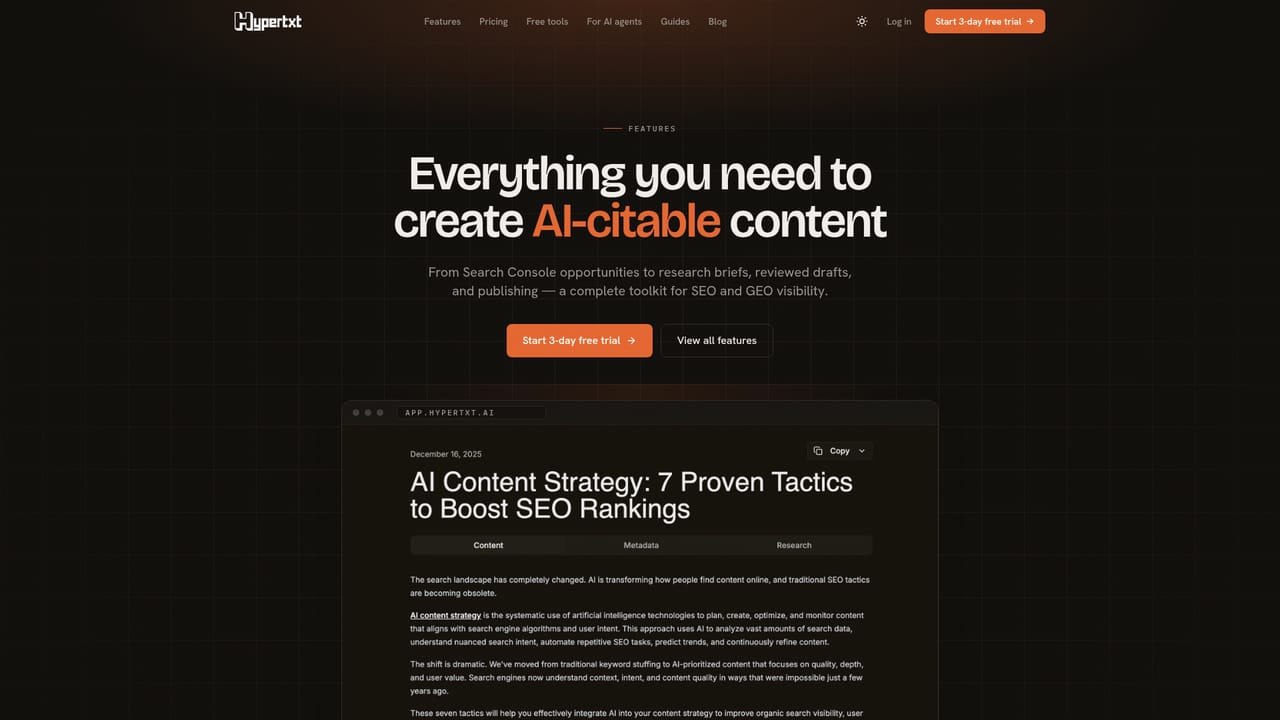
Hypertxt turns brand context and Google Search Console data into SEO and GEO article drafts, with keyword research, research briefs, staged review, Markdown export and publishing to WordPress, Ghost or webhooks. It is a workflow tool for marketers, agencies and founders, not a blank-prompt AI writer.
Hypertxt is an AI content platform aimed at brand visibility in both classic search and AI answer engines. The pitch is that ranking is no longer the finish line: brands also need content that ChatGPT, Perplexity, AI Overviews and other answer surfaces can quote. Hypertxt builds projects around that idea, generating articles designed to rank in Google while carrying clear, sourceable passages that AI assistants can lift. It sits in the crowded AI writer market but leans on SEO workflow rather than blank-prompt generation, which is the clearest line between it and generalist writing tools. The workflow starts with brand knowledge. A project can ingest brand text, a website URL or a sitemap, which builds context around positioning, products and tone. From there you connect Google Search Console to pull in query, page, impression, CTR and position signals, so article ideas come from data you already own. If you have DataForSEO or Keywords Everywhere configured, keyword metrics such as volume, CPC, competition and difficulty get attached to terms; without a provider those numbers stay empty by design rather than being invented. Content ideas then route through a staged pipeline: research brief, outline, writing and review, with metadata, slugs, quality checks and editing before anything is marked ready to publish. Output leaves the platform as Markdown or goes straight to WordPress, Ghost or a custom webhook. Google Search Console is not required, though the product is candid that the GSC path is the strongest one; without it you work from seed keywords, brand context and manual briefs. Supported languages are set per project, and the docs note that final language quality depends on the underlying provider. Hypertxt fits small marketing teams, agencies and solo founders who want a repeatable SEO content pipeline without assembling a stack of separate keyword, briefing and writing tools. The main tradeoff is depth versus control: drafts are described as concise and structured rather than long-form, and the credit system means heavier usage pushes you toward the BYOK plan.
A 3-day free trial is offered at signup, after which you continue only if the workflow fits. No credit card requirement is stated on the homepage.
Learn moreA $1 single-article test option with no auto-conversion, then Starter at $19/mo for 10 articles, Growth at $99/mo for 30 articles and Agency at $240/mo for 90 articles. A separate BYOK one-time plan costs $89 for heavier usage with your own provider keys, detailed on the pricing page.
Learn morePublishing integrations cover WordPress, Ghost and custom webhooks, with Markdown export as a fallback. Data inputs can include Google Search Console plus optional DataForSEO or Keywords Everywhere for keyword metrics.
Learn moreBrand knowledge ingestion from text, URLs or sitemaps; Google Search Console opportunity syncing; keyword research with provider-backed metrics; content idea generation; versioned research brief, outline, writing and review stages; citation-aware article structure with metadata, slugs and quality checks; per-project language settings; Markdown export and CMS publishing.
Learn more AI Angels400+ customizable AI girlfriends for NSFW chat, voice calls, and roleplay
 Candy AIExperience the future of companionship with AI friends who chat, role-play, and connect with you on a human level.
 ourdream.aiA vast AI roleplay platform with millions of characters for chat, images, video and voiceAI Angels400+ customizable AI girlfriends for NSFW chat, voice calls, and roleplayCandy AIExperience the future of companionship with AI friends who chat, role-play, and connect with you on a human level.ourdream.aiA vast AI roleplay platform with millions of characters for chat, images, video and voice


