Free trial
The alpha is offered free to try directly from the homepage, with an invitation to join as a tester. No time limit is stated.
Learn moreTurn a written brief into colour palettes, font pairings and shareable mood boards
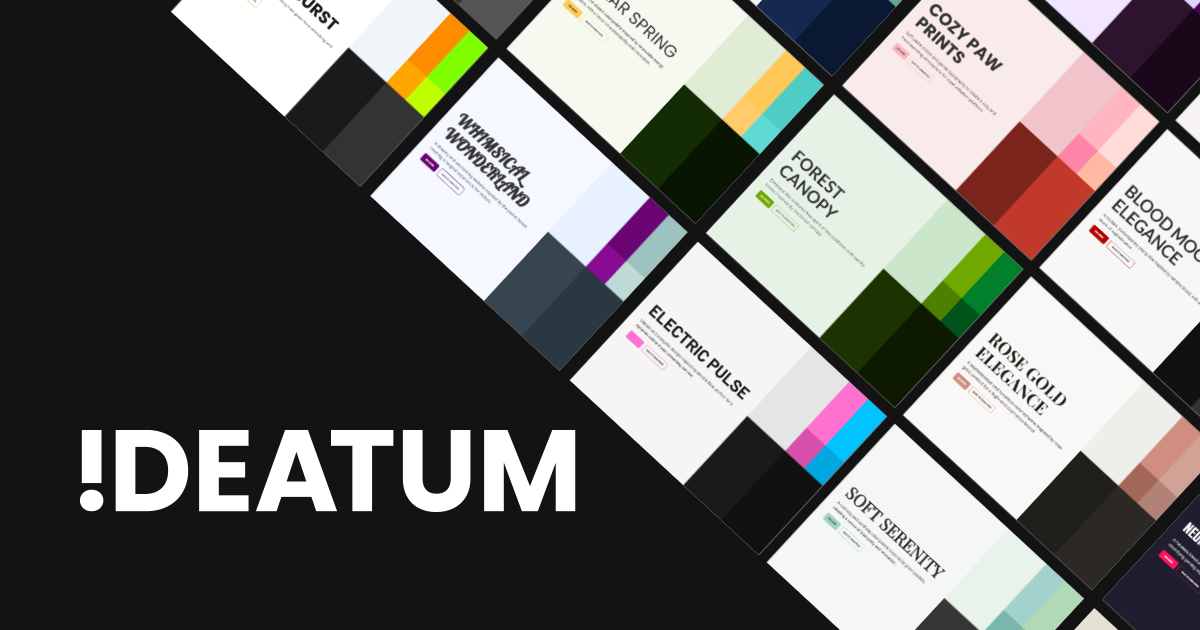
Ideatum is an aesthetic discovery tool that turns a written brief into colour palettes, font pairings and shareable mood boards. Ideatum generates colour palettes, font pairings and responsive mood boards from a written prompt, then exports them to HTML, CSS, Figma or Webflow.
Ideatum is a browser based design exploration tool that turns a written prompt into the raw materials of a visual identity: colour palettes, font pairings, sizing ratios and responsive mood boards. Instead of clicking through a blank canvas, the user describes a concept, such as a tropical rainforest resort or a cyber noir agency site, and the AI returns a style guide assembled from those building blocks. The output is a starting point rather than a finished layout, which places Ideatum closer to a brainstorming aid than to a full page builder. The tool is pitched at a wide spread of users. Founders and brand builders use it to validate an idea before commissioning work. Non designers who find professional software intimidating get a low friction way to see their concept rendered visually. Established designers use it to churn out many mood boards and style guides quickly, then pick the strongest direction. Teams can also hand a generated board to a designer as a clear, shared reference for discussion. In practice, the workflow is prompt first. You describe the vision, Ideatum produces a set of colour schemes and harmonious font combinations, and adds sizing ratios intended to keep the composition balanced. The board is built to adapt across desktop, tablet and mobile widths. From there, work can be shared to social platforms or exported in HTML, HTML with CSS, Figma or Webflow, so the direction can move into a real production pipeline without redrawing it by hand. Ideatum currently labels itself an alpha release that is actively recruiting testers, and the site invites feature suggestions and palette submissions from users. That positioning matters when comparing it with mature design suites: it is narrower in scope, focused on exploration and direction setting, and its strongest claim is speed from prompt to presentable concept. Anyone needing detailed component control, prototyping or asset libraries will still finish the job elsewhere.
The alpha is offered free to try directly from the homepage, with an invitation to join as a tester. No time limit is stated.
Learn moreThe homepage promotes free alpha access and a free month for users whose feature suggestions are adopted when the product goes live. No subscription tiers or price points are published.
Learn moreContact is by email at info@ideatum.ai, and alpha testers can send feedback or feature ideas through the questionnaire page.
Learn moreExport paths to Figma and Webflow are listed. No API, plugin or other third party integrations are described on the homepage.
Prompt based generation of colour schemes, harmonious font pairings and sizing ratios; responsive mood boards for desktop, tablet and mobile; social sharing; export to HTML, HTML plus CSS, Figma and Webflow.
Learn more AI Angels400+ customizable AI girlfriends for NSFW chat, voice calls, and roleplay
 Candy AIExperience the future of companionship with AI friends who chat, role-play, and connect with you on a human level.
 ourdream.aiA vast AI roleplay platform with millions of characters for chat, images, video and voiceAI Angels400+ customizable AI girlfriends for NSFW chat, voice calls, and roleplayCandy AIExperience the future of companionship with AI friends who chat, role-play, and connect with you on a human level.ourdream.aiA vast AI roleplay platform with millions of characters for chat, images, video and voice