What font generators do
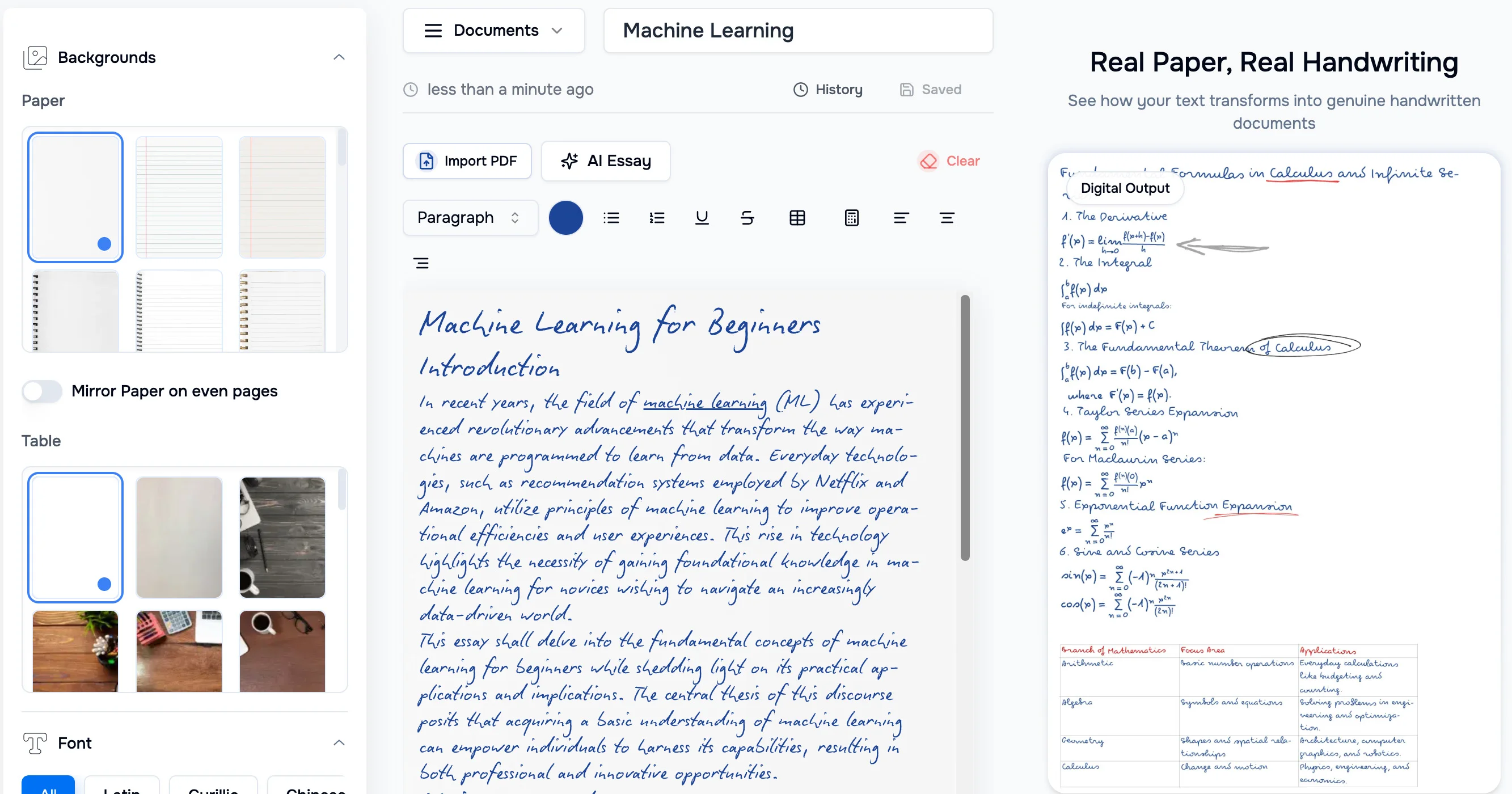
A font generator takes a small input, such as a name, a text prompt, a photo of handwriting or a sample image, and returns stylized lettering. Some tools output styled text you copy and paste, some render text effects as PNG or JPG images, and some produce an actual font file you can install and use in other software. The category sits where typography meets quick visual design.
The tools replace several manual jobs: browsing font libraries for a match, building text effects in a graphic editor, and drawing custom letterforms from scratch. They are used by designers who need a starting point, creators who want a distinctive username or caption, small businesses shaping a brand identity, and people planning lettering for a project such as a tattoo.
How to choose a font generator
Start with the output you need. A typography generator that returns copyable text or an image is enough for a social profile, a poster headline or a quick mockup. If the lettering has to work inside a document, a website or a design file, look for a tool that exports an installable font rather than a picture of text.
Next, look at the input. Some tools start from a name and a list of preset styles, which is fast but limited to what the presets cover. An AI typography generator that accepts a written description, an uploaded image or handwriting gives more control over the result and suits custom work.
Then check the style range and the export format. A larger set of presets helps when you are browsing, while PNG or JPG export matters for graphics. Finally, compare pricing. Several tools here are free, while others are freemium or paid, so confirm that the export you need is not behind a paywall.
Notable tools
Cursive Generator lets you type a name, pick from 190+ cursive styles and copy or download the result instantly. It is a free web app aimed at script lettering.
FontVibe is a free AI text effect generator with 130+ styles and instant PNG or JPG export. It fits headline graphics and decorative text images.
FontGenerator accepts a described style, an uploaded image or handwriting and exports a real installable font. It is offered as freemium or paid and suits people who need a font file rather than an image.
Symbolfy provides free fancy fonts, symbols and username ideas for social profiles. It is a free web app for styled text in bios and handles.
TattooIdeas covers AI tattoo concepts, lettering, stencils, cover-ups and placement previews. Its lettering focus suits anyone planning script or text-based tattoo work.
Branda turns one sentence into a full brand, including strategy, logo, palette and kit. It is freemium with a subscription and suits founders who want type choices as part of a wider identity.
Common questions
What is a typography generator?
A typography generator creates stylized text or lettering from a short input. Depending on the tool, the result is copyable styled characters, an image with a text effect, or a font file. The right choice depends on where the text will be used.
What does an AI typography generator do differently?
An AI typography generator accepts a description, an uploaded image or handwriting and builds a style from it, instead of offering only a fixed list of presets. This helps when no existing font matches the look you have in mind. Results still need a visual check for spacing and legibility.
Can I get a font file I can install?
Some tools can. FontGenerator is described as exporting a real installable font, while others in this category produce styled text or PNG and JPG images. Check the export format before committing to a tool.
When to look elsewhere
If the goal is to identify an existing typeface from an image or find a match in a library, the Font Finder category is the better fit. For text-heavy graphics that go beyond lettering, such as business cards or invitations, Card Generator covers layouts built around the full design.