Free trial
A free tier is available, allowing up to 3 image descriptions per day without logging in. No credit card is required for the free usage.
Learn moreTurn any image into detailed text descriptions, prompts, and answers

ImageAI is an image analysis tool that turns any image into detailed text descriptions, prompts, and answers. Image Describer converts images into detailed text descriptions, prompts, and answers using AI. It supports templates for marketing, blogging, chart analysis, and more, with multi-language output and a free tier.
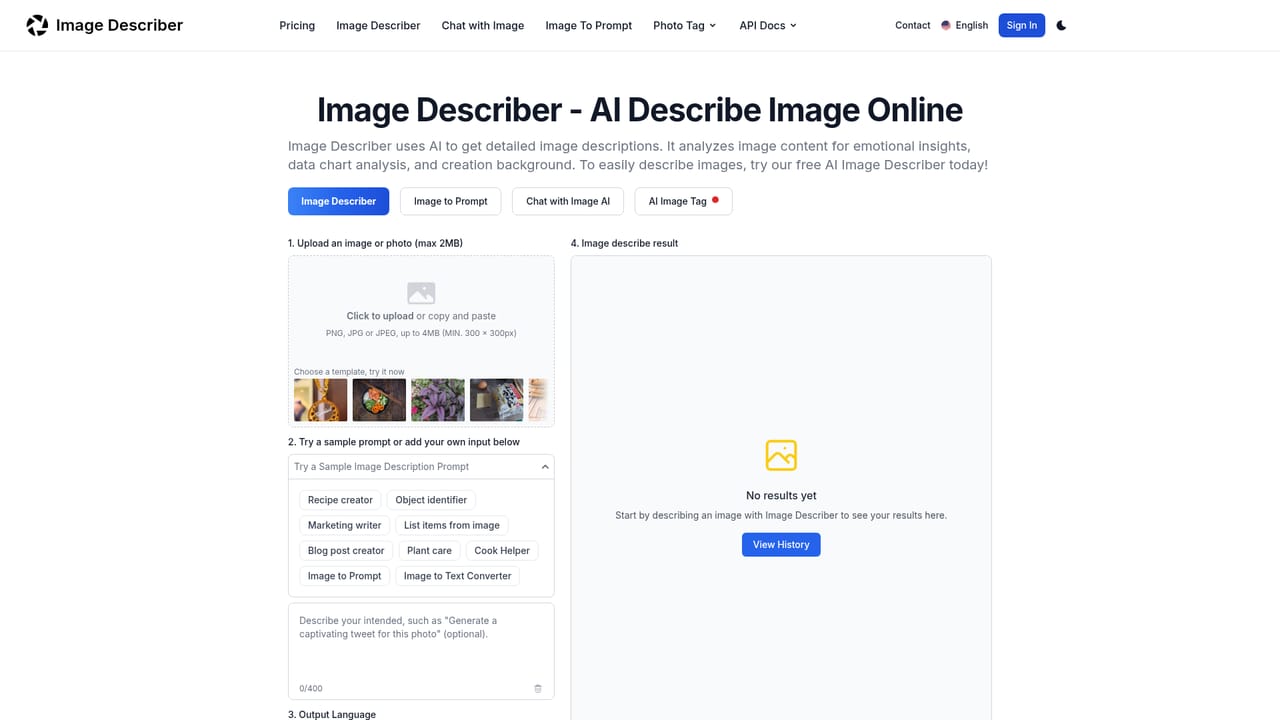
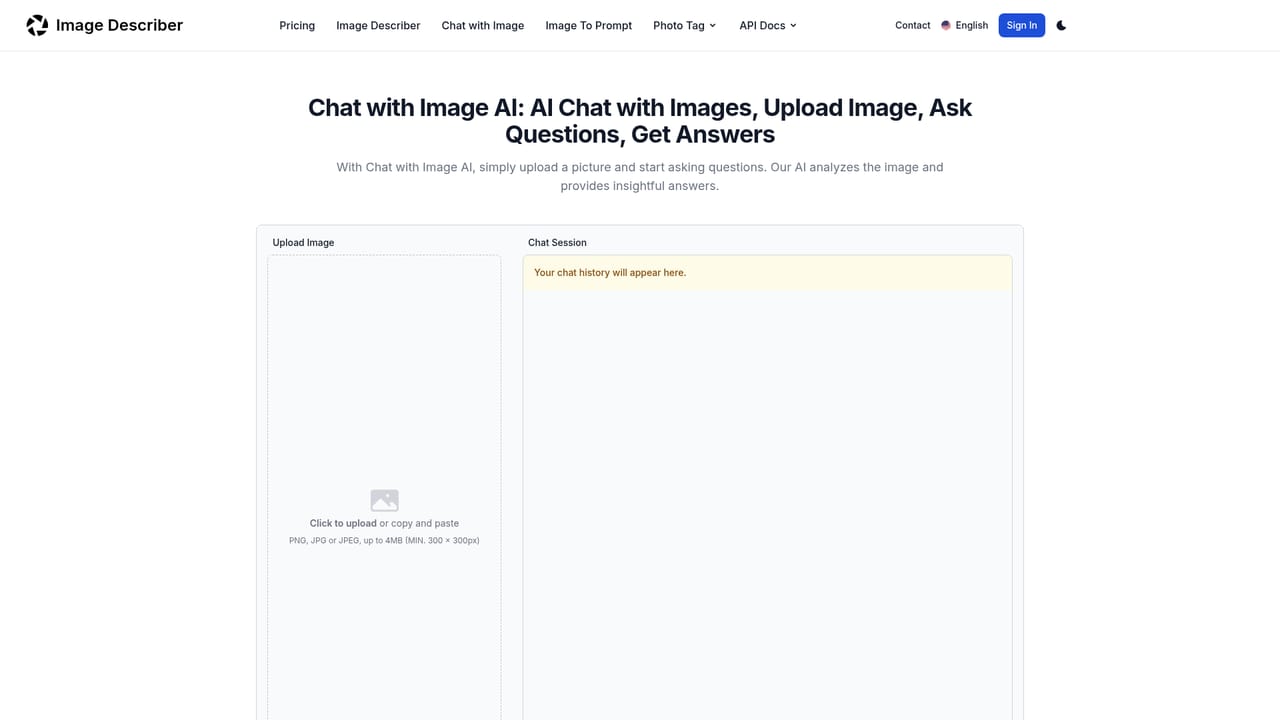
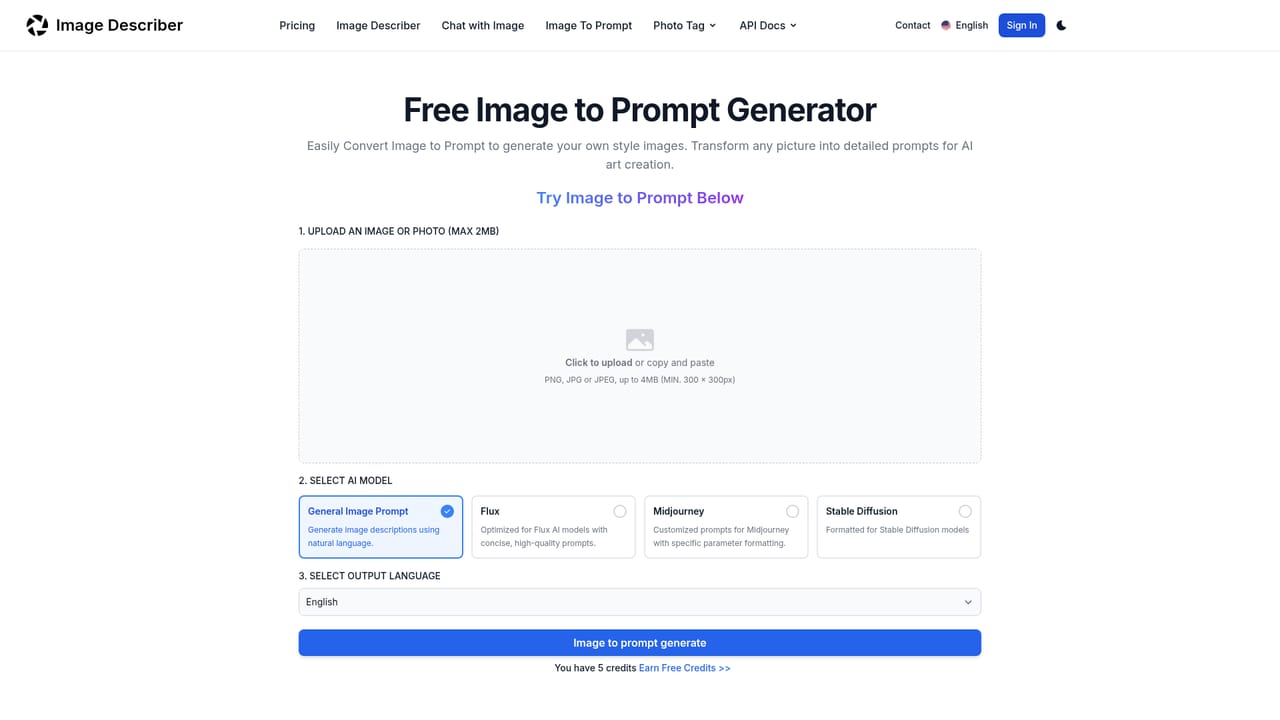
Image Describer is a web tool that uses AI to generate written descriptions of images. Users upload a picture, pick a template or write their own question, and the tool returns a detailed text output. It handles a wide range of image types, from personal photos and artworks to charts, medical scans, and product shots. The output can be a straightforward description, a structured summary, a list of items, or even a prompt suitable for AI image generators like Stable Diffusion and Midjourney. The tool is built for people who need to convert visual information into words quickly. Marketing writers can use it to draft product descriptions from photos, researchers can extract data from complex charts, and content creators can turn images into tweets or blog post ideas. Templates such as Marketing writer, Blog post creator, Plant identifier, Cook Helper, Recipe creator, Object identifier, List items from image, and Chart Analysis cover common tasks, while a free-form prompt field allows custom questions. An integrated chat feature lets users ask follow-up questions about an image and get instant answers, making it useful for exploratory analysis. The tool also includes an AI Image Tag generator for creating tags and descriptions that improve image discoverability. In practice, the workflow is simple: upload an image (PNG, JPG, JPEG, or WEBP, with size limits), choose a template or enter a prompt, select an output language from seven options, and click Describe Image. Results appear in seconds and can be copied with one click. A history panel keeps the last 20 descriptions locally. The tool is free to try with a daily limit, and paid plans unlock higher usage and additional features. It competes with general-purpose vision models and specialized image captioning tools, but its focus on structured templates and multi-language output makes it accessible to non-technical users.
A free tier is available, allowing up to 3 image descriptions per day without logging in. No credit card is required for the free usage.
Learn moreImage Describer offers a free tier with up to 3 image descriptions per day and no login required. Paid plans are available via the pricing page, providing higher usage limits and additional credits. Users can earn free credits by inviting others.
Learn moreSupport is available through a contact page. The site also includes an FAQ section covering common questions about usage, privacy, and subscription management.
Learn moreImage Describer provides AI-generated image descriptions, image-to-prompt conversion, chat with images, AI image tagging, chart and table analysis, multi-language output, and a set of task-specific templates for marketing, blogging, cooking, and more.
 AI Angels400+ customizable AI girlfriends for NSFW chat, voice calls, and roleplay
 Candy AIExperience the future of companionship with AI friends who chat, role-play, and connect with you on a human level.
 ourdream.aiA vast AI roleplay platform with millions of characters for chat, images, video and voiceAI Angels400+ customizable AI girlfriends for NSFW chat, voice calls, and roleplayCandy AIExperience the future of companionship with AI friends who chat, role-play, and connect with you on a human level.ourdream.aiA vast AI roleplay platform with millions of characters for chat, images, video and voice